Skip to content
View in the app

A better way to browse. Learn more.

Pokemon Revolution Online

A full-screen app on your home screen with push notifications, badges and more.

To install this app on iOS and iPadOS
  1. Tap the Share icon in Safari
  2. Scroll the menu and tap Add to Home Screen.
  3. Tap Add in the top-right corner.
To install this app on Android
  1. Tap the 3-dot menu (⋮) in the top-right corner of the browser.
  2. Tap Add to Home screen or Install app.
  3. Confirm by tapping Install.
New Trade Zone
Trade Zone is now live
Use the new Trade Zone for auctions and instant-price trades so Pokemon and item offers are easy to find.

Open Trade Zone

Xchase

Registered User
  • Joined

  • Last visited

Everything posted by Xchase

  1. Hello there i have recently started doing the celebi quest where u have to get all seen data of the dogs and lugia and ho oh. So far i have seen all but when i went on the roof of the bell tower it want there. I even read themegathread and followed it but Ho Oh wasnt there. I have all caught data and evolutions too.
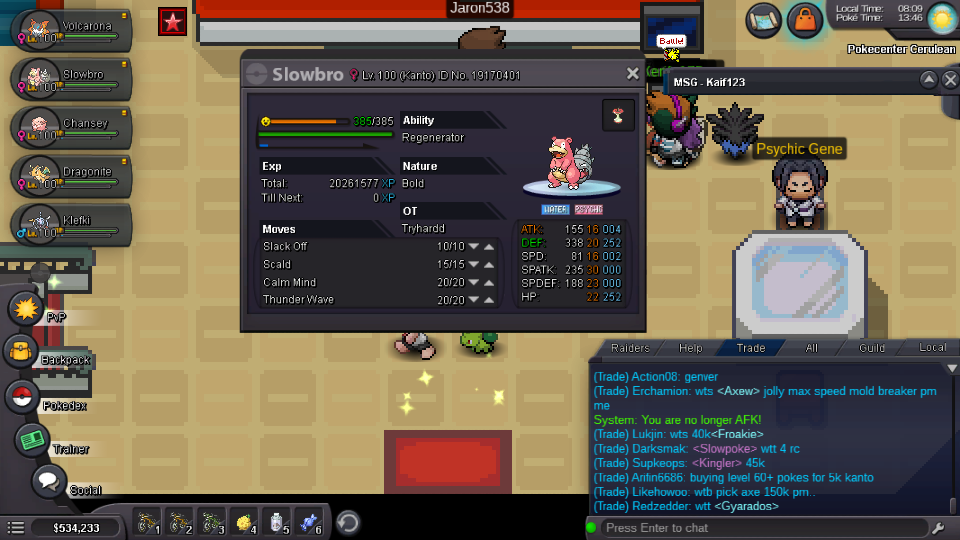
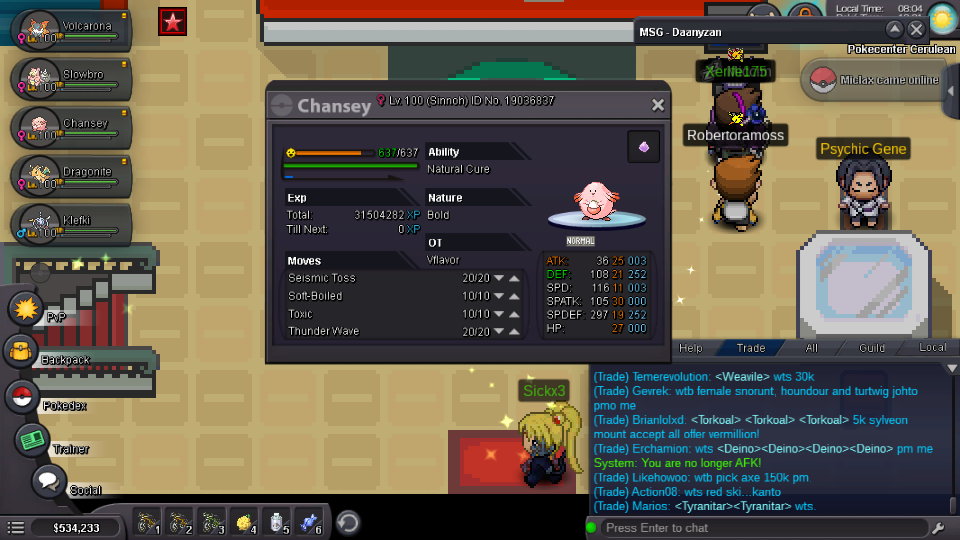
  2. Chansey b.o 600k inst1.5mil Slowbro b.o 400k insta 1.2 mil In Game name TryHardd Bid ends in 4days Goodluck! Bid here and dont msg me ty Whoever wins pls msg me ur in game name.
  3. Oops sorry! Its sold yesterday for 400k insta xd
  4. I did it in the moening but still didnt work :( is there somwthing wrong??
  5. Ok lemme try...
  6. I have done that already still not working...
  7. How do u evolve happiny to chansey? I have tried to evolve it whilst holding an oval stone at max happiness and daytime but it is not evolving why??
  8. I recently looked for a rotom in mt coronet and when i battled it server crashed. I soon then went back to mt coronet now and found out rotom is not there anymore :( pls give me a free rotom or something! Ty :(
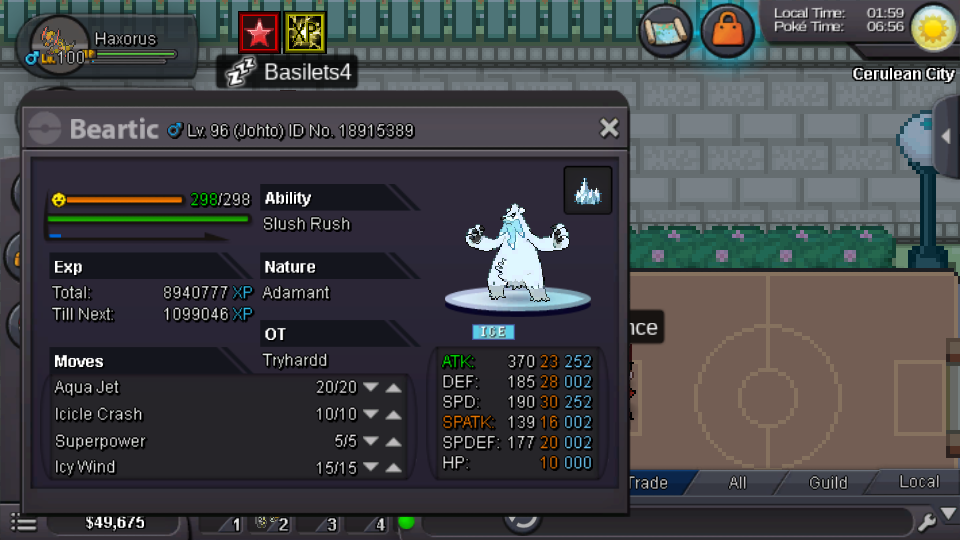
  9. Ign : TryHardd Johto Pokemon Server : Gold Price starts at 100k Insta 400k Good luck!
Account

Navigation

Search

Search

Configure browser push notifications

Chrome (Android)
  1. Tap the lock icon next to the address bar.
  2. Tap Permissions → Notifications.
  3. Adjust your preference.
Chrome (Desktop)
  1. Click the padlock icon in the address bar.
  2. Select Site settings.
  3. Find Notifications and adjust your preference.