New Trade Zone
Trade Zone is now live
Use the new Trade Zone for auctions and instant-price trades so Pokemon and item offers are easy to find.

Kierm
Suspended
-
Joined
-
Last visited
Everything posted by Kierm
-
Wtb 100 cc Message me here/diacord/in-game for the price Discord : Monty#7215 IGN : Kierm
-
Wtb 100 cc Message me here/diacord/in-game for the price Discord : Monty#7215 IGN : Kierm
-
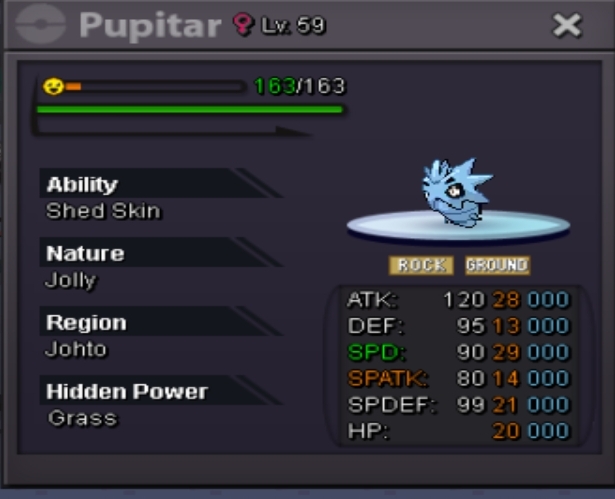
Sorry @Jayn but the auction need already. If u want, u can pm me in game if you want to see other larvitar/pupitar i sell. @Strong3s pls pm me here or in game to get the pokemon already.
-
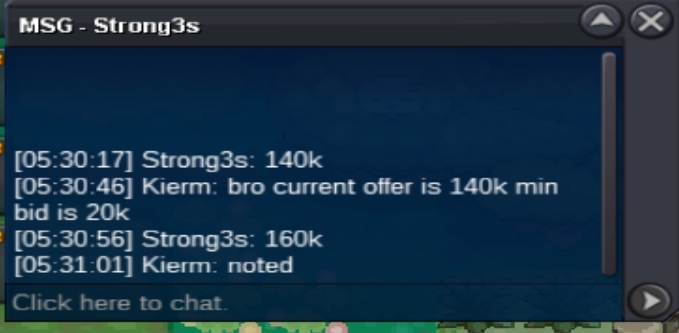
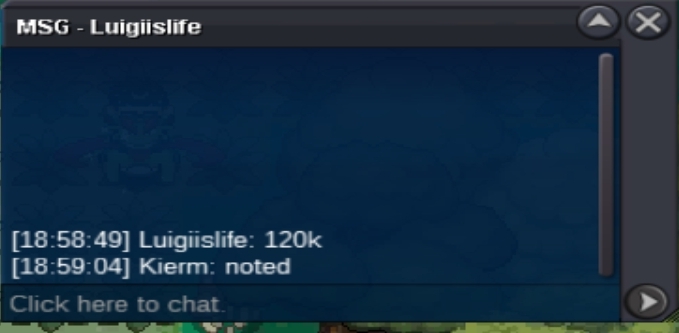
SO - 100K MIN BID - 20K END TIME - 11/03/22 - 6:05 pm gmt +8
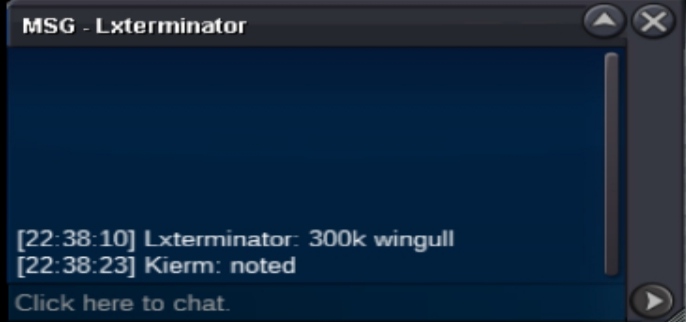
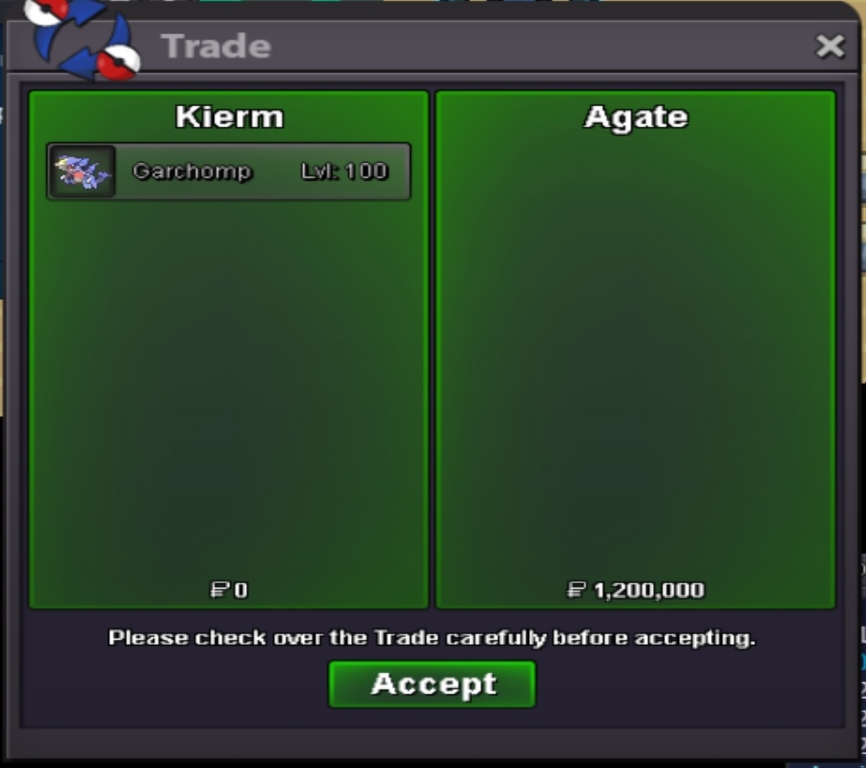
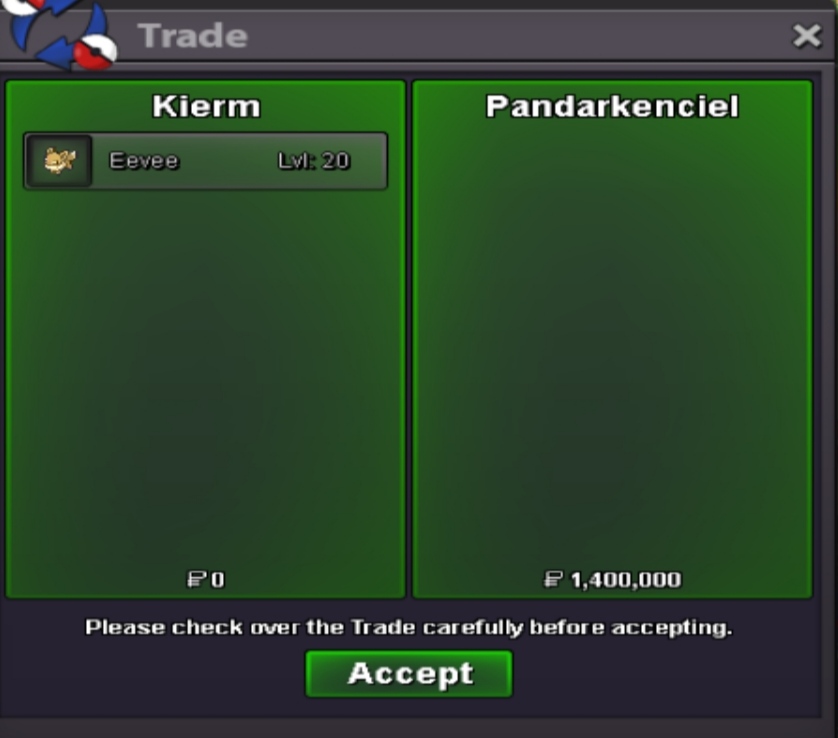
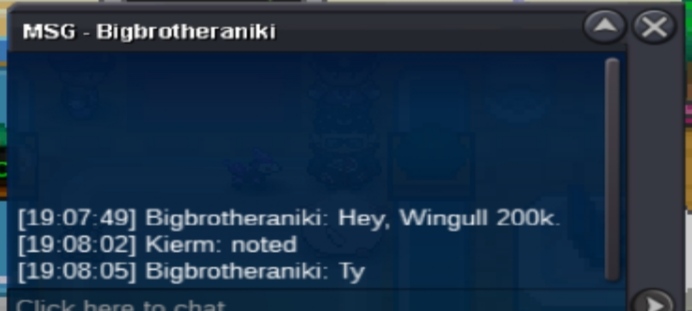
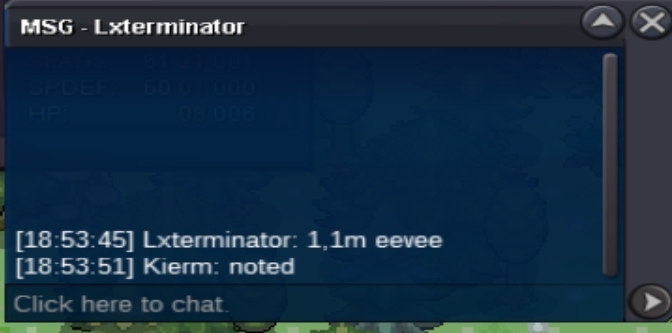
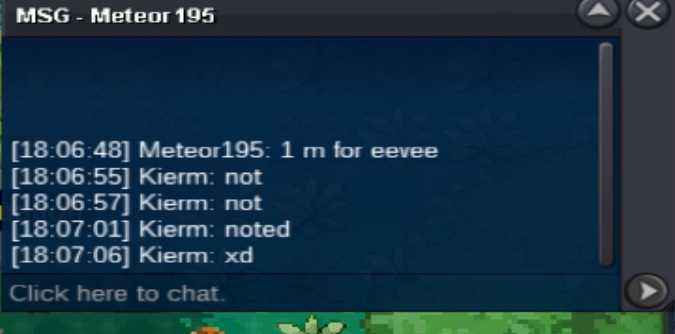
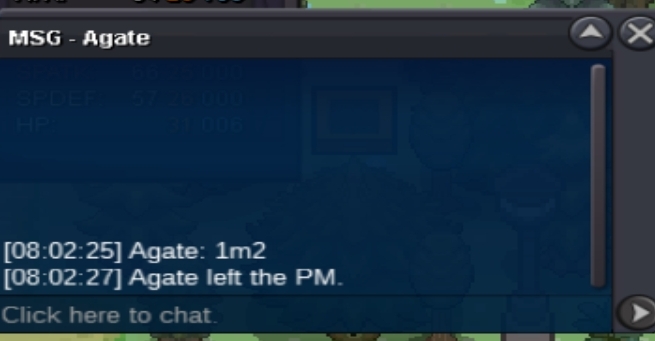
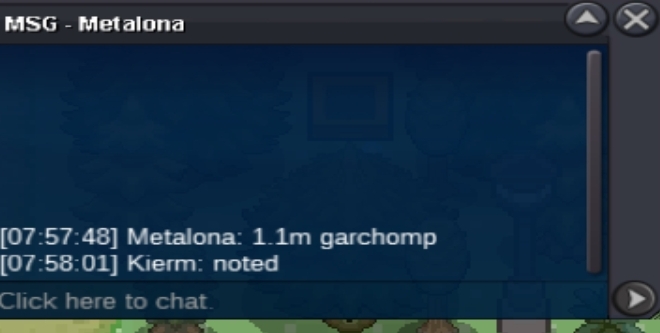
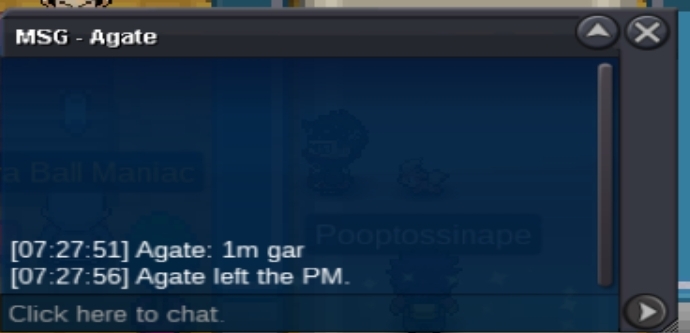
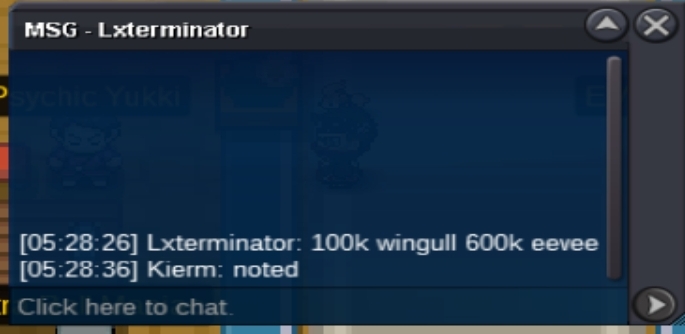
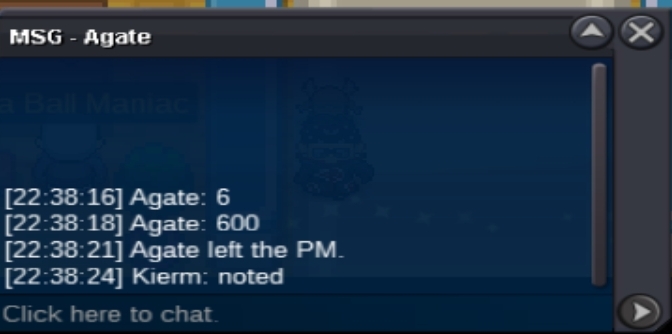
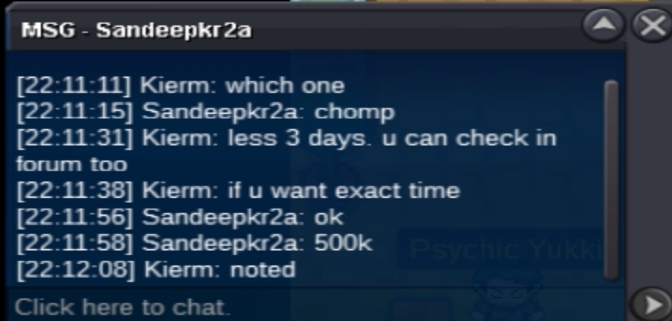
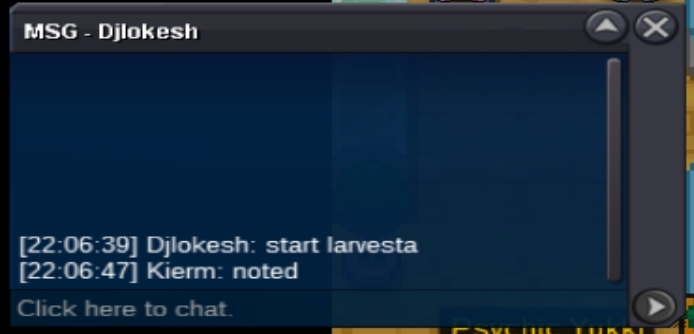
 @Agate you won garchomp @Pandarkenciel you won eevee Pm me here or in game for tradingEnd time Garchomp - last 3 hrs Larvesta - last 4 hrs and 12 mins Eevee - last 3 hrs and 1 min Wingull - last 11 hrs and 34 minsBump300k larvesta. He said force the trade if he wins. Ty.
Account
Navigation
Search
Configure browser push notifications
Chrome (Android)
- Tap the lock icon next to the address bar.
- Tap Permissions → Notifications.
- Adjust your preference.
Chrome (Desktop)
- Click the padlock icon in the address bar.
- Select Site settings.
- Find Notifications and adjust your preference.
Safari (iOS 16.4+)
- Ensure the site is installed via Add to Home Screen.
- Open Settings App → Notifications.
- Find your app name and adjust your preference.
Safari (macOS)
- Go to Safari → Preferences.
- Click the Websites tab.
- Select Notifications in the sidebar.
- Find this website and adjust your preference.
Edge (Android)
- Tap the lock icon next to the address bar.
- Tap Permissions.
- Find Notifications and adjust your preference.
Edge (Desktop)
- Click the padlock icon in the address bar.
- Click Permissions for this site.
- Find Notifications and adjust your preference.
Firefox (Android)
- Go to Settings → Site permissions.
- Tap Notifications.
- Find this site in the list and adjust your preference.
Firefox (Desktop)
- Open Firefox Settings.
- Search for Notifications.
- Find this site in the list and adjust your preference.