New Trade Zone
Trade Zone is now live
Use the new Trade Zone for auctions and instant-price trades so Pokemon and item offers are easy to find.

Kierm
Suspended
-
Joined
-
Last visited
Everything posted by Kierm
-
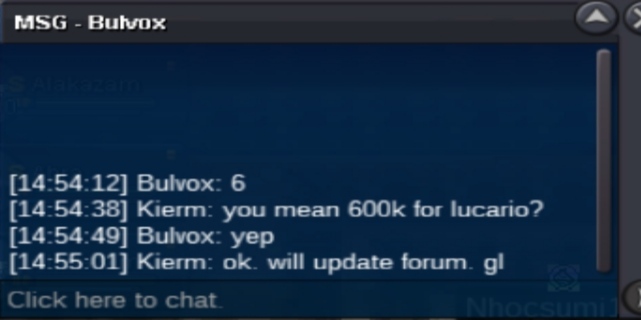
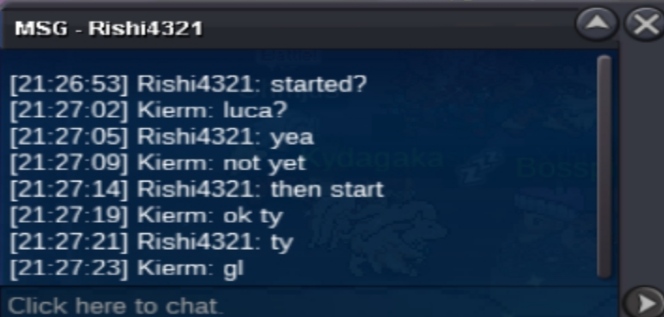
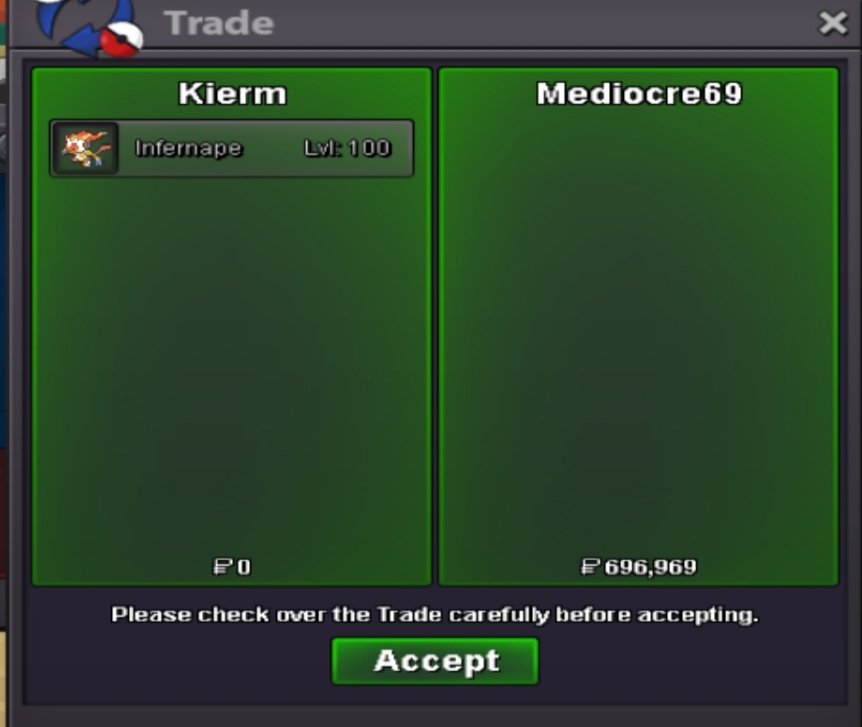
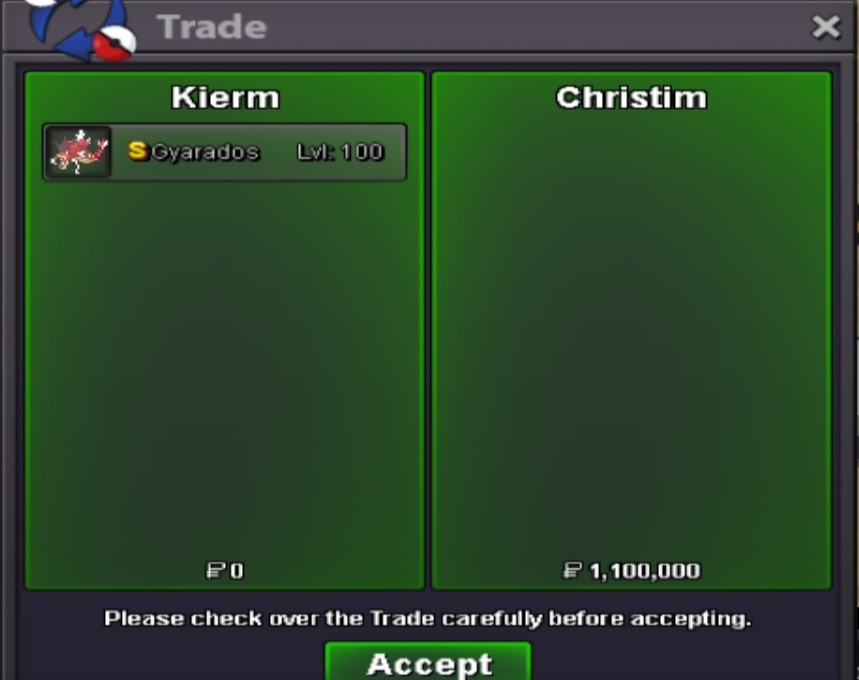
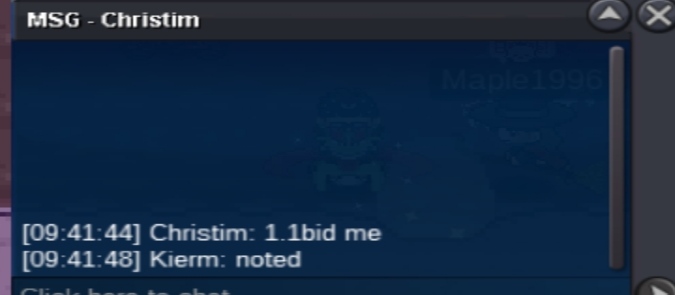
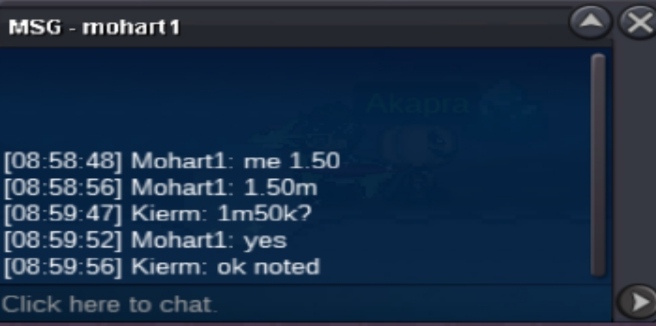
- s.o. for all is 100k - min bid for all is 100k - all auction will end after 72 hrs from first bid Current offers: Garchomp - 1.2m (SOLD) Larvesta - 300k (SOLD) Eevee - 1.4m (SOLD) Wingull - 300k (SOLD) Action ends: Garchomp - 10/28 - 8:54 pm gmt+8 Larvesta - not started Eevee - 10/28 - 8:55 pm gmt+8 Wingull - 10/29 - 5:28 am gmt+8 Mode of payment: - cash - cc (350k each) - rc (6k each)


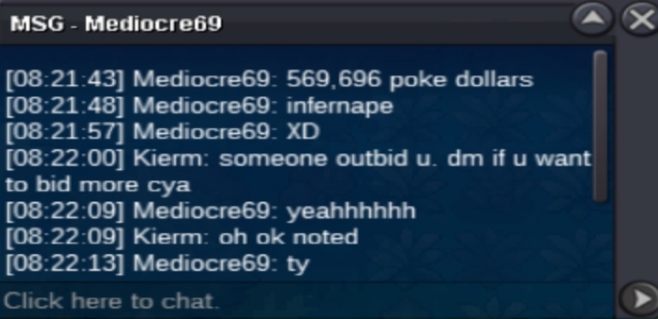
 @Zoruami, good day sir. Can you please close the shop for a while as all of them where sold aside from garchomp and i am in silver as well. Thank you in advance.When will this end? 11 pm or 11 am?Dm me your offers Low ballers or dm without offer will be ignored. Discord: Monty#7215 IGN: Kierm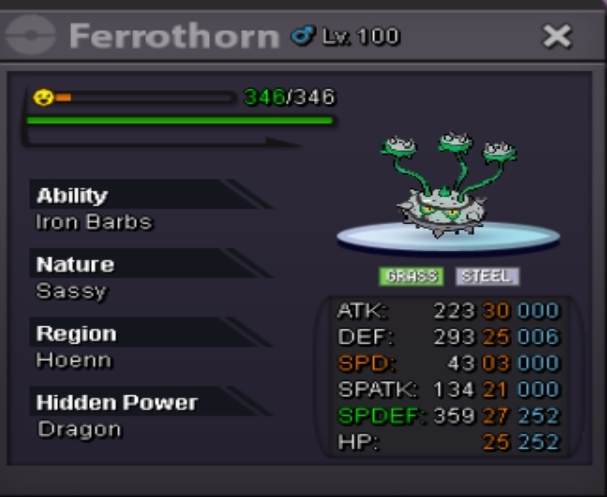
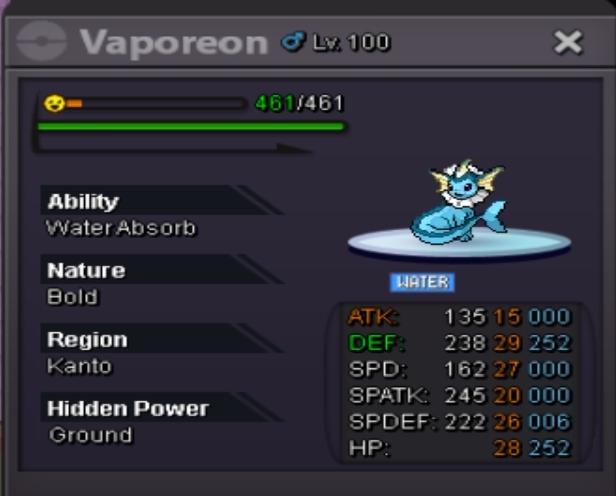
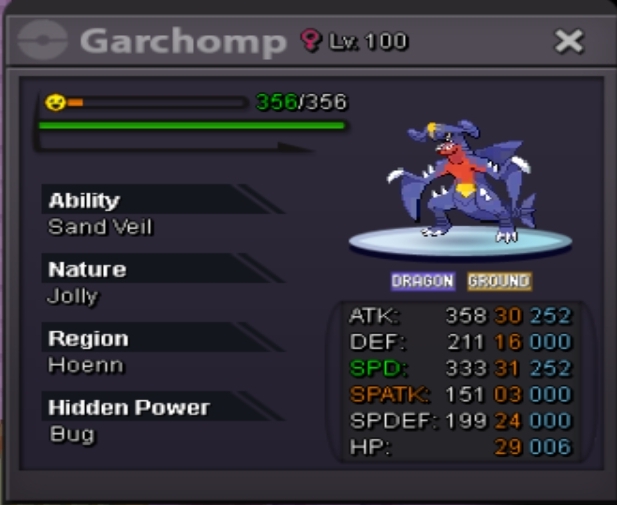
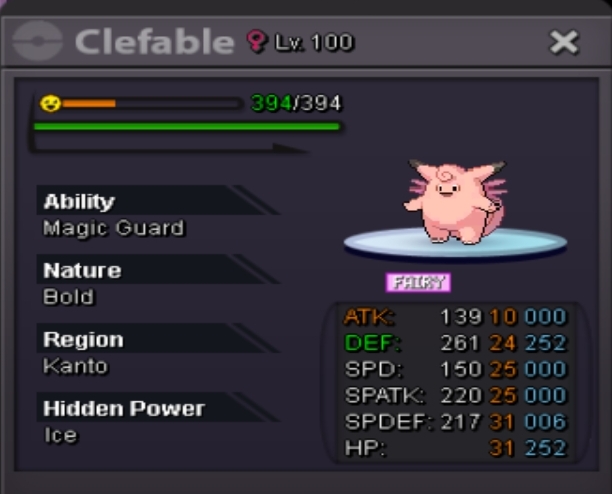
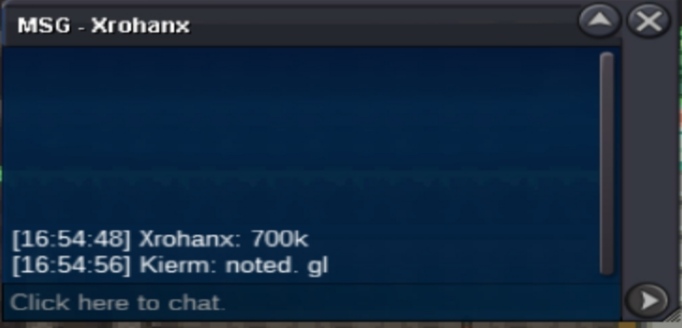
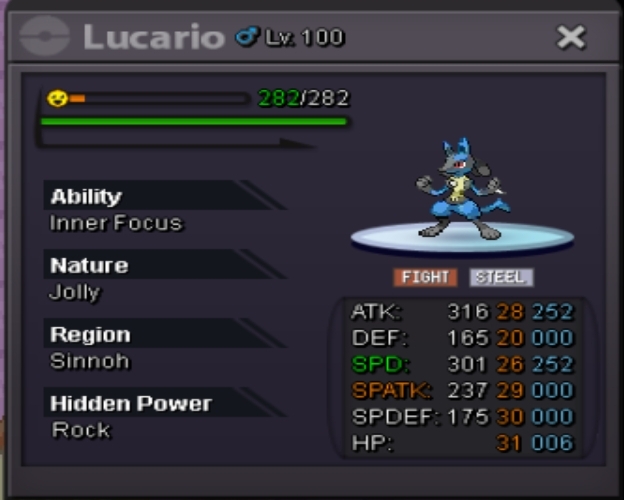 Is it not possible to just force the trade? @Zoruami@Xrohanx you won. Dm me here or in gameCO - 700K MIN BID - 100K AUCTION TIME - 9:27 PM / THURSDAY / GMT+8 MODE OF PAYMENT CASH CC - 350K
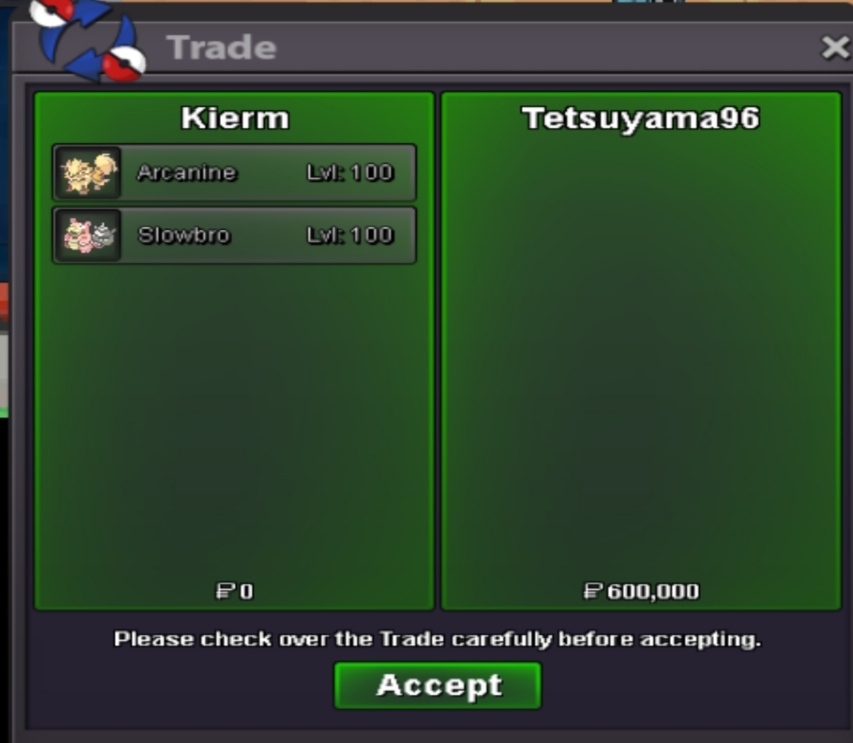
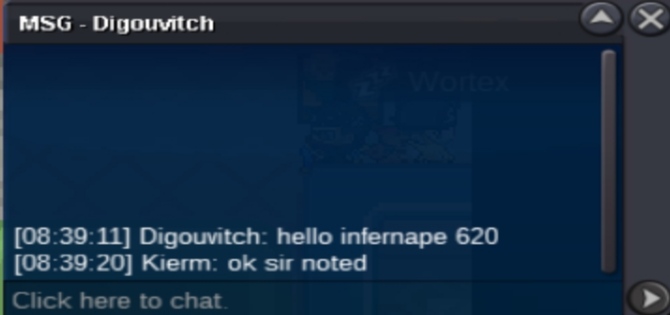
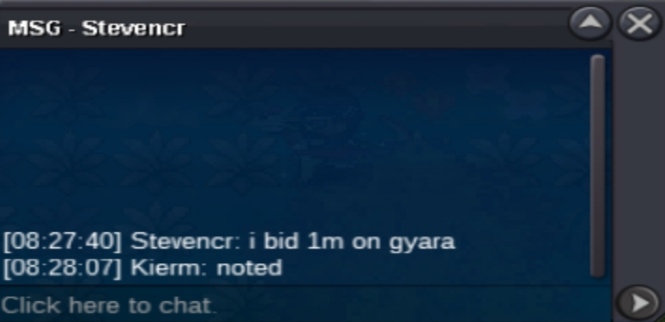
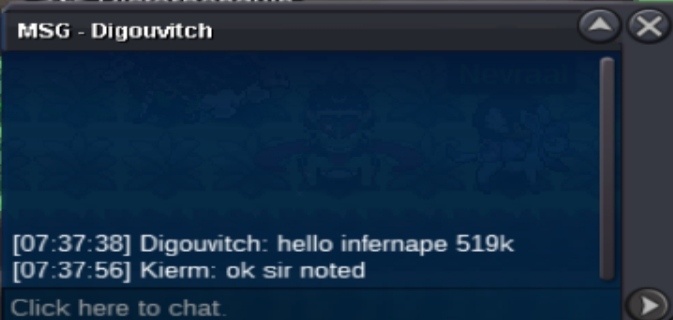
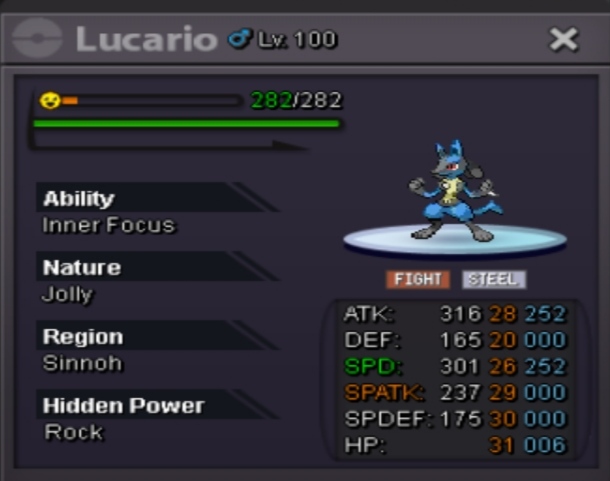 @Tetsuyama96 you won sir. Pls dm mr in game or here if you want to claim now the slowbro and arcanine.Almost 4hrs left for gyara, arca, and infer. Almost 9hrs left for slowbro
Account
Navigation
Search
Configure browser push notifications
Chrome (Android)
- Tap the lock icon next to the address bar.
- Tap Permissions → Notifications.
- Adjust your preference.
Chrome (Desktop)
- Click the padlock icon in the address bar.
- Select Site settings.
- Find Notifications and adjust your preference.
Safari (iOS 16.4+)
- Ensure the site is installed via Add to Home Screen.
- Open Settings App → Notifications.
- Find your app name and adjust your preference.
Safari (macOS)
- Go to Safari → Preferences.
- Click the Websites tab.
- Select Notifications in the sidebar.
- Find this website and adjust your preference.
Edge (Android)
- Tap the lock icon next to the address bar.
- Tap Permissions.
- Find Notifications and adjust your preference.
Edge (Desktop)
- Click the padlock icon in the address bar.
- Click Permissions for this site.
- Find Notifications and adjust your preference.
Firefox (Android)
- Go to Settings → Site permissions.
- Tap Notifications.
- Find this site in the list and adjust your preference.
Firefox (Desktop)
- Open Firefox Settings.
- Search for Notifications.
- Find this site in the list and adjust your preference.