New Trade Zone
Trade Zone is now live
Use the new Trade Zone for auctions and instant-price trades so Pokemon and item offers are easy to find.

Erasumi
Registered User
-
Joined
-
Last visited
-
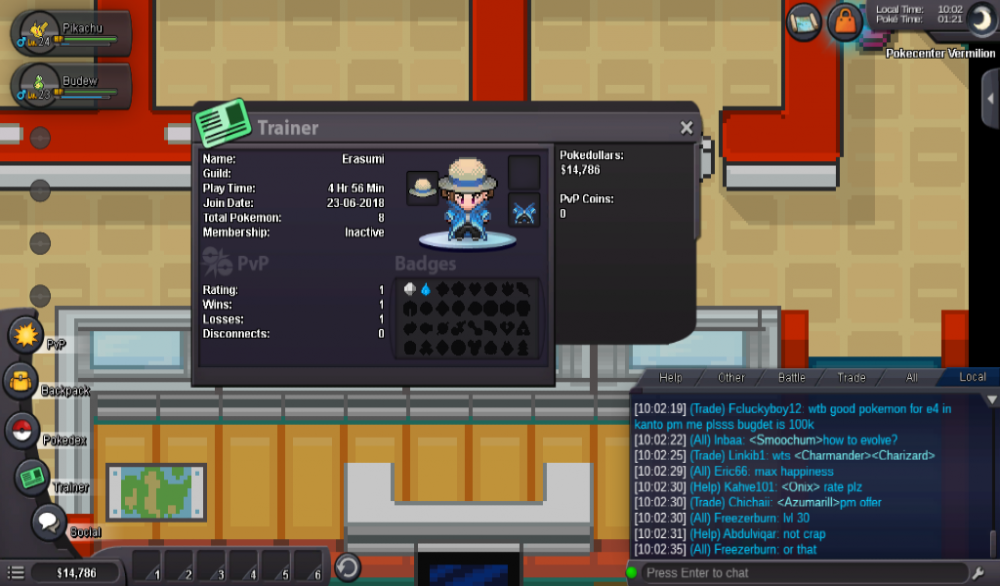
Your Discord Tag: [ Erasumi ]#1027 Your Trainer Card: Are you an active player?: Yes. What is your goal in PRO?: My goal in PRO is to get the best Pokémon, have fun whilst at it, and allow help for others in need. Are you of the age 16 years or up?: Yes. Do you meet the requirements to join this guild?: Yes. Why do you feel you will be a good addition for this guild?: So I can interact with more Members of the Guild and gain major help along the way, as it'd be quite a thrill to join a Guild based upon my favorite Legendary. Have you thoroughly read the first post of this thread?: Yes I have. What server did you make your first account on? (Blue, Red, Yellow, Gold, or Silver): Gold