




New Trade Zone
Trade Zone is now live
Use the new Trade Zone for auctions and instant-price trades so Pokemon and item offers are easy to find.

Vexdark
Registered User
-
Joined
-
Last visited
Everything posted by Vexdark
-
Nemesis is recluting members for the guild, we're looking for PvP players mainly We also have a group of people that will help you with the dungeon and other Pve stuff if needed, Join us
-
-
700k
-
Hello? I'm still waiting 😄@BoomsmokeHas won the auction, i'll wait you in Vermilion PC ( Gold server )20 minutes left, also @Lyn1311Min raise is 200k24 hours leftStart Offer: 2.5m Min Raise: 200k Insta: No Ends 48 hours after the first offer Payments: Coins Capsule ( 390k each ) and Pokedollars.
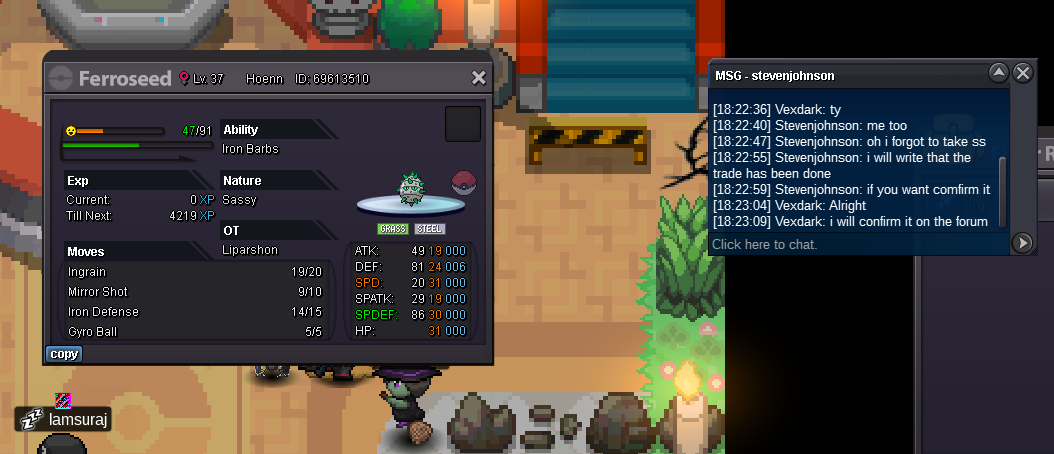
 Ferroseed has been traded
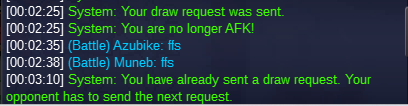
 1.1m150k200k150k5.5m naive kommo5m kommo-o naive1.4m + 2rr + 2cc ( 3m140 ) Naive kommo-o1.4m + 1rr + 2cc ( 2.640m ) ( naive kommo )Naive 1.9m ( 1.4m + 1rr )Where do we meet?There's a problem with the Draw request system when playing random battles, Basically whenever i try to send the request to a guildmate and they're afk, they aren't able to accept it anymore if the first request is expired As you can see when we both try to send again the Draw request the system says ''You have already sent a draw request. Your opponent has to send the next request.
 1.5m + 3cc ( total 2.55m )


