New Trade Zone
Trade Zone is now live
Use the new Trade Zone for auctions and instant-price trades so Pokemon and item offers are easy to find.

Shuzder
Registered User
-
Joined
-
Last visited
Everything posted by Shuzder
-
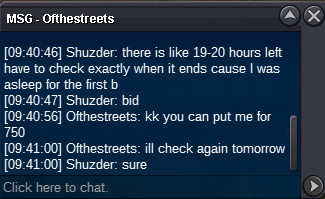
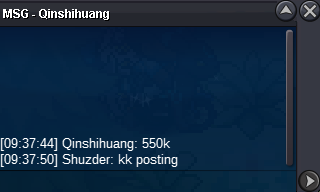
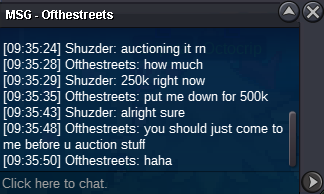
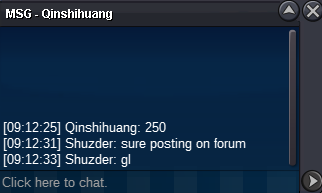
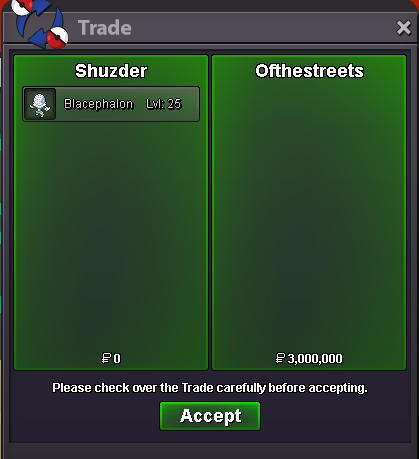
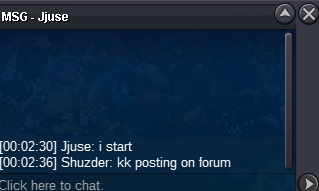
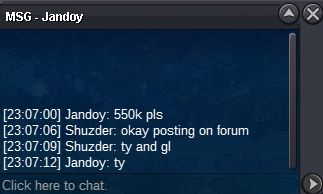
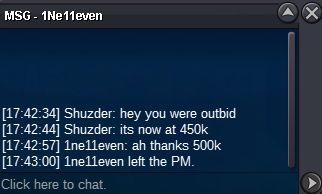
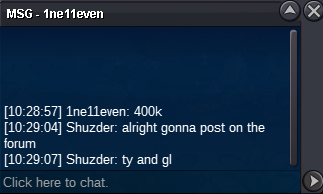
This trade needs to be forced if possible. The winner and I keep missing each other.
-
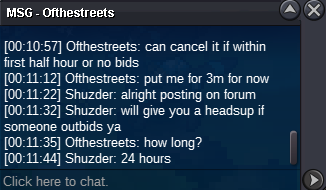
Starting offer 100k 24h after first bid MINIMUM RAISE FOR A BID: 50k NO INSTA ACCEPTED PAYMENT METHODS: -Pokedollars -Coin Capsule (450k) -IV Reroll (700k) -Nature Reroll (500k) If the auction receives a bid during the last 15 minutes, the ending point is delayed to +15 minutes from that bid, until someone being the c.o. for 15minutes wins!!!
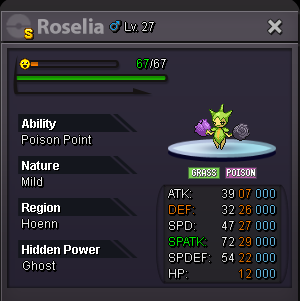 yeah something definetly happened that shouldn't haveStarting offer 500k Time left: https://countingdownto.com/?c=6511966 MINIMUM RAISE FOR A BID: 100k NO INSTA ACCEPTED PAYMENT METHODS: -Pokedollars -Coin Capsule (450k) -IV Reroll (650k) -Nature Reroll (500k) If the auction receives a bid during the last 15 minutes, the ending point is delayed to +15 minutes from that bid, until someone being the c.o. for 15minutes wins!!!
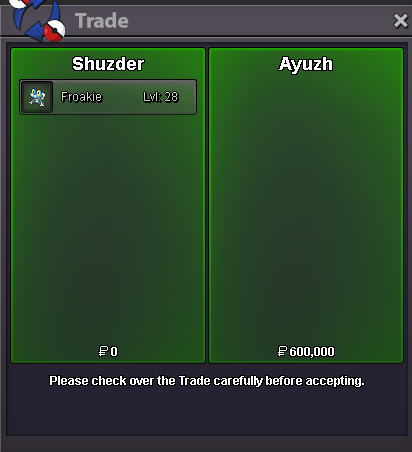
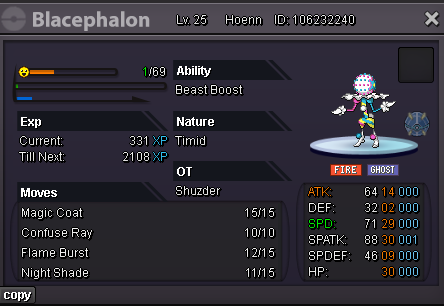 @Ayuzhyou have won can you trade right now?start
Account
Navigation
Search
Configure browser push notifications
Chrome (Android)
- Tap the lock icon next to the address bar.
- Tap Permissions → Notifications.
- Adjust your preference.
Chrome (Desktop)
- Click the padlock icon in the address bar.
- Select Site settings.
- Find Notifications and adjust your preference.
Safari (iOS 16.4+)
- Ensure the site is installed via Add to Home Screen.
- Open Settings App → Notifications.
- Find your app name and adjust your preference.
Safari (macOS)
- Go to Safari → Preferences.
- Click the Websites tab.
- Select Notifications in the sidebar.
- Find this website and adjust your preference.
Edge (Android)
- Tap the lock icon next to the address bar.
- Tap Permissions.
- Find Notifications and adjust your preference.
Edge (Desktop)
- Click the padlock icon in the address bar.
- Click Permissions for this site.
- Find Notifications and adjust your preference.
Firefox (Android)
- Go to Settings → Site permissions.
- Tap Notifications.
- Find this site in the list and adjust your preference.
Firefox (Desktop)
- Open Firefox Settings.
- Search for Notifications.
- Find this site in the list and adjust your preference.