New Trade Zone
Trade Zone is now live
Use the new Trade Zone for auctions and instant-price trades so Pokemon and item offers are easy to find.

Thebest1234
Registered User
-
Joined
-
Last visited
-
So that's the case. Thank you for the help. :)
-
bump
-
Still doesn't work. :/
-
I downloaded DirectX and allowed the application through my firewall anyways. Didn't work.
-
I have Windows 8.1
-
I've tried everything but it still won't work.
-
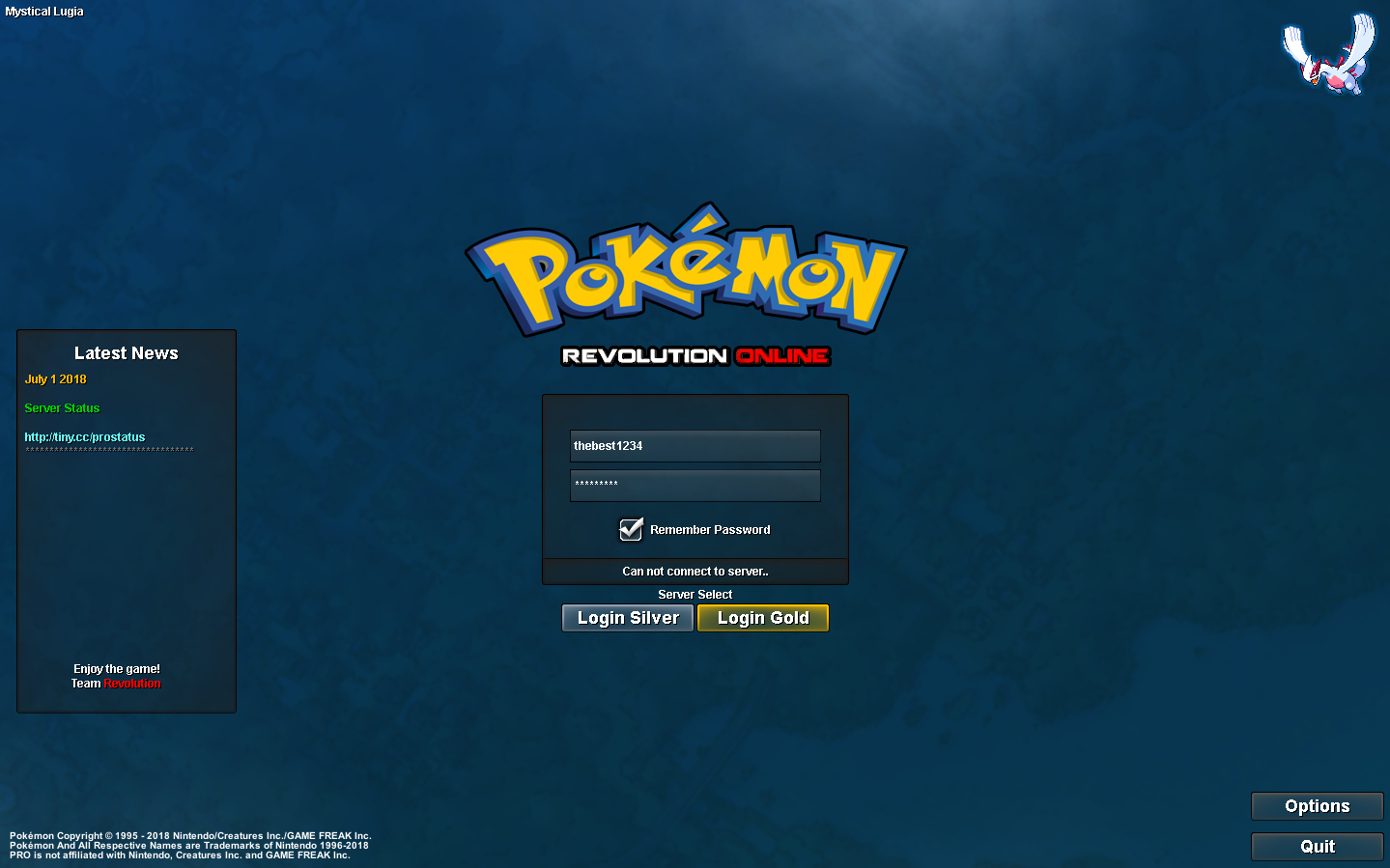
When I press a server, it says connecting to server while the background freezes and then says "Can not connect to server"

-
I am a new player and I've met all the requirements but I still cannot connect to the server despite them being online. I know they said not to make a post on this but I have restarted the client about 5 times now, I have the newest version installed, I've verified my email but still can't get in. Someone help please.