New Trade Zone
Trade Zone is now live
Use the new Trade Zone for auctions and instant-price trades so Pokemon and item offers are easy to find.

Brendanemerald
Registered User
-
Joined
-
Last visited
-
Are you referring to mega? If so thanks but how large is the file that i have to download, because like i said in my first statement there are two files, one is in the 100 megabyte range and and usually has a name like "native" and can be installed, and please don't close the thread i really wanna find this out
-
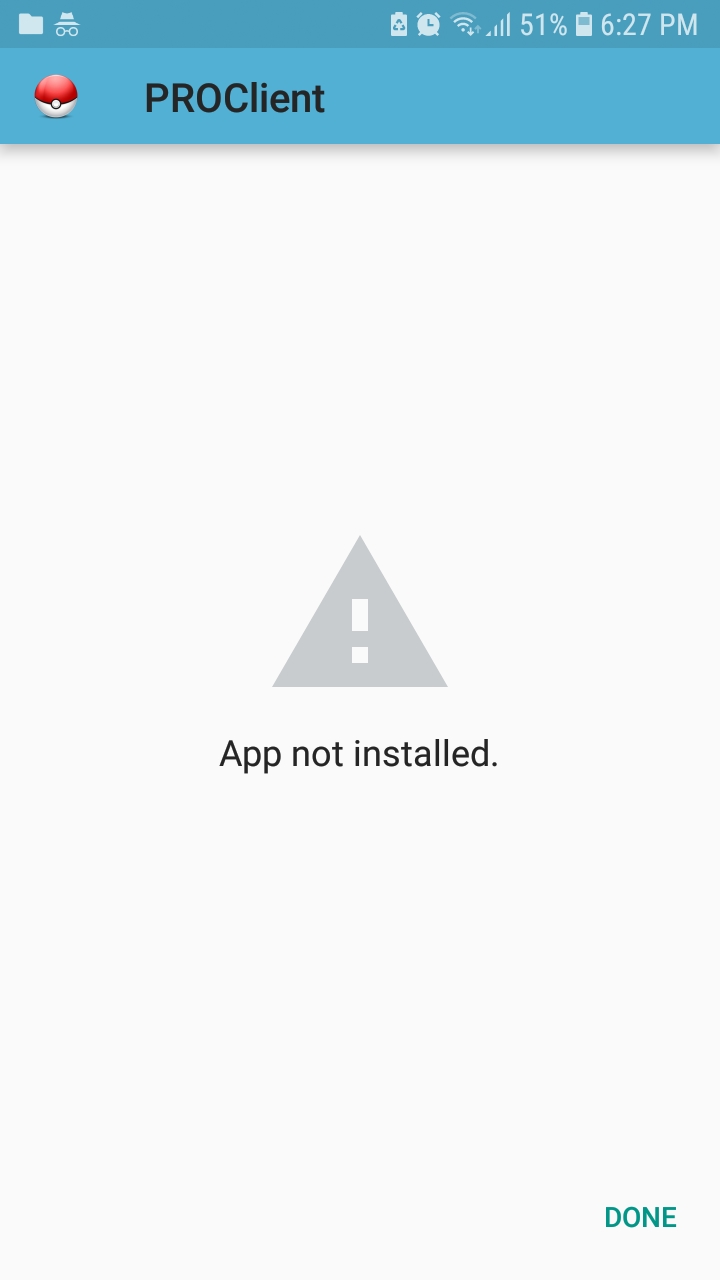
yes i have tried all of the steps yes my phone has enough space, about a gigabyte, the thing is there was an apk file that was only 100 megs and that installed just fine yes of course my download from unknown sources is available no it doesn't get stuck at all and when i click it in downloads it sends me to a screen that says install and cancel
-
wait scratch that I've already had pro on my phone, its not that
-
how do i see if my phone can run the app
-
i even tried it a 2nd time after clearing space aswell as the fact that i installed in incognito mode
-
why are there two apks and one is for 300 megabytes, the one for 300 megs doesn't install the app and the other one is undownloadable as far as i know