




New Trade Zone
Trade Zone is now live
Use the new Trade Zone for auctions and instant-price trades so Pokemon and item offers are easy to find.

Sandeep786
Registered User
-
Joined
-
Last visited
Everything posted by Sandeep786
-
Sold to ArchfndWeavile for 200k
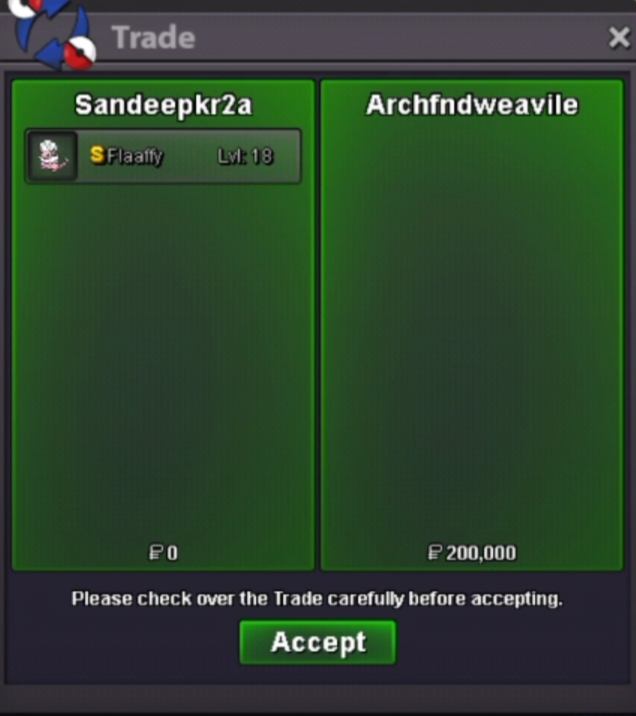
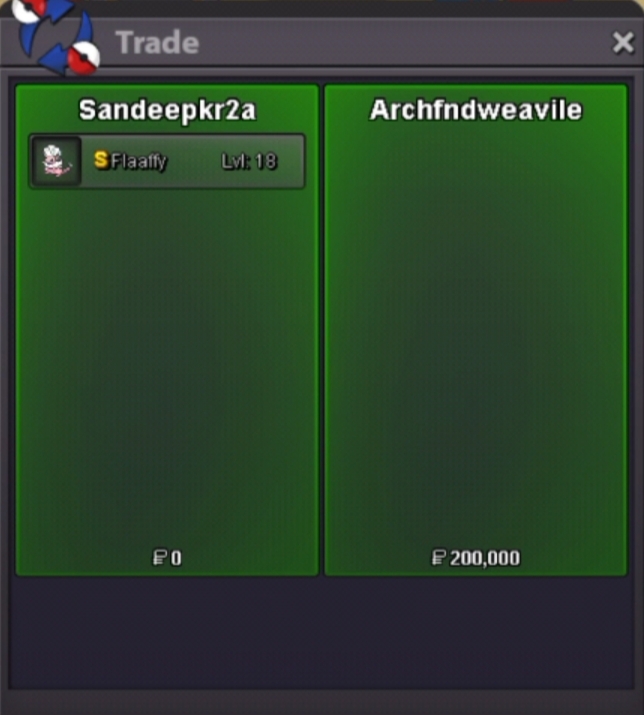
-
ArchfndWeavile pm me or tell time when you will be online
-
S.o. reduced to 200k If no one start bid in 3 days auction will be cancelled
-
Ok
-
HIDDEN POWER - ICE
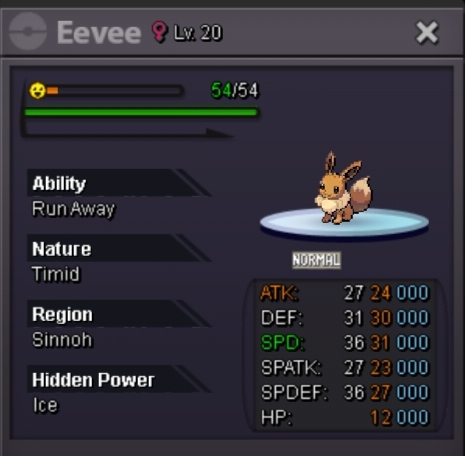
-
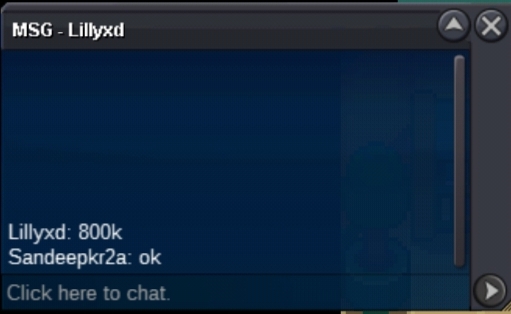
Min raise increased to 100k Insta increased to 8m
-
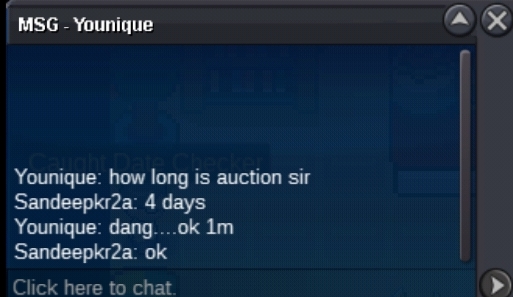
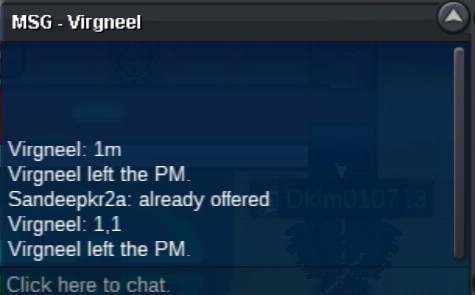
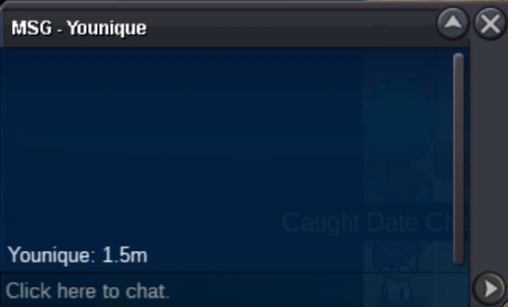
1.4m
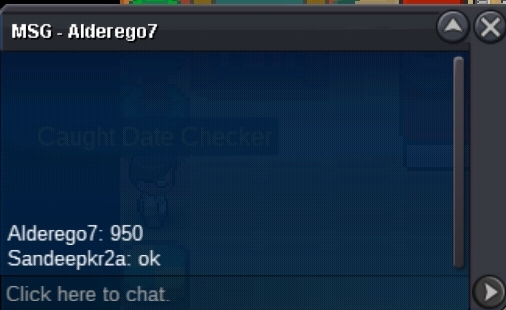
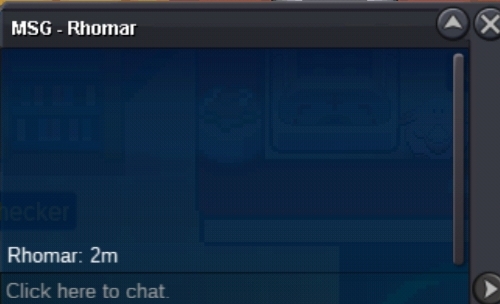
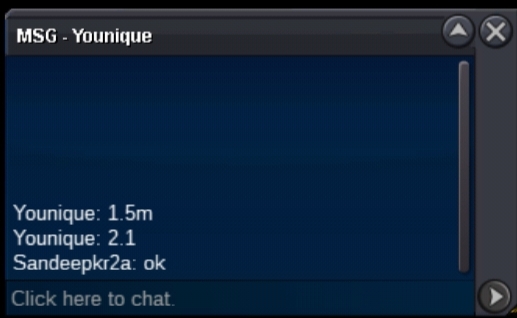
-
C.o. 900k
-
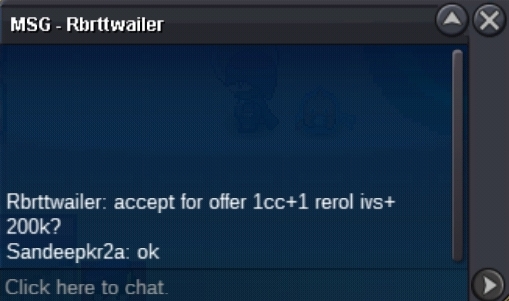
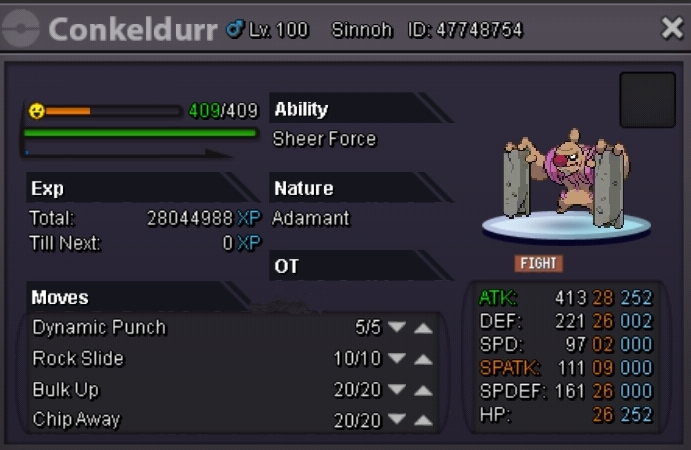
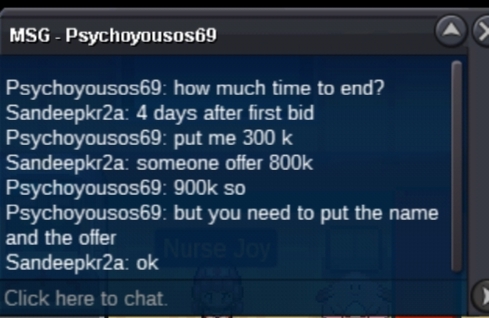
S.o. 200k Min raise 50k Insta 5m Accept Coin capsule 400k Reroll ticket 800k Nature reroll ticket 400 Auction start after first bid and lasts for 4 days
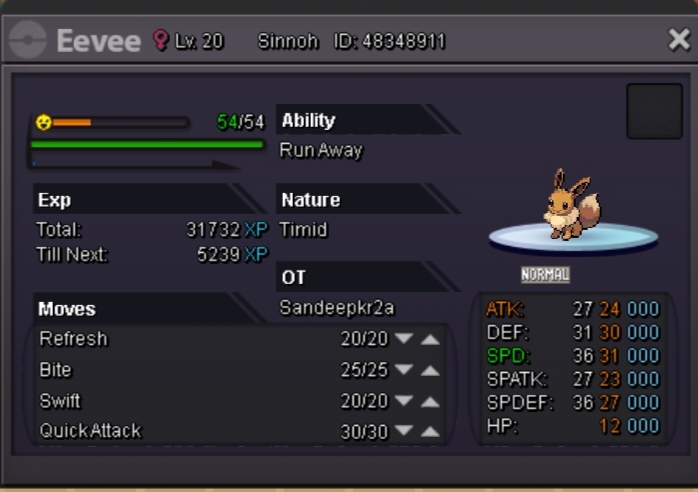 Sry, auction started by ArchfndWeavileAuction started by raaah It lasts for 72hrs Insta 2mS.O. 100K Min raise 50k Insta will be added later Auction start after first bid
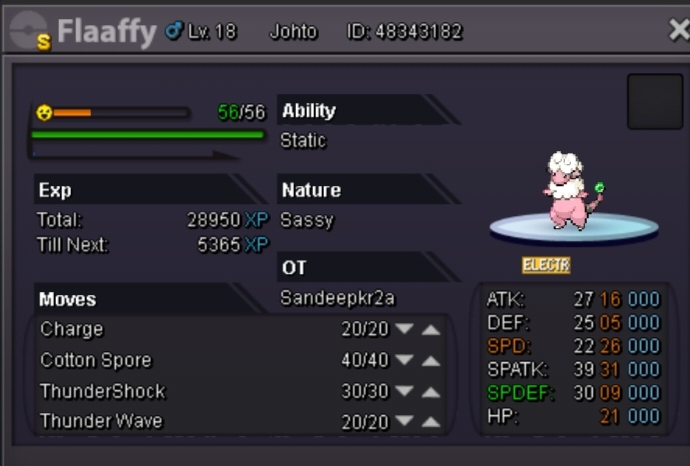 S.o. reduced to 400kS.o. 500k Min raise 50k Insta 2m Accept cc 400k Auction start after S.o. and last for 4 days
 How old are you and where are you from? I am 23 years old and I am from india. Why would you like to join Trinity? It is one of the best guild. What is the highest rating you've ever got? 100+ , I don't remember correctly rating. How much hours did you play PRO so far and how many hours do you play right now? I have played 538 hrs so far and today I played atleast 2 hrs. What else other than rating can you contribute to Trinity? Help to members and lend pokemon for story or boss or pvp. Add a picture of your trainer card in the application?
Account
Navigation
Search
Configure browser push notifications
Chrome (Android)
- Tap the lock icon next to the address bar.
- Tap Permissions → Notifications.
- Adjust your preference.
Chrome (Desktop)
- Click the padlock icon in the address bar.
- Select Site settings.
- Find Notifications and adjust your preference.
Safari (iOS 16.4+)
- Ensure the site is installed via Add to Home Screen.
- Open Settings App → Notifications.
- Find your app name and adjust your preference.
Safari (macOS)
- Go to Safari → Preferences.
- Click the Websites tab.
- Select Notifications in the sidebar.
- Find this website and adjust your preference.
Edge (Android)
- Tap the lock icon next to the address bar.
- Tap Permissions.
- Find Notifications and adjust your preference.
Edge (Desktop)
- Click the padlock icon in the address bar.
- Click Permissions for this site.
- Find Notifications and adjust your preference.
Firefox (Android)
- Go to Settings → Site permissions.
- Tap Notifications.
- Find this site in the list and adjust your preference.
Firefox (Desktop)
- Open Firefox Settings.
- Search for Notifications.
- Find this site in the list and adjust your preference.