New Trade Zone
Trade Zone is now live
Use the new Trade Zone for auctions and instant-price trades so Pokemon and item offers are easy to find.

Vinnner
Registered User
-
Joined
-
Last visited
-
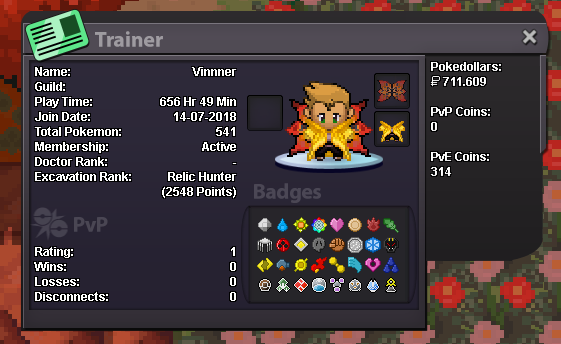
Hey guys, so my name is Vincent, some call me Vinnner or Kinsi and im 19yrs old. Im playing since 2018 but I had a pretty big break cus of school and stuff in 2019 and I started to play very often again. <= my profile Some things about me: I'm from Germany but i lived in Spain for some months. I'm speaking english and german fluently and I also speak spanish, but not as fluently as english. In PRO my focus is mainly on PVE, but i'd consider myself more as a shiny collector. Im only playing on the silver server. Im using Discord and Teamspeak. So thats some facts about me, if there are any more questions or things i should add to this post or as an application for a guild, just hit me up ING or in the forum. Cheers, Vinnner
-
Vinnner changed their profile photo
-
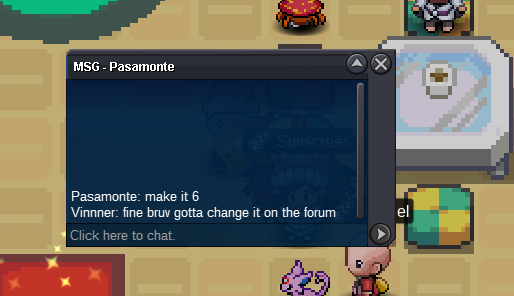
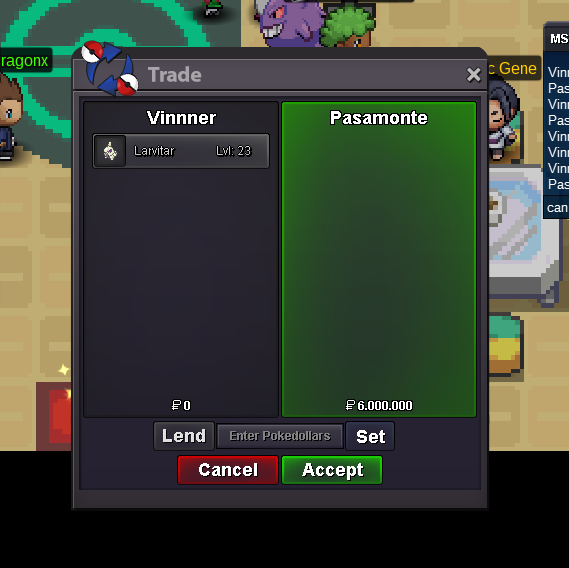
Auction won by Pasamonte for 6m
-
1min
-
5min left
-
10min left
-
30min left
-
1 hour left
-
2hrs left
-
c.o. 6m by Pasamonte
-
3h left
-
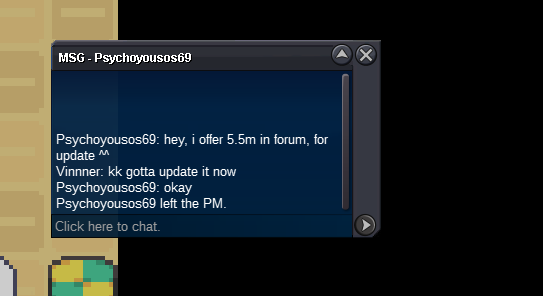
new c.o.
-
6hrs left
-
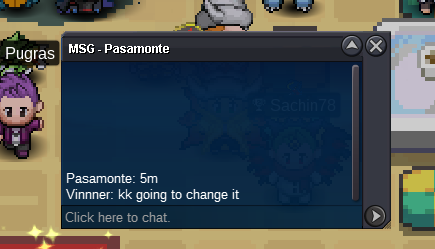
c.o.5m by Pasamonte ,6:30 left
-
16 hrs left
-
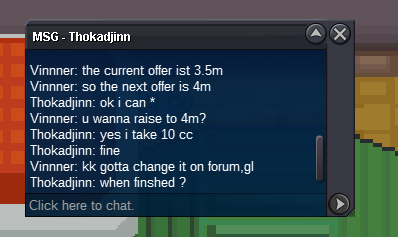
c.o. 4m bid by Thokadjinn