New Trade Zone
Trade Zone is now live
Use the new Trade Zone for auctions and instant-price trades so Pokemon and item offers are easy to find.

Wolfless
Registered User
-
Joined
-
Last visited
Everything posted by Wolfless
-
S.O: 10m Min bid : 200k Insta 30m Length: 24 hrs after s.o Accepted Payments: Pokedollars /Accept CC=460k; RR IV=680k
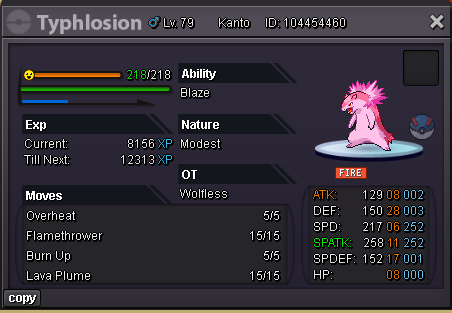
-
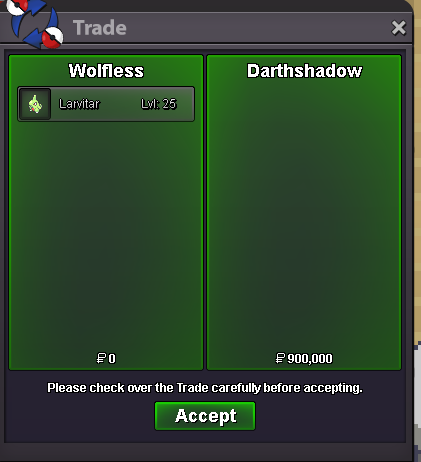
Darthshadow paid insta and won the auction
-
S.O: 400k Min bid : 50k Insta : 900k Accepted Payments: Pokedollars / 1x CC = 450K Auction ends 24 hrs after first bid
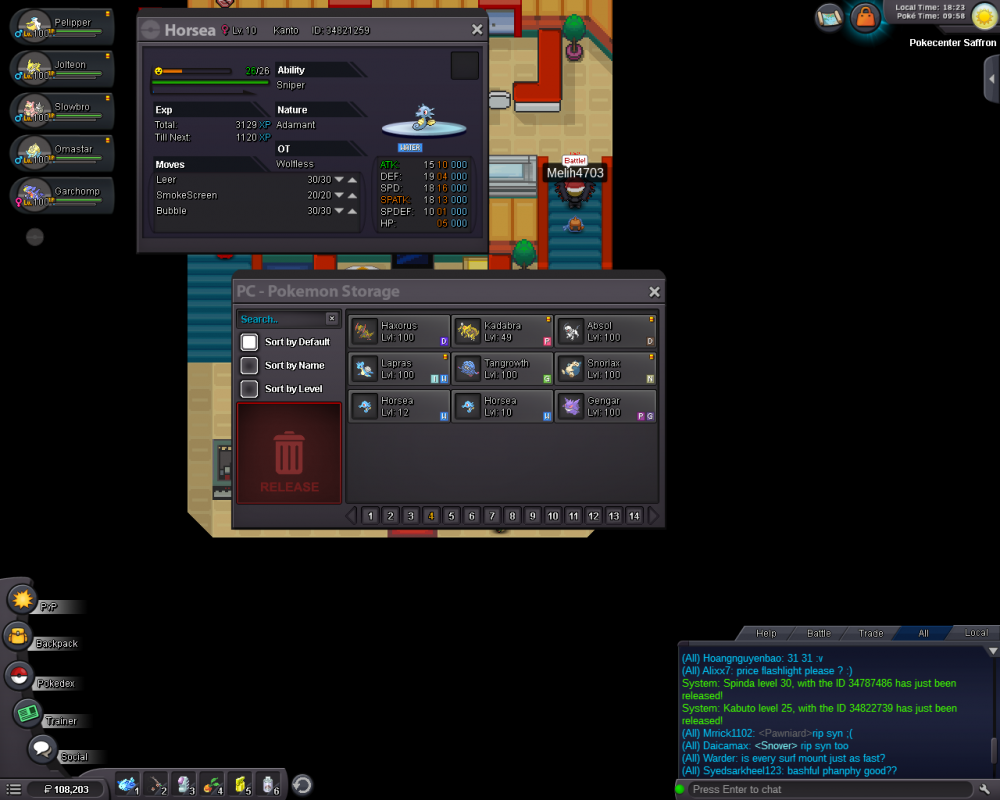
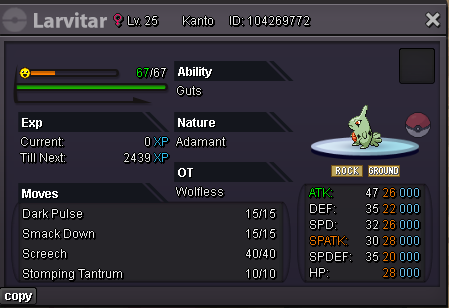 hey i accidentaly deleted a pokemon kabuto lvl 25,is there any way to get it back
 i spoke to Shinohana last night and he/she told me a series of steps i had to take to get the game to open on my pc,it still doesnt and its kinda frustrating,is there something more detailed to what im not doing or what,please helpi currently run with windows 7,do i really need to update?yes i did,and the game still doesnt openive changed it back and forth to every compatible reso my pc shows, and still doesnt work,even the drivers are the latest,i showed the specs of the pc on disc too,they said it can handle it,and it still doesnt workHey I open the game and it shows it cant support my resolution and have direct X which I do.I asked support on disc but still cant solve,pls help.