




New Trade Zone
Trade Zone is now live
Use the new Trade Zone for auctions and instant-price trades so Pokemon and item offers are easy to find.

Venzon175
Registered User
-
Joined
-
Last visited
Everything posted by Venzon175
-
cuz its annoying put my pokes to toxic then keep switch until my pokes all died but thankyou then it helps a lot ^_^
-
is it allowed to use 3 regenerator pokes in pvp ranked
-
STARTING BID - 700K (INSTA 850K) STARTING BID - 350K (INSTA 450K) STARTING BID - 250K (INSTA 300K)
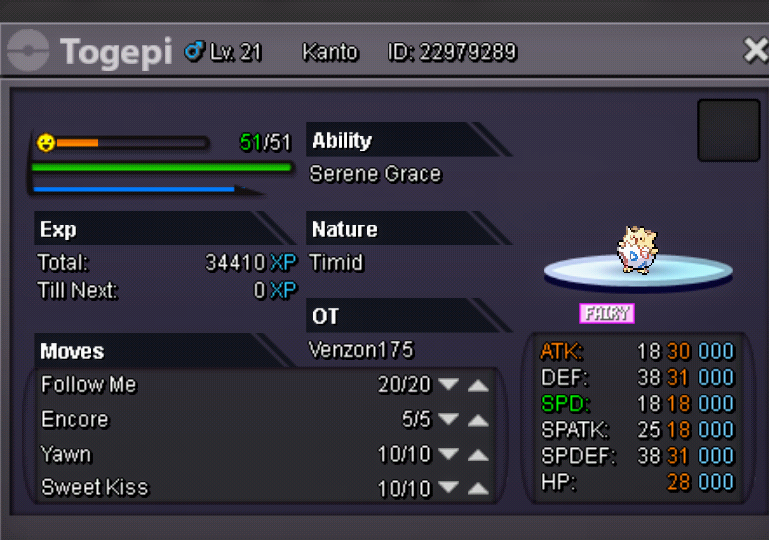
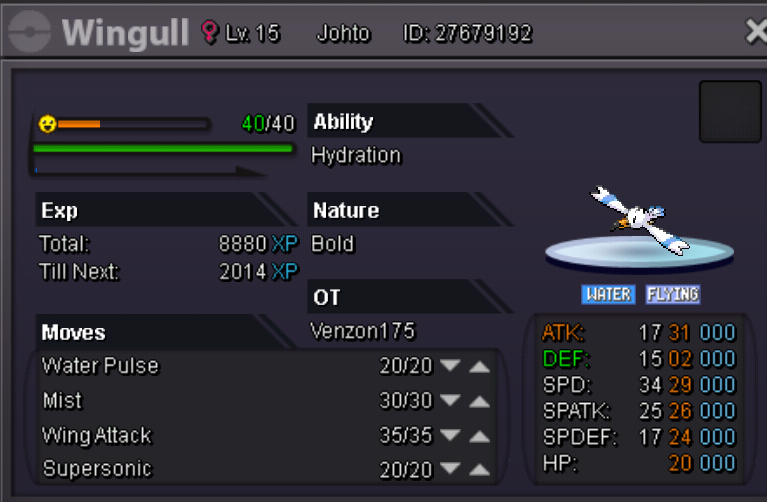
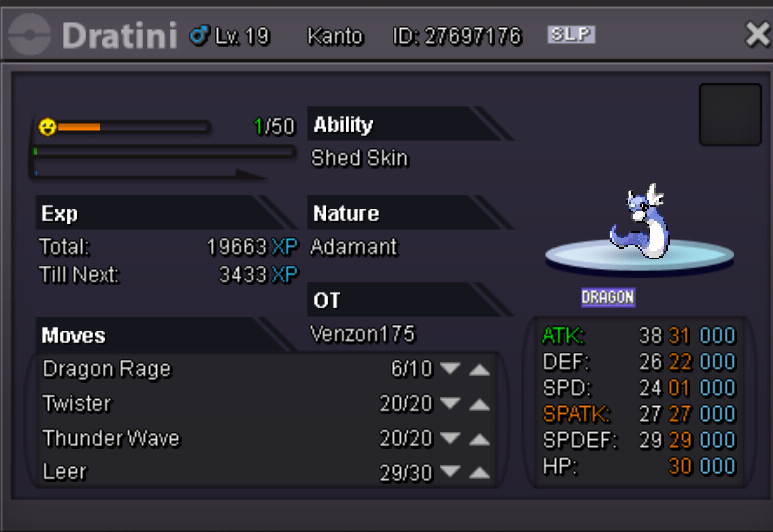
-
yah always happen to me almost 8 hrs i cant log in to gold server but now its ok again
-
i dont have any problem on my internet on other games its fast
-
why it says connection lost ?? on log in
-
i cant connect on gold server why ? what happen is there anything problem with the server ??
-
is it possible to use 3 legendary at the same time in rank game ??
-
Why i cant connect to gold server ?? Even if the server status is online Lately when i played rank ive been always disconnect on pvp
-
Already started ??
-
-
S.O 950k -. Instant 2m
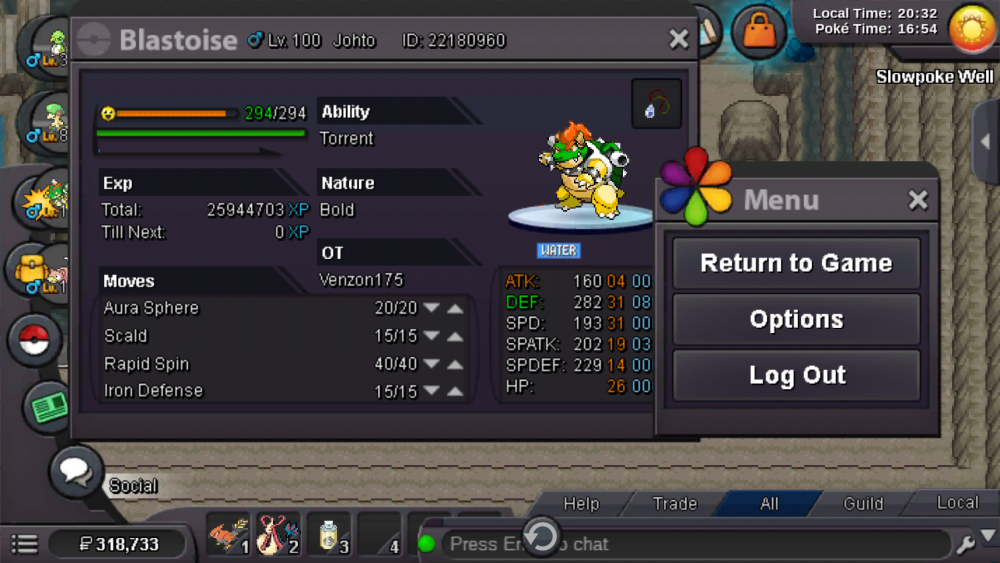
-
Until now I'm downloading the app
-
I try both of them it's so slow when it comes to download files :( when I try mega it's so fast it download in a minutes
-
Start
-
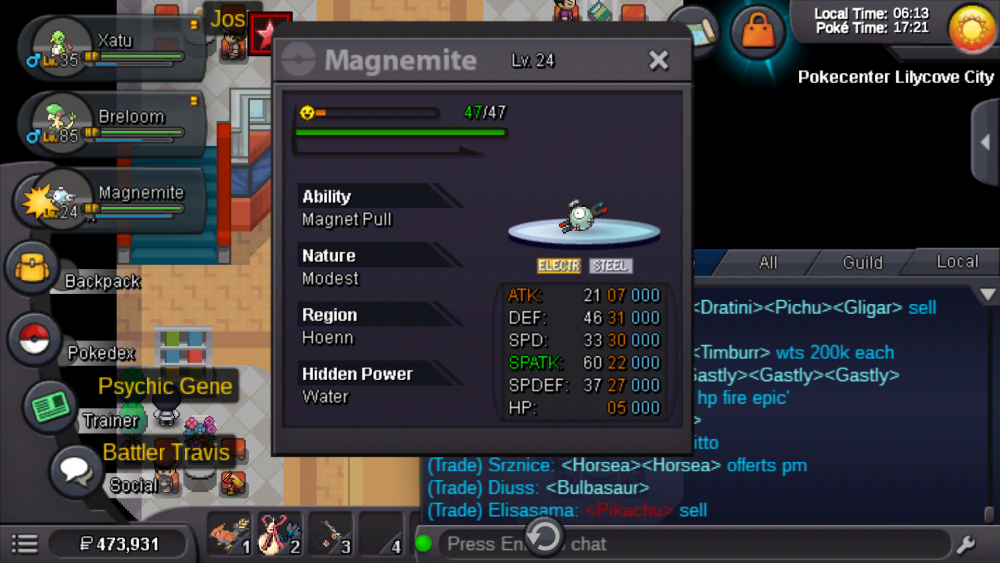
c.o 200k insta 600k
-
Why they remove mega app on apk download :(
-
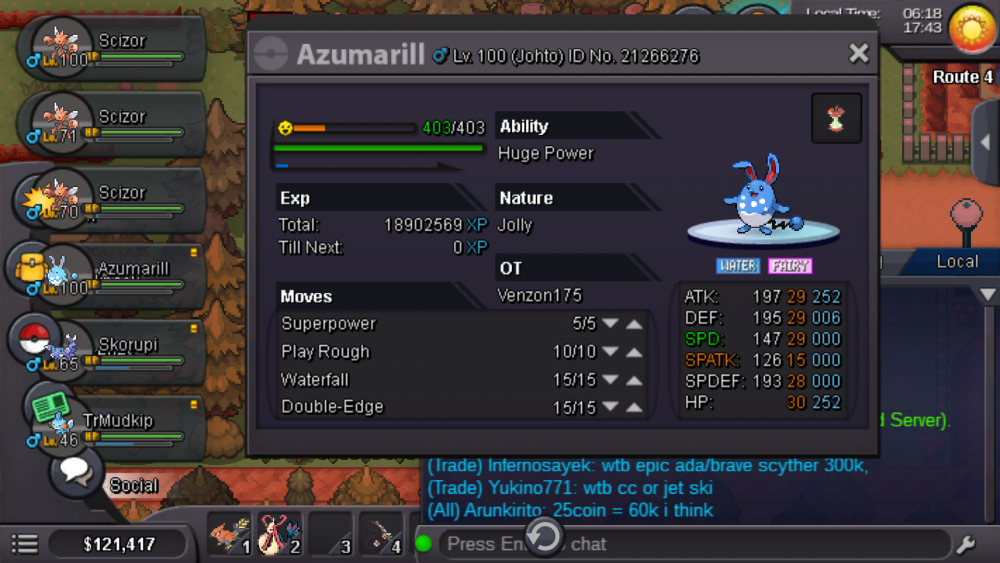
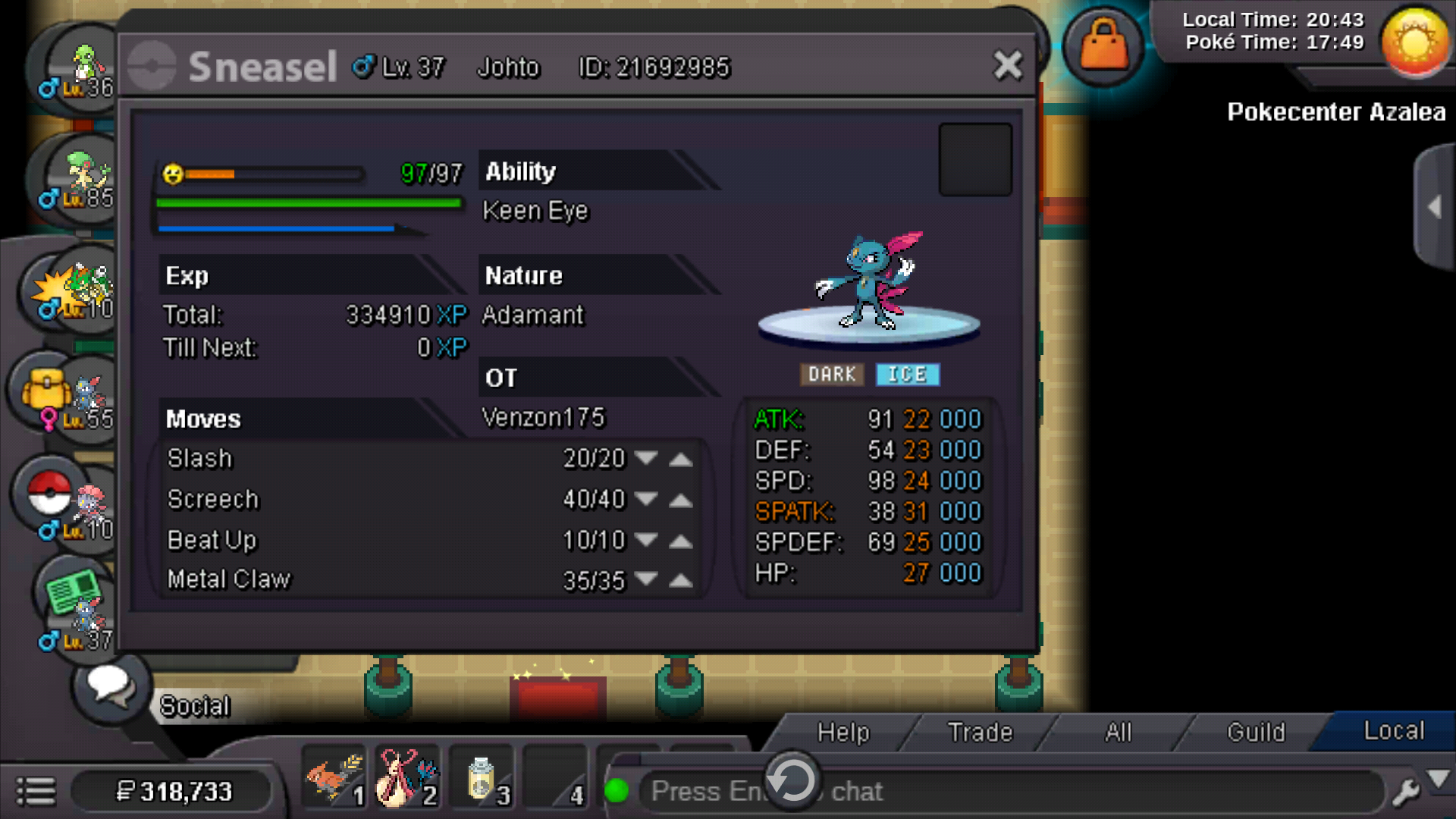
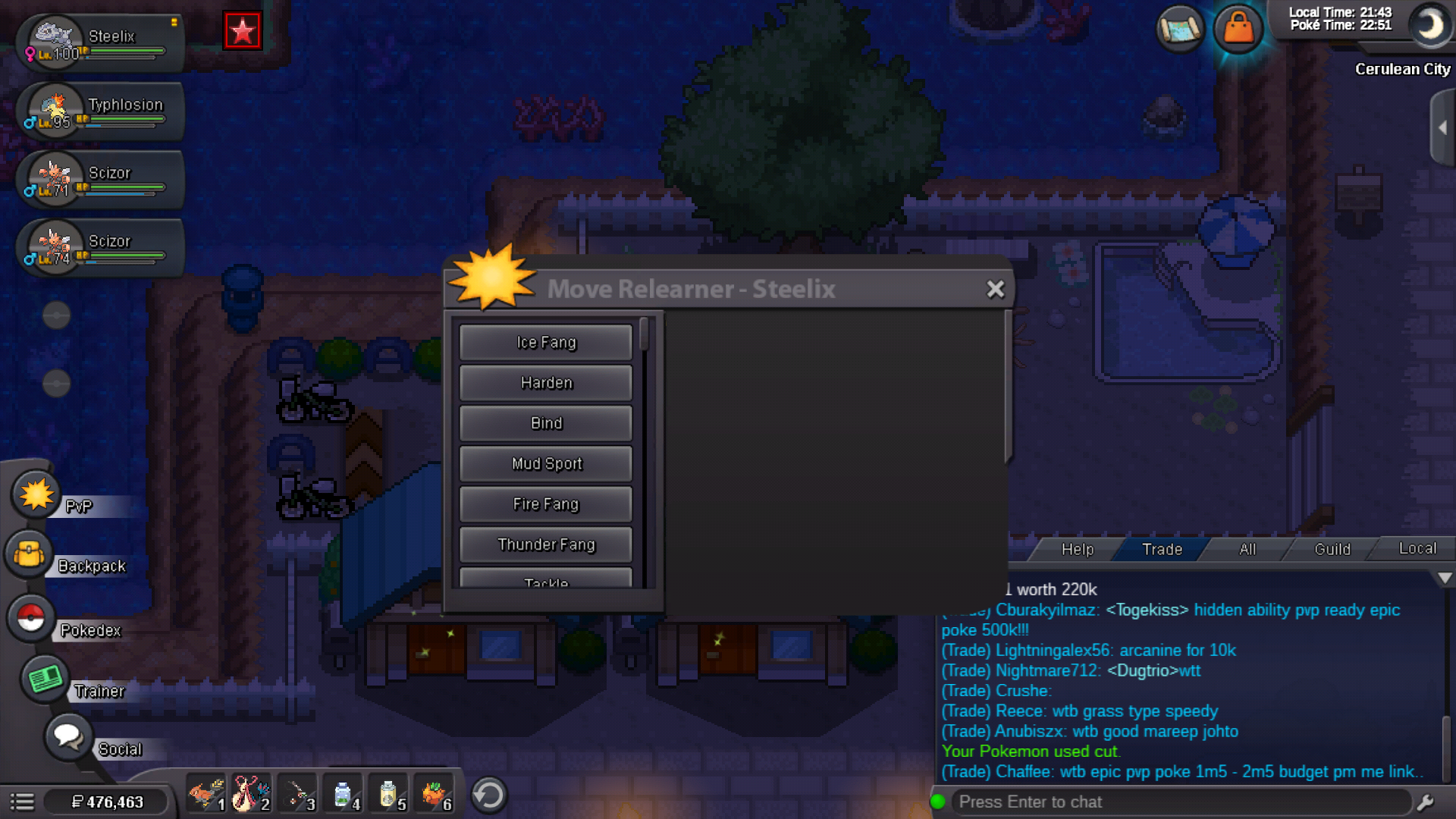
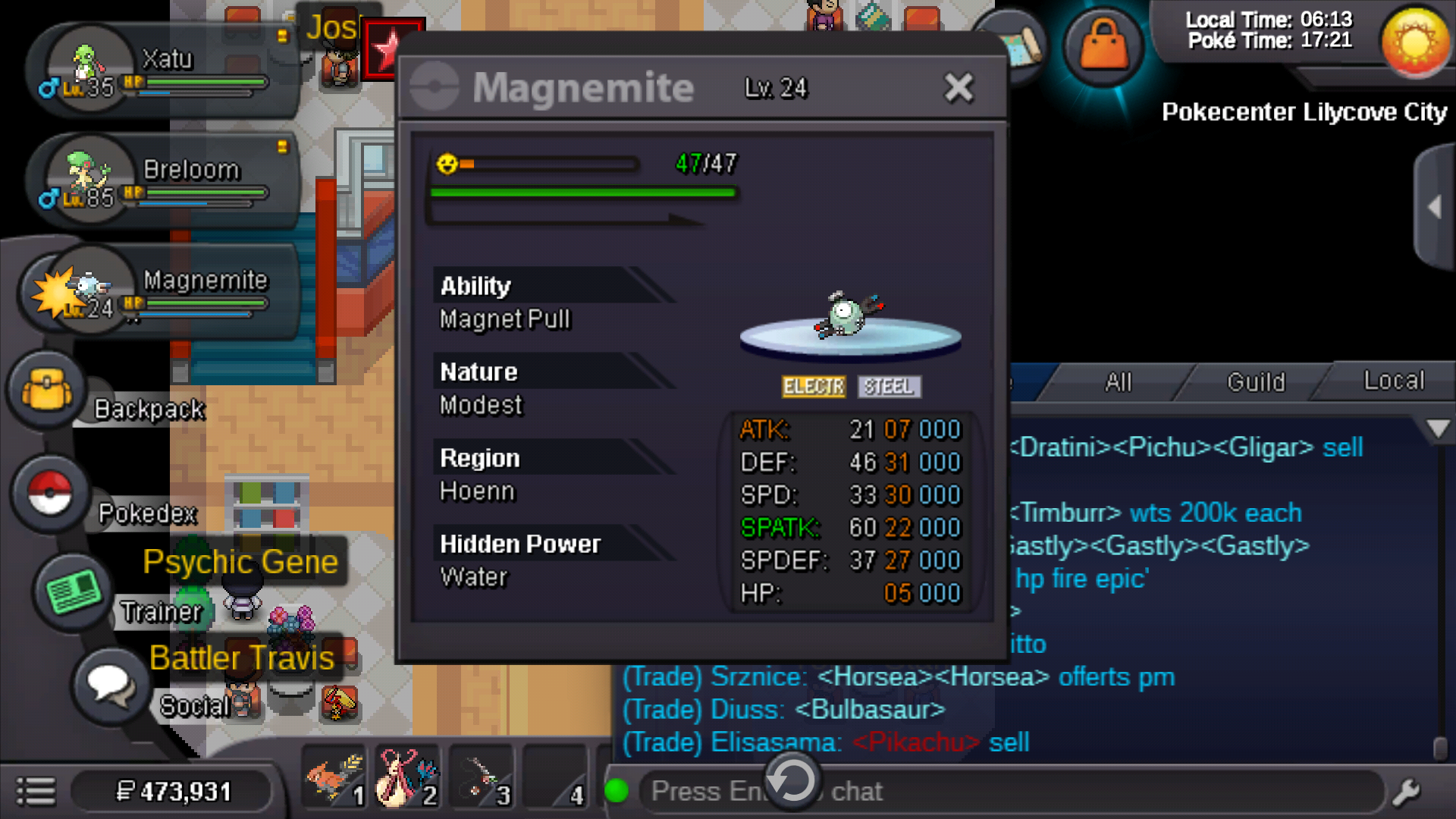
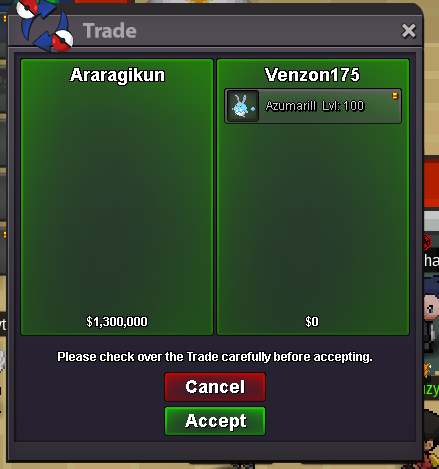
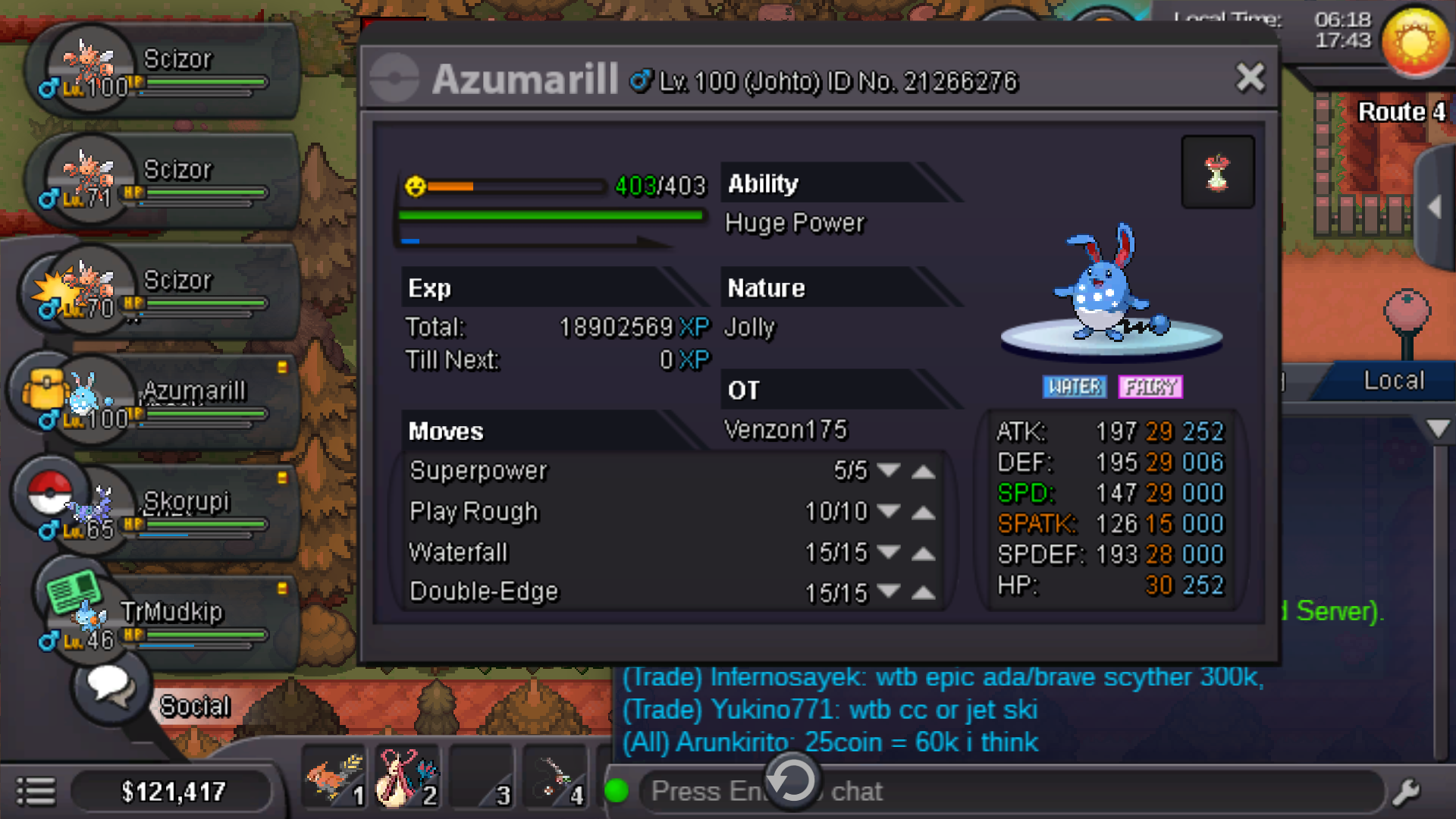
Why andriod dont have updated app yet ??The event Already started ??Auction Closed Price : 1.3m by AraragikunStart 400kBid starts 400k

Account
Navigation
Search
Configure browser push notifications
Chrome (Android)
- Tap the lock icon next to the address bar.
- Tap Permissions → Notifications.
- Adjust your preference.
Chrome (Desktop)
- Click the padlock icon in the address bar.
- Select Site settings.
- Find Notifications and adjust your preference.
Safari (iOS 16.4+)
- Ensure the site is installed via Add to Home Screen.
- Open Settings App → Notifications.
- Find your app name and adjust your preference.
Safari (macOS)
- Go to Safari → Preferences.
- Click the Websites tab.
- Select Notifications in the sidebar.
- Find this website and adjust your preference.
Edge (Android)
- Tap the lock icon next to the address bar.
- Tap Permissions.
- Find Notifications and adjust your preference.
Edge (Desktop)
- Click the padlock icon in the address bar.
- Click Permissions for this site.
- Find Notifications and adjust your preference.
Firefox (Android)
- Go to Settings → Site permissions.
- Tap Notifications.
- Find this site in the list and adjust your preference.
Firefox (Desktop)
- Open Firefox Settings.
- Search for Notifications.
- Find this site in the list and adjust your preference.