




New Trade Zone
Trade Zone is now live
Use the new Trade Zone for auctions and instant-price trades so Pokemon and item offers are easy to find.

Tamiya4wd
Registered User
-
Joined
-
Last visited
-
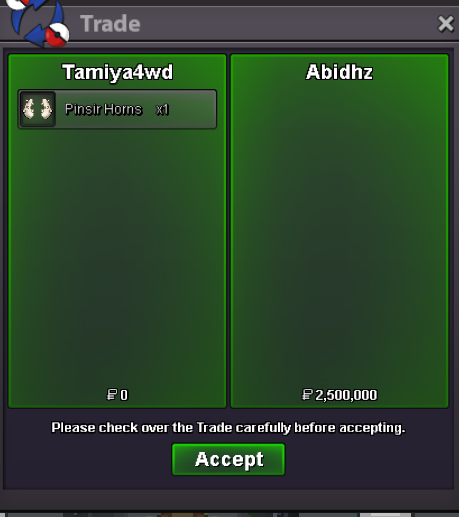
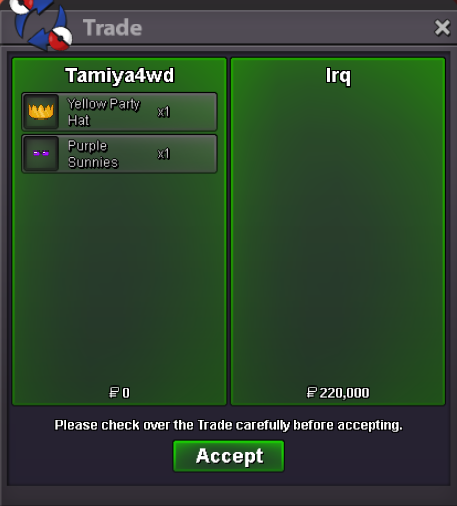
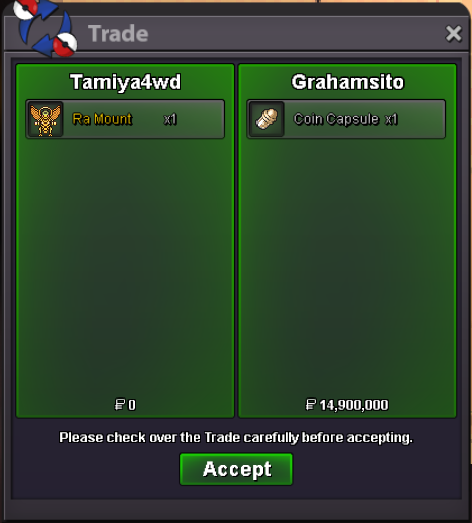
The mod has fixed the trades already, thanks.

-
I wasn’t late. The last bid was at 20:47, so I was allowed to bid until before 21:02.
-
Isn’t the 15-minute rule applied to all auctions? It’s stated in the GENERAL AUCTION RULES | for sellers. https://pokemonrevolution.net/forum/topic/119709-forums-and-in-game-auction-rules/
-
1m50k
-
2m750k
-
2m650k
-
700k
-
2.8mBump!1.1mBump!Congratulations to the auction winner, @Grahamsitox !!


Account
Navigation
Search
Configure browser push notifications
Chrome (Android)
- Tap the lock icon next to the address bar.
- Tap Permissions → Notifications.
- Adjust your preference.
Chrome (Desktop)
- Click the padlock icon in the address bar.
- Select Site settings.
- Find Notifications and adjust your preference.
Safari (iOS 16.4+)
- Ensure the site is installed via Add to Home Screen.
- Open Settings App → Notifications.
- Find your app name and adjust your preference.
Safari (macOS)
- Go to Safari → Preferences.
- Click the Websites tab.
- Select Notifications in the sidebar.
- Find this website and adjust your preference.
Edge (Android)
- Tap the lock icon next to the address bar.
- Tap Permissions.
- Find Notifications and adjust your preference.
Edge (Desktop)
- Click the padlock icon in the address bar.
- Click Permissions for this site.
- Find Notifications and adjust your preference.
Firefox (Android)
- Go to Settings → Site permissions.
- Tap Notifications.
- Find this site in the list and adjust your preference.
Firefox (Desktop)
- Open Firefox Settings.
- Search for Notifications.
- Find this site in the list and adjust your preference.