




New Trade Zone
Trade Zone is now live
Use the new Trade Zone for auctions and instant-price trades so Pokemon and item offers are easy to find.

Bingedrinker
Registered User
-
Joined
-
Last visited
Everything posted by Bingedrinker
-
Buy bunnelby
-
-
Bought insta by Nakofum

-
Galvantula started by Elite Arigus at 400k. Ends the 11/08/19 at 18h15 CEST 100k minimum bid. GL
-
It is an auction that starts at 400k. If you want to buy it right away, the insta is at 800k. Do you wish to start the auction at 400k? It will last 48hours
-
83 new pokemon added.Careful Munchlax sold in game
 wtb 45k phanpy, 45k pineco, 35k wooperI'm back ! Pm me back for scyther. Volca available again since fake buyer. Pangoro sold !
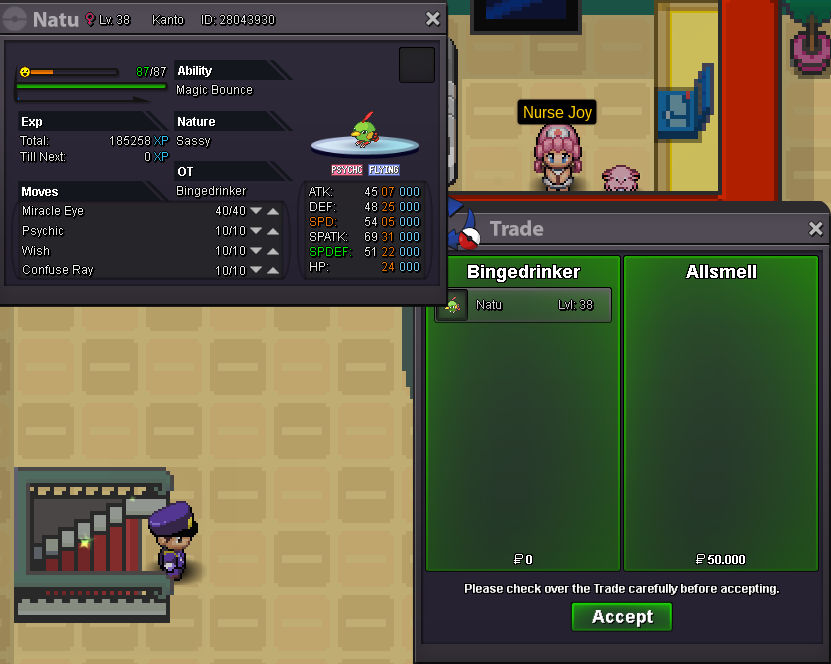
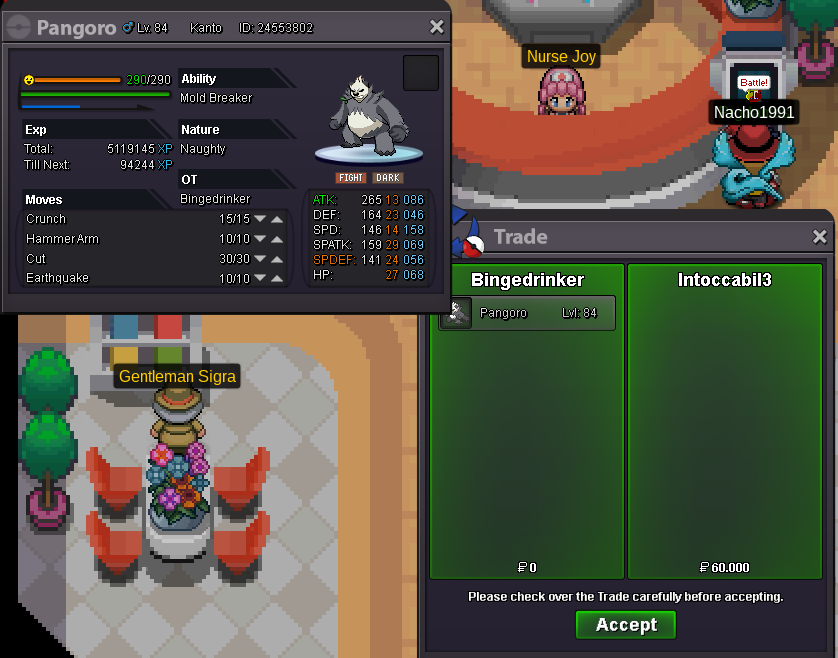 Auctions are closed until I return. For the ongoing auction on volcarona, whoever happens to win it will have to wait until prolly monday if that's fine by you. Really sorry, got an unexpected trip. Feel free to buy on the fixed prices, we'll conclude the sale when I return. CheersFerroseed sold 550k to Hinata183500k for ferroseed by Teamrocketadmin, 17min left
 Fake seller, don't buy here :)New offer by Hinata183 for ferroseed, 450k. 9h30 left
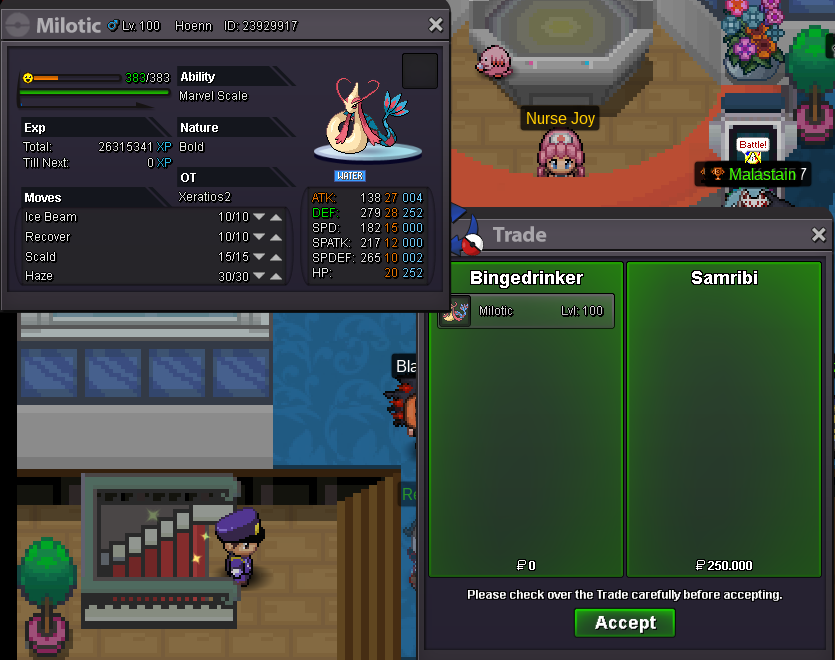
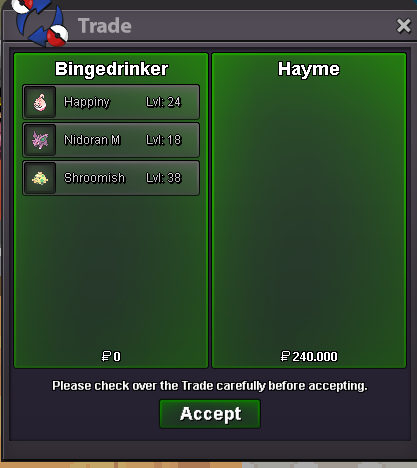
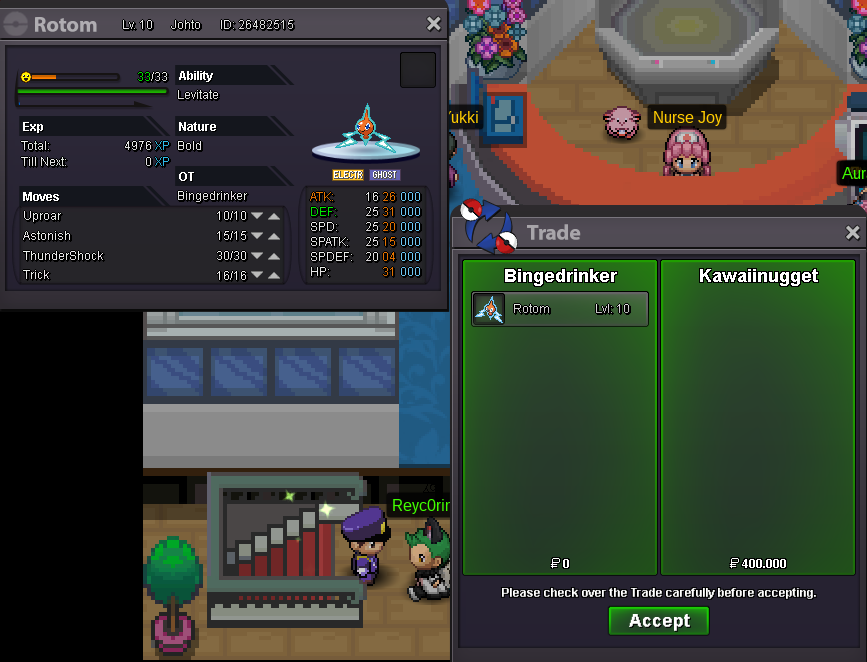
 New offer by Hayme for ferroseed, 400k. 15h leftAuction won by samribi, 250k for Milotic. Let me know when you can come pick it up in vulcan or vermi ;) Congrats !Are u my parrot ?400k offer by Kawaiinugget for Rotom, 17min left
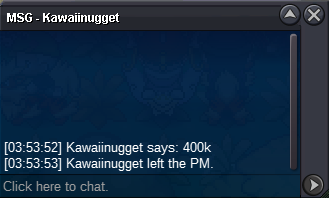 350k offer by Leandroag for Rotom, 26min left
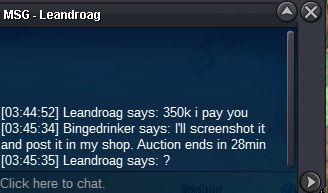 300k offer by Kawaiinugget for Rotom, 1h30 hours left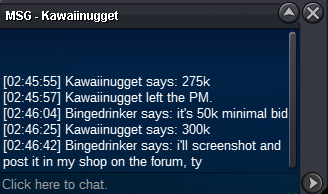

Account
Navigation
Search
Configure browser push notifications
Chrome (Android)
- Tap the lock icon next to the address bar.
- Tap Permissions → Notifications.
- Adjust your preference.
Chrome (Desktop)
- Click the padlock icon in the address bar.
- Select Site settings.
- Find Notifications and adjust your preference.
Safari (iOS 16.4+)
- Ensure the site is installed via Add to Home Screen.
- Open Settings App → Notifications.
- Find your app name and adjust your preference.
Safari (macOS)
- Go to Safari → Preferences.
- Click the Websites tab.
- Select Notifications in the sidebar.
- Find this website and adjust your preference.
Edge (Android)
- Tap the lock icon next to the address bar.
- Tap Permissions.
- Find Notifications and adjust your preference.
Edge (Desktop)
- Click the padlock icon in the address bar.
- Click Permissions for this site.
- Find Notifications and adjust your preference.
Firefox (Android)
- Go to Settings → Site permissions.
- Tap Notifications.
- Find this site in the list and adjust your preference.
Firefox (Desktop)
- Open Firefox Settings.
- Search for Notifications.
- Find this site in the list and adjust your preference.