




New Trade Zone
Trade Zone is now live
Use the new Trade Zone for auctions and instant-price trades so Pokemon and item offers are easy to find.

Bingedrinker
Registered User
-
Joined
-
Last visited
Everything posted by Bingedrinker
-
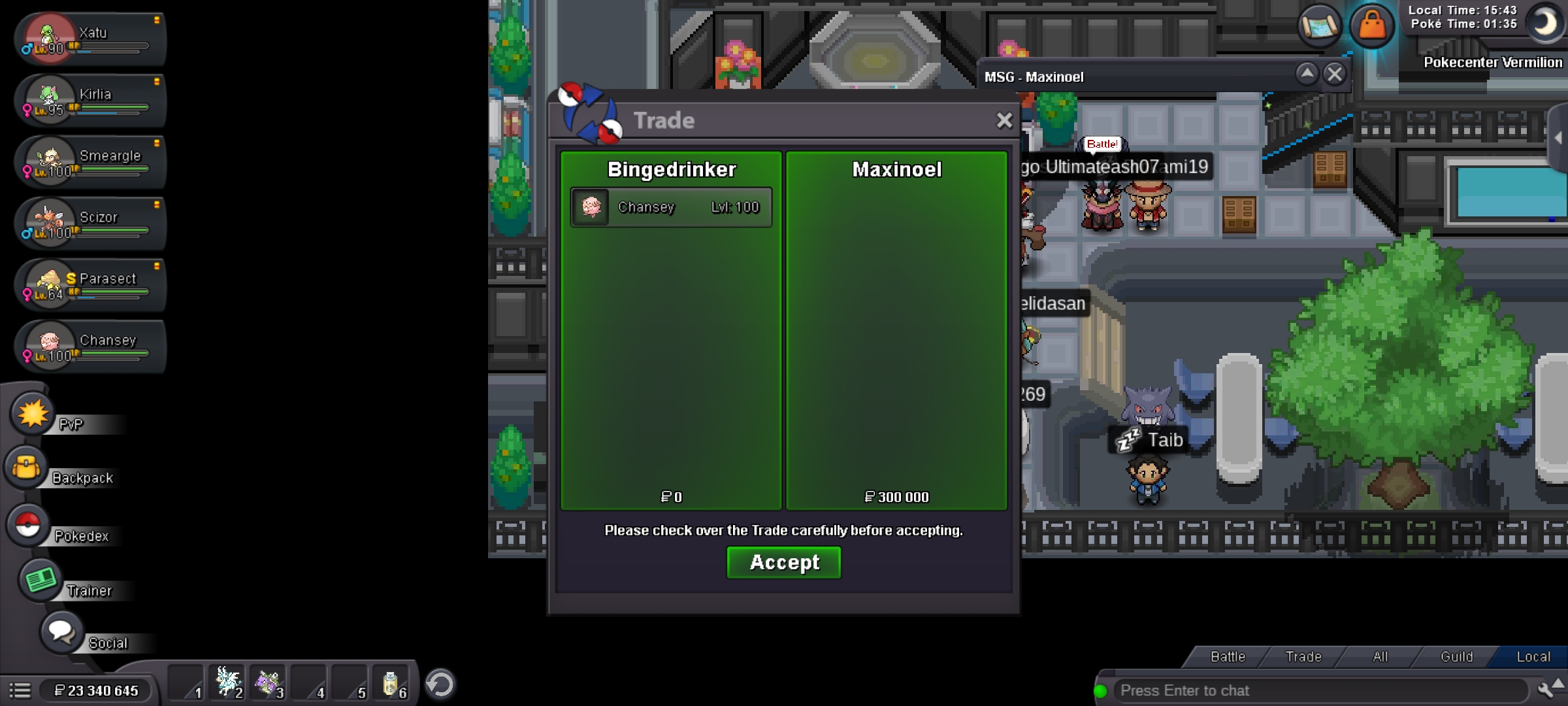
Thanks for the reactivity today. Trade is donne.
-
I can't connect right now, i'm working. This auction ended 7 days ago and you didn't answer my last tuesday's pm. That's more then timezones differences.. I've also asked you a week ago to add me on discord to make it easier, still no news.
-
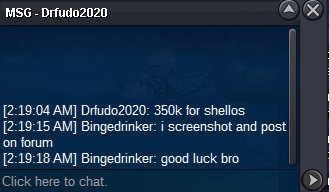
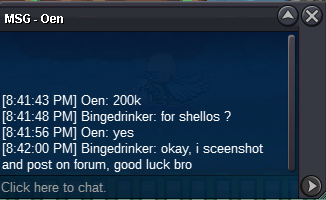
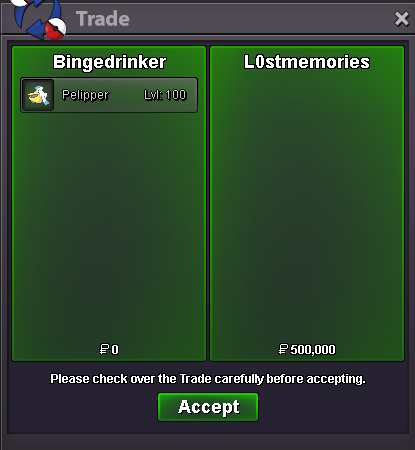
@Hyperpotion Congrats, you won the auction. Let's try and meet in game. You can add me on discord if that makes it easier for you : #7043BingedrinkerBumpAround 7h30 leftStarting offer : 100k Minimal bid : 50k No insta Auction ends 48h after first post Only money accepted c.o 350k by Drfudo2020. Ends on the 10/12/2022 at 20h34 CET.
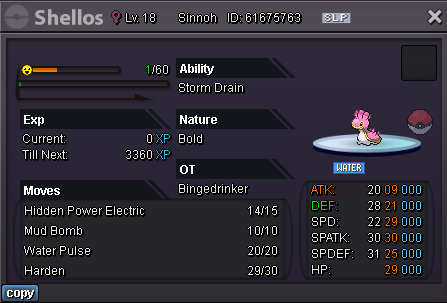 Bump@Maxinoel Congrats, you won the auction. Let's try and meet in game. You can add me on discord if that makes it easier for you : #7043BingedrinkerBumpAround 24h leftStarting offer : 100k Minimal bid : 50k No insta Auction ends 48h after first post Only money accepted c.o 200k by Ricky568. Ends on the 05/12/2022 at 13h12.
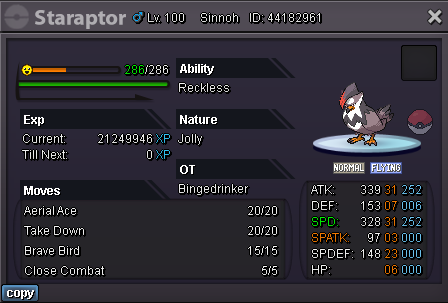
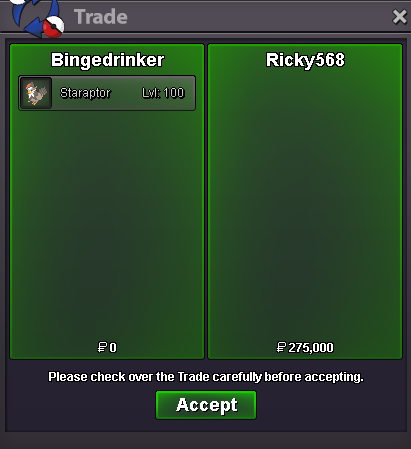
 Yes ! I'll try and pm you tomorrow to see if you're online. Maybe add me on discord (Bingedrinker#7043), can make it easierBumpAround 23h30 leftBumpStarting offer : 75k Minimal bid : 25k No insta Auction ends 48h after first post Only money accepted c.o 275k by Ricky568. Ends on the 01/12/2022 at 21h45.
 A bit more then 2h left




Account
Navigation
Search
Configure browser push notifications
Chrome (Android)
- Tap the lock icon next to the address bar.
- Tap Permissions → Notifications.
- Adjust your preference.
Chrome (Desktop)
- Click the padlock icon in the address bar.
- Select Site settings.
- Find Notifications and adjust your preference.
Safari (iOS 16.4+)
- Ensure the site is installed via Add to Home Screen.
- Open Settings App → Notifications.
- Find your app name and adjust your preference.
Safari (macOS)
- Go to Safari → Preferences.
- Click the Websites tab.
- Select Notifications in the sidebar.
- Find this website and adjust your preference.
Edge (Android)
- Tap the lock icon next to the address bar.
- Tap Permissions.
- Find Notifications and adjust your preference.
Edge (Desktop)
- Click the padlock icon in the address bar.
- Click Permissions for this site.
- Find Notifications and adjust your preference.
Firefox (Android)
- Go to Settings → Site permissions.
- Tap Notifications.
- Find this site in the list and adjust your preference.
Firefox (Desktop)
- Open Firefox Settings.
- Search for Notifications.
- Find this site in the list and adjust your preference.