




New Trade Zone
Trade Zone is now live
Use the new Trade Zone for auctions and instant-price trades so Pokemon and item offers are easy to find.

Mrdiamante
Registered User
-
Joined
-
Last visited
Everything posted by Mrdiamante
-
-
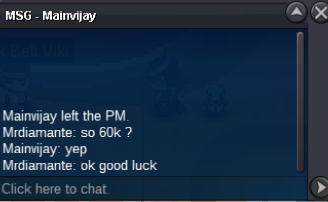
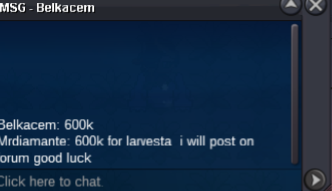
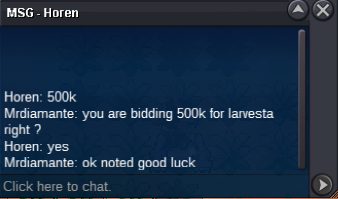
Auction started and will end saturday 29/07/2023 at 05:53 PM Gmt+2 good luck every1Starting Offer: 400k Min Raise: 50k No insta Only Pokedollar and CC ( 380k ) Auction ends 48h after first bid placed
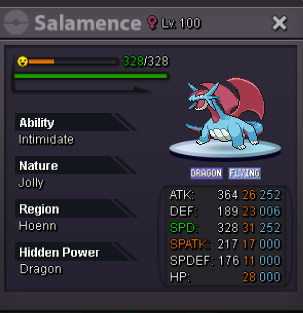 winner of the auction message me in game pls whenever you are online
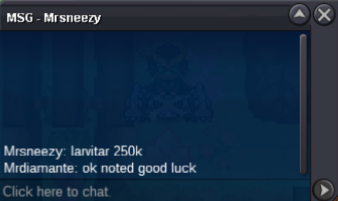 auction is allready over so no more bidsno worriesauction started and will end 10h from this point 00;26 am gmt+2Starting Offer: 50k Min Raise: 10k No insta only pokedollar and CC ( 380k ) Auction ends 10h after first bid is placed
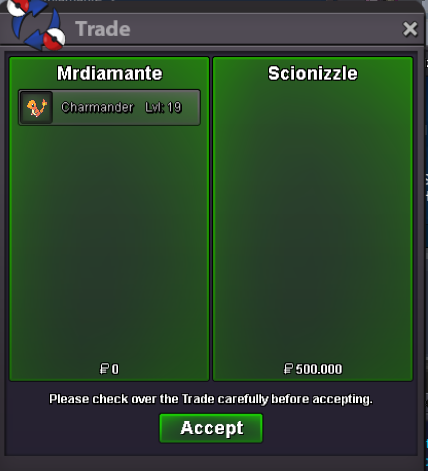
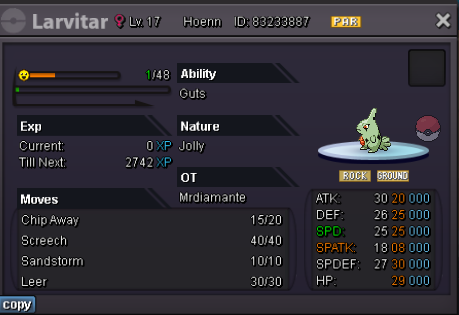 trade done
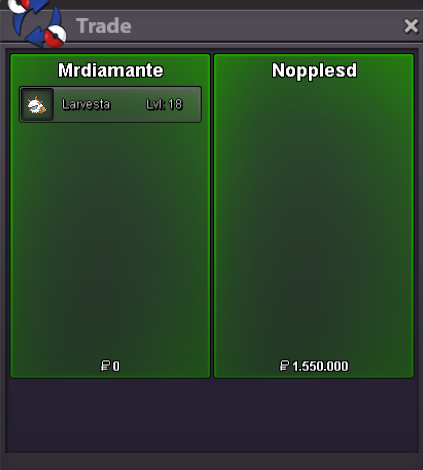 auction over you won gratz pm me in game plsauction started and will end tomorrow at 11:34 PM Gmt+2Starting Offer: 300k Min Raise: 50k No Insta Accept CC ( 370k ) and Poke Dollars Only Auction end 24h after first Offer is placed
 true was my mistake gratz on winning auction is overauction started and will end 05:30 PM Gmt+2 tomorrowStarting Offer: 100k Min Raise: 50k No insta Auction ends 24h after first bid Accept CC ( 370k ) and Cash only
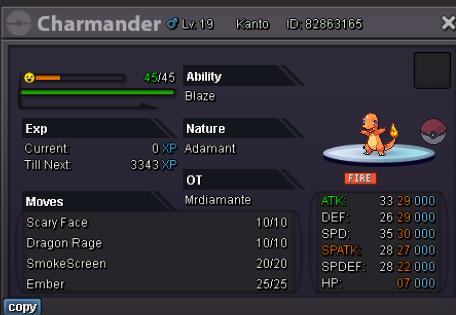 winner of the auction is Ber trade has been comletedauction has started and will and tomorrow at 06:56 PM Gmt +2 good luck every1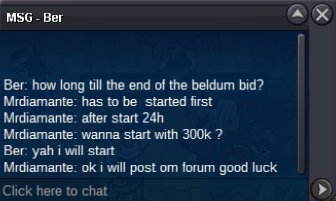
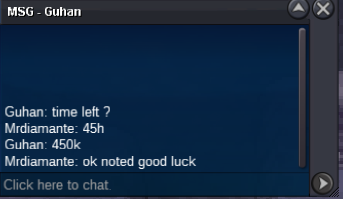
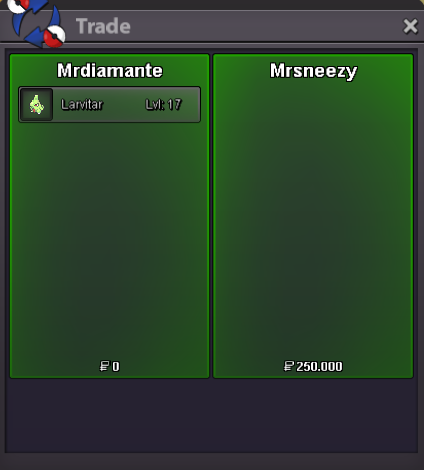

Account
Navigation
Search
Configure browser push notifications
Chrome (Android)
- Tap the lock icon next to the address bar.
- Tap Permissions → Notifications.
- Adjust your preference.
Chrome (Desktop)
- Click the padlock icon in the address bar.
- Select Site settings.
- Find Notifications and adjust your preference.
Safari (iOS 16.4+)
- Ensure the site is installed via Add to Home Screen.
- Open Settings App → Notifications.
- Find your app name and adjust your preference.
Safari (macOS)
- Go to Safari → Preferences.
- Click the Websites tab.
- Select Notifications in the sidebar.
- Find this website and adjust your preference.
Edge (Android)
- Tap the lock icon next to the address bar.
- Tap Permissions.
- Find Notifications and adjust your preference.
Edge (Desktop)
- Click the padlock icon in the address bar.
- Click Permissions for this site.
- Find Notifications and adjust your preference.
Firefox (Android)
- Go to Settings → Site permissions.
- Tap Notifications.
- Find this site in the list and adjust your preference.
Firefox (Desktop)
- Open Firefox Settings.
- Search for Notifications.
- Find this site in the list and adjust your preference.