Skip to content
View in the app

A better way to browse. Learn more.

Pokemon Revolution Online

A full-screen app on your home screen with push notifications, badges and more.

To install this app on iOS and iPadOS
  1. Tap the Share icon in Safari
  2. Scroll the menu and tap Add to Home Screen.
  3. Tap Add in the top-right corner.
To install this app on Android
  1. Tap the 3-dot menu (⋮) in the top-right corner of the browser.
  2. Tap Add to Home screen or Install app.
  3. Confirm by tapping Install.
New Trade Zone
Trade Zone is now live
Use the new Trade Zone for auctions and instant-price trades so Pokemon and item offers are easy to find.
Open Trade Zone

Danskerdk123

Registered User
  • Joined

  • Last visited

  1. didnt know that + i wish they would show that so players could see u can just press 4 lol also id like if u could speed it up the tiny bit of waiting time is annoying
  2. Danskerdk123 posted a topic in Suggestions
    allow for more than 1-4 as the base hotkeys + allow for the bag map etc to become open/closed with a hotkey also i would like a minimap that shows you the town n such you are in + the players within this town would also allow for easy navigation for new players, i would also like a quest tab where you can follow what uve done/need in any quests you are currently working on or where to find new once.
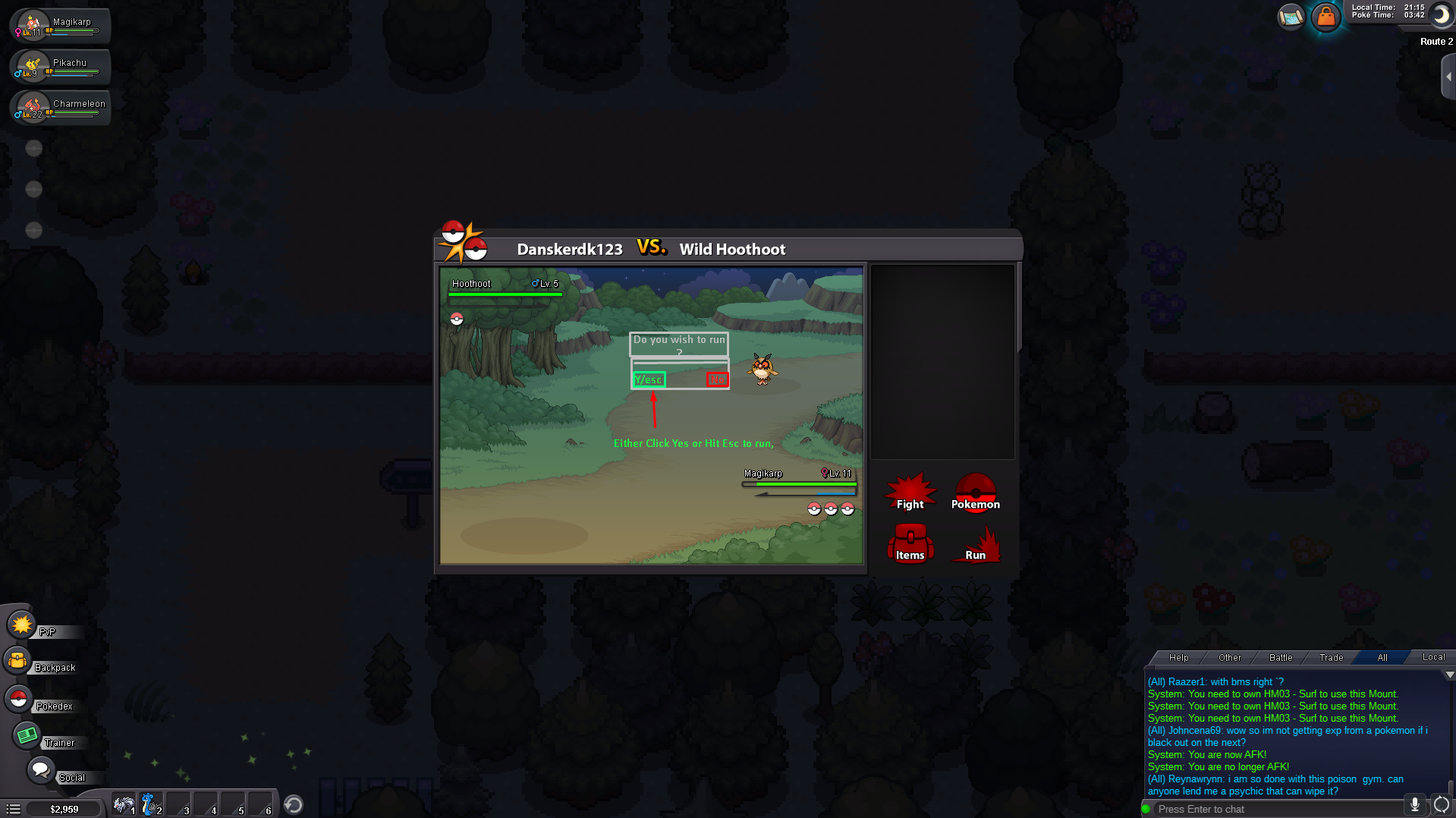
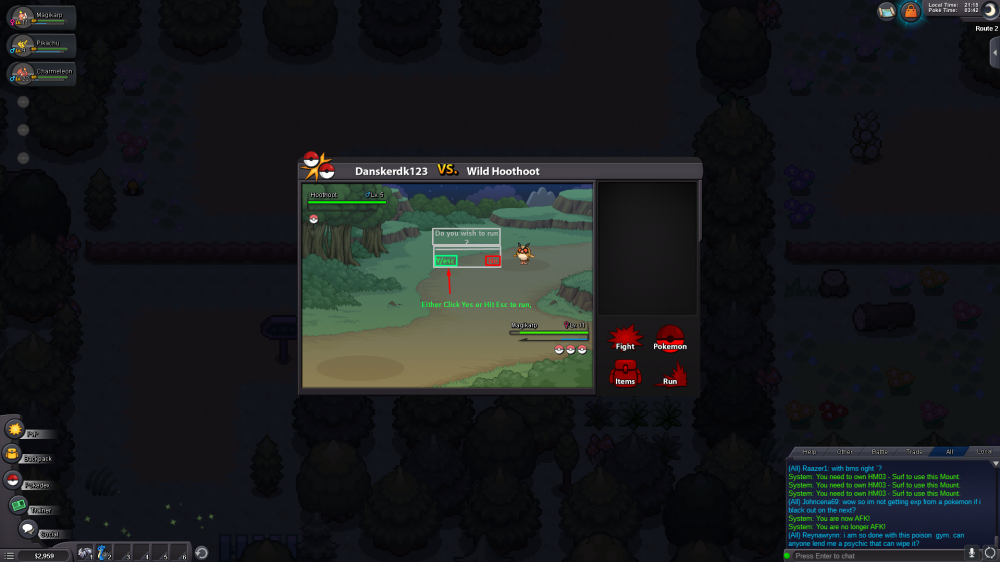
  3. Allow for escape to be used to run from pokemon fights quickly. hit Esc 2x to instantly close fighting interface.
Account

Navigation

Search

Search

Configure browser push notifications

Chrome (Android)
  1. Tap the lock icon next to the address bar.
  2. Tap Permissions → Notifications.
  3. Adjust your preference.
Chrome (Desktop)
  1. Click the padlock icon in the address bar.
  2. Select Site settings.
  3. Find Notifications and adjust your preference.