




New Trade Zone
Trade Zone is now live
Use the new Trade Zone for auctions and instant-price trades so Pokemon and item offers are easy to find.

Akhmadzaky0895
Registered User
-
Joined
-
Last visited
-
How about the money ? Im losing money around 80k i think because disconected agains tamer
-
Im going to heatean quest and because the issues i got disconeted and now my rare candy and master ball is gone, can i got my rc and masterball back?
-
always like this pls fix the issues, i wait 1 month ;{
-
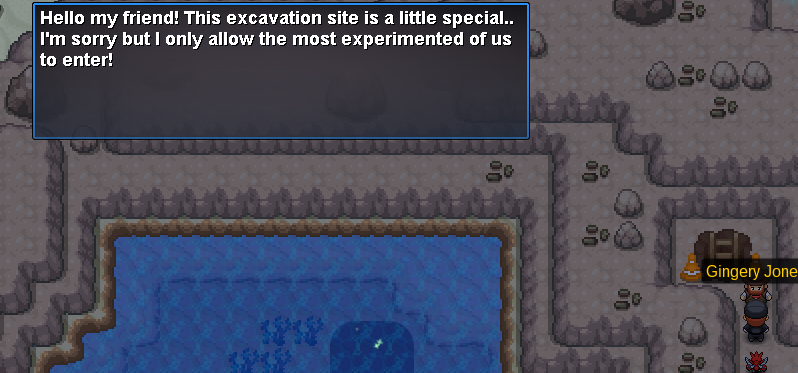
I dont know how to screnshot, but he says this site for experience bla bla bla like that , pls fix it please
-
I wait for almost 1 month for wondrous site isues and stil cant go in , please fix it i have 5000+ exca 1 month and still not fix the issues
-
Please fix it for me i got 5k exca but still cant go to wondrous site,
-
He say only expert can go there
-
How much exca for wondrous site? I have 5k but still cant go there
-
Why everybody always talking about hp like (hp ice, or anything) , What is the meaning of that, is that important?
-
But the grow stat will same ? Or the early evolved will stronger when they reaches lvl 100
-
Why everybody not evolved their pokemon until they reach lvl 100? Evolved make it stronger right? Or it just the same stat when they reach lvl 100?
-
-
How to describe item when you play in mobile , i cant do anythink, if you click you just use the item , if you hold you just drag the item -_-
