New Trade Zone
Trade Zone is now live
Use the new Trade Zone for auctions and instant-price trades so Pokemon and item offers are easy to find.

Pikachulover1
Registered User
-
Joined
-
Last visited
-
My ID is "pikachulover1" I made it as a joke, can you change it to "pikaboo" please, thank you!! ^-^
-
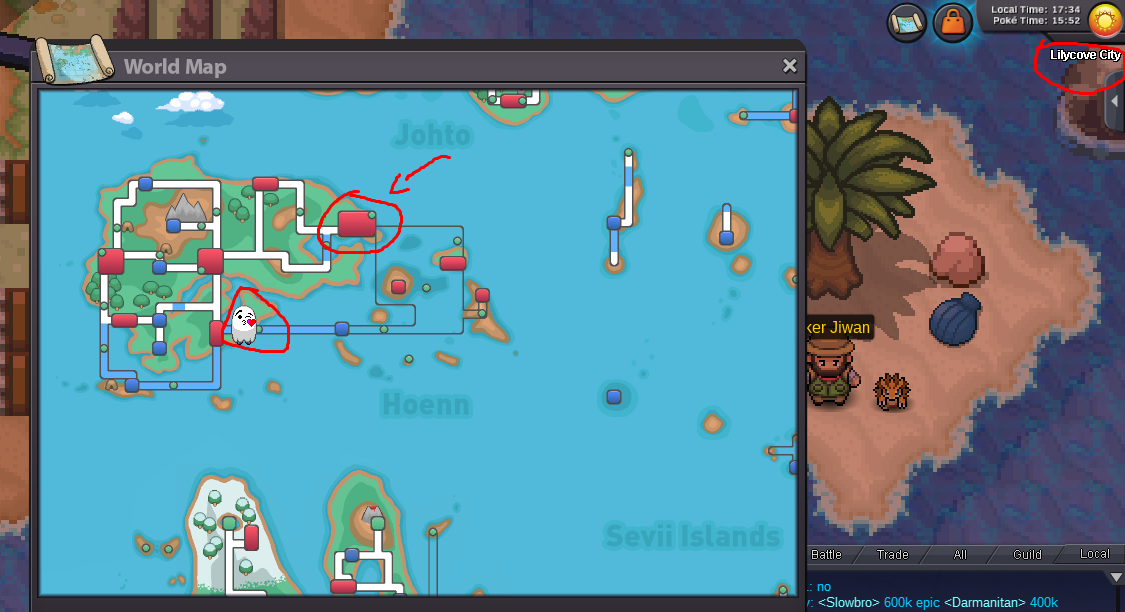
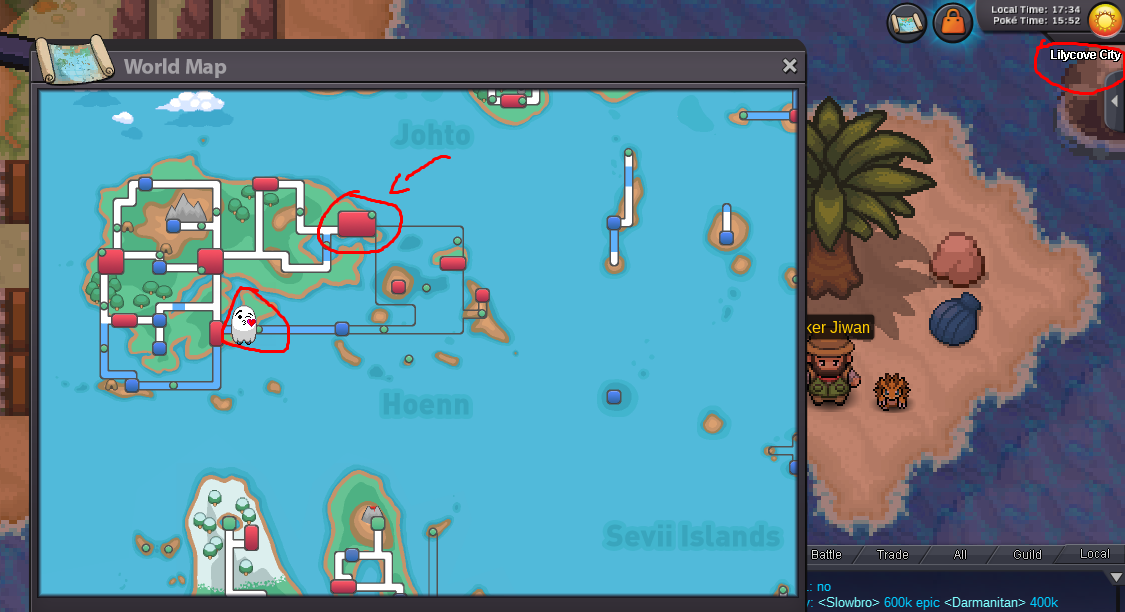
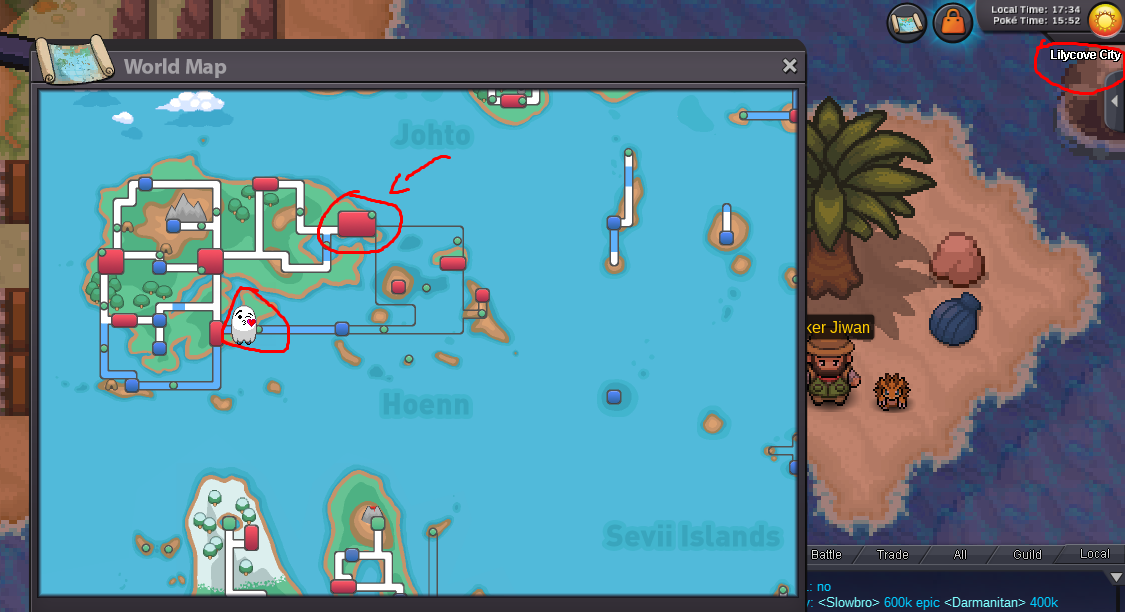
im in lilycove but on the map im not, its not frozen as when i move it moves all the way down there ap

-
im in lilycove but on the map im not, when i move it moves down where my character is how do i fix it, i relogged and restarted client


-
I personally got confused on the part (screenshot below) the connecting words are used wrong where it states "you need to go to route 115 AND go to tunnel" the 'and' should be a 'then' meaning after, 'and' means while you're there go to that cave. so it needs to be corrected.

-
ign:pikachulover1
-
IGN: PIKACHULOVER1
-
I literally have no proof of this as it happened by accident and im kinda upset... my blastoise hidden power was fire "the move stated fire" i got rid of it by accident and now the hidden power is "bug" i sold one of my main pvp pokemon just to get someone to get the tm for me cus i cant get to hoenn and now the power is bug? it was 100% fire before pokemon: blastoise an admin checked it out in game and said that stats match with bug even though i was 100% positive it was fire before hand i dont know if its a bug but it needs to be looked into for me as its a genuine worry. i donated $15 so i can get money to try resolve this ign :pikachulover1