New Trade Zone
Trade Zone is now live
Use the new Trade Zone for auctions and instant-price trades so Pokemon and item offers are easy to find.

Jpvernizzi
Suspended
-
Joined
-
Last visited
Everything posted by Jpvernizzi
-
Hello! Id' like to join the Guild. Started playing a few days ago (58 hours of gameplay) and I'm loving it :D IGN: Jpvernizzi Discord name: johnny
-
Both Windows and Video drivers were updated, so it was not the issue. Anyways, I'm playing again. In case someone is facing a similar issue, the solution was downloading and using the x86 architecture client (32bit), instead of x64 (which is the architecture of my system).
-
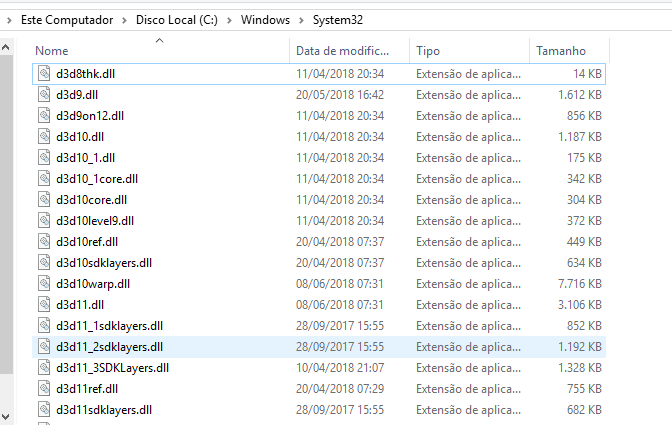
Just adding that I checked that I have directx9 in both System32 and SysWOW64 directories:

-
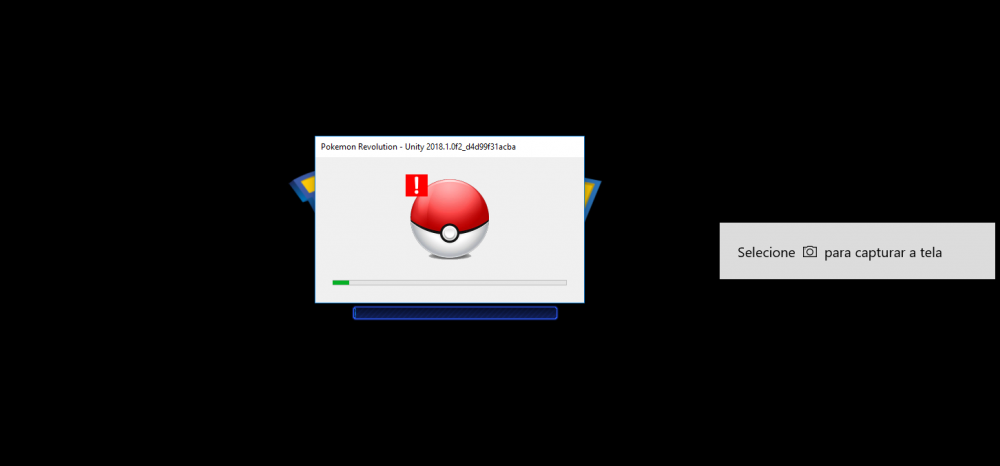
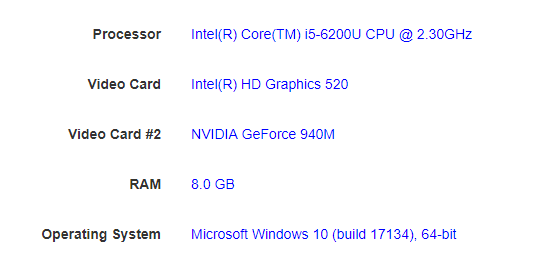
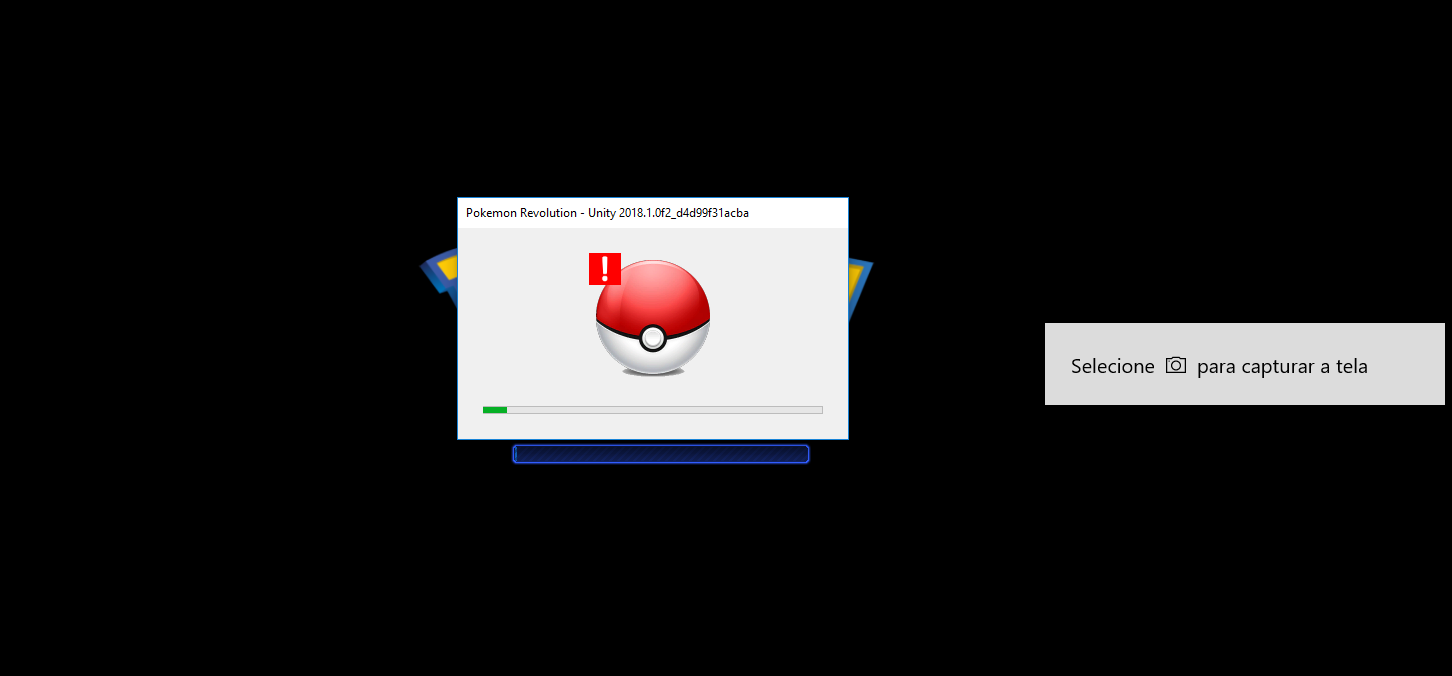
Hello, I installed this game yesterday and was playing fine, but today it is not working. It is crashing while loading. Error screenshot: My system specifications: I've tried everything suggested in this thread: https://pokemonrevolution.net/forum/topic/12212-url , such as forcing the use of directx9, adding PRO64.exe to firewall and windows defender exceptions, running client in compatibility mode, cleaning cache using CCleaner. I've also tried executing the client as Administrator. Didn't work. I've also checked that the Server Status says 'Online'. Now I'm out of ideas. Does anyone know how to fix it? Thanks in advance, Johnny.