New Trade Zone
Trade Zone is now live
Use the new Trade Zone for auctions and instant-price trades so Pokemon and item offers are easy to find.


Trainersoli
Registered User
-
Joined
-
Last visited
Everything posted by Trainersoli
-
-
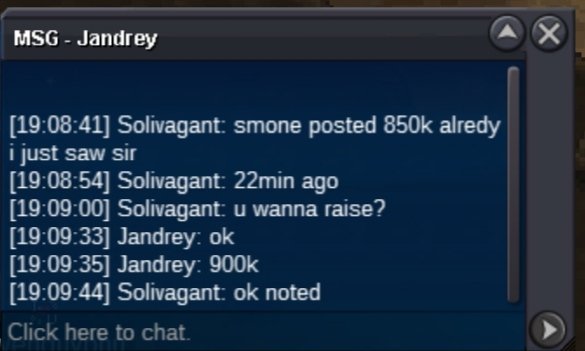
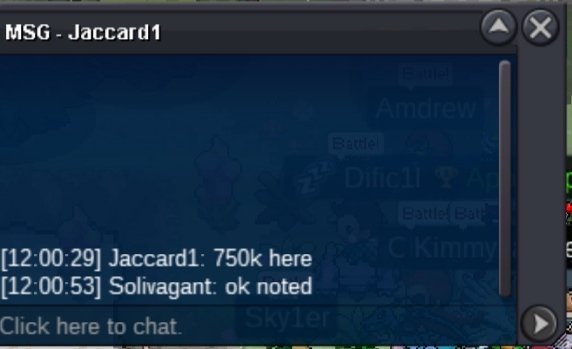
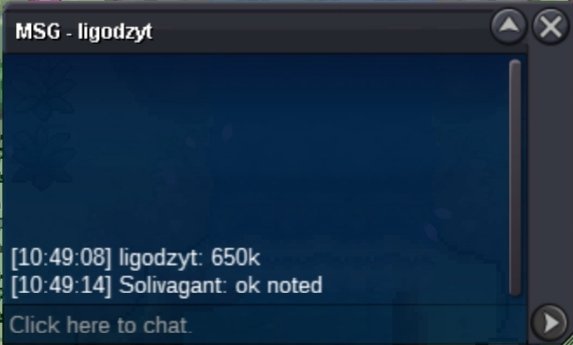
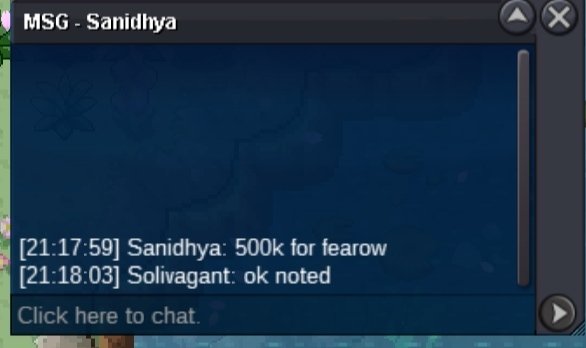
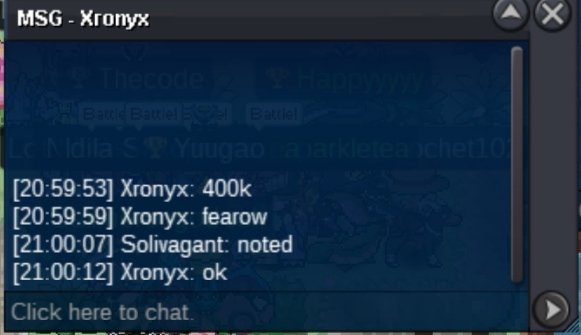
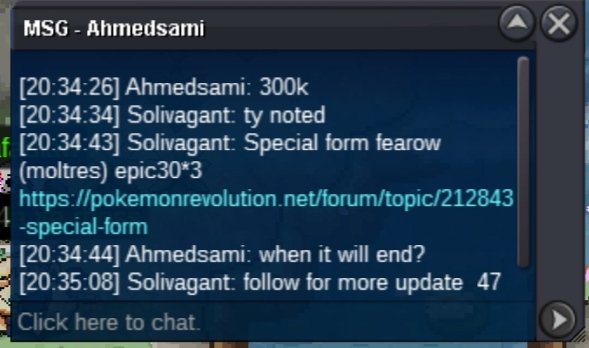
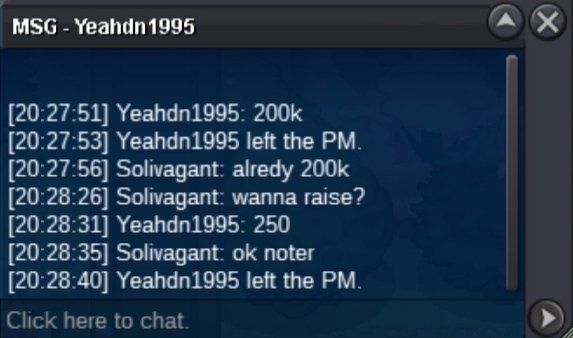
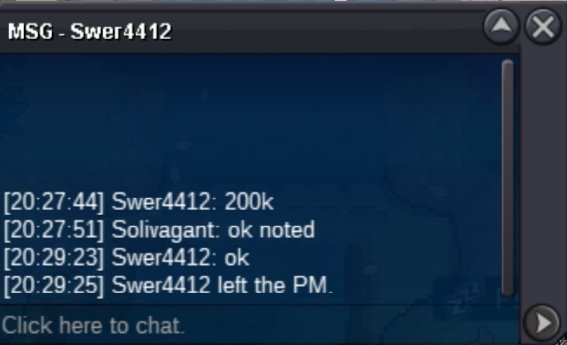
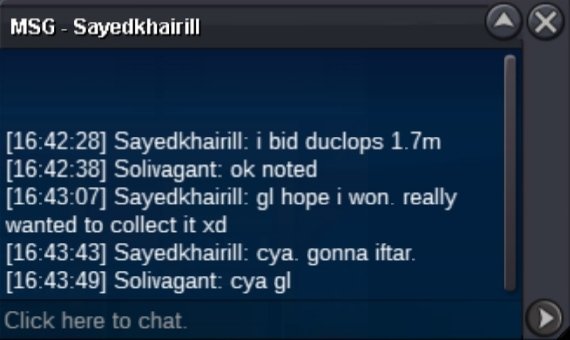
2m 150k

-
Congratulations @Meo195 ur the winner....pm me in game @Solivagantfor further process Discord id :- Solivagant#9329
-
12 min left ends at 8.18 pm indian time
-
Plz chek all Page's before bidRaise kangaskhanAuction ended congratulations @Meo195 for winning the auction...!
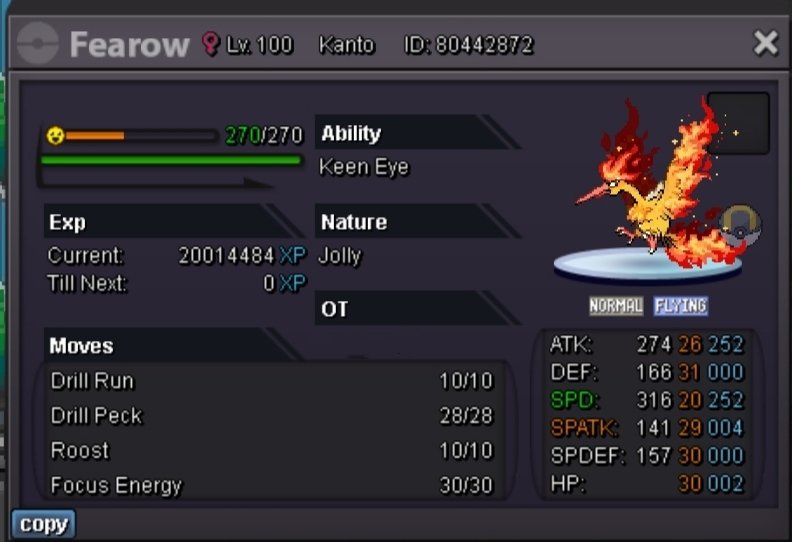 C for cancelledAuction cancelledCongratulations @Ezzyy22 contact me in game for further process tyUr coment time is confirmed at 5.18 sry for misunderstoodBumpSry i tagged u in main post of auction by mistek... M trying to remove it but it's not disapearing... Sry for the tagStart Change the title to hasty not hardy Thank you
Account
Navigation
Search
Configure browser push notifications
Chrome (Android)
- Tap the lock icon next to the address bar.
- Tap Permissions → Notifications.
- Adjust your preference.
Chrome (Desktop)
- Click the padlock icon in the address bar.
- Select Site settings.
- Find Notifications and adjust your preference.
Safari (iOS 16.4+)
- Ensure the site is installed via Add to Home Screen.
- Open Settings App → Notifications.
- Find your app name and adjust your preference.
Safari (macOS)
- Go to Safari → Preferences.
- Click the Websites tab.
- Select Notifications in the sidebar.
- Find this website and adjust your preference.
Edge (Android)
- Tap the lock icon next to the address bar.
- Tap Permissions.
- Find Notifications and adjust your preference.
Edge (Desktop)
- Click the padlock icon in the address bar.
- Click Permissions for this site.
- Find Notifications and adjust your preference.
Firefox (Android)
- Go to Settings → Site permissions.
- Tap Notifications.
- Find this site in the list and adjust your preference.
Firefox (Desktop)
- Open Firefox Settings.
- Search for Notifications.
- Find this site in the list and adjust your preference.