




New Trade Zone
Trade Zone is now live
Use the new Trade Zone for auctions and instant-price trades so Pokemon and item offers are easy to find.

Pasokoss
Registered User
-
Joined
-
Last visited
Everything posted by Pasokoss
-
Up 53 min left
-
Around 24 hours left. Good luck
-
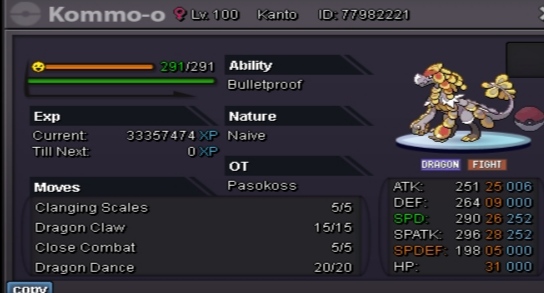
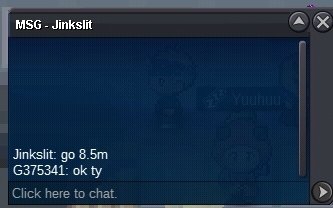
47 hours left c.o 8.5mAuction started 22:25(+2gmt greece) 11-11-21
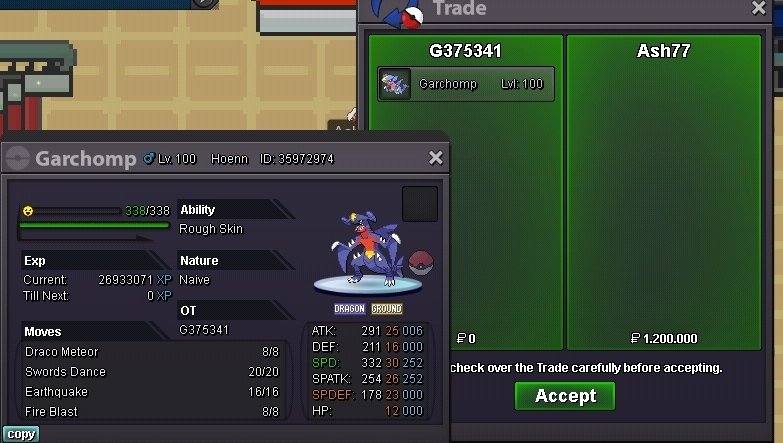
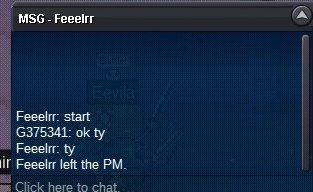 Hallow tyra added upGarchomp naive sold. Ty Ash77
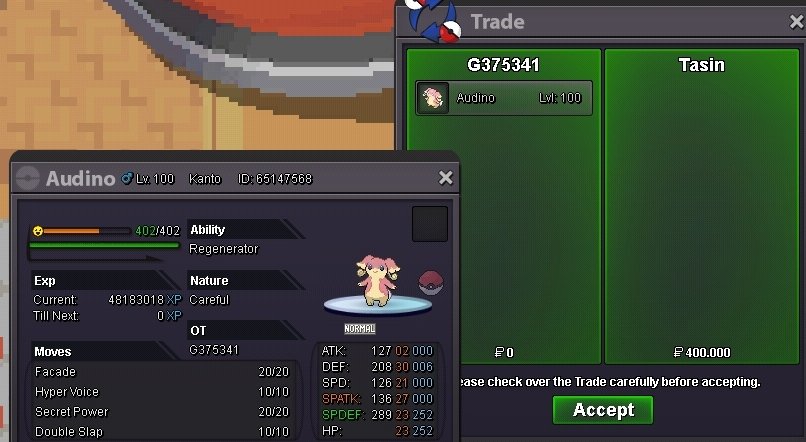
 Audino sold. Ty tasin
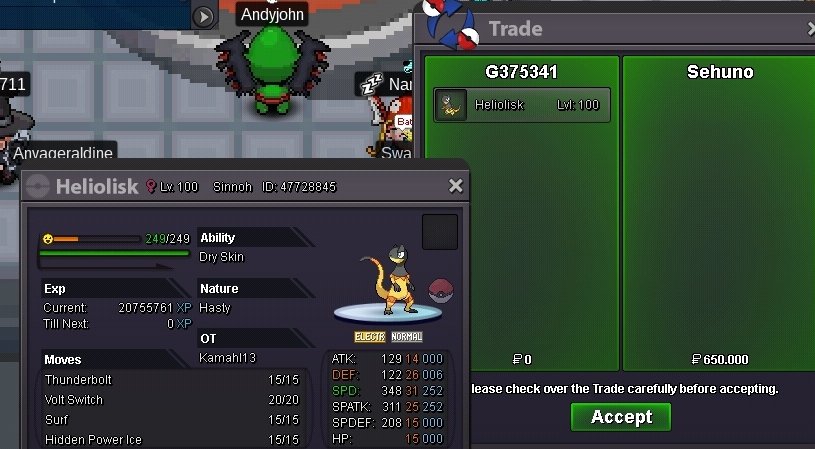
 Heliolisk sold
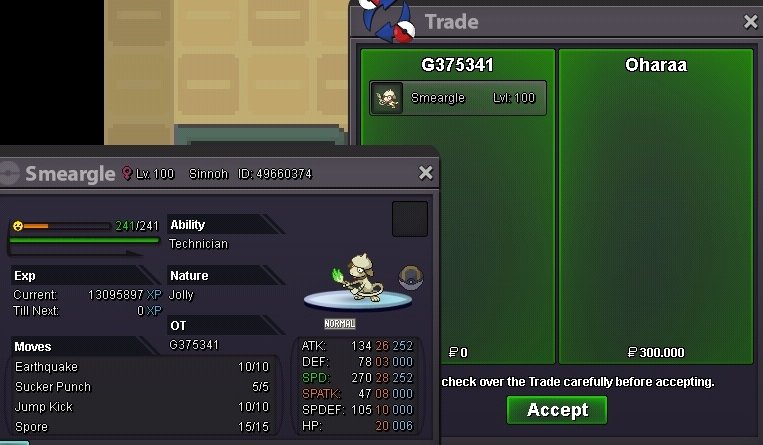
 StartUpUp audino garde addedSmeargle sold. Ty Oharaa
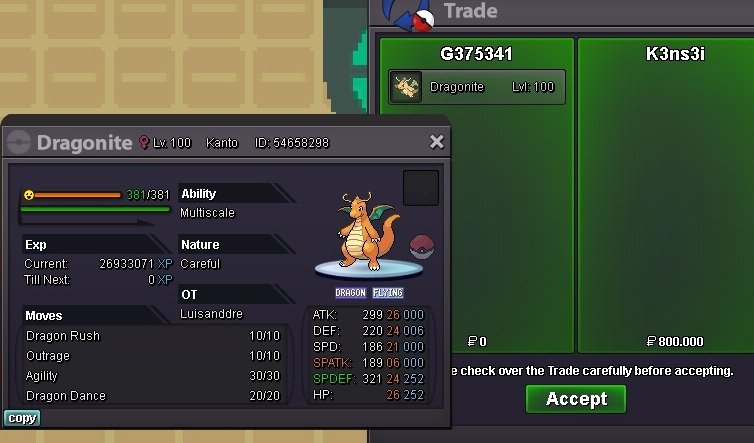
 Dragonite sold. Ty K3NS3I
 S. O 1m Min raise 200k 2 days auction after the first bid Accept cc 380k
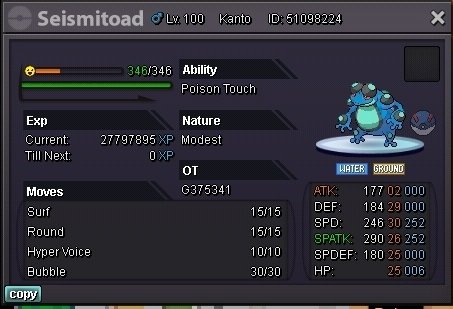
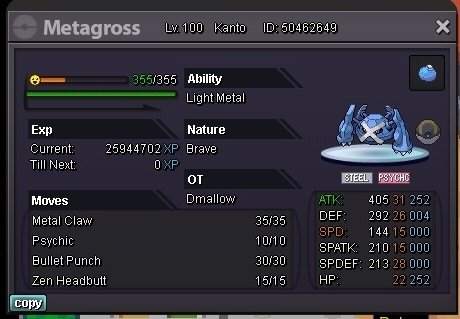
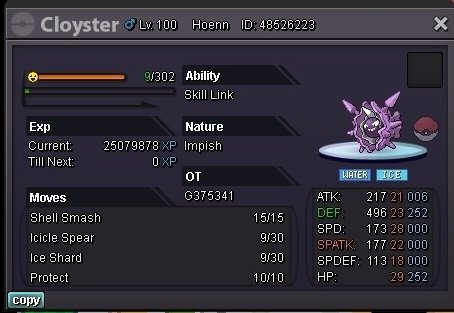
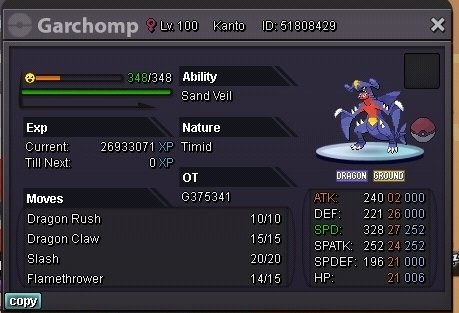
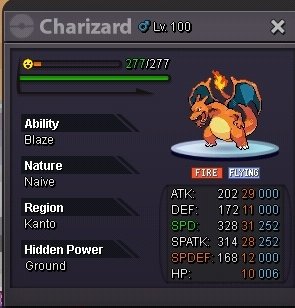
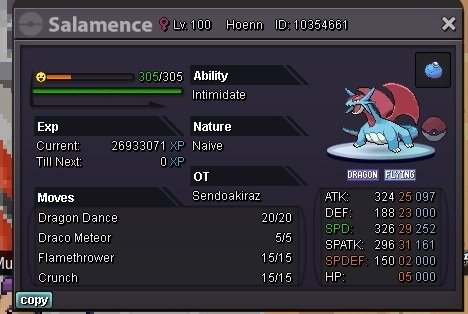
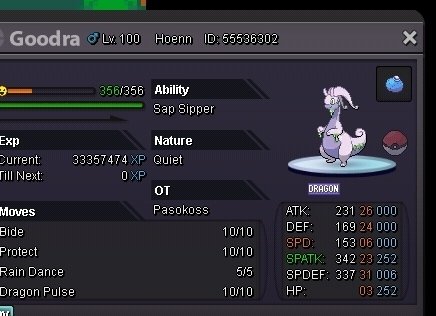
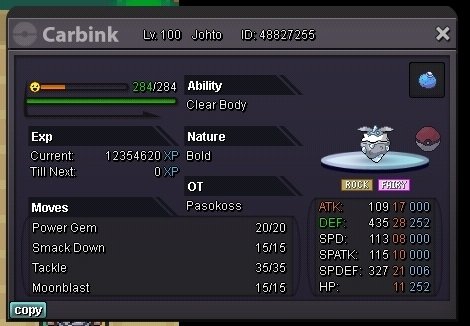
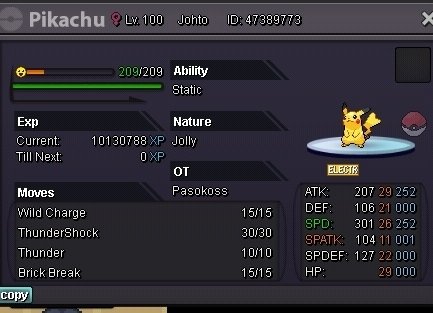
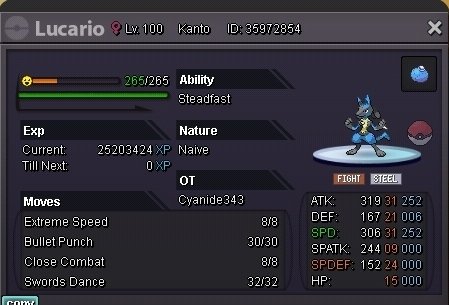
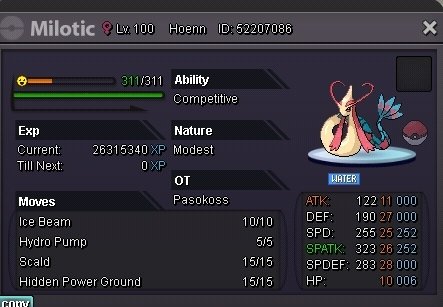
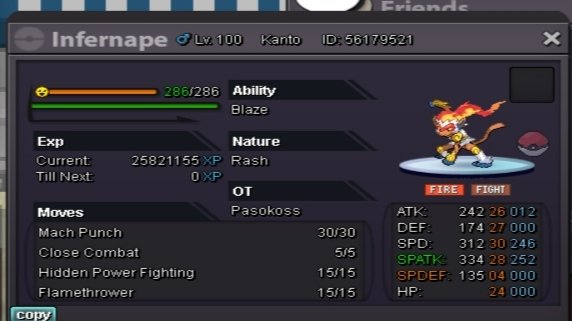
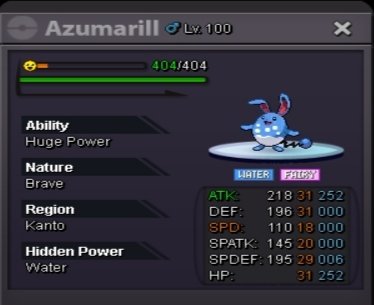
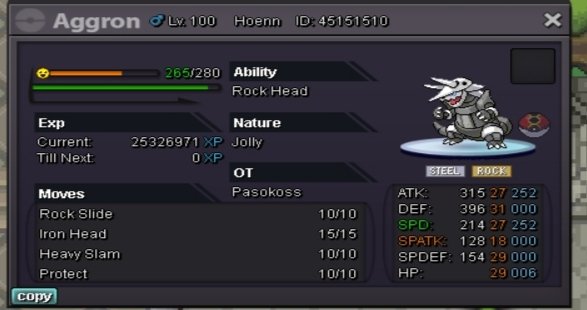
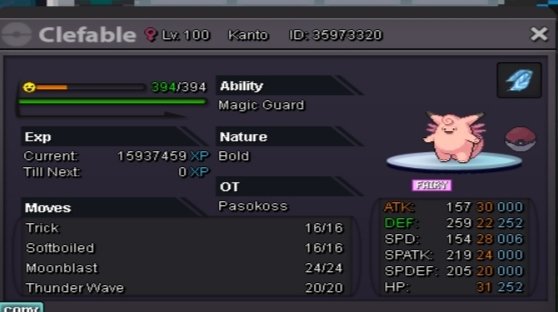
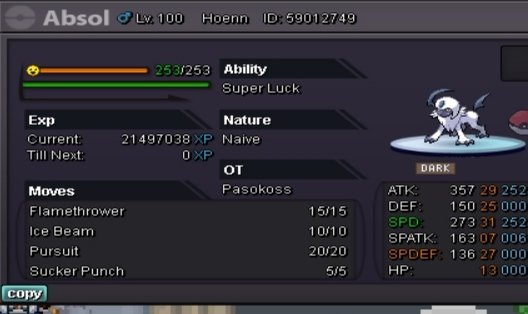
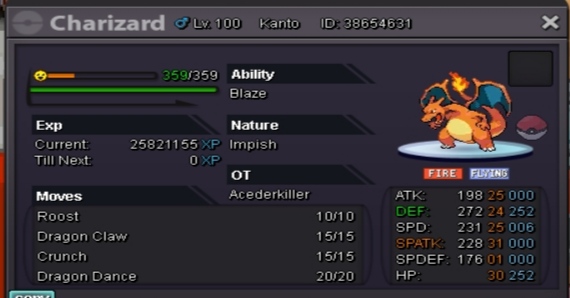
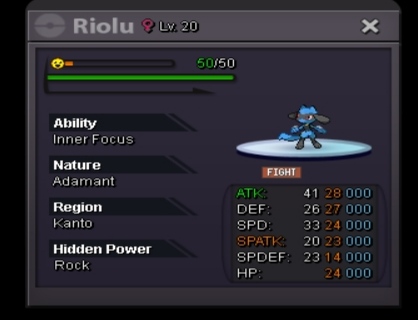
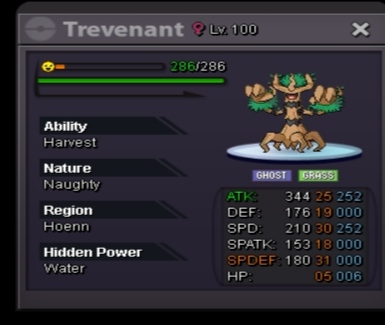
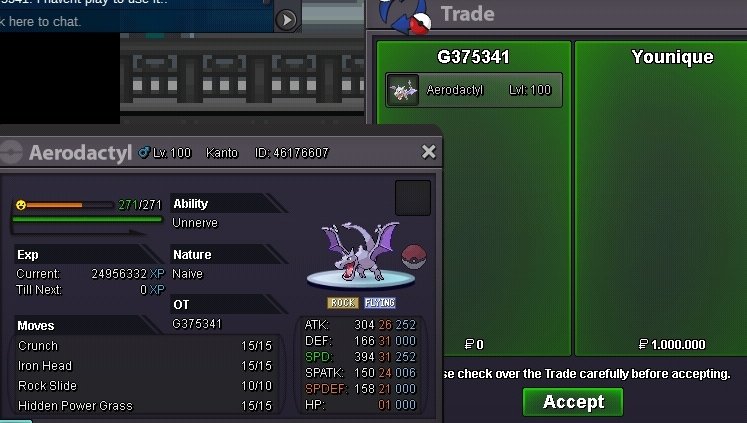
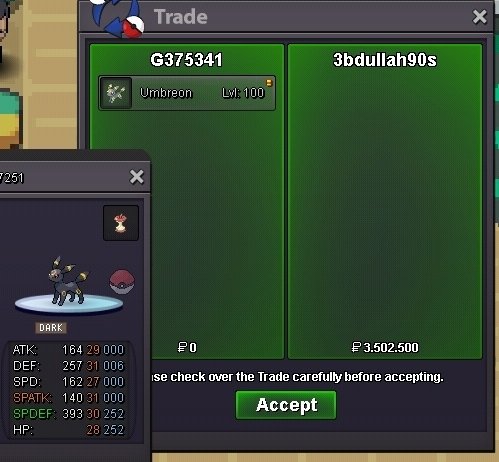
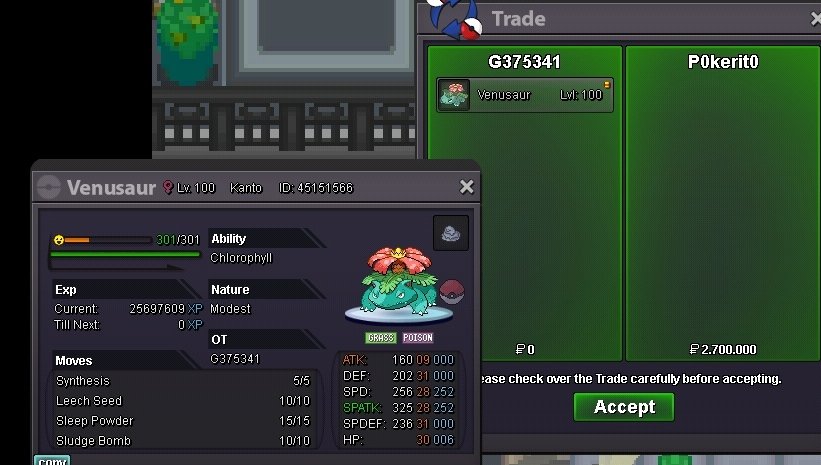
 Change the s.o to 8m. UpUpThe winner dont want to take the pokemon. Mods can help me?Hi im selling this pokemons. Accept cc 360k Discord : pasokoss#1206 300k 550 k 220 k 31spd h.a 400 k 450 k 500 k 500k 31 spd super luck 31/31/31 mega naive 1m Mixed 24+ hp fighting to not miss 1m 400k 900k 200k 250k 300k 700k 25+ 250k 900k 400k 200k 21+ 350k 2.5m 31 spd hp ground 500k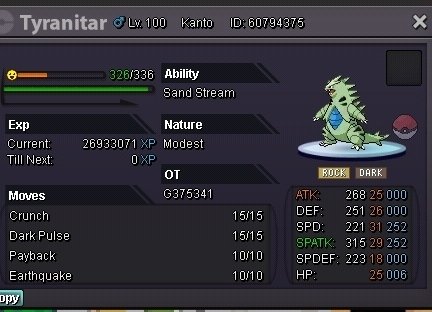








Account
Navigation
Search
Configure browser push notifications
Chrome (Android)
- Tap the lock icon next to the address bar.
- Tap Permissions → Notifications.
- Adjust your preference.
Chrome (Desktop)
- Click the padlock icon in the address bar.
- Select Site settings.
- Find Notifications and adjust your preference.
Safari (iOS 16.4+)
- Ensure the site is installed via Add to Home Screen.
- Open Settings App → Notifications.
- Find your app name and adjust your preference.
Safari (macOS)
- Go to Safari → Preferences.
- Click the Websites tab.
- Select Notifications in the sidebar.
- Find this website and adjust your preference.
Edge (Android)
- Tap the lock icon next to the address bar.
- Tap Permissions.
- Find Notifications and adjust your preference.
Edge (Desktop)
- Click the padlock icon in the address bar.
- Click Permissions for this site.
- Find Notifications and adjust your preference.
Firefox (Android)
- Go to Settings → Site permissions.
- Tap Notifications.
- Find this site in the list and adjust your preference.
Firefox (Desktop)
- Open Firefox Settings.
- Search for Notifications.
- Find this site in the list and adjust your preference.