New Trade Zone
Trade Zone is now live
Use the new Trade Zone for auctions and instant-price trades so Pokemon and item offers are easy to find.

Laable
Registered User
-
Joined
-
Last visited
Everything posted by Laable
-
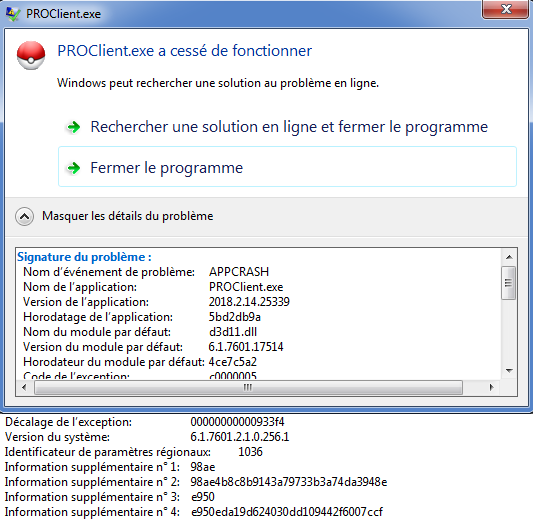
Well it's still annoying , start client . exe -- > crash , start it again --> crash until it works somehow. Having a freeze in game so I have to close my game this routine starts again, crash and crash until it works with some luck. I guess there is no solution for my problem you may close this thread I will stop playing PRO.
-
Win 7 64 bits 6 Gb Ram I'm playing PRO right now and it is running very well , the only probleme is this client crash. Once I managed to open the client I can play without any issues.
-
Hello , Thanks for your answer. Posting here was my last hope because I already tried all those options.
-
Hello , My client keeps crashing , I have to try 20 - 30 times until the game finaly open. Does anyone could help me out here. Thanks