New Trade Zone
Trade Zone is now live
Use the new Trade Zone for auctions and instant-price trades so Pokemon and item offers are easy to find.

Brunoblazer6
Registered User
-
Joined
-
Last visited
-
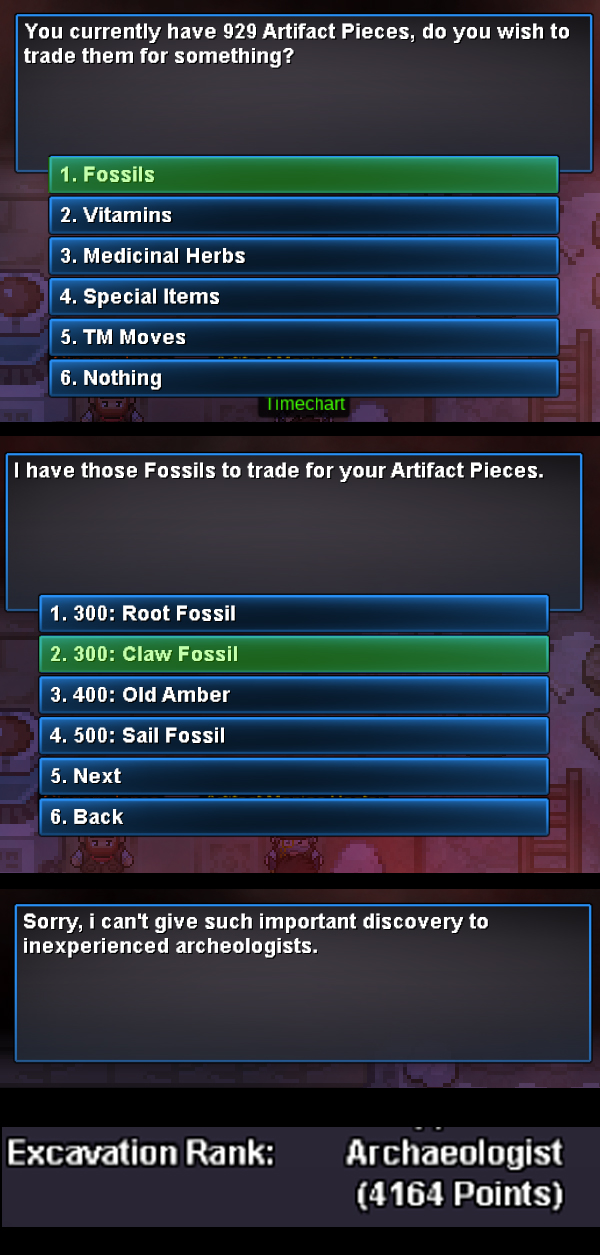
Artifact Maniac Hastor no sell claw fossil
-
-
imagine the parvoice, I'm sitting on the couch playing and when I need to get into the water or use the dig I have to get up to come to the computer mouse lol
-
Yes, that's it. when I get to a tree I carry it and simplest the cut is used, when it appears a stone in the way the same thing, with the surf, the hadbutt and with the dig it does not happen
-
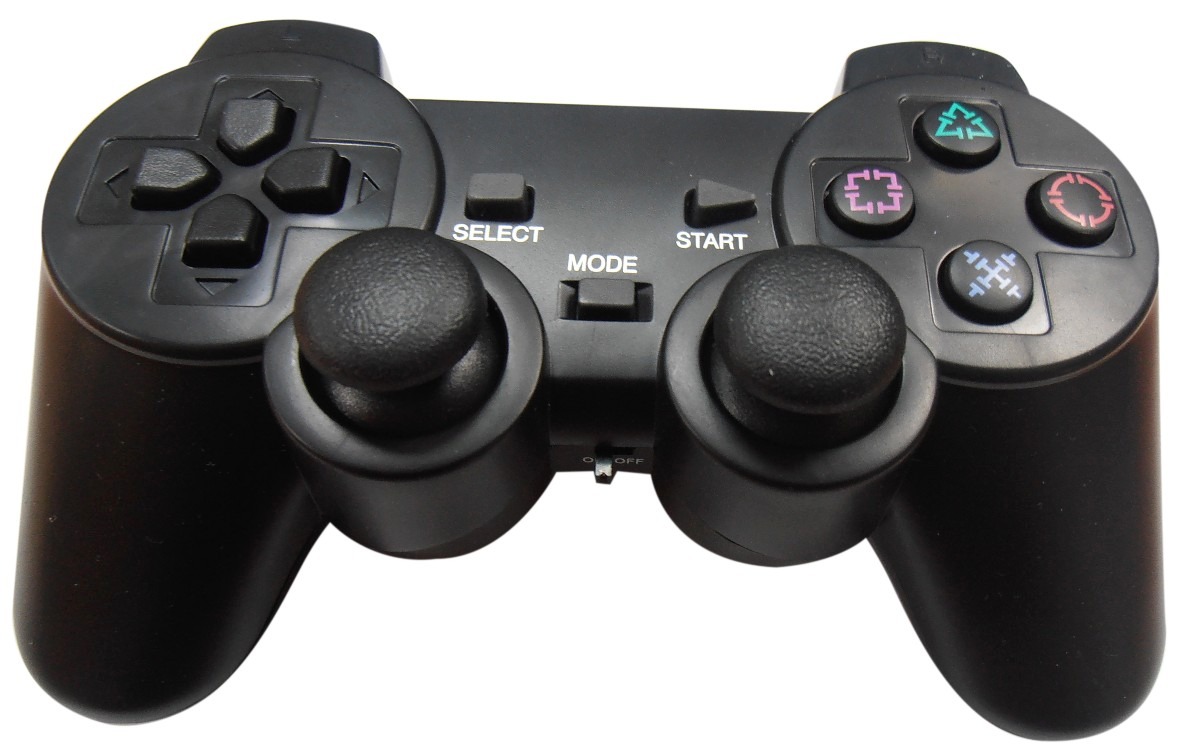
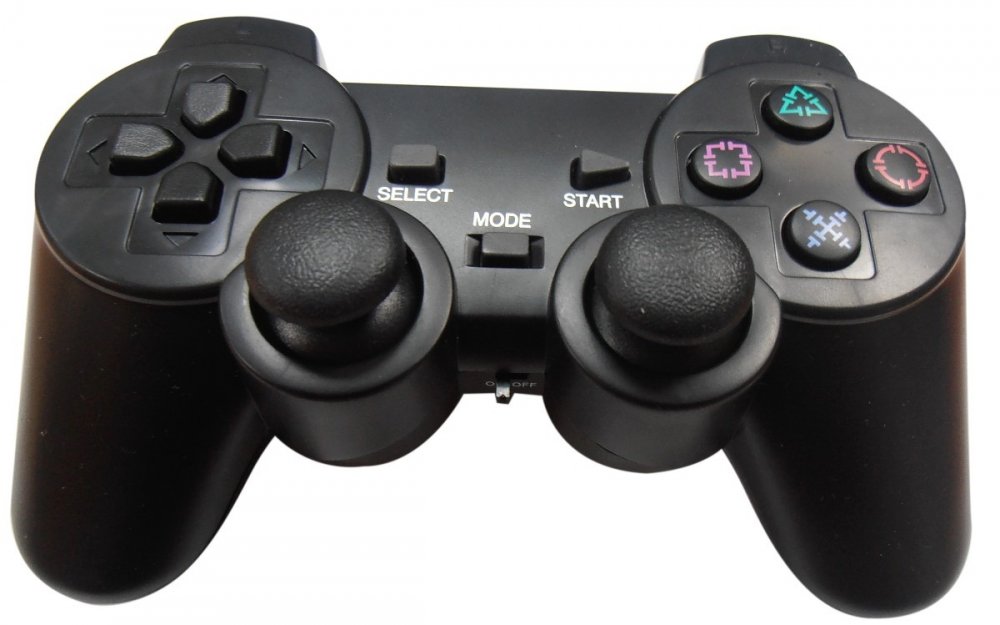
Hello my friend, yes it is a command of a pc a joystick
-
friends, good night or good day, I play with command and I configure the keys in the key binding, but I can not choose the option "OK" when I approach the water I use the 1 key to enter but then ask ok to surf or cancel. This does not happen with the cut for example, I arrive, I load and it simply uses so do other things where you have to choose

-
I accept the return of my hunter or gengar