




Skip to content
View in the app

A better way to browse. Learn more.

Pokemon Revolution Online

A full-screen app on your home screen with push notifications, badges and more.

To install this app on iOS and iPadOS
  1. Tap the Share icon in Safari
  2. Scroll the menu and tap Add to Home Screen.
  3. Tap Add in the top-right corner.
To install this app on Android
  1. Tap the 3-dot menu (⋮) in the top-right corner of the browser.
  2. Tap Add to Home screen or Install app.
  3. Confirm by tapping Install.

Delsun

Suspended
  • Joined

  • Last visited

Everything posted by Delsun

  1. Update: I cam back after a few days doing nothing, then the script shown up, I guess it's working now. I caught one of those 3. Thank you, you can lock the thread 🙂
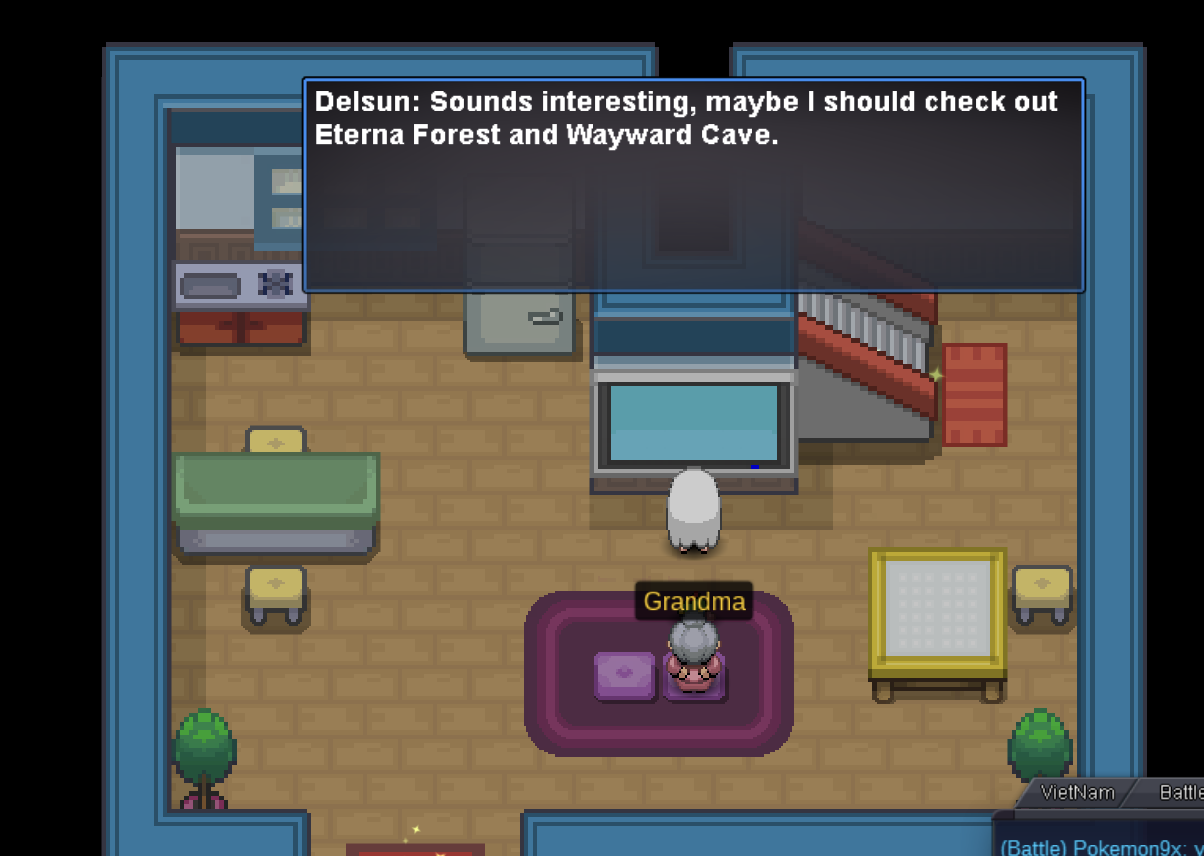
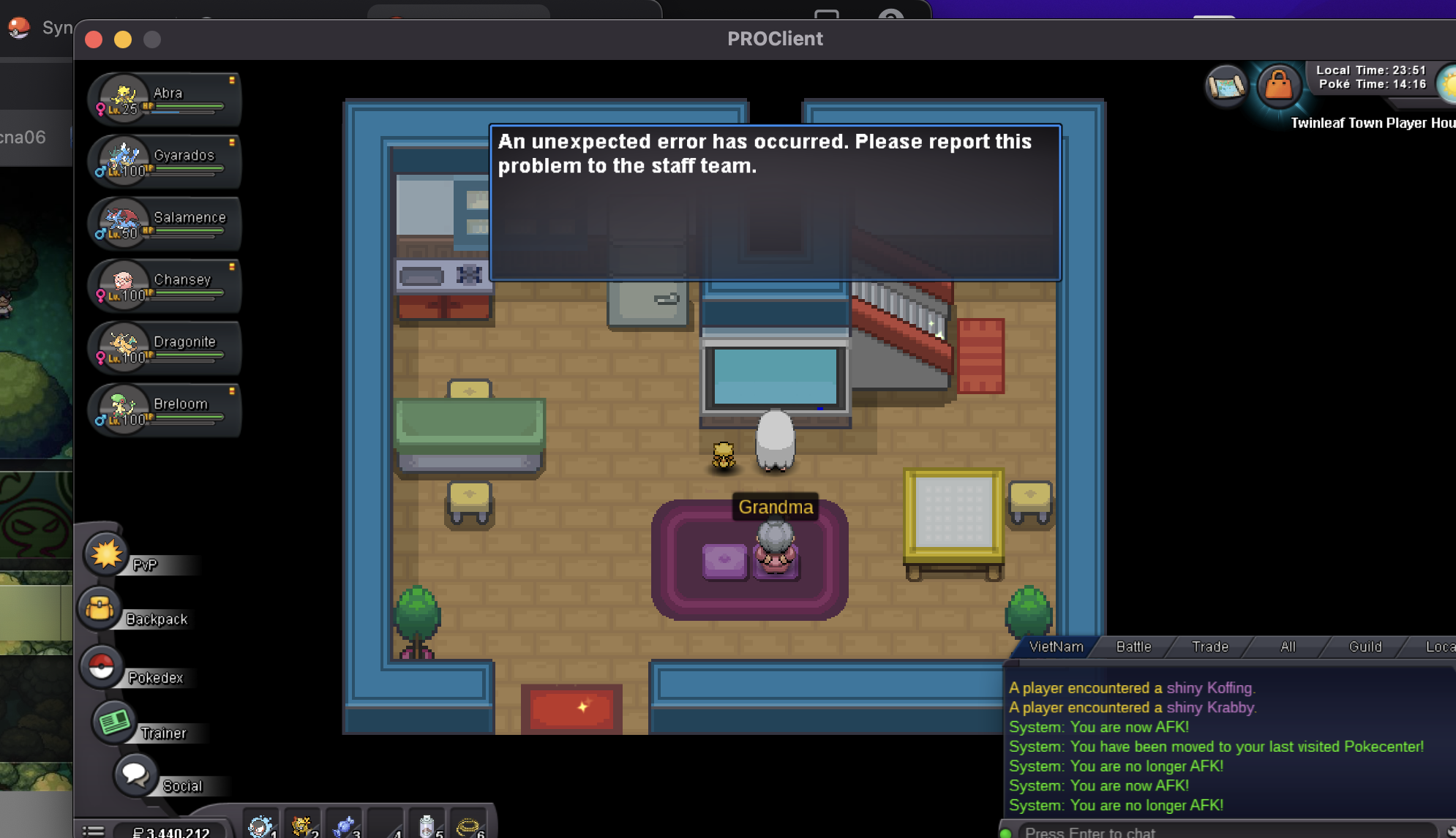
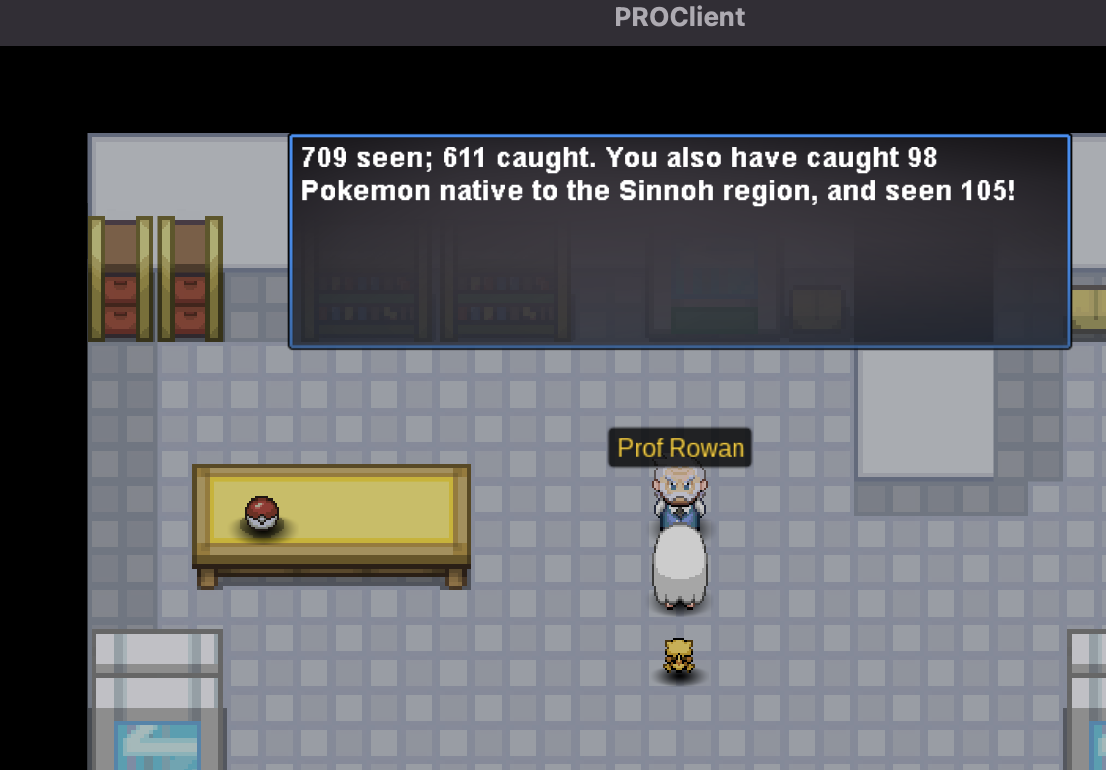
  2. Hello there, I'm experiencing the bug after Dawn told me to interact with the TV. Also, I'm unable to find Lustrous Orb and Adamant Orb ( neither of 3 locations indicated in Prowiki page)
Account

Navigation

Search

Search

Configure browser push notifications

Chrome (Android)
  1. Tap the lock icon next to the address bar.
  2. Tap Permissions → Notifications.
  3. Adjust your preference.
Chrome (Desktop)
  1. Click the padlock icon in the address bar.
  2. Select Site settings.
  3. Find Notifications and adjust your preference.