




New Trade Zone
Trade Zone is now live
Use the new Trade Zone for auctions and instant-price trades so Pokemon and item offers are easy to find.


Refusinq
Registered User
-
Joined
-
Last visited
Everything posted by Refusinq
-
I got confused with the time since my computer and the irl time has a time gap which confused me a lot.
-
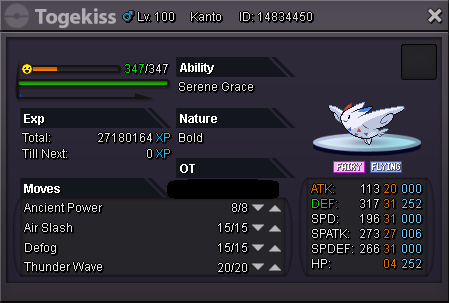
Auction has Ended! Sorry for the delay Nabinaris, I will deliver you the Togekiss when and where you want to meet up.
-
12 Hours Left!
-
Bump 1 day left
-
-=- Auction Bids Info -=- - Current Offer: 400k - By Nabinaris - Minimum Bid: 50k - Instant: 1m -=- Auction Rules -=- - 3 Day long Auction. (GMT +8) - Timer starts after the first bid. - Fake bids will be reported. -=- Accepted Payment -=- - Pokedollars - CC = 230k
-
-
I'll buy rotom #5 and the S.Mankey
-
- IGN: Refusinq - Discord name: Im not a weaboo#7001 - Pokemon name: Rotom-Tech - Pokemon Typing: Electric/Steel - Pokemon description: This rotom evolution is based around the Martian Fighting Machines, Being able to give out Heavy special attacks But having decent defences. - Picture/drawing (optional):
.jpeg.2e5cae61ab7ac62bd6ca0983ff369559.jpeg)
-
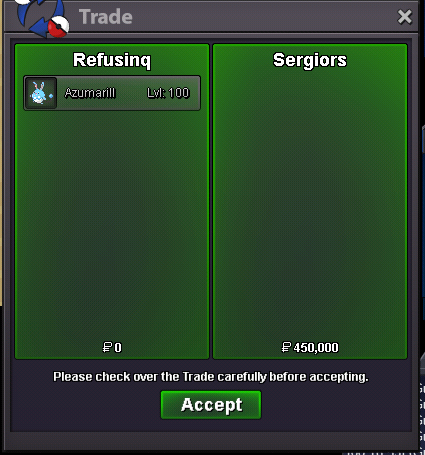
Azumarill Auction Winner!
-
Last minute bid!

-
24 hours remaining for the Azumarill Auction!
-
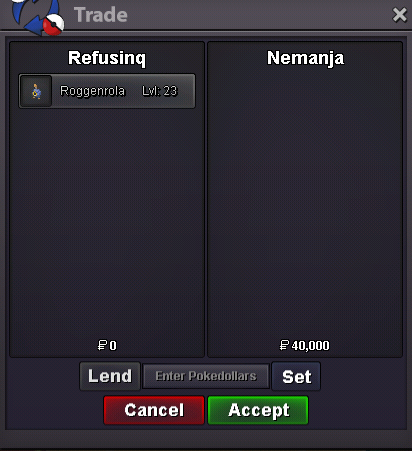
Roggenrola Sold.
-
48 hours remaining for the Azumarill auction!
-
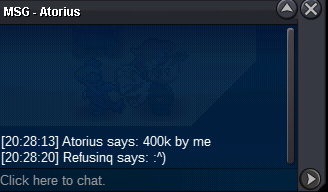
400k c.o now on Azumarill
-
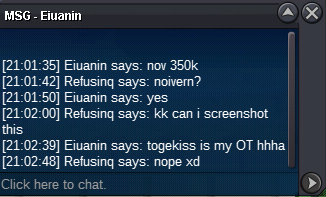
350k c.o now on Azumarill

-
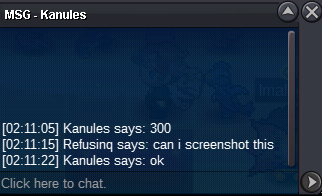
300k c.o now on Azumarill
-
Azumarill will end in 72 hours
-
New pokes added!
-
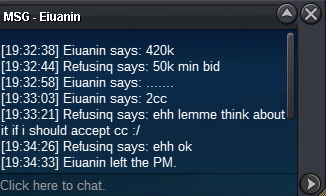
Auction ended. Eiuanin is winner by 2 cc
-
12 hours left until auction ends.
-
-
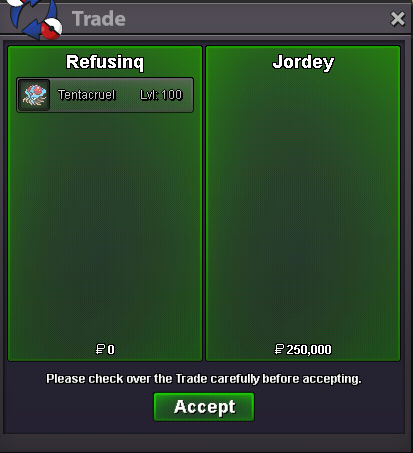
Tentacruel sold in-game



Account
Navigation
Search
Configure browser push notifications
Chrome (Android)
- Tap the lock icon next to the address bar.
- Tap Permissions → Notifications.
- Adjust your preference.
Chrome (Desktop)
- Click the padlock icon in the address bar.
- Select Site settings.
- Find Notifications and adjust your preference.
Safari (iOS 16.4+)
- Ensure the site is installed via Add to Home Screen.
- Open Settings App → Notifications.
- Find your app name and adjust your preference.
Safari (macOS)
- Go to Safari → Preferences.
- Click the Websites tab.
- Select Notifications in the sidebar.
- Find this website and adjust your preference.
Edge (Android)
- Tap the lock icon next to the address bar.
- Tap Permissions.
- Find Notifications and adjust your preference.
Edge (Desktop)
- Click the padlock icon in the address bar.
- Click Permissions for this site.
- Find Notifications and adjust your preference.
Firefox (Android)
- Go to Settings → Site permissions.
- Tap Notifications.
- Find this site in the list and adjust your preference.
Firefox (Desktop)
- Open Firefox Settings.
- Search for Notifications.
- Find this site in the list and adjust your preference.