New Trade Zone
Trade Zone is now live
Use the new Trade Zone for auctions and instant-price trades so Pokemon and item offers are easy to find.

Kahkean007
Registered User
-
Joined
-
Last visited
Everything posted by Kahkean007
-
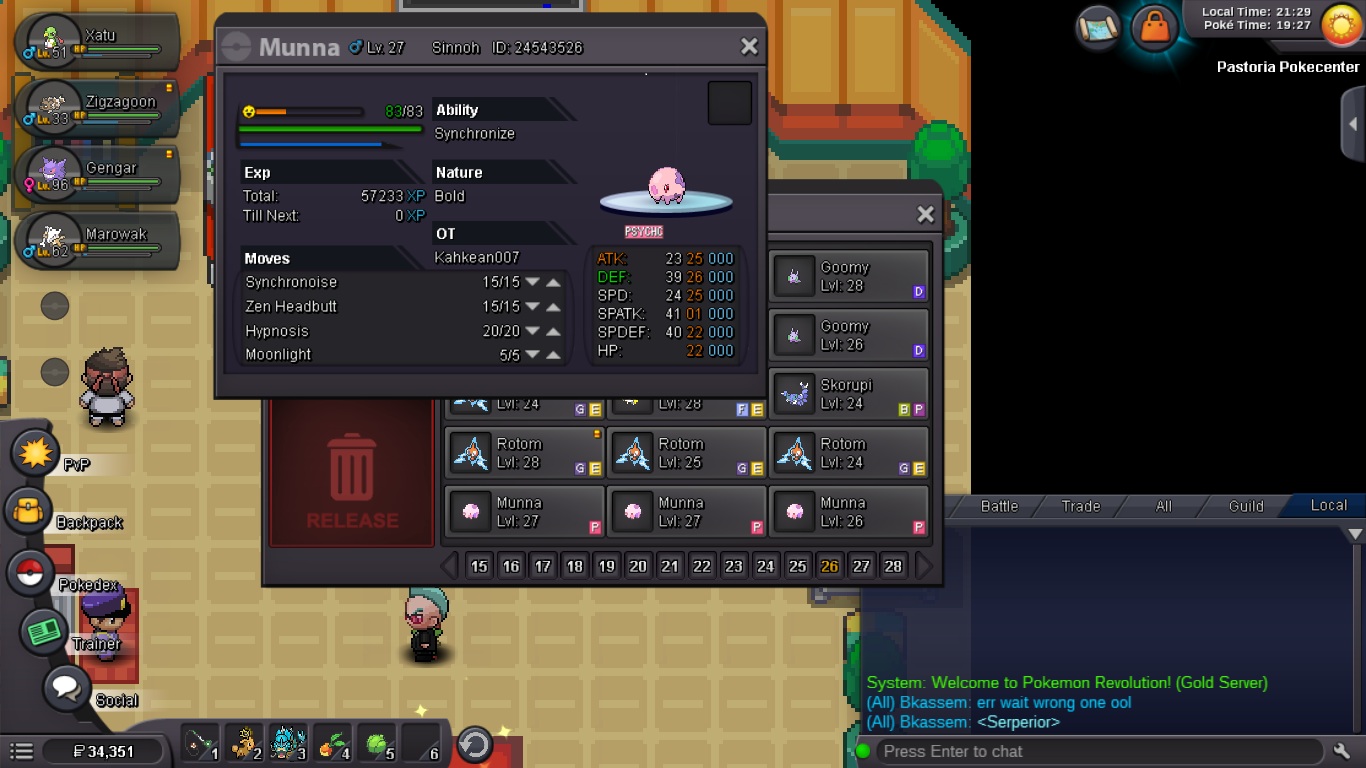
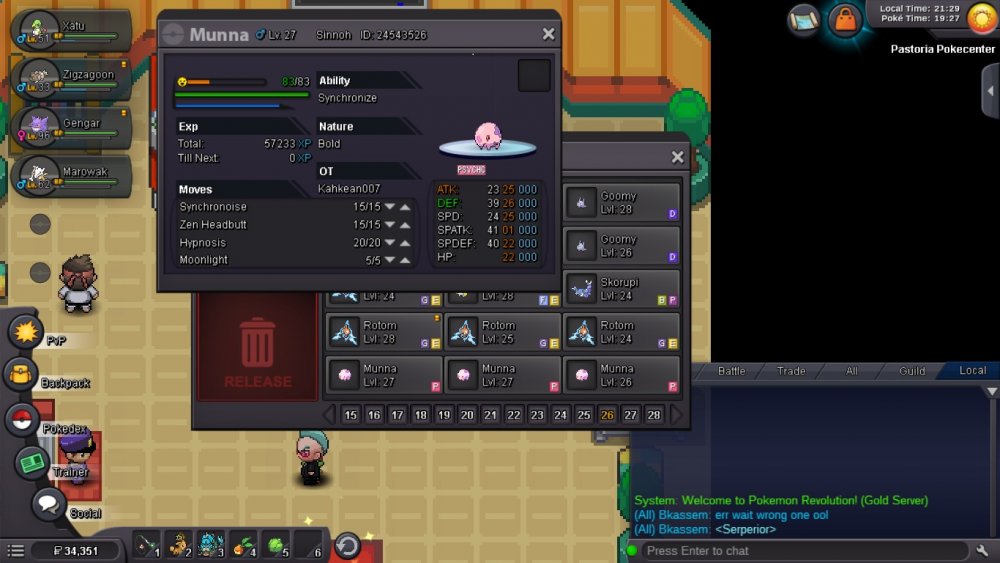
Hi, my respected staff, I hunt Munna for a long time, I finally got a almost epic one Munna today, but unfortunately my Munna has a stats for atk of 25 but sp. atk for 01. I show my fully respect to the PRO GM and Staff, I hope that I can switch both of that stats, so that the stats for atk is 01 and sp. atk is 25. I love PRO, I hope tat this mini dream can come true with all of your help. Thank you , appreciate for all those hard work on the game. Thank you so much......
-
I train my riolu untill 97lvl and give it 3 rare candy, but the evolve system box doesn't pop up.Then my riolu become 100lvl and I waste my rare candy too. Hope that i can delevel my riolu and give me back 1 rare candy[ATTACH=full]67830[/ATTACH]
-
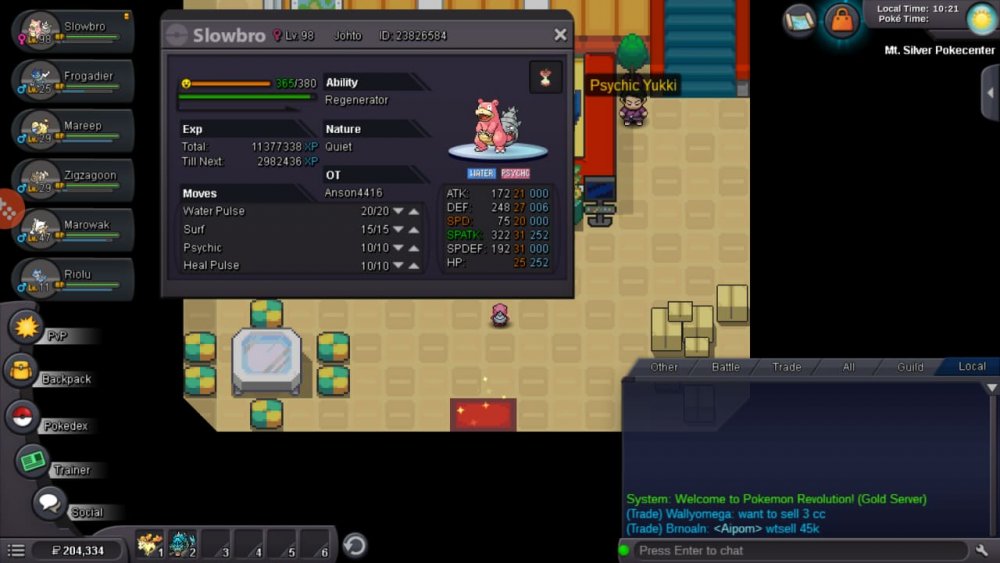
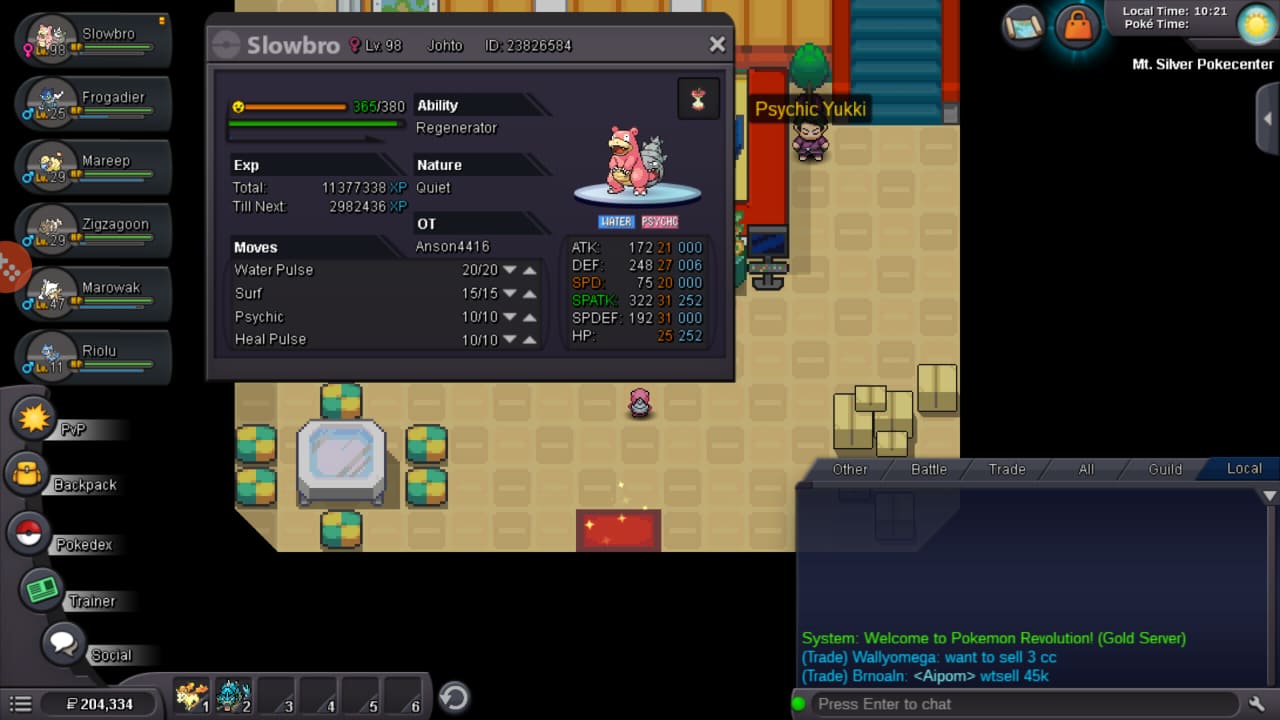
Hi my respected GM, I'm is to ask a help from u. I accidentally evolve my slowpoke to slowbro, i would like to ask a help so that you can unevolve the slowbro to slowpoke, I'm not the owner of the slowpoke, I just help the owner to train the slowpoke, but I accidentally to evolve it into slowbro. This made me sad and sorry. I hope that GM can help me in this case. I would pay u something for remuneration. The ID for the slowbro is 23826584.