New Trade Zone
Trade Zone is now live
Use the new Trade Zone for auctions and instant-price trades so Pokemon and item offers are easy to find.

Chaumeleon
Registered User
-
Joined
-
Last visited
-
I just created a new account and that account worked. I'm not sure why this account didn't. Thanks for the help
-
Hi I changed the password and tried again but it doesn't work. By alphanumerical, you mean only letters and numbers right? If thats the case, my password should fit the criteria. Would it be because I'm using the 64x version?
-
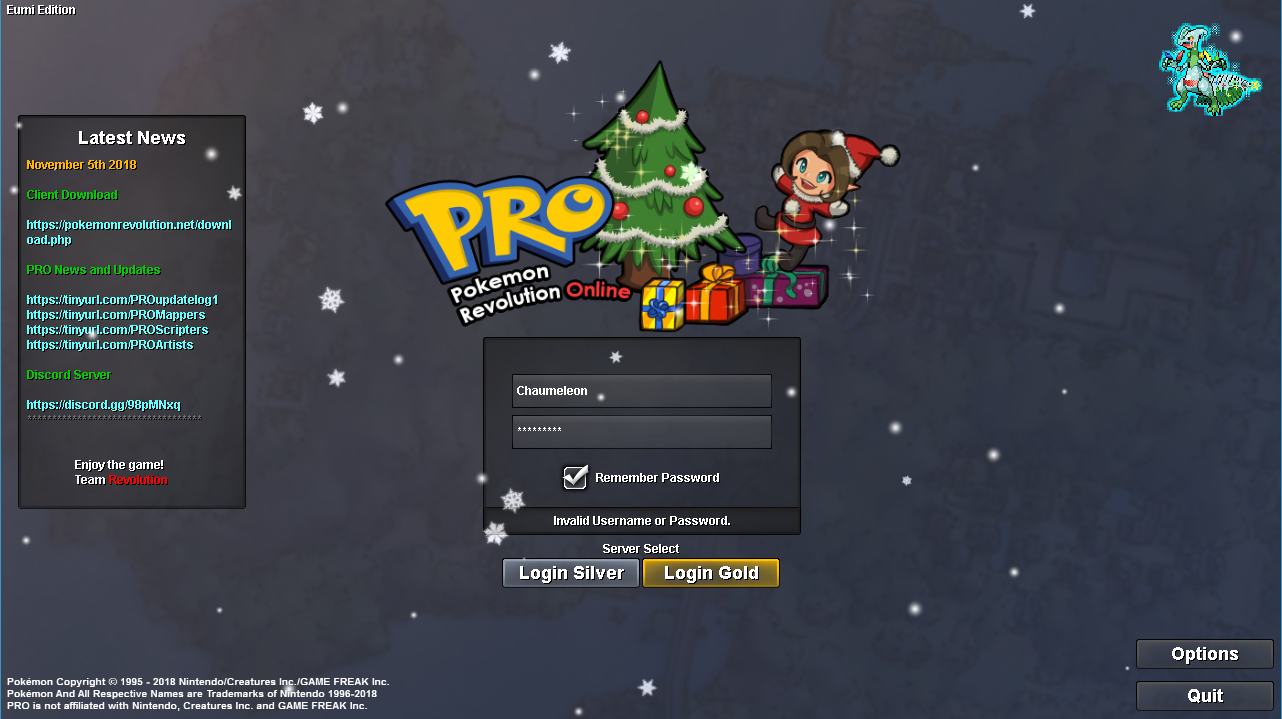
Hi! I have received an email already. So i don't think that's the issue. I used the account I registered for the forum so I think the account exists. The error message is that it is an invalid username or password. I have attached the error message. Thanks!

-
Hi, I'm new to the game. I registered an account but unable to log in. Would like to know whether there is suppose to be a delay or there is something wrong? I already tried changing the password and logging in. I'm certain i didn't make a mistake with the password.