




New Trade Zone
Trade Zone is now live
Use the new Trade Zone for auctions and instant-price trades so Pokemon and item offers are easy to find.

Khaihoan2662004
Suspended
-
Joined
-
Last visited
Everything posted by Khaihoan2662004
-
S.o : 300k Min bid : 100k No instant price Duration : 24h ( after the first bid is met) Accepted : Coin Capsule 450k
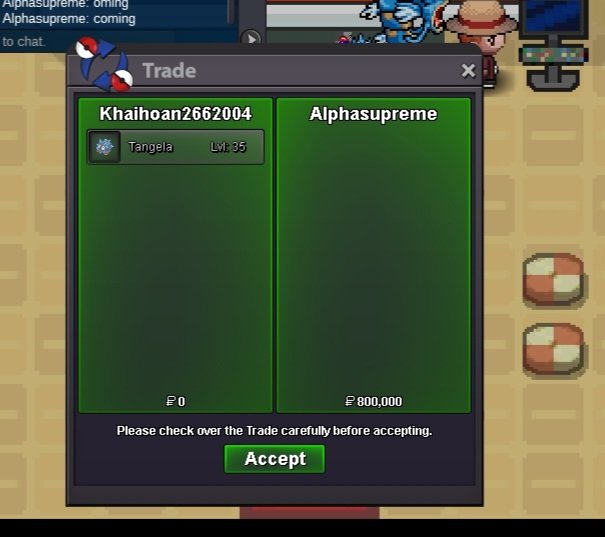
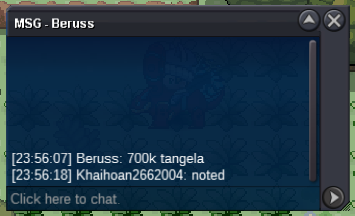
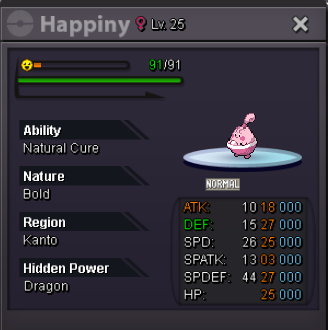 @Alphasupremeyou won the auction. please tell me when you can go online for the trade@Alphasupreme please confirm your bidI forgot the auction so its up to now I checked the forum and saw this guy bid for the tangela
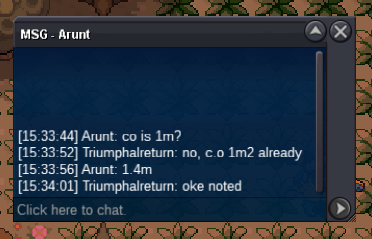
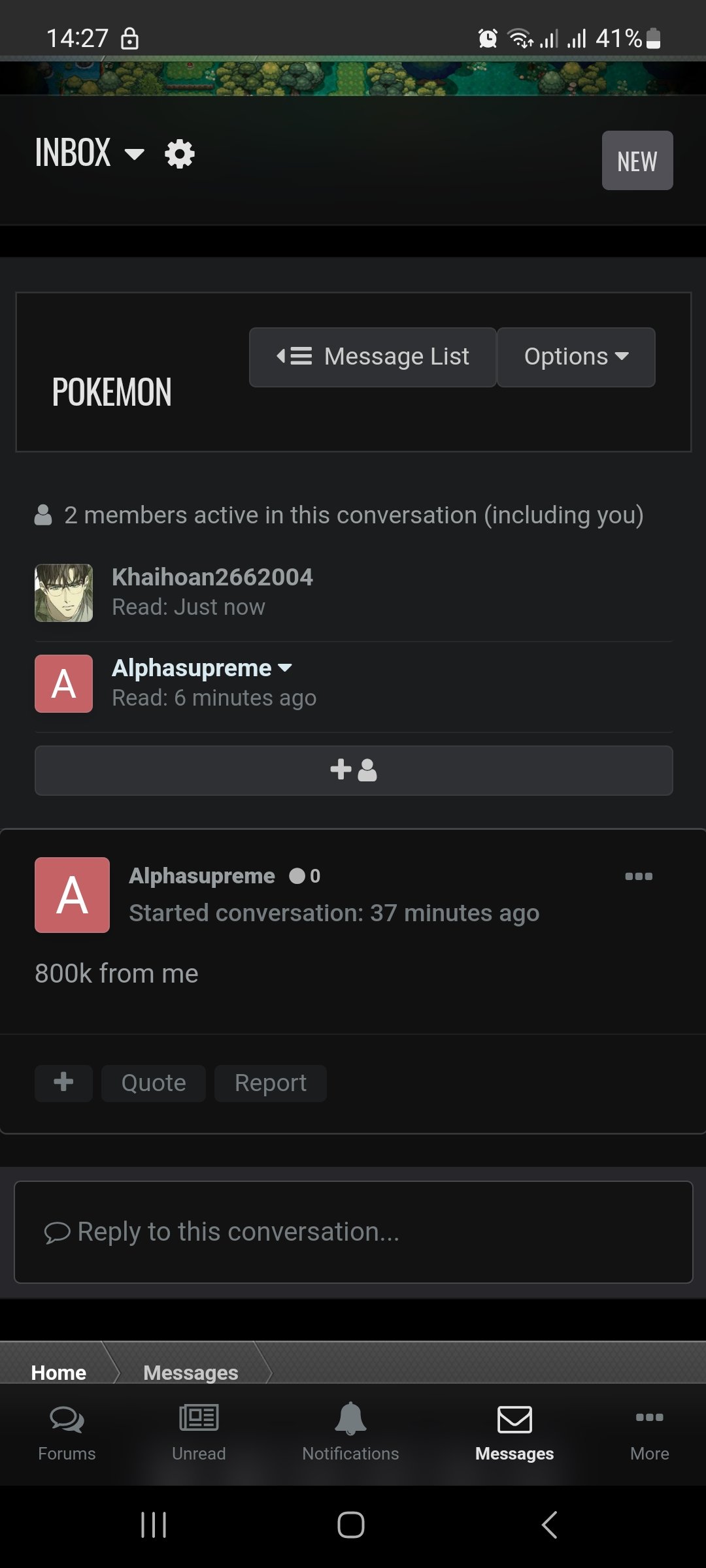 c.o 400k
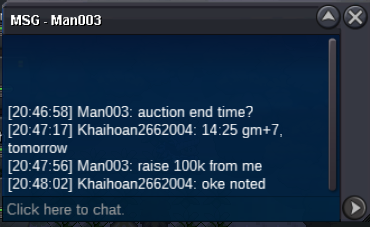 the auction will end at 14:45 pm gm+7, 15/2S.o : 300k Min bid : 100k Instant :2m 24 HOURS after the first bid
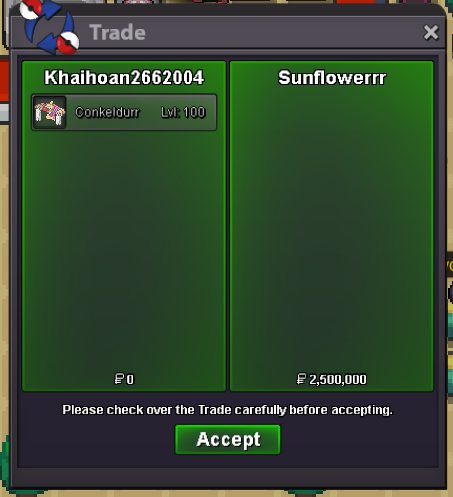
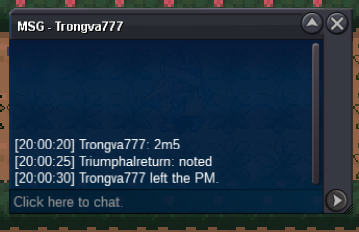
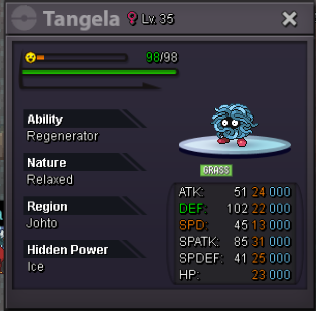 trongva777 won, please contact me for the trade,2m 2m Accepted : Coin Capsule 450k, IV Reroll 500k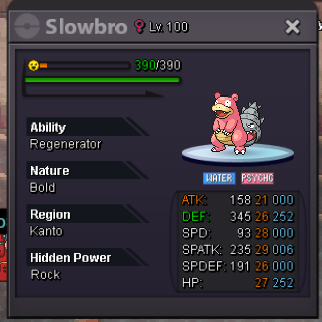
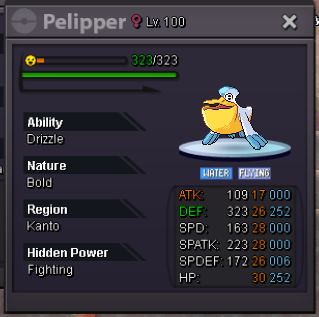 bump, less than 24h leftbumpstart at 10:03, gm+7 (11/2/2025), so end at 10:03 (14/2/2025)
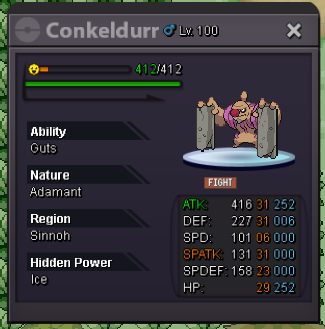
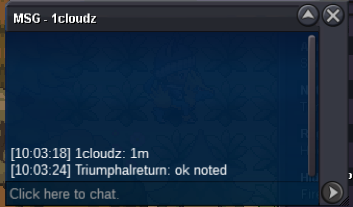 Start bid : 1m Min bid: 200k No instant Accept coin capsule 500k Duration: 3days after the first bid
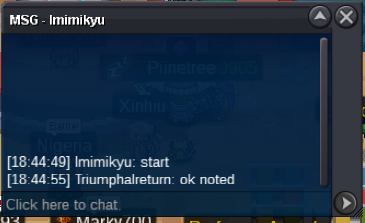
 I already mention @Manbat but no reply, if you know other trade moderaters , u could mention for help@Manbat hi sir, could u please help us trade ? I'm afraid that we can not decide time to trade because i'm gonna go offline for a long time due to my busy studyYou won, which sv are u in? And when we can trade guy?Nearly 1h 40 mins left , guyshmm problem , i wanna make at gold sv, but made a mistake, but its'ok , i can transfer
Account
Navigation
Search
Configure browser push notifications
Chrome (Android)
- Tap the lock icon next to the address bar.
- Tap Permissions → Notifications.
- Adjust your preference.
Chrome (Desktop)
- Click the padlock icon in the address bar.
- Select Site settings.
- Find Notifications and adjust your preference.
Safari (iOS 16.4+)
- Ensure the site is installed via Add to Home Screen.
- Open Settings App → Notifications.
- Find your app name and adjust your preference.
Safari (macOS)
- Go to Safari → Preferences.
- Click the Websites tab.
- Select Notifications in the sidebar.
- Find this website and adjust your preference.
Edge (Android)
- Tap the lock icon next to the address bar.
- Tap Permissions.
- Find Notifications and adjust your preference.
Edge (Desktop)
- Click the padlock icon in the address bar.
- Click Permissions for this site.
- Find Notifications and adjust your preference.
Firefox (Android)
- Go to Settings → Site permissions.
- Tap Notifications.
- Find this site in the list and adjust your preference.
Firefox (Desktop)
- Open Firefox Settings.
- Search for Notifications.
- Find this site in the list and adjust your preference.