




New Trade Zone
Trade Zone is now live
Use the new Trade Zone for auctions and instant-price trades so Pokemon and item offers are easy to find.

Ronaldonazario
Registered User
-
Joined
-
Last visited
Everything posted by Ronaldonazario
-
I already tried the 1024x768 but I still get the error
-
those are the only resolutions that come out, but I can not put the 1366x768
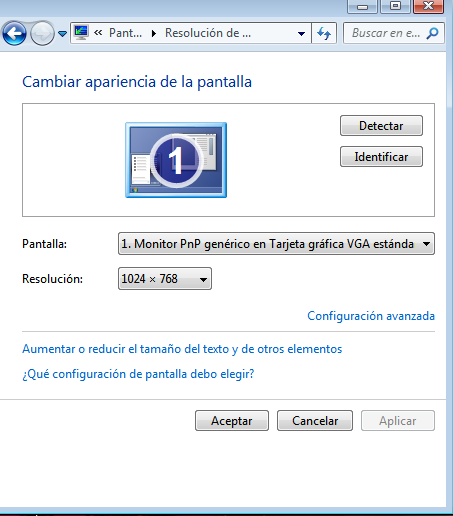
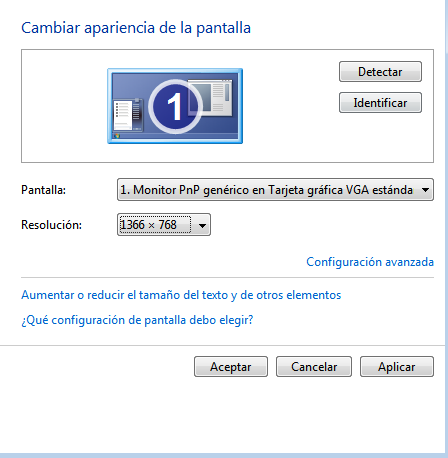
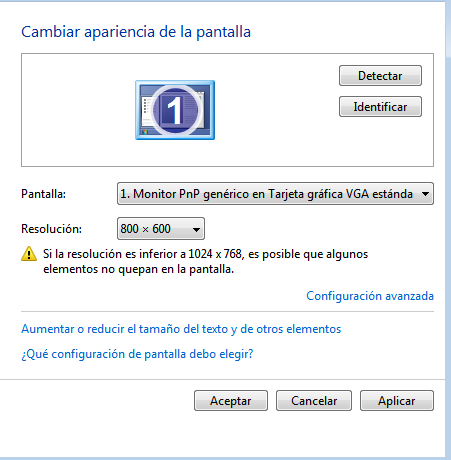
-
I put it in the highest resolution but what it does is put it in the resolution of 800x600 that I do? please help me
-
hello is this
-
hi the only resolution I can put is the 1024x768 and I still get the error.
-
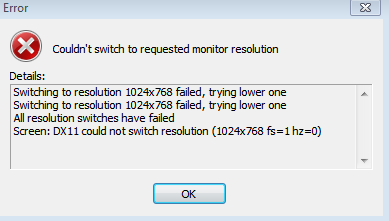
hi my problem is it is when I run the ProClient I get this: error couldn swicth to requested monitor resolution Switching to resolution 1024x768 failed, trying lower one Switching to resolution 1024x768 failed, trying lower one All resolution switches have failed Screen: DX11 could not switch resolution (1024x768 fs = 1 hz = hi my problem is it is when I run the ProClient I get this: error couldn swicth to requested monitor resolution Switching to resolution 1024x768 failed, trying lower one Switching to resolution 1024x768 failed, trying lower one All resolution switches have failed Screen: DX11 could not switch resolution (1024x768 fs = 1 hz =