New Trade Zone
Trade Zone is now live
Use the new Trade Zone for auctions and instant-price trades so Pokemon and item offers are easy to find.

Sons8888
Registered User
-
Joined
-
Last visited
-
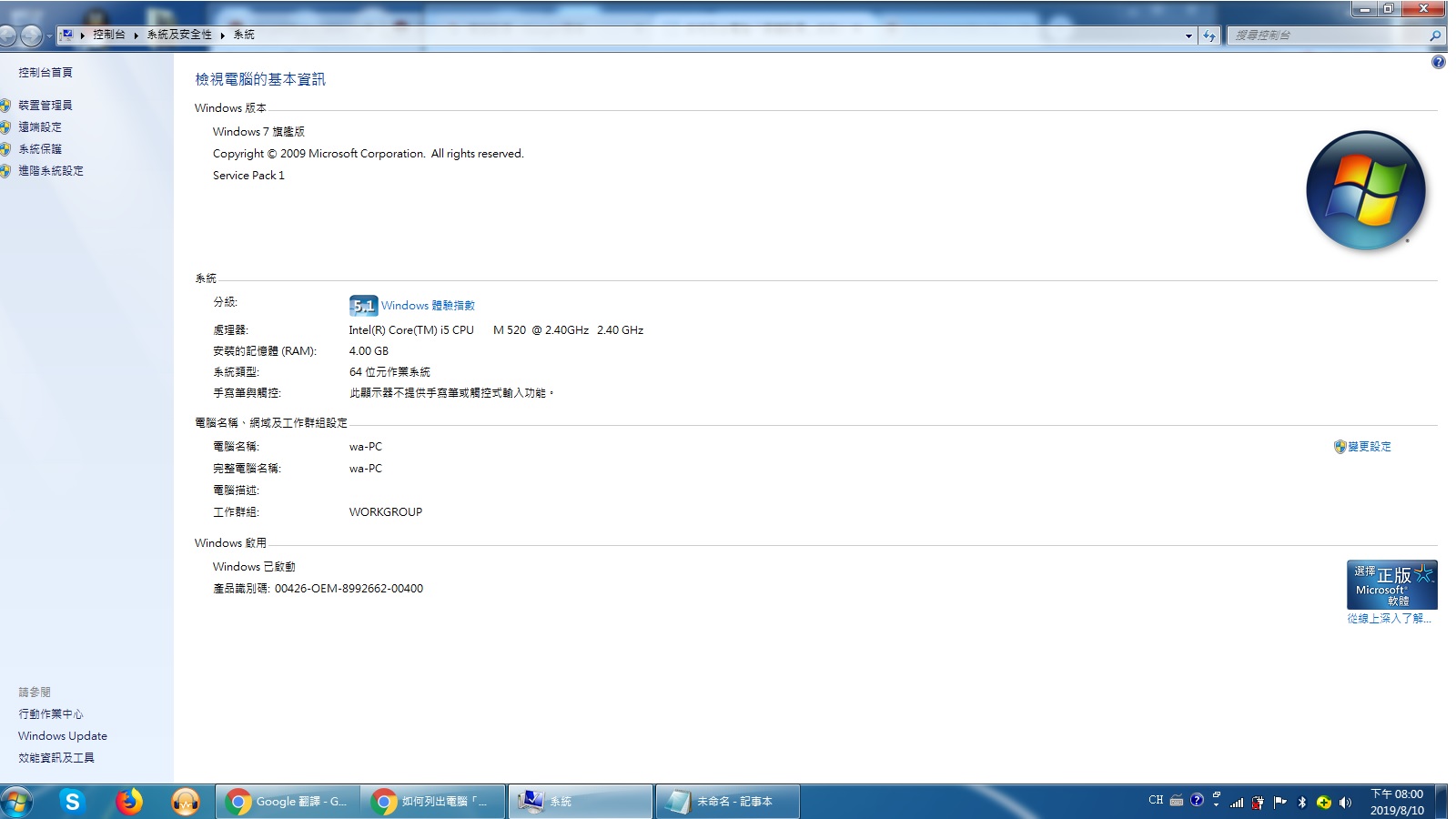
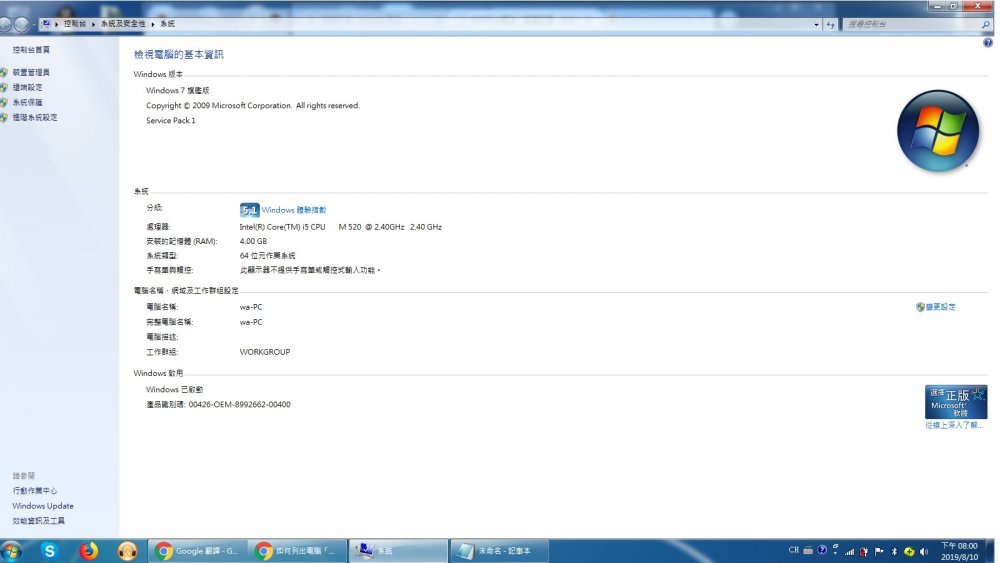
HI TrollDaddy , Thanks you reply, Now I can't log in to the game & the screen is hold in this picture can't move to next step. I upload my computer information for you. PS: Another question, I missed the time of the Server transfer(Transfer from gold to silver ), Is there still a chance to change now? Or wait for the next opportunity? (It is because all my friends in silver server) Thanks & I hope to hear back from you soon.
-
It's telling me that there is no patch for this version. I was delete the old game & Data but is not work. And then I use three Client download all is same to No patch available for this version. Waiting for help as fast as possible. Have a nice day !