New Trade Zone
Trade Zone is now live
Use the new Trade Zone for auctions and instant-price trades so Pokemon and item offers are easy to find.

Regioneer
Registered User
-
Joined
-
Last visited
Everything posted by Regioneer
-
Please, let me know if redownloading the client fixed your issue and if you have any further questions. Have a wonderful day ! ---------------------------------------------------------------------------------------------------------------------- Thank you for replying first of all, and yes you're redownloading method to PRO did indeed work. :)) and thanks for the info about the Shiny "S" beside their name Have a nice day!!
-
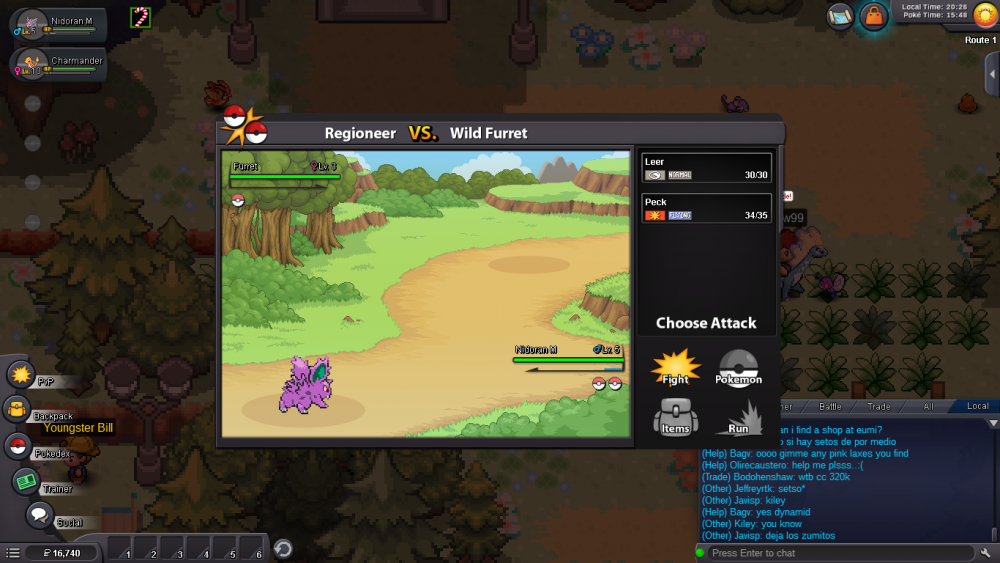
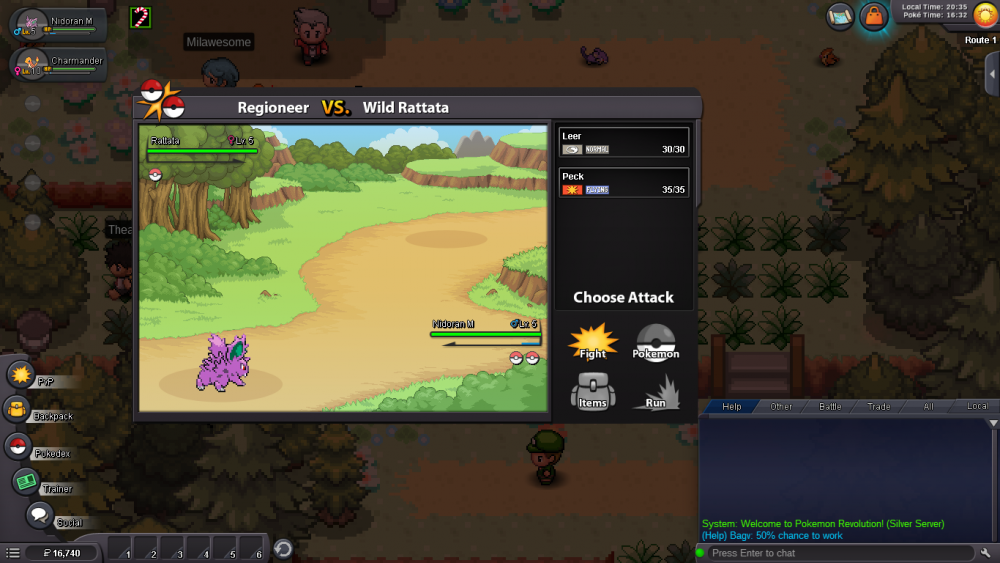
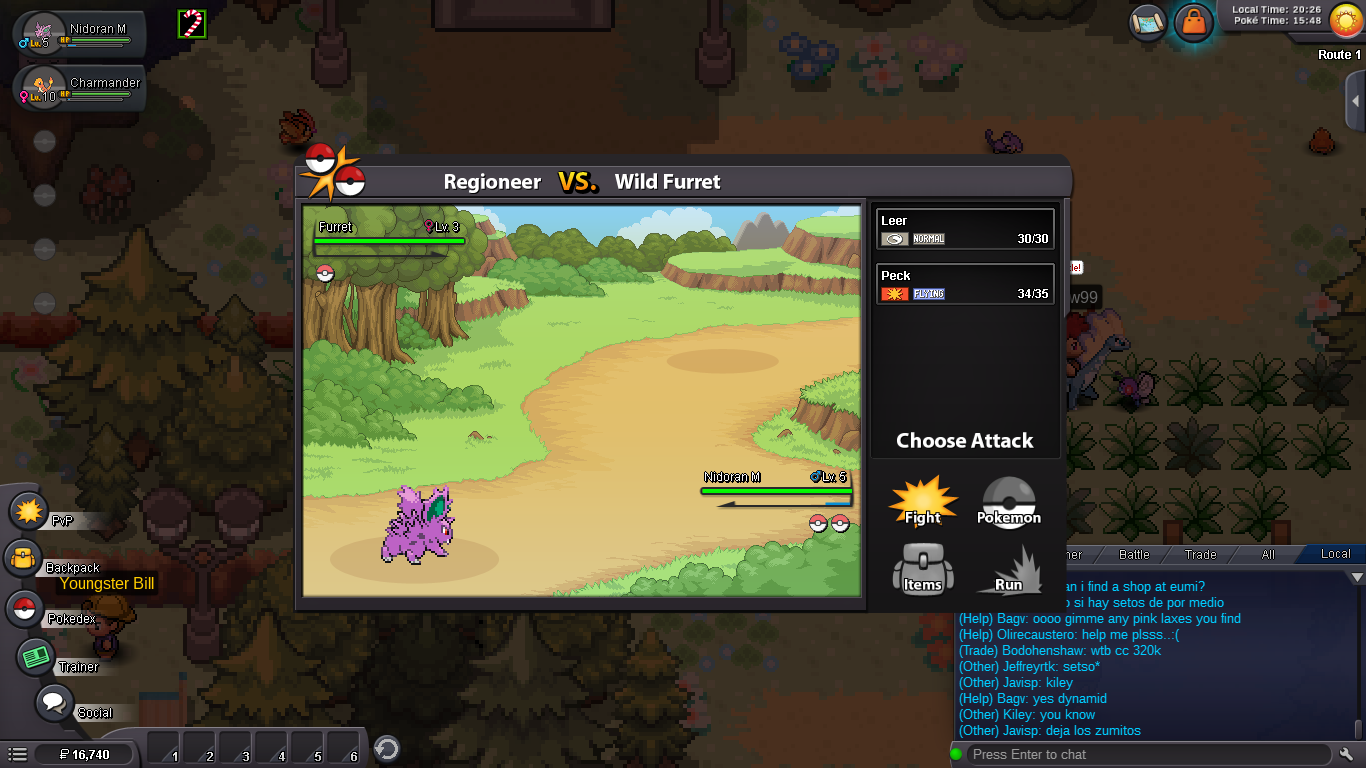
Just giving PRO a heads up about this Bug!! The problem is pretty clear as seen in the photo attachment but if this happens often to most players, it will kinda suck for them if they just found a Shiny Pokemon and couldn't see it. *just a suggestion if new players like me don't know what a shiny pokemon looks like, PRO should put "Shiny" right beside the name of the pokemon or something to let the community know that it is. THANK YOU