New Trade Zone
Trade Zone is now live
Use the new Trade Zone for auctions and instant-price trades so Pokemon and item offers are easy to find.

Mangycrow
Registered User
-
Joined
-
Last visited
-
Hello, I've been trying to Donate for a few hours now and it keeps telling me that there was an issue and to contact the staff. I've tried using the PayPal and credit/debit but neither button works. Please help if possible
-
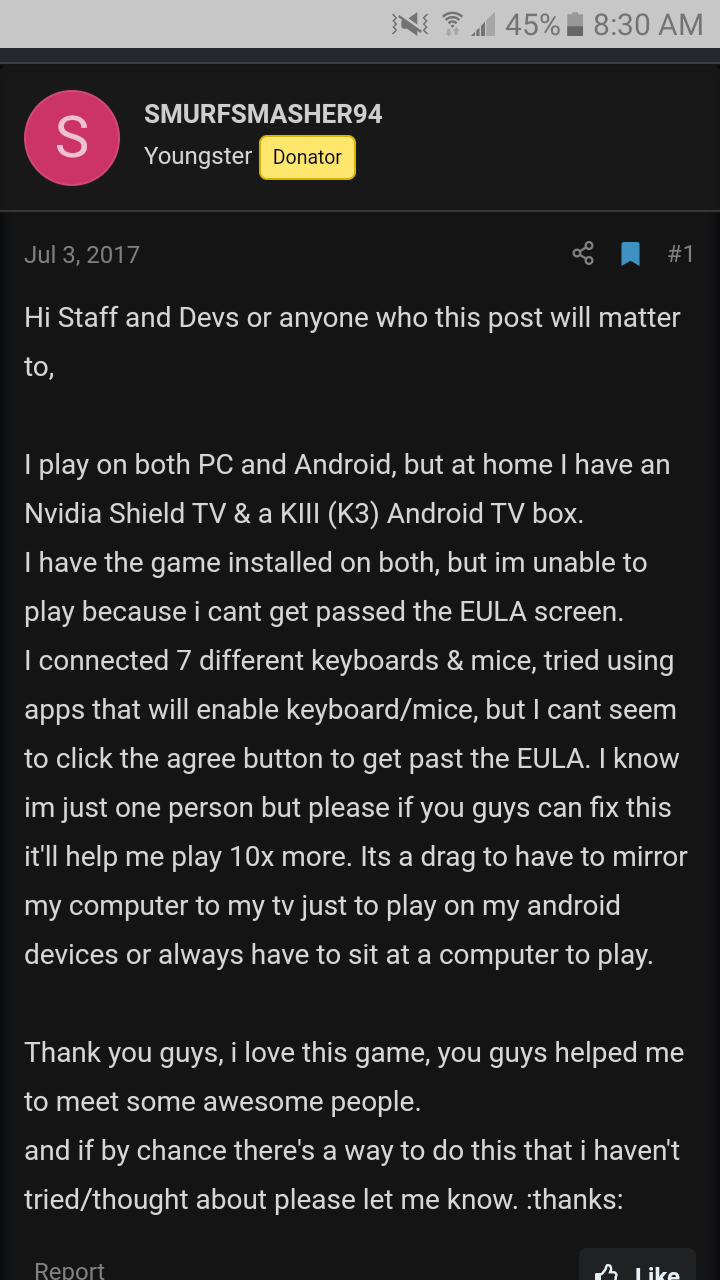
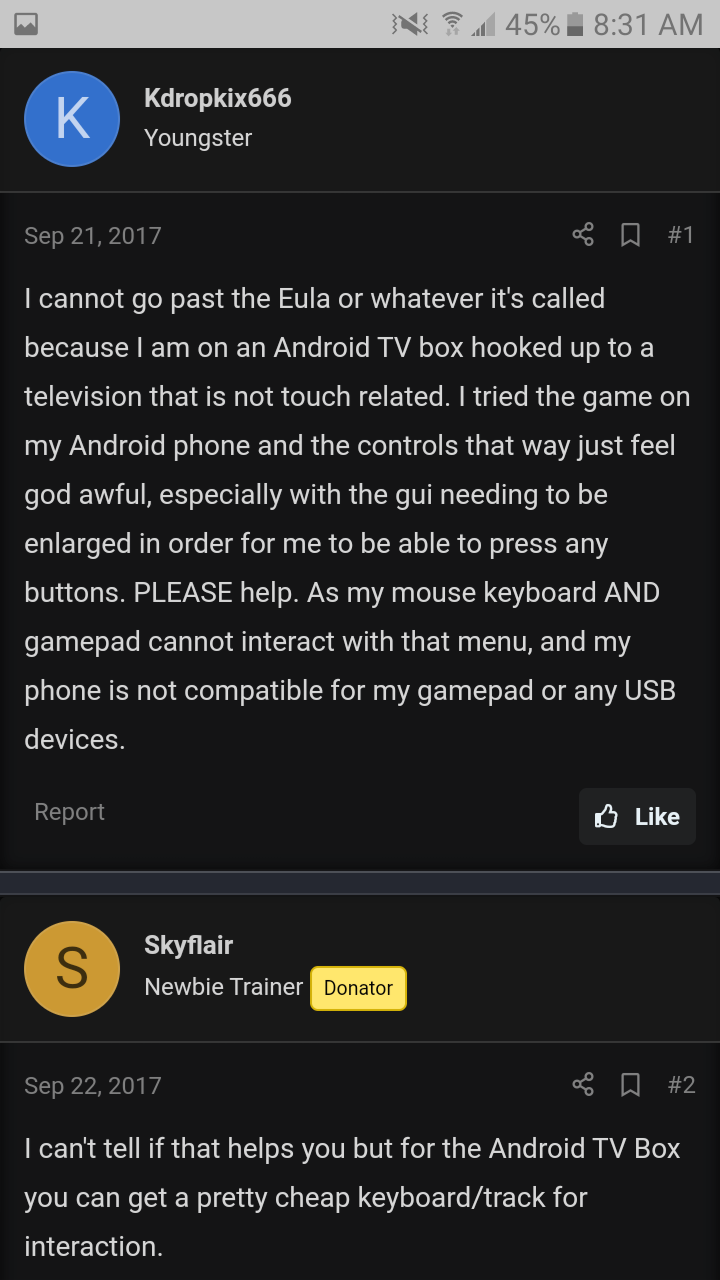
Is it possible to install PRO (android) on an external hard drive? And then I could accept the terms on one device and then plug it up to my tv. Since it is installed on the drive and not the tv the terms should still be "clicked"? Or am I just out of luck on getting to play it through my non touchscreen android tv...if it'll help I can send the stats of the tv to maybe help the devs...i just don't get why it seems to freeze on the User agreement.
-
Would specs for my android device help?
-
Maybe there will be a X-mas miracle and someone will figure this issue out so I can finally start playing this awesome game again
-
I just don't understand why all of my devices and remotes work everything on the tv but this game. It'll load up to the terms screen and then nothing.
-
Is it possible to find and transfer all the files (after i accept the terms on another device) to their appropriate folders on the tv? Are you able to install an app like that?
-
Id love to get this figured out though, and I thank anyone in advance that is willing to try and help. I really think it has something to do with the terms coding or something.
-
Alright I downloaded 2 tv remote apps with touchpad and neither of them worked. They both work the tv perfectly fine but as soon as the app is opened and the terms pop up, nothing.
-
Thank you for the reply, I have tried that on multiple devices amd then tried to log into it on my tv. I believe the terms go by device...so I tried to xfer the files from said devices to my tv's files. That didn't work either. I believe the issue is (but I'm not a programmer or anything) that the terms screen is touch screen only for the android version. It doesn't register anything else until you get to the main screen. That's what it seems like anyway.
-
-
Still nothing?
-
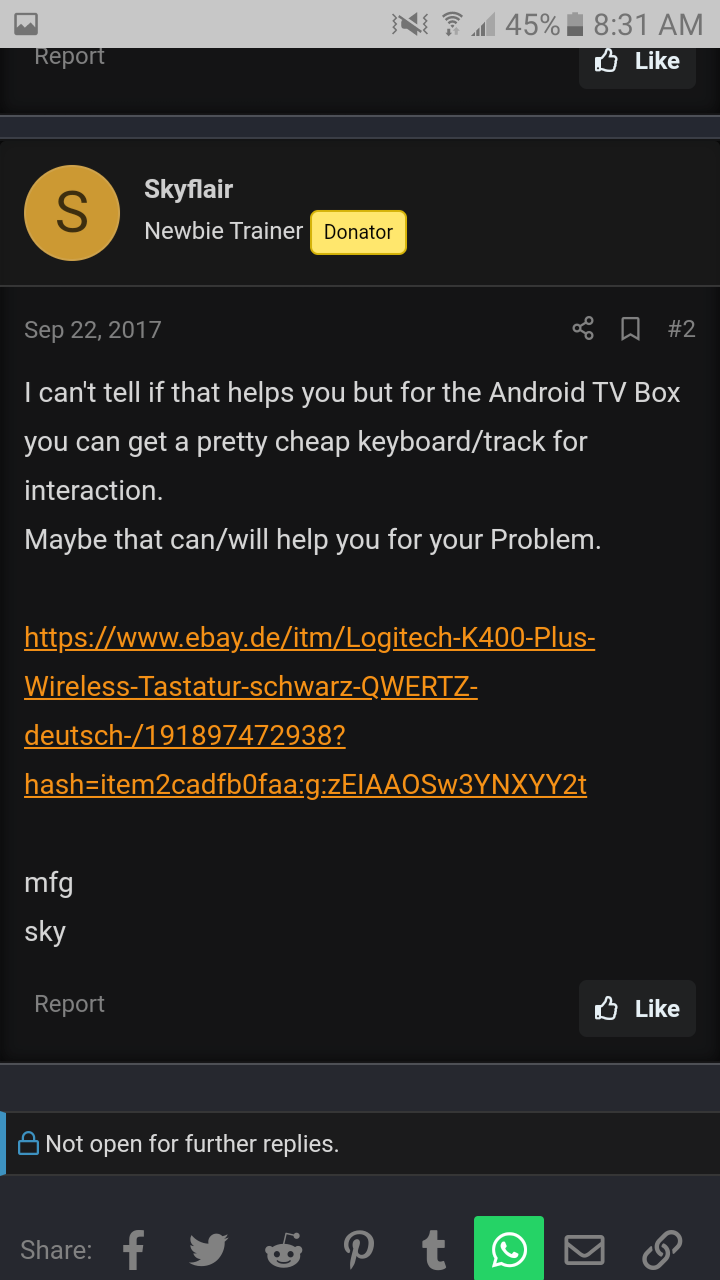
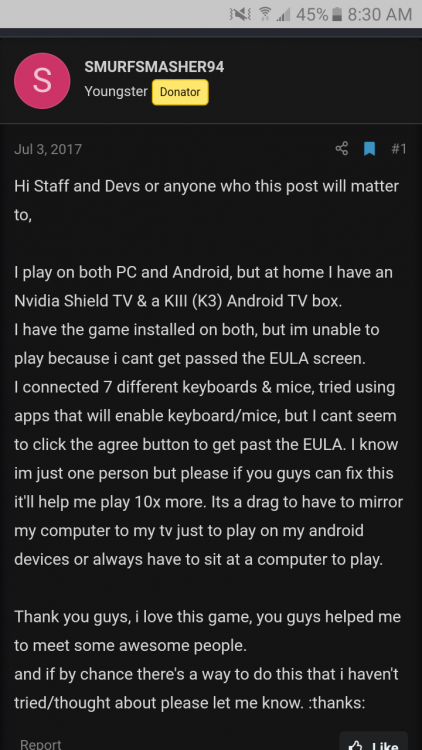
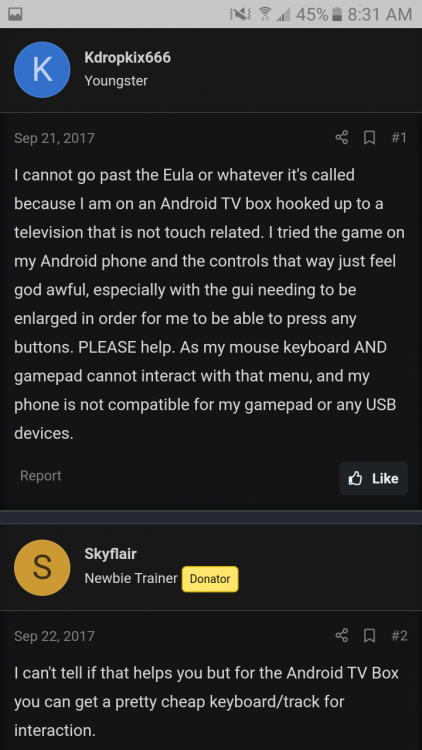
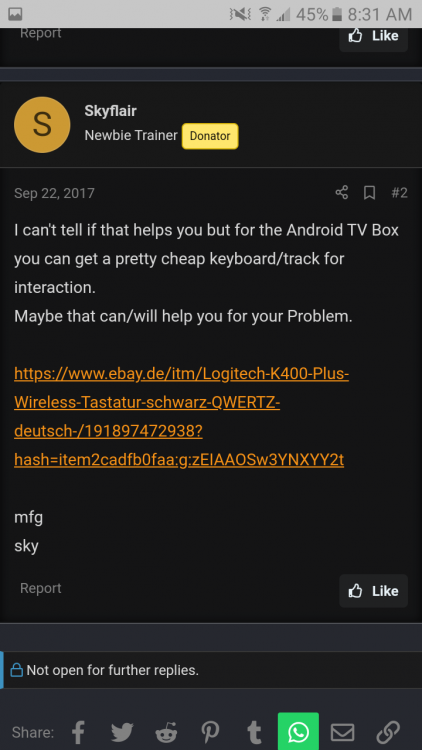
I found these old threads that involved the same issue, seems like it just keeps getting swept under the rug.
-
Has anybody figured anything out about the issue? I can send screen shots and such if that will help solve it.
-
-
AWESOME! Thank You! Everything I've tried works the tv so I know it is not the controllers and such and it seems to load fine...i just can't seem to get past the user agreement. I've seen other posts from a few years back and tried those solutions as well but nothing works.