New Trade Zone
Trade Zone is now live
Use the new Trade Zone for auctions and instant-price trades so Pokemon and item offers are easy to find.

Astrorey
Registered User
-
Joined
-
Last visited
Everything posted by Astrorey
-
-
-
-
-
Can do! Ill start working on it ASAP Thanks for stopping by 😄
-
-
I cant fix signatures, but I can make a new one 🙂
-
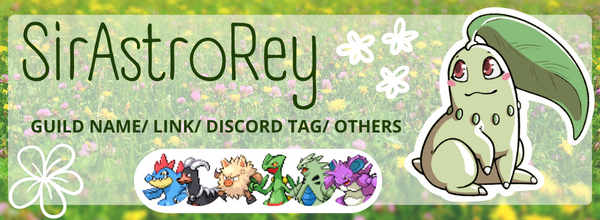
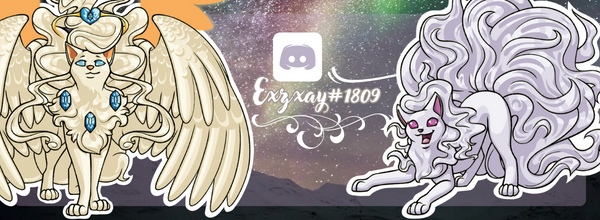
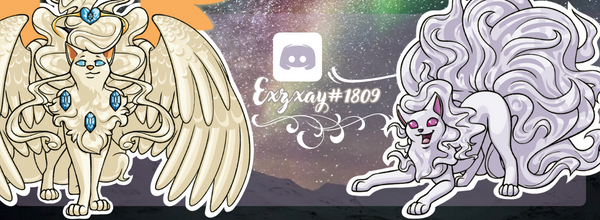
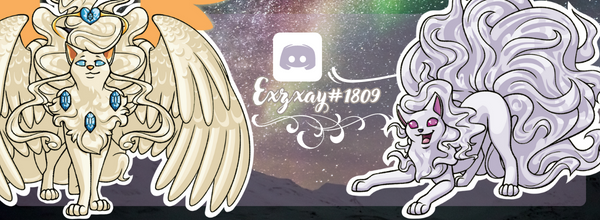
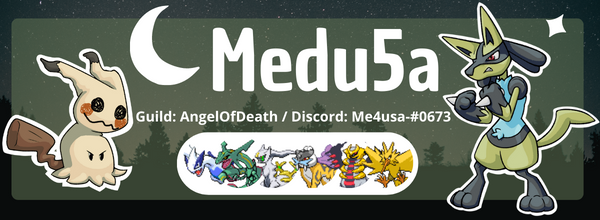
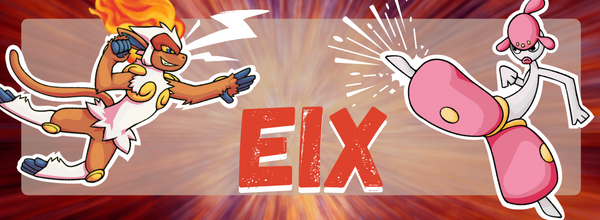
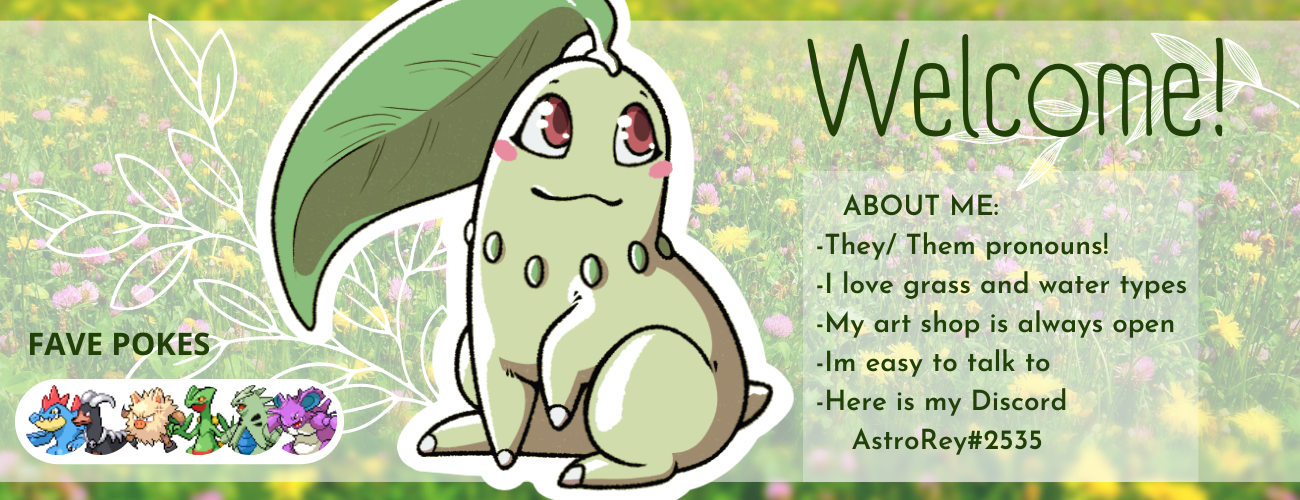
WELCOME TO MY SHOP GOLD SERVER Contact Me! Discrod - AstroRey#2535 Through forums Commenting down bellow with your order PRICES AND EXAMPLES Please note that all the art posted here is custom made by me and there will not be any other of its kind. Drawing your favorite Pokemon can take somewhere between 3 days to 15 depending on complexity and my own free time. I accept Pokemon dollars only. 1080 x 1080 icon = 150K Signature with ONE Pokémon= 400K Signature with TWO Pokémon= 700K Banner with ONE Pokémon= 400K Banner with TWO Pokémon= 700K If you are interested, please fill the form bellow You can comment, or send it to me through Discord or forum DMs I WANT A: Icon/ Signature/ Banner WITH THIS TEXT: WITH THIS/ THESE POKEMON: (Please mention if 1 or 2) Favorite pokemon sprites are optional, but if you want it, let me know!