New Trade Zone
Trade Zone is now live
Use the new Trade Zone for auctions and instant-price trades so Pokemon and item offers are easy to find.

Shideriou
Registered User
-
Joined
-
Last visited
Everything posted by Shideriou
-
Oh ok i'm so sorry i have resolve the problems xD So , when I wanted to evolve my togetic, I made him wear the shiny stone. But when I click on the shiny stone in my inventory it has evolved and it seems to work now. i allready loose some rare candies... Well i hope i will help you to maybe try to fix this bug. Thanks again and have a great day.
-
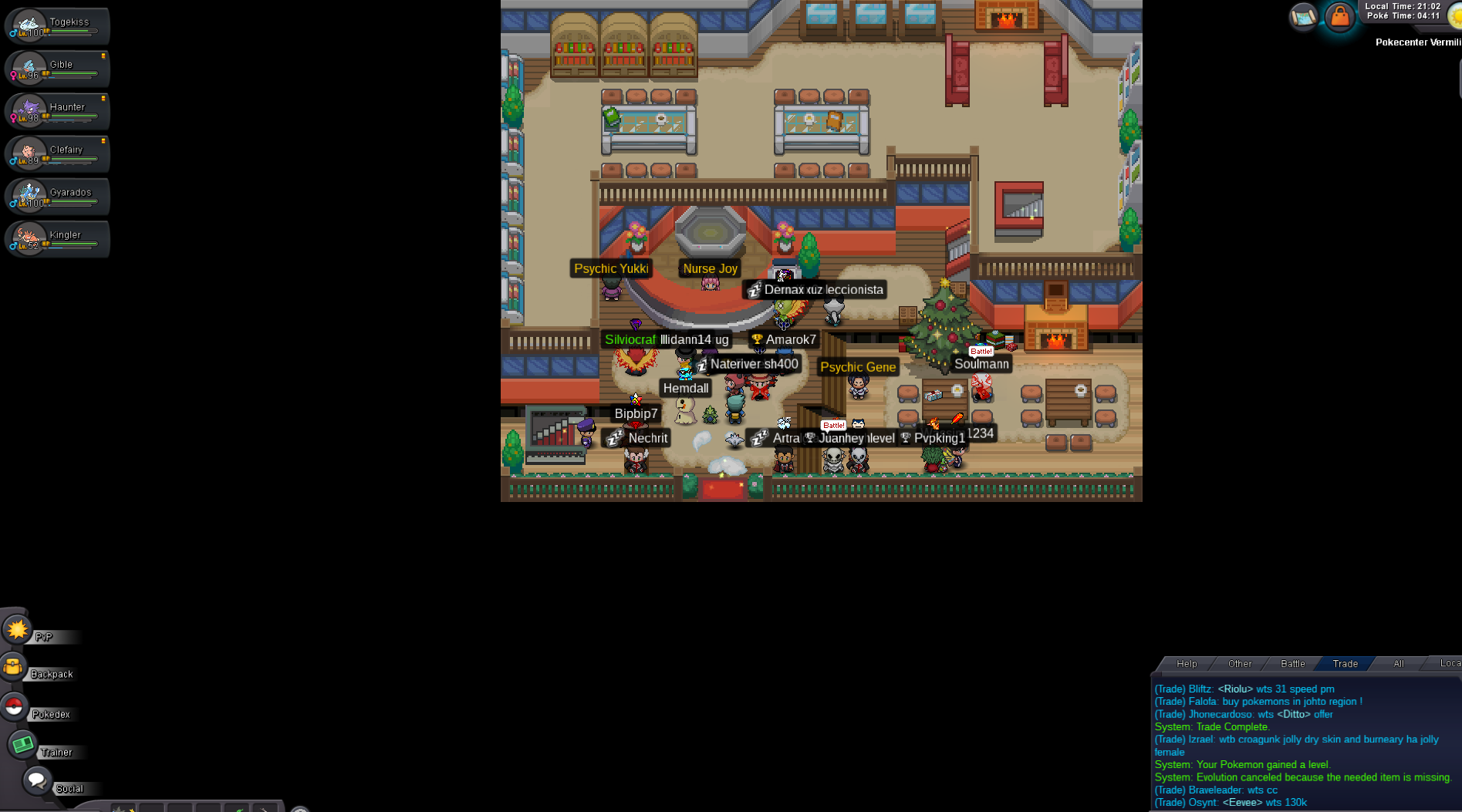
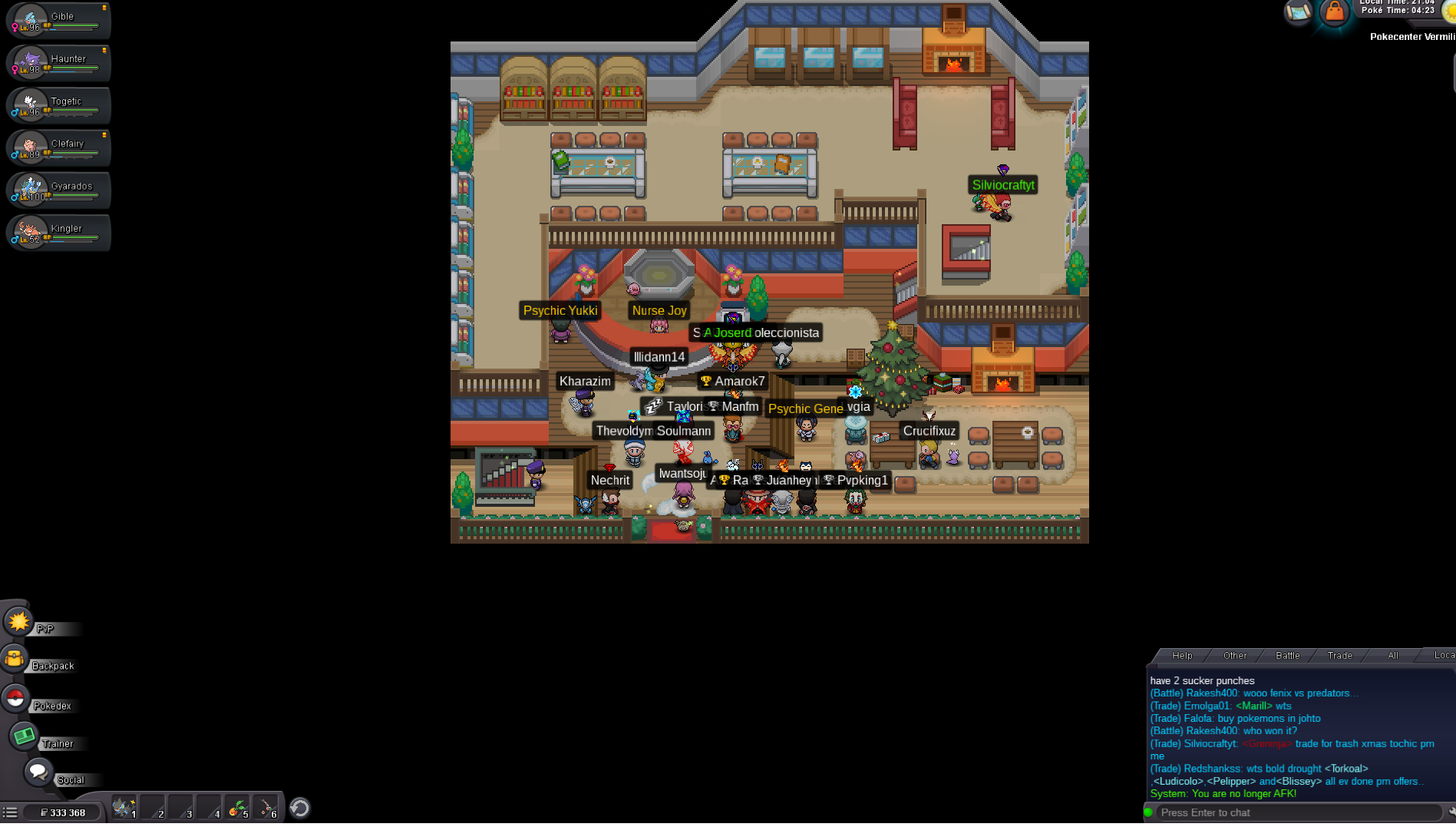
I'm sorry to say this but thats not rollback. I retry it and make the same bug. you can see on my screen , when i evolve it with the right item , they says " evolution canceled because...." (cf screen 1) and after a reconnection i loose lvl and evolution (cf screen2) So how can i evolve my togetic plz ? I know you wanna be right for all the people but i think thats not a normal bug. Have a great day and i hope you can help me. Thanks Nheoq
-
Hi, With my main account when i evolve a togetic to a togekiss with some rare candies , i dc and when i reconnect my togekiss was a togetic , loose my lvl up and rare candies. Can you help me plz ? Thanks a lot, Account : Nheoq Poke Id : 28468190 Rare candies loose : 8-9