New Trade Zone
Trade Zone is now live
Use the new Trade Zone for auctions and instant-price trades so Pokemon and item offers are easy to find.

Cazon511
Registered User
-
Joined
-
Last visited
Everything posted by Cazon511
-
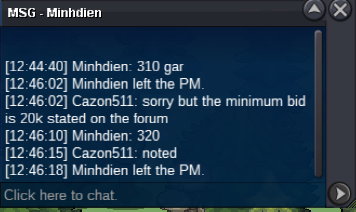
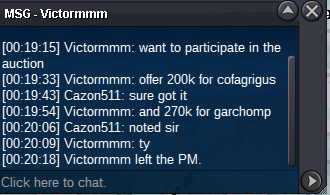
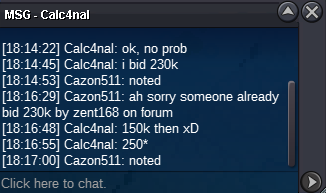
Hello @Zent168 as I stated on the forum post the minimum bid is 20k and the current offer for garchomp is 250k, and I cannot accept the 260k offer which is less than the minimum bid that I stated on the post unless you bid 20k which is the stated minimum bid. I apologize if this feels a little inconvenience but I'm just following the forum rules and thank you for understanding.Hello @Newfriend I'm sorry but the current offer for cofagrigus is already 180k by @Zent168 which is 2hrs ago. Therefore I cannot accept the offer unless you will bid minimum of 20k of the previous offer. Thank youBump Discord: Iceberrycoffee IGN: cazon511
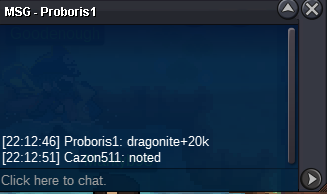
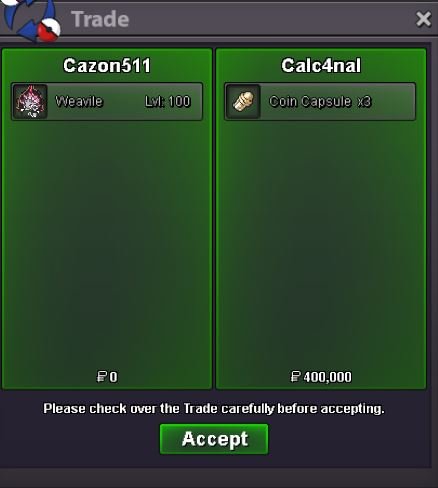
 WON BY Lordofthetrades WON BY Lordofthetrades WON BY Minhdien NOTE THIS NOT A BUNDLE EACH IS SOLD SEPARATELY STARTING POINT: 100K MIN BID: 20K NO INSTA AUCTION ENDS AFTER 72HRS AFTER THE FIRST BID STARTED ACCEPTING PAYMENT Pokedollar Coin Capsule = 450K IV RR = 500K Nature RR = 250K Black Medallion = 200k (GENGAR REMOVED SINCE NO START OFFER AFTER 48HRS) IGN: cazon511 Discord: IceberryCoffee Visit my shop : ICEBERRYCOFFEE'S SHOP
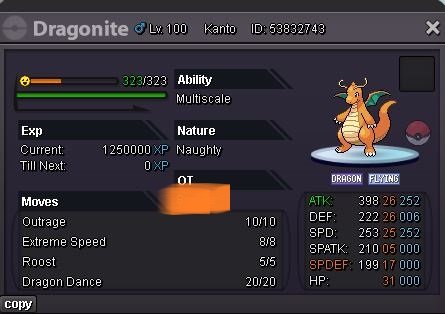
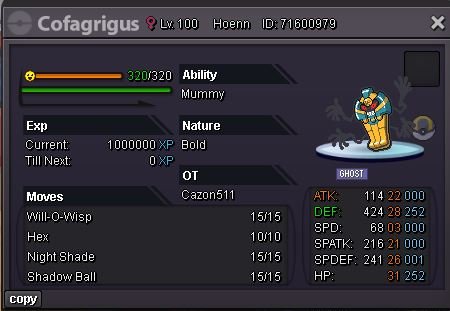
 Start Discord: Iceberrycoffee IGN: cazon511
1.5m Discord: Iceberrycoffee IGN: cazon511
1m (from gold server will transfer if won) Discord: Iceberrycoffee IGN: cazon511
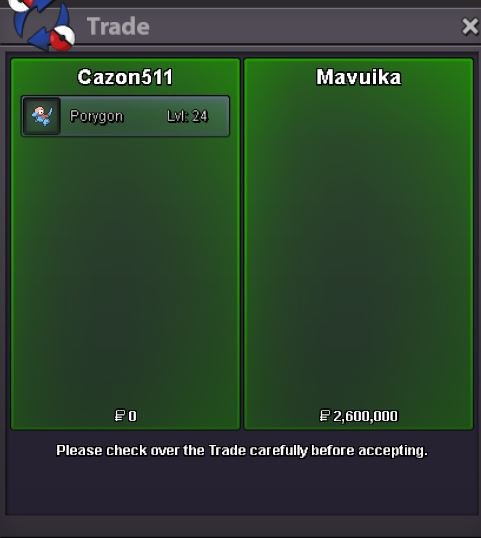
Congrats @Mavuika. Please pm me in discord or in game and let me know if you're online. IGN: cazon511 Discord: IceberryCoffee
15mins left (15mins rule) IGN: cazon511 Discord: IceberryCoffee
2HRS LEFT IGN: cazon511 Discord: IceberryCoffee
700k IGN: cazon511 Discord: IceberryCoffee
Start Discord: Iceberrycoffee IGN: cazon511
1.5m Discord: Iceberrycoffee IGN: cazon511
1m (from gold server will transfer if won) Discord: Iceberrycoffee IGN: cazon511
Congrats @Mavuika. Please pm me in discord or in game and let me know if you're online. IGN: cazon511 Discord: IceberryCoffee
15mins left (15mins rule) IGN: cazon511 Discord: IceberryCoffee
2HRS LEFT IGN: cazon511 Discord: IceberryCoffee
700k IGN: cazon511 Discord: IceberryCoffee
Account
Navigation
Search
Configure browser push notifications
Chrome (Android)
- Tap the lock icon next to the address bar.
- Tap Permissions → Notifications.
- Adjust your preference.
Chrome (Desktop)
- Click the padlock icon in the address bar.
- Select Site settings.
- Find Notifications and adjust your preference.
Safari (iOS 16.4+)
- Ensure the site is installed via Add to Home Screen.
- Open Settings App → Notifications.
- Find your app name and adjust your preference.
Safari (macOS)
- Go to Safari → Preferences.
- Click the Websites tab.
- Select Notifications in the sidebar.
- Find this website and adjust your preference.
Edge (Android)
- Tap the lock icon next to the address bar.
- Tap Permissions.
- Find Notifications and adjust your preference.
Edge (Desktop)
- Click the padlock icon in the address bar.
- Click Permissions for this site.
- Find Notifications and adjust your preference.
Firefox (Android)
- Go to Settings → Site permissions.
- Tap Notifications.
- Find this site in the list and adjust your preference.
Firefox (Desktop)
- Open Firefox Settings.
- Search for Notifications.
- Find this site in the list and adjust your preference.