




New Trade Zone
Trade Zone is now live
Use the new Trade Zone for auctions and instant-price trades so Pokemon and item offers are easy to find.


Lordofthetrades
Registered User
-
Joined
-
Last visited
-
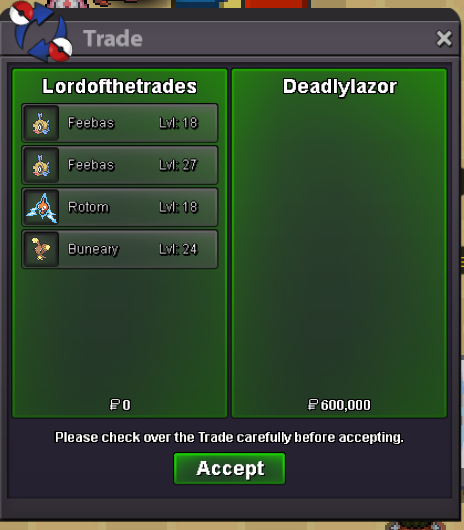
Thanks @Deadlylazor!
-
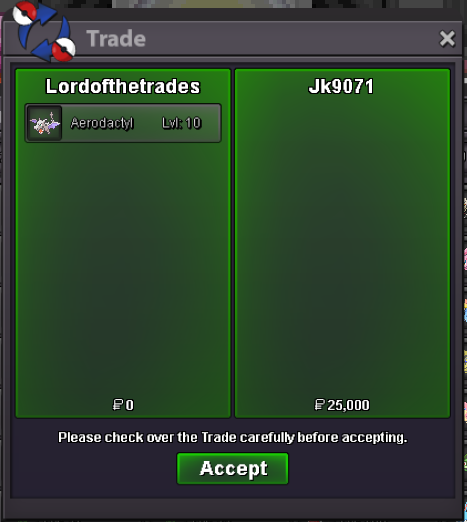
Thanks!
-
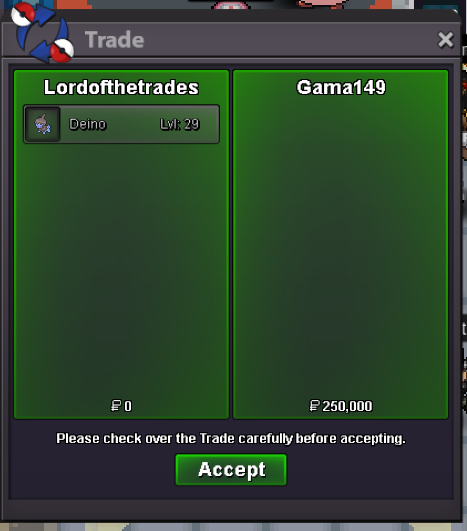
Thanks @Gama149!
-
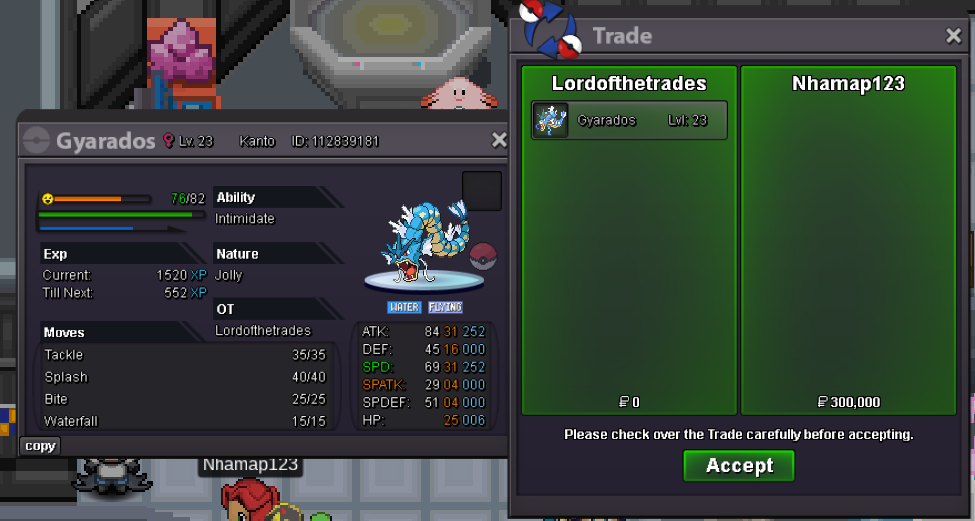
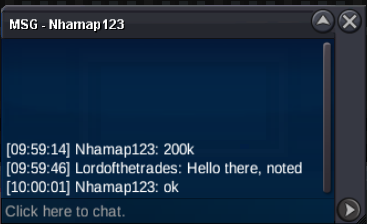
The winner is Nhamap123! Therefore, the auction can be closed. Thanks for bidding!
-
Hello everybody! Starting price: 100k Min. bid raise: 50k No insta price Duration: 24 hours after first successful bid 15 minutes rule applies Happy bidding! You may check the time left: https://vclock.com/timer/#date=2026-05-27T03:58:00&title=31%2F31+Gyarados
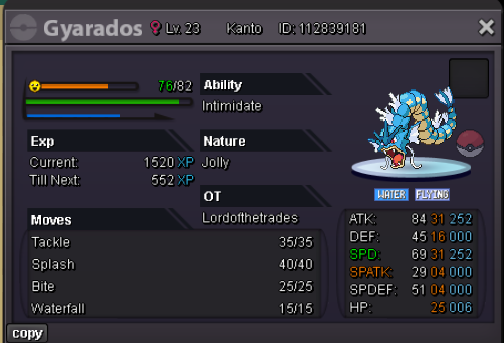 Thanks!
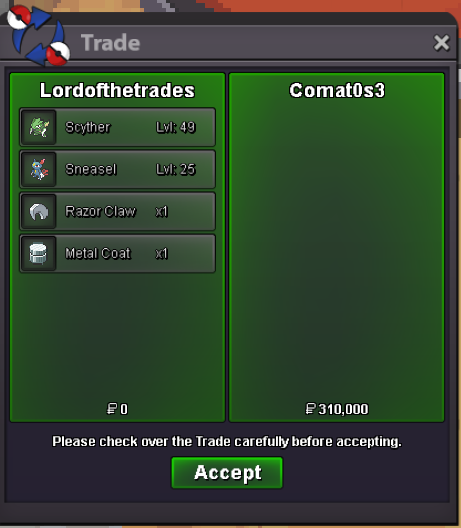 Some Pokémon have been added, and some prices updated; there are still more Pokémon to add.The whole process was smooth and professional. Thanks for helping me with Victini + time flute!6.6m Metagross
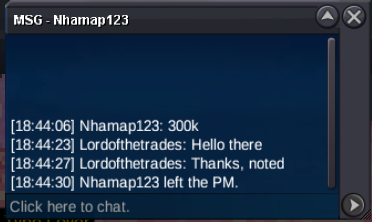
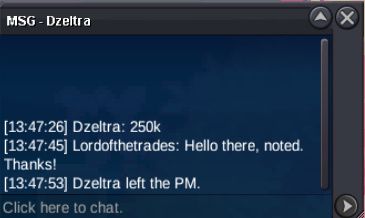

Account
Navigation
Search
Configure browser push notifications
Chrome (Android)
- Tap the lock icon next to the address bar.
- Tap Permissions → Notifications.
- Adjust your preference.
Chrome (Desktop)
- Click the padlock icon in the address bar.
- Select Site settings.
- Find Notifications and adjust your preference.
Safari (iOS 16.4+)
- Ensure the site is installed via Add to Home Screen.
- Open Settings App → Notifications.
- Find your app name and adjust your preference.
Safari (macOS)
- Go to Safari → Preferences.
- Click the Websites tab.
- Select Notifications in the sidebar.
- Find this website and adjust your preference.
Edge (Android)
- Tap the lock icon next to the address bar.
- Tap Permissions.
- Find Notifications and adjust your preference.
Edge (Desktop)
- Click the padlock icon in the address bar.
- Click Permissions for this site.
- Find Notifications and adjust your preference.
Firefox (Android)
- Go to Settings → Site permissions.
- Tap Notifications.
- Find this site in the list and adjust your preference.
Firefox (Desktop)
- Open Firefox Settings.
- Search for Notifications.
- Find this site in the list and adjust your preference.