New Trade Zone
Trade Zone is now live
Use the new Trade Zone for auctions and instant-price trades so Pokemon and item offers are easy to find.

Aldaris
Registered User
-
Joined
-
Last visited
-
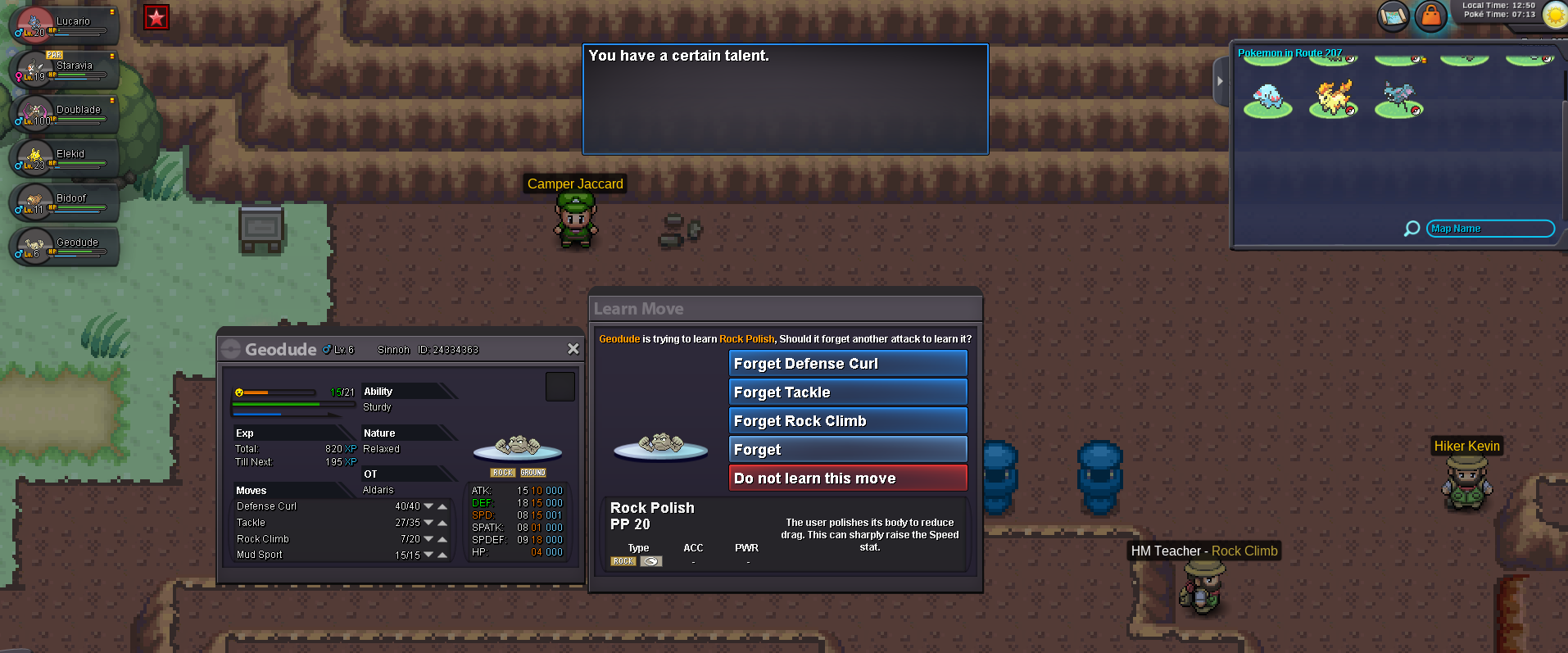
the right move > Mud sport The move that appears > Forget thanks =)
-
simple, like happen in the official game series, if i bring a lv100 pokemon for the chalenge and the limit is lv50, the level goes down to lv50 only for the chalenge. thanks.
-
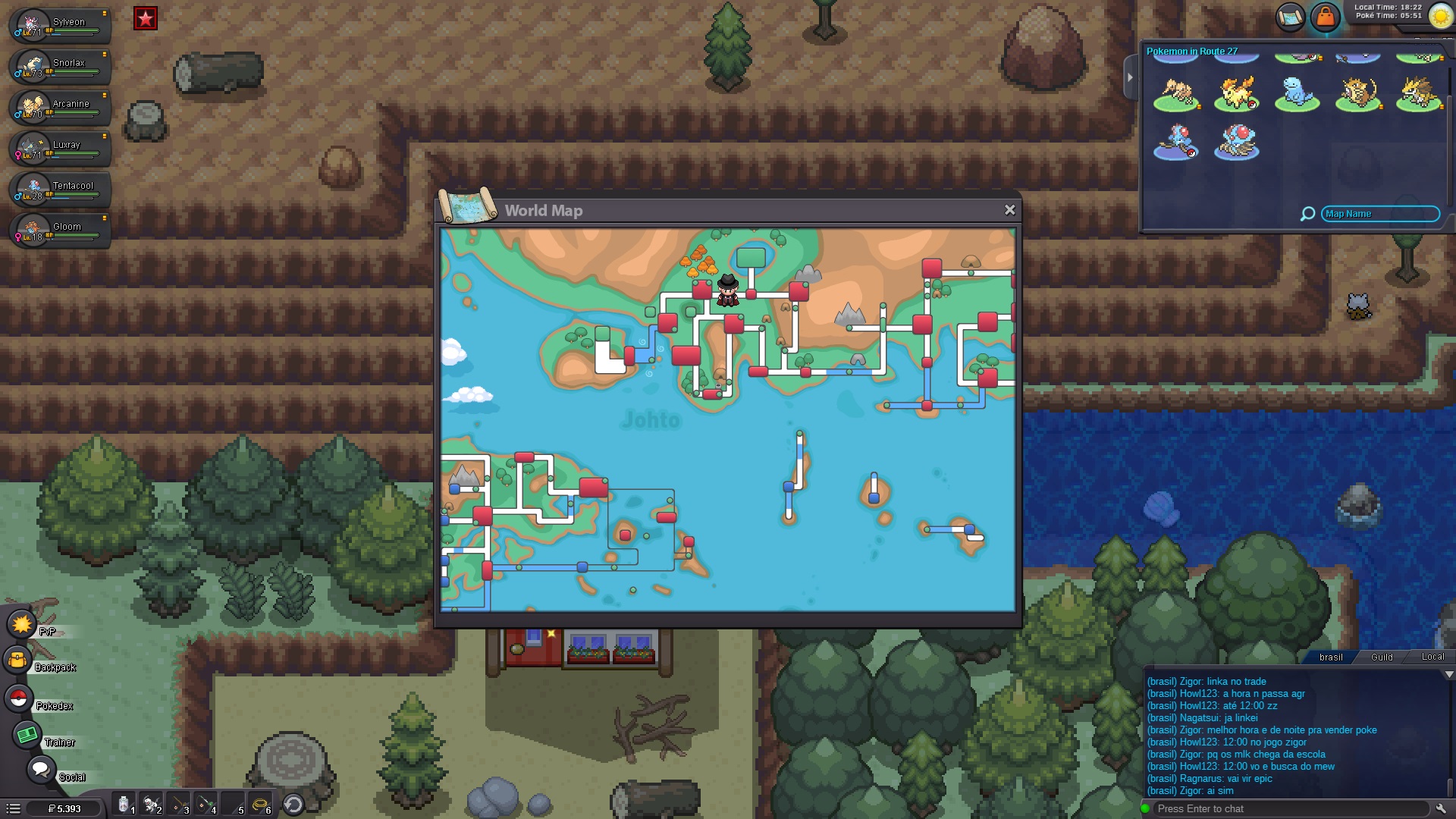
I am at the Tohjo falls Entrance and the map show me another location.
-
Hello Staff! my first suggestion is about making territories to be disputed by guilds, each territory with its own rules, the guild winner of the territory gains some benefits. many MMO has this... its good to implement some group action. completely acceptable according to lore too. second suggestion: we all know about the pokemon league, my idea is just to put it like the anime.... to all players live the experience for themselves like the real thing.. you all must know that the pokemon league as we see in the game series is like this, because it isnt a MMO, so they made it like this. so there will be 2 pokemon leagues? well, to be perfect, we will need to change the ultimate campaign chalenge for another.... and i still dont know what we could put in its place. I´m sure that all this new content will bring a rich experience to all the players and strengthen the lore of our MMO. Best regards Aldaris