New Trade Zone
Trade Zone is now live
Use the new Trade Zone for auctions and instant-price trades so Pokemon and item offers are easy to find.

Harleyq420
Registered User
-
Joined
-
Last visited
Everything posted by Harleyq420
-
no we played right through both of us.
-
both picked Pikachu as a starter and both lost the first time. we go all the way back and he was able to battle him np.
-
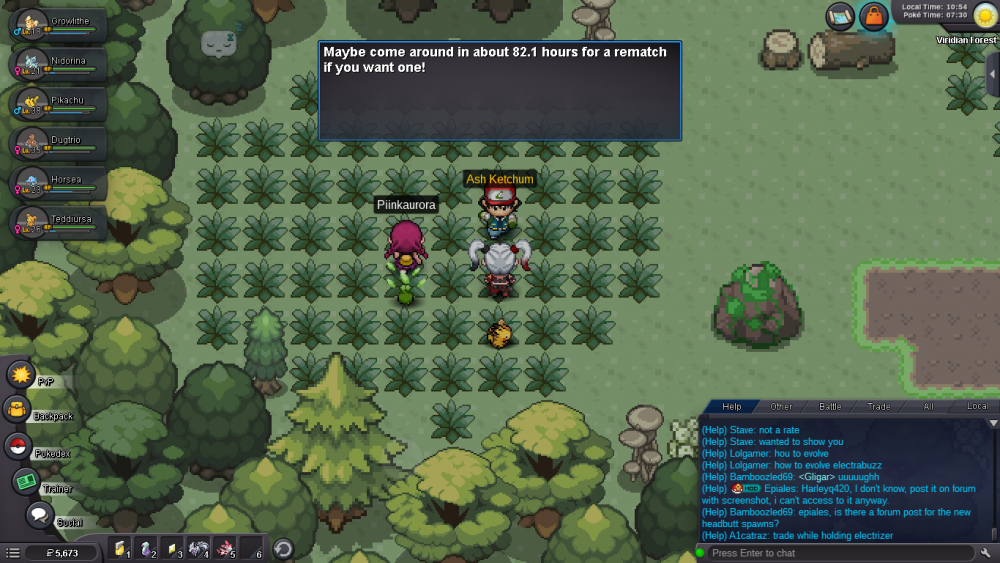
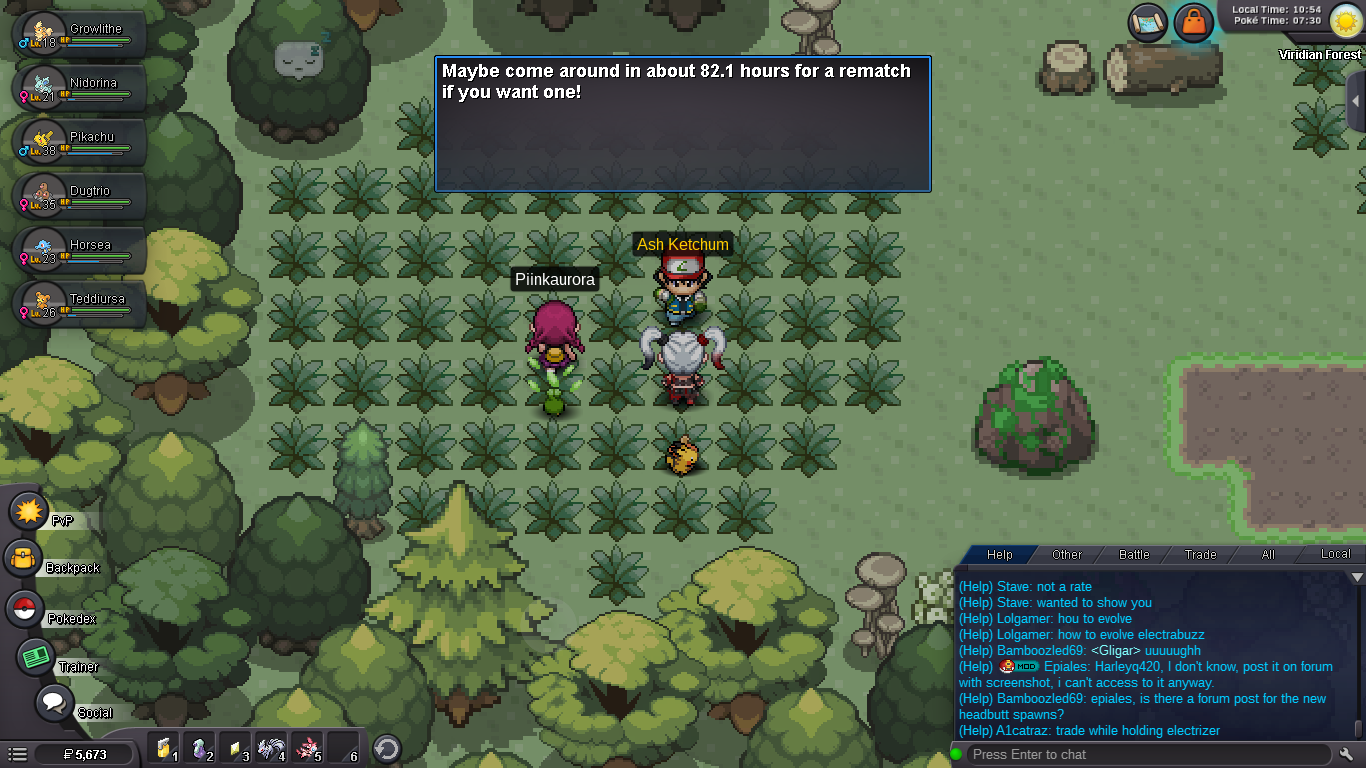
so the other day me and my fiance were in Viridian and both went up against Ash. today after forgetting all about him there, we go to try again. he was able to battle Ash without issues ( and with higher lvl pokes, beat him flawlessly ) but yet when i tried i was told i had to wait 82.21671 hours before i was able to fight him again! ( the screenshot shows a bit less, as every time i spoke with him the numbers kept going down ) so thats well over 3 days to wait when we fought him around the same time, same day a couple days ago!