New Trade Zone
Trade Zone is now live
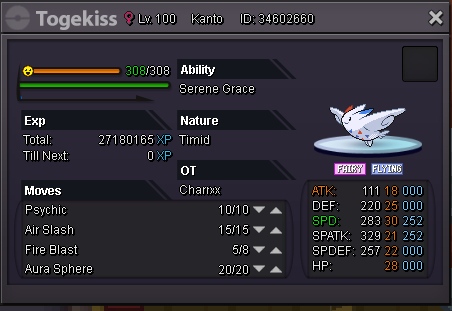
Use the new Trade Zone for auctions and instant-price trades so Pokemon and item offers are easy to find.

Charrxx
Registered User
-
Joined
-
Last visited
-
Bid 450k
-
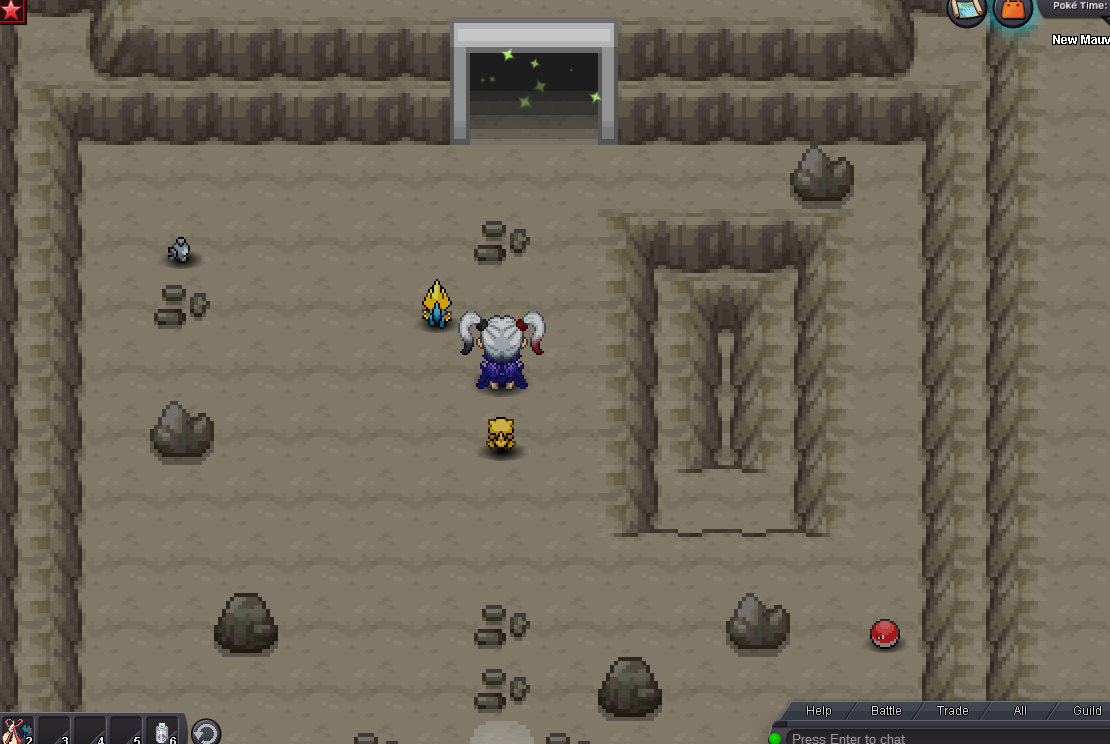
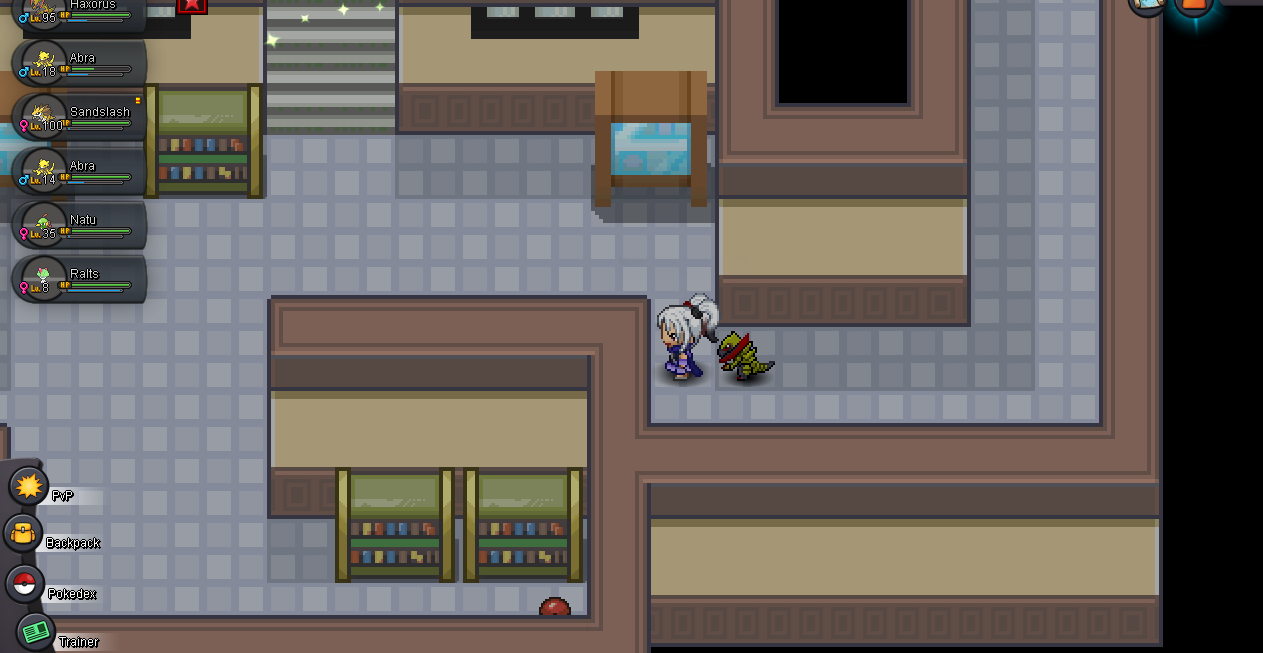
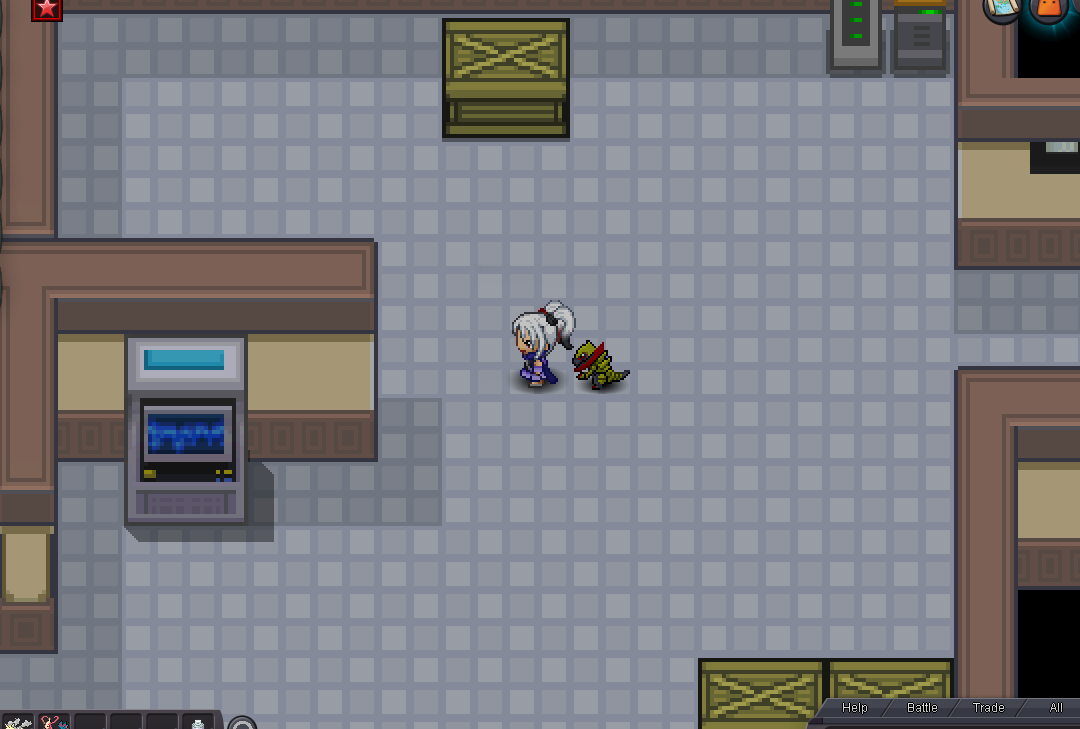
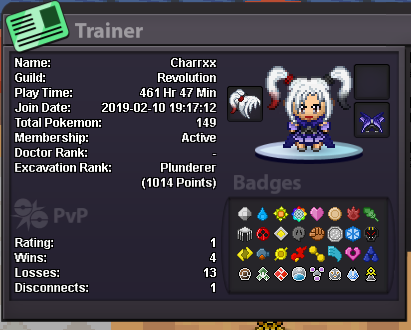
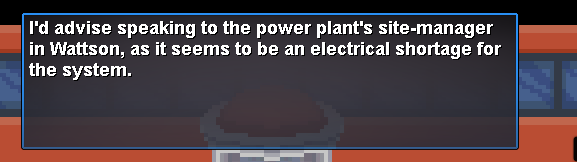
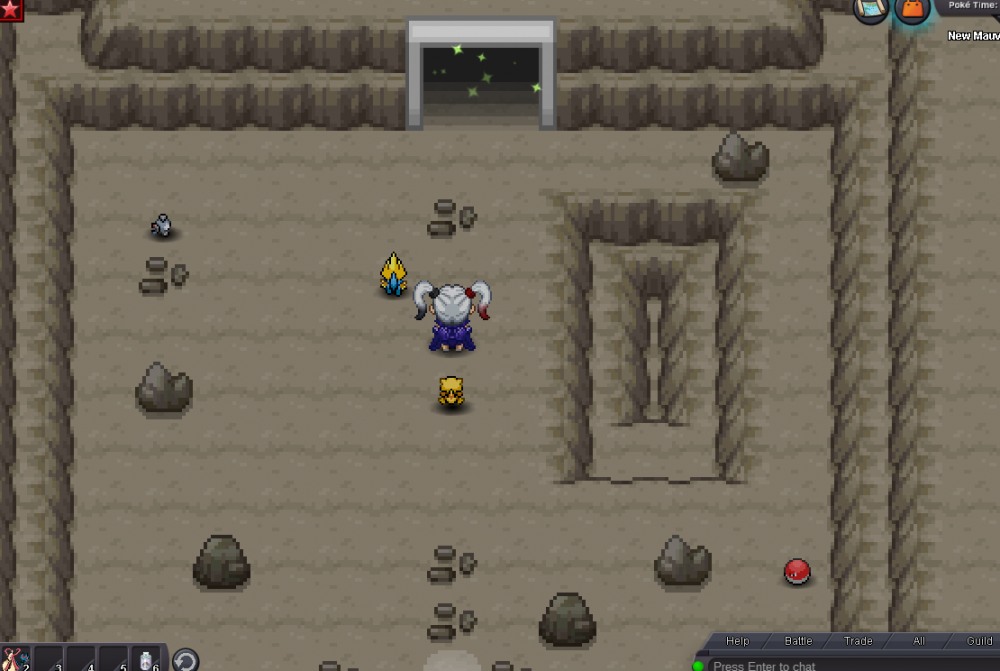
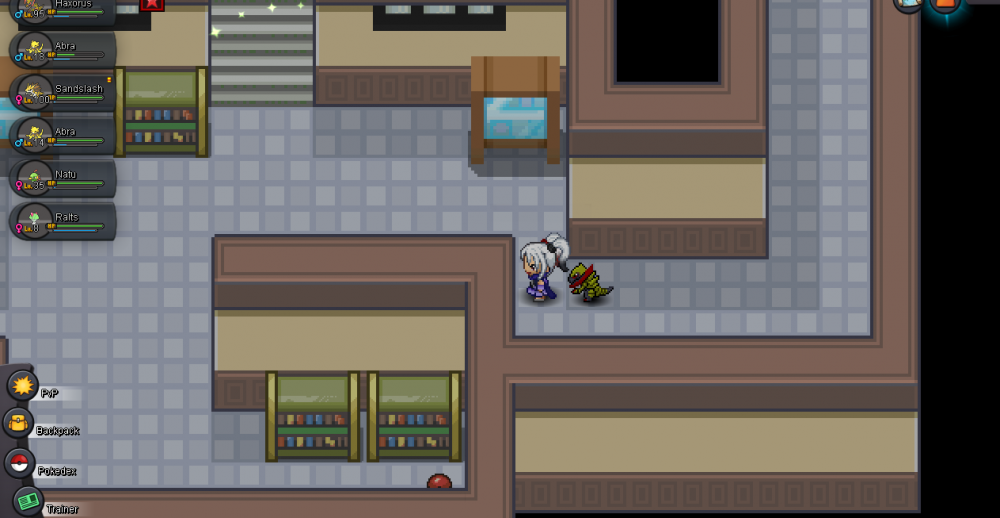
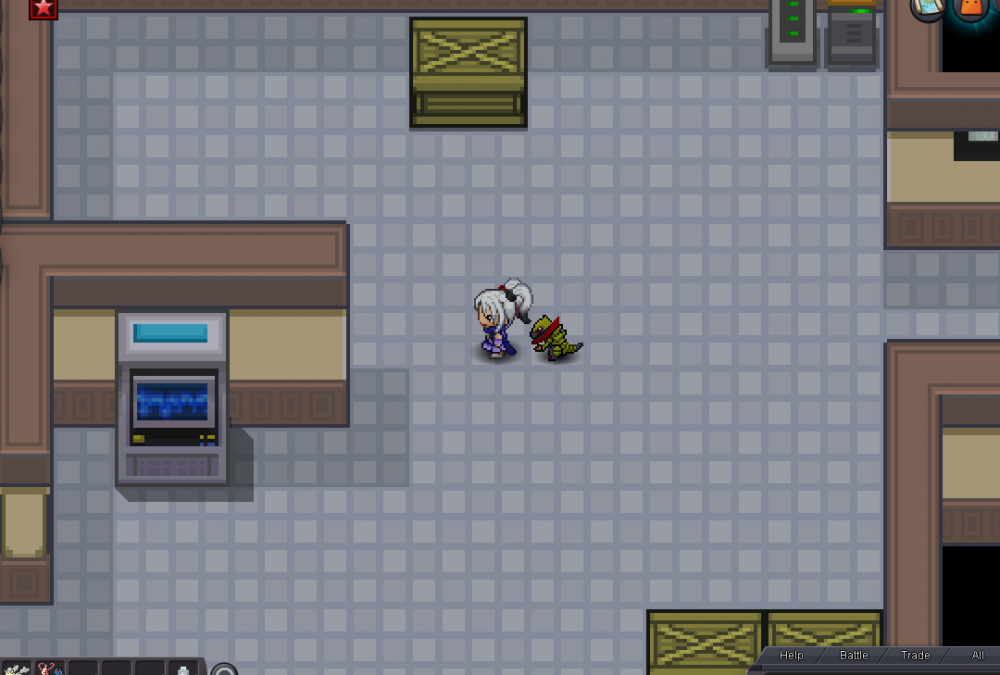
as you can see i meet reuirements for the quest , i go poke centre to recieve this : then when i go new maulville noone spawns the whole builing is empty with just some roaming pokes etccc ... i have tryed over and over to re try this quest and still nothing i want full access to quick travels when buying transit pass but i still cant use hoenn/sinnoh system
-
auction over .. winner !!! please contact me in dicord or PM me
-
refresh 15mins remain from last bid
-
current bid - 600k by thisblackguy

-
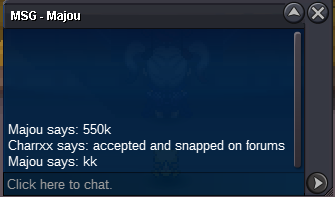
current bid-550k by majou
-
MY TRADE RULES : once a bid is made bids cannot be retracted / changed / withdrew Start price - 500k - MIN raise -50k auctions begins when first offer is made - ENDING of auction will be 11PM GMT+0 london ,casablanca timezone , so auction will last approx 48hours after post "edit" INSTA price- 1.5M i accept cc = 280k ALL FALSE BIDS WILL BE REPORTED !!! If you are unsure or unaware of trade rules changes or how bids work please visit following link : https://pokemonrevolution.net/forum/topic/29538-url Any questions PM me on discord i will try to reply as soon as i can , good luck !! :) Discord : Charxx#5527