New Trade Zone
Trade Zone is now live
Use the new Trade Zone for auctions and instant-price trades so Pokemon and item offers are easy to find.

Mavitroz581
Registered User
-
Joined
-
Last visited
Everything posted by Mavitroz581
-
The same thing happens. I deleted all files related to PRO and even used CCleaner to clean up any remaining files, then restarted my phone and reinstalled. Didn't work. I then proceeded to download the file on my PC and also tested it with the NOX program to see if the app would work on my PC and it worked, but after reinstalling it on my phone the same thing happens.
-
I can't and it's exactly what I said, closes immediately after the logo screen. It can't even reach the login screen.
-
My game is crashing at the startup screen where the logo pops up right before the login screen. I've done multiple complete uninstalls and reinstalls, and have looked through the Android guides and did what I could do. My phone is a Samsung Galaxy S6 Edge, and I was able to play before this update.
-
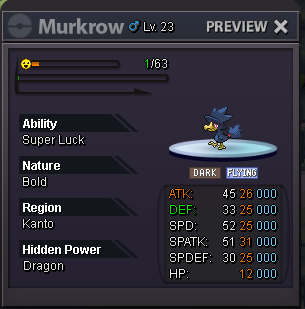
What if he was at max level with max ev in ATK and SPD?
-