New Trade Zone
Trade Zone is now live
Use the new Trade Zone for auctions and instant-price trades so Pokemon and item offers are easy to find.

Jakeljan
Registered User
-
Joined
-
Last visited
Everything posted by Jakeljan
-
May i know the folder name for the old PRO files? Ive been looking for it for quite sometime but i cant find any.
-
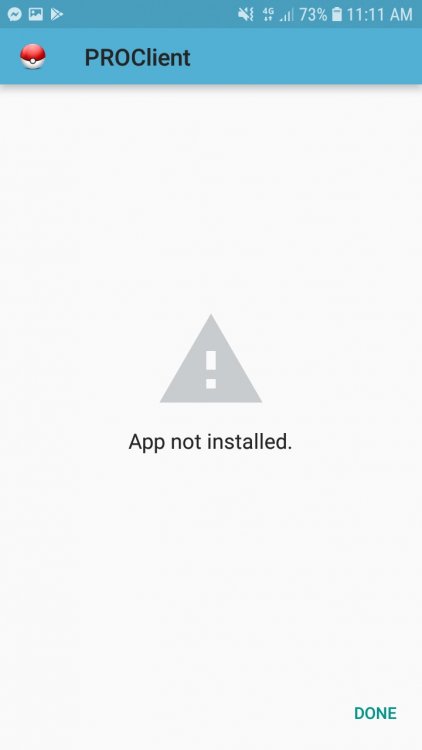
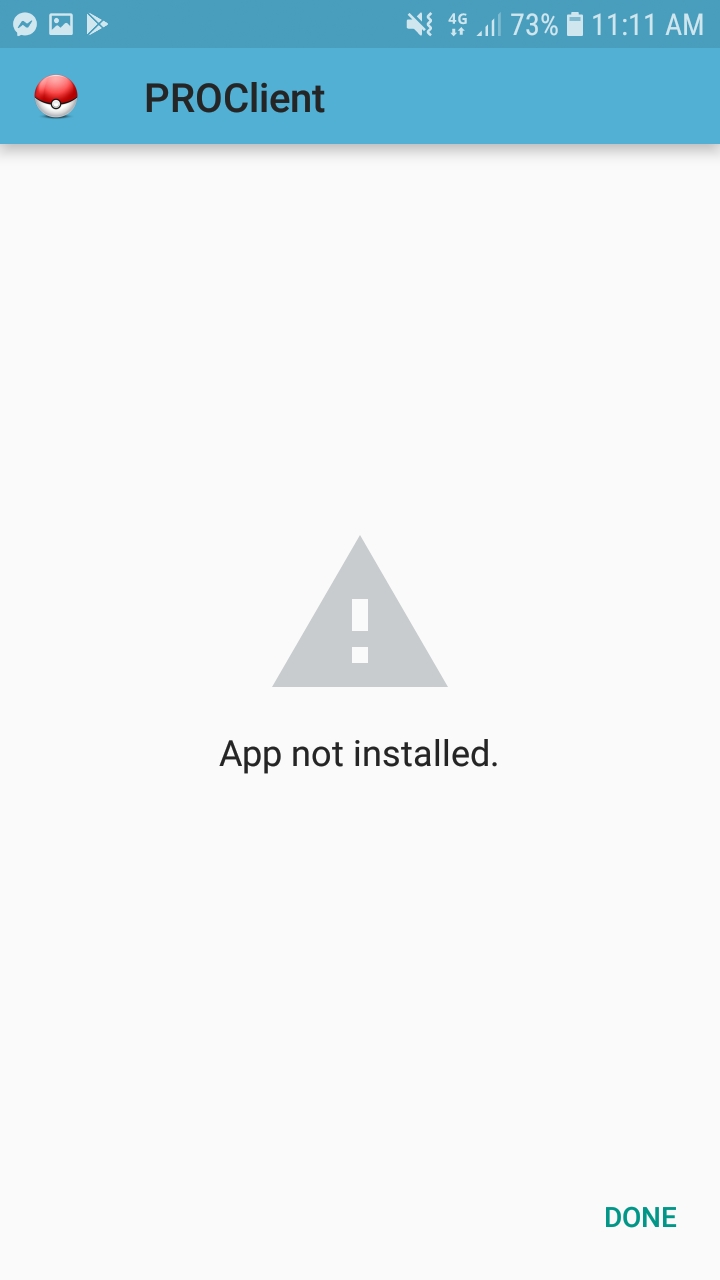
So i downloaded the updated apk. I uninstalled the previous version then istall the updated apk but it wont install. It show "app not install" after staging the app and installing it. I tried to install it to another phone which hasnt been used for playing PRO previously and it works. Im wondering if there is still some files not deleted after i uninstalled the previous version of the app. I want to delete it but i dont know the name of the folder or the files. Please someone help Btw. I used otg flashdrive to transfer the apk file of PRO from pc to phones.