New Trade Zone
Trade Zone is now live
Use the new Trade Zone for auctions and instant-price trades so Pokemon and item offers are easy to find.

Vyrgax
Registered User
-
Joined
-
Last visited
-
Mojave is not possible for all computers (in the case of my friend), who uses a 2012 Macbook air. Also, Mojave is without doubt one of the worst versions Apple rolled out, slowing down models pre-2015 significantly, and a majority of games and applications not being optimized for Mojave. PRO used to work normally on Yosemite, until the update after the valentines day event.
-
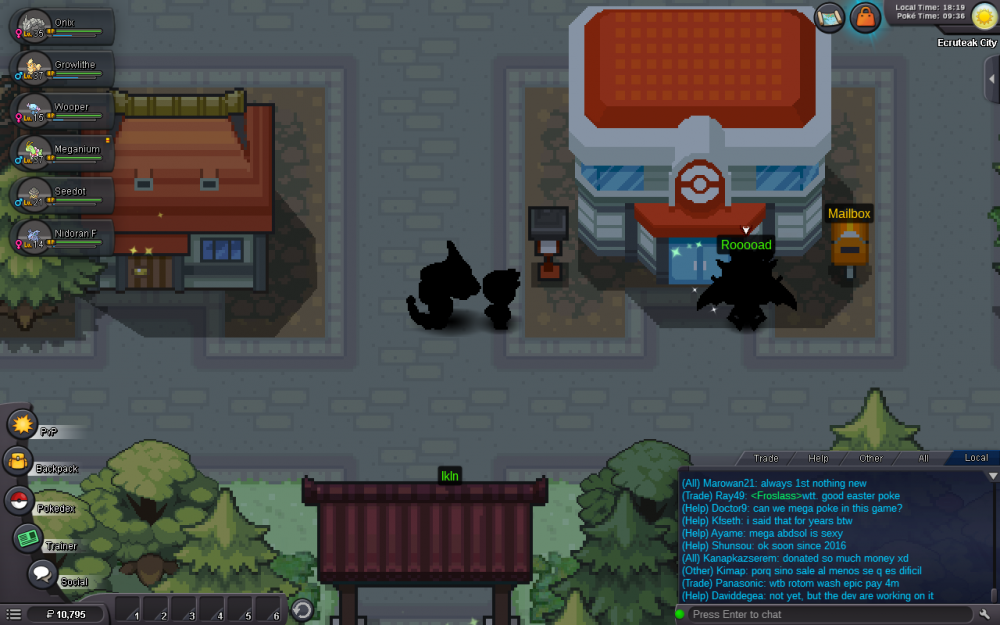
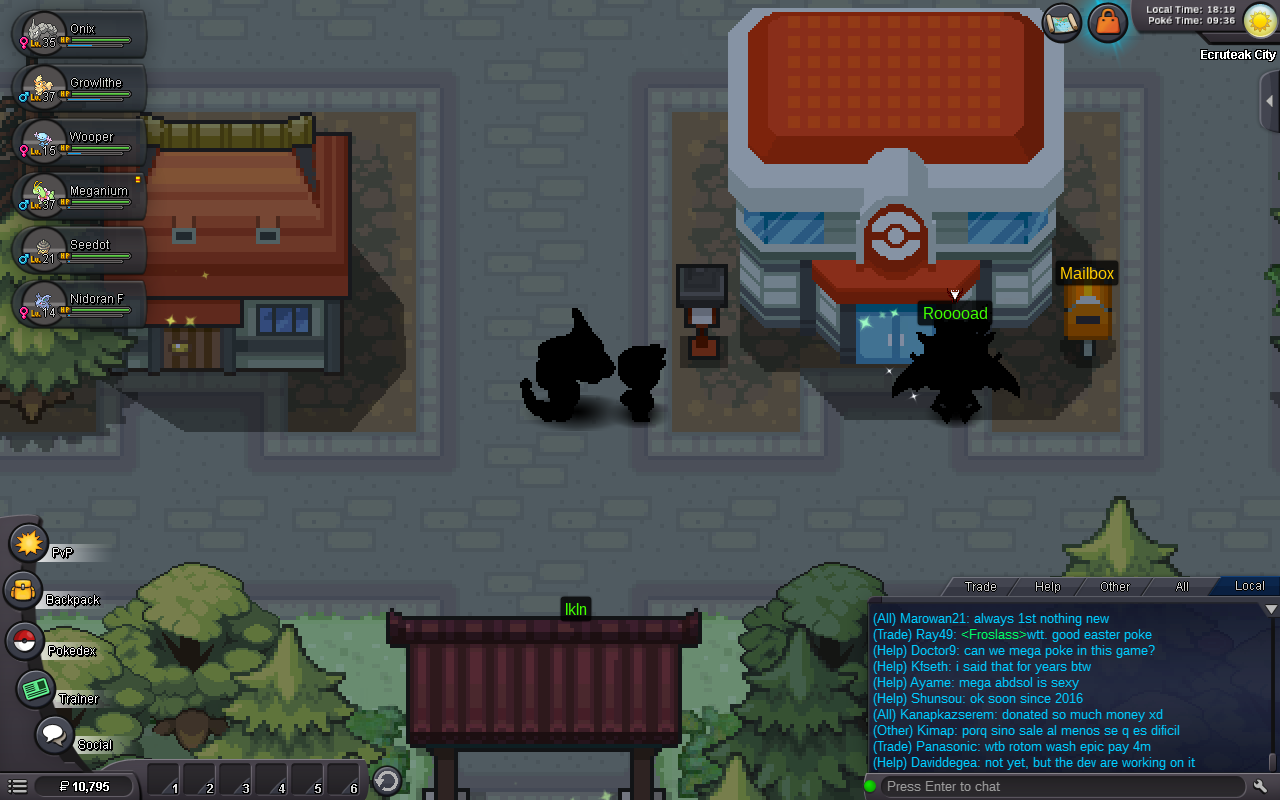
I recently reset my Macbook Pro with the operating system OS X Yosemite, and it seems that overworld NPCs and pokemon, characters, and other things like diggable patches all have a black texture. However, when it's evening/night, and you walk under a street light, you can see the texture of the overworld sprite as it should be - not black. CCleaner doesn't do the trick. Redownloading doesn't fix it either. A friend of mine uses OS X Yosemite too, same issue.