




New Trade Zone
Trade Zone is now live
Use the new Trade Zone for auctions and instant-price trades so Pokemon and item offers are easy to find.


Polyxena
Registered User
-
Joined
-
Last visited
-
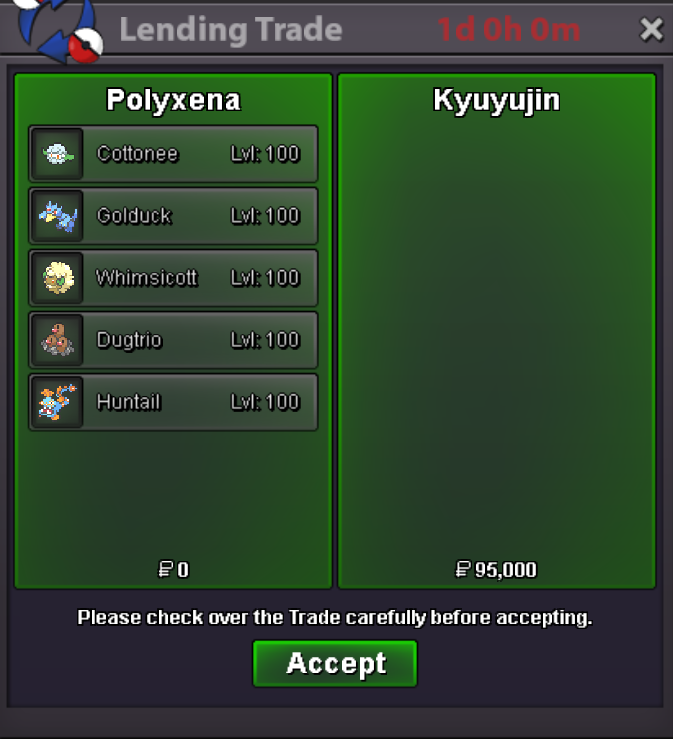
Boss team lend for 1D + sold 10x Focus Sash, 3x Leftovers & 1x Lagging Tail Tyvm for your order ❤️
-
Bump
-
~ Bumperino ~
-
+1 Great idea! I love hunting and have the same issue feeling dizzy after some time when the screen moves. Especially, when I am hunting passively while watching a livestream or video on the other monitor.
-
~ Bump ~
-
Bump
-
After a long time of absence, my service shop is open once again. As a short reminder: I am a casual player and won't accept requests for "super fast EV training" - no matter how much you offer for it ❣️ You can expect one mon trained in max 2 days (most of the time it's faster) - however, just get in contact with me in order to know whether I currently I have time for EV training or not.
-
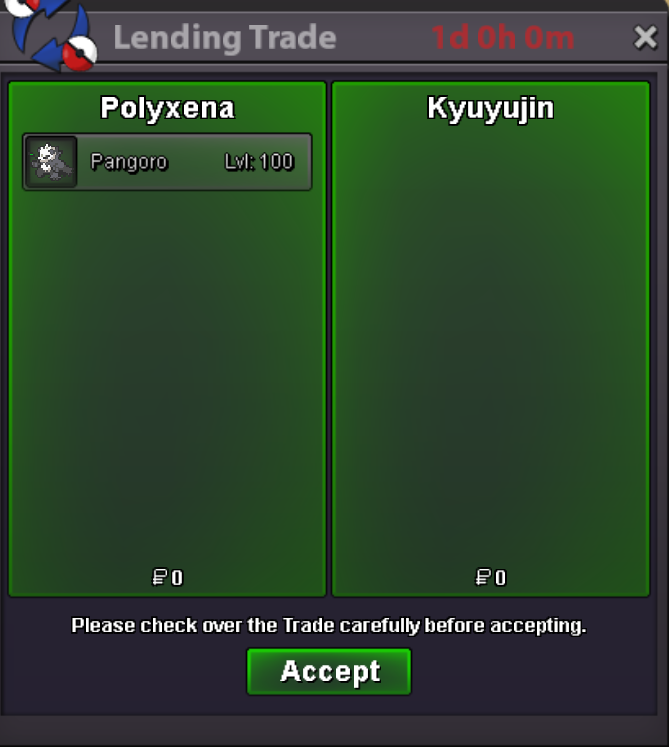
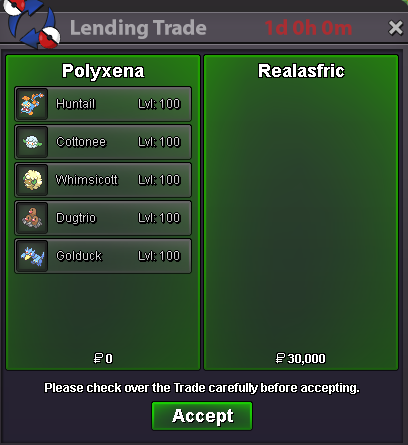
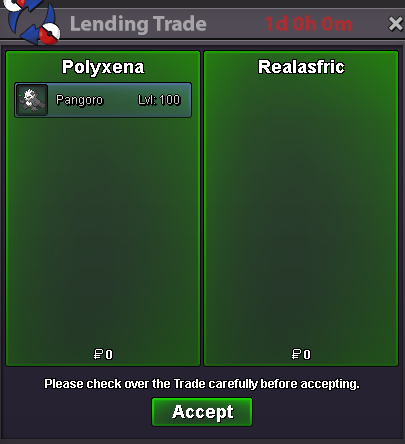
Boss team lending service until 11.04.2025 - 23:27 (GMT+2) ~ forgot about the 2nd screenshot but Pangoro got ofc lent as well 😄 ~
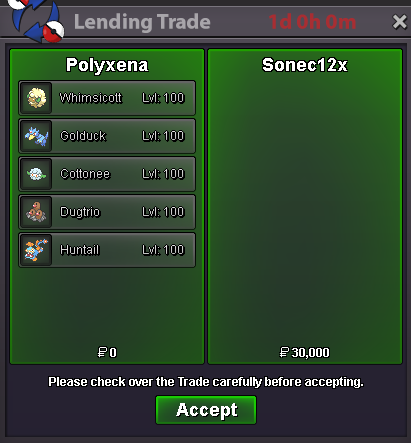 Finished the EV training of 5 mons: Furthermore, I added the "Egg Move Service" as an additional service for my shop 😊
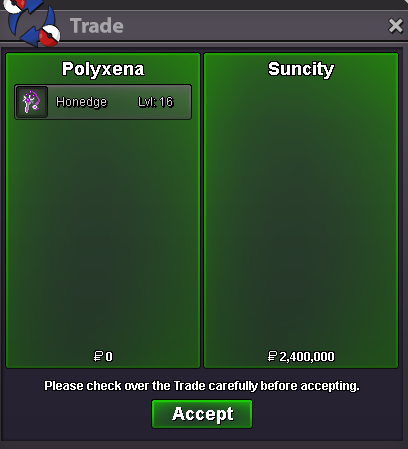
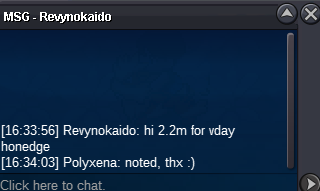
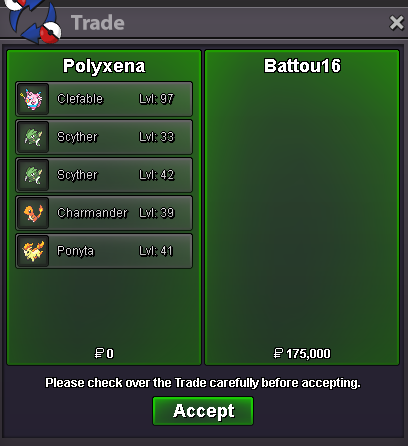 Congrats @Suncity you won the vday Honedge for 2.4m 🎉 Just let me know when u are online to finish the tradeBump - nearly 5 hours left
Account
Navigation
Search
Configure browser push notifications
Chrome (Android)
- Tap the lock icon next to the address bar.
- Tap Permissions → Notifications.
- Adjust your preference.
Chrome (Desktop)
- Click the padlock icon in the address bar.
- Select Site settings.
- Find Notifications and adjust your preference.
Safari (iOS 16.4+)
- Ensure the site is installed via Add to Home Screen.
- Open Settings App → Notifications.
- Find your app name and adjust your preference.
Safari (macOS)
- Go to Safari → Preferences.
- Click the Websites tab.
- Select Notifications in the sidebar.
- Find this website and adjust your preference.
Edge (Android)
- Tap the lock icon next to the address bar.
- Tap Permissions.
- Find Notifications and adjust your preference.
Edge (Desktop)
- Click the padlock icon in the address bar.
- Click Permissions for this site.
- Find Notifications and adjust your preference.
Firefox (Android)
- Go to Settings → Site permissions.
- Tap Notifications.
- Find this site in the list and adjust your preference.
Firefox (Desktop)
- Open Firefox Settings.
- Search for Notifications.
- Find this site in the list and adjust your preference.