




New Trade Zone
Trade Zone is now live
Use the new Trade Zone for auctions and instant-price trades so Pokemon and item offers are easy to find.

Virgneel
Registered User
-
Joined
-
Last visited
Everything posted by Virgneel
-
350k by justingwapo

-
time ended you win :) pm me ign:virgneel thank you all for bidding
-
b.o 200k min bid 50k accept money only end 1 day after first bid
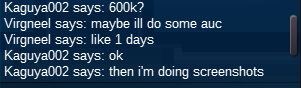
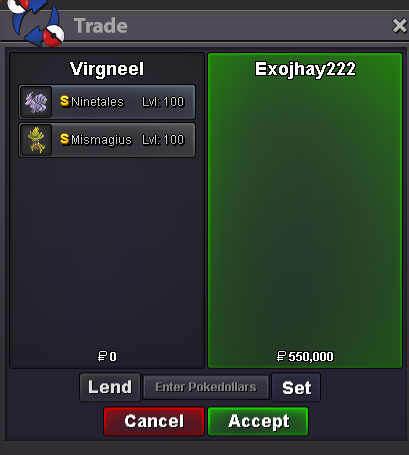
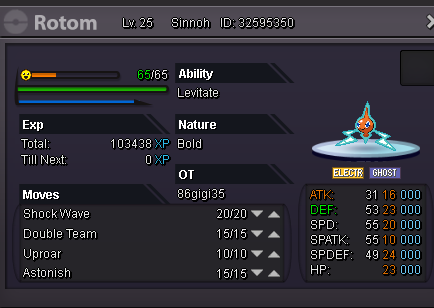 okC.O 600k by Kaguya002 Auction ends in 1 days ill accept money,cc(300k),rr iv(600k),nature(300k) Happy bidding
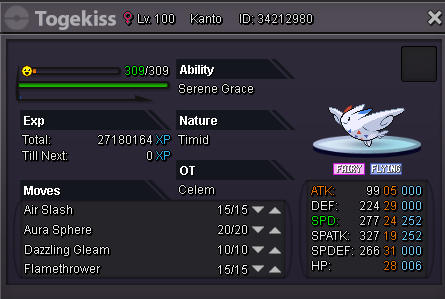
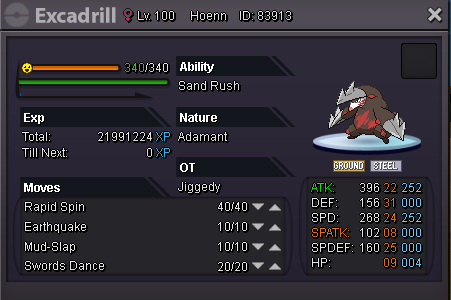
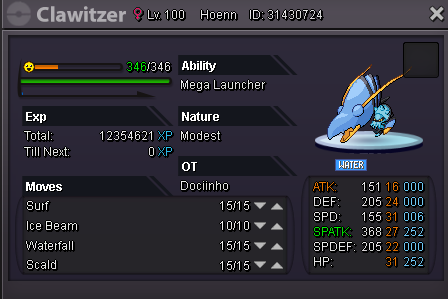 Hello guys today i want to sell my poke's For more info u can pm me ign:virgneel I accept (cc(300k),nature rr(300k),ivs rr(600k),rc(5k),and money) ------------------------------------Untrained------------------------------------ ~Rotom 500k ~1st Happiny 150k ~2nd Happiny 150k ---------------------------------------Trained------------------------------------ ~Togekiss 400k ~Excadrill 250k ~Serperior 800k
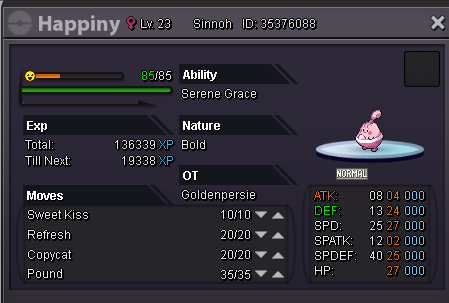

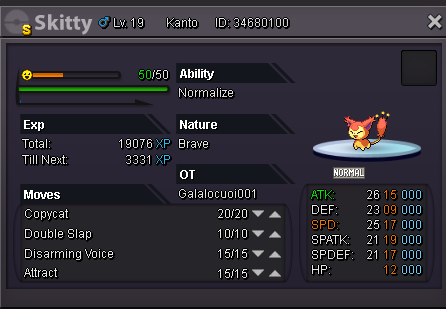
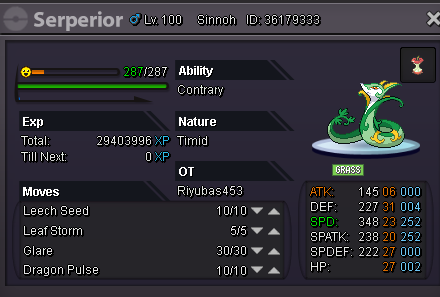 wts shiny skitty for 500k accept:money,nature reroll(300k),coin capsule(300k) for more info pm me ign(virgneel)
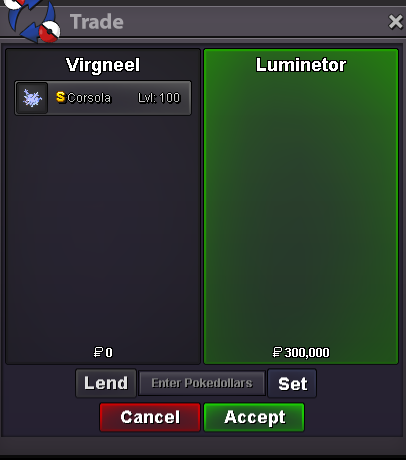
 corsola sold to luminetor(ingame)
 what's ur in game name?win?STARTstartand s rhydon sold to tienlolihey u win pm me when u want to take the pokebumps rhydon start 200k by tienloli
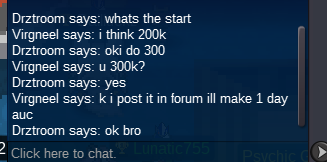
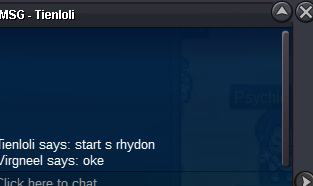 oke will end in 1 daysso allsmell buy that gyarados insta?? pfftso what the minimum bid?didnt pm me xd im interest in togepi and conketogepi and conkel for?


Account
Navigation
Search
Configure browser push notifications
Chrome (Android)
- Tap the lock icon next to the address bar.
- Tap Permissions → Notifications.
- Adjust your preference.
Chrome (Desktop)
- Click the padlock icon in the address bar.
- Select Site settings.
- Find Notifications and adjust your preference.
Safari (iOS 16.4+)
- Ensure the site is installed via Add to Home Screen.
- Open Settings App → Notifications.
- Find your app name and adjust your preference.
Safari (macOS)
- Go to Safari → Preferences.
- Click the Websites tab.
- Select Notifications in the sidebar.
- Find this website and adjust your preference.
Edge (Android)
- Tap the lock icon next to the address bar.
- Tap Permissions.
- Find Notifications and adjust your preference.
Edge (Desktop)
- Click the padlock icon in the address bar.
- Click Permissions for this site.
- Find Notifications and adjust your preference.
Firefox (Android)
- Go to Settings → Site permissions.
- Tap Notifications.
- Find this site in the list and adjust your preference.
Firefox (Desktop)
- Open Firefox Settings.
- Search for Notifications.
- Find this site in the list and adjust your preference.