




New Trade Zone
Trade Zone is now live
Use the new Trade Zone for auctions and instant-price trades so Pokemon and item offers are easy to find.

Oshay
Registered User
-
Joined
-
Last visited
Everything posted by Oshay
-
Lol how do i lie bout this i show full screen >.> pro nothing but loots me. So i waste a reroll+wq ticket on something that should be saved when i dc right. Since we can pick iv rerolls from ones we used before. Anyway thanks for responding while ur team is on vacation. Have a nice day.
-
Is there any response yet?
-
-
-
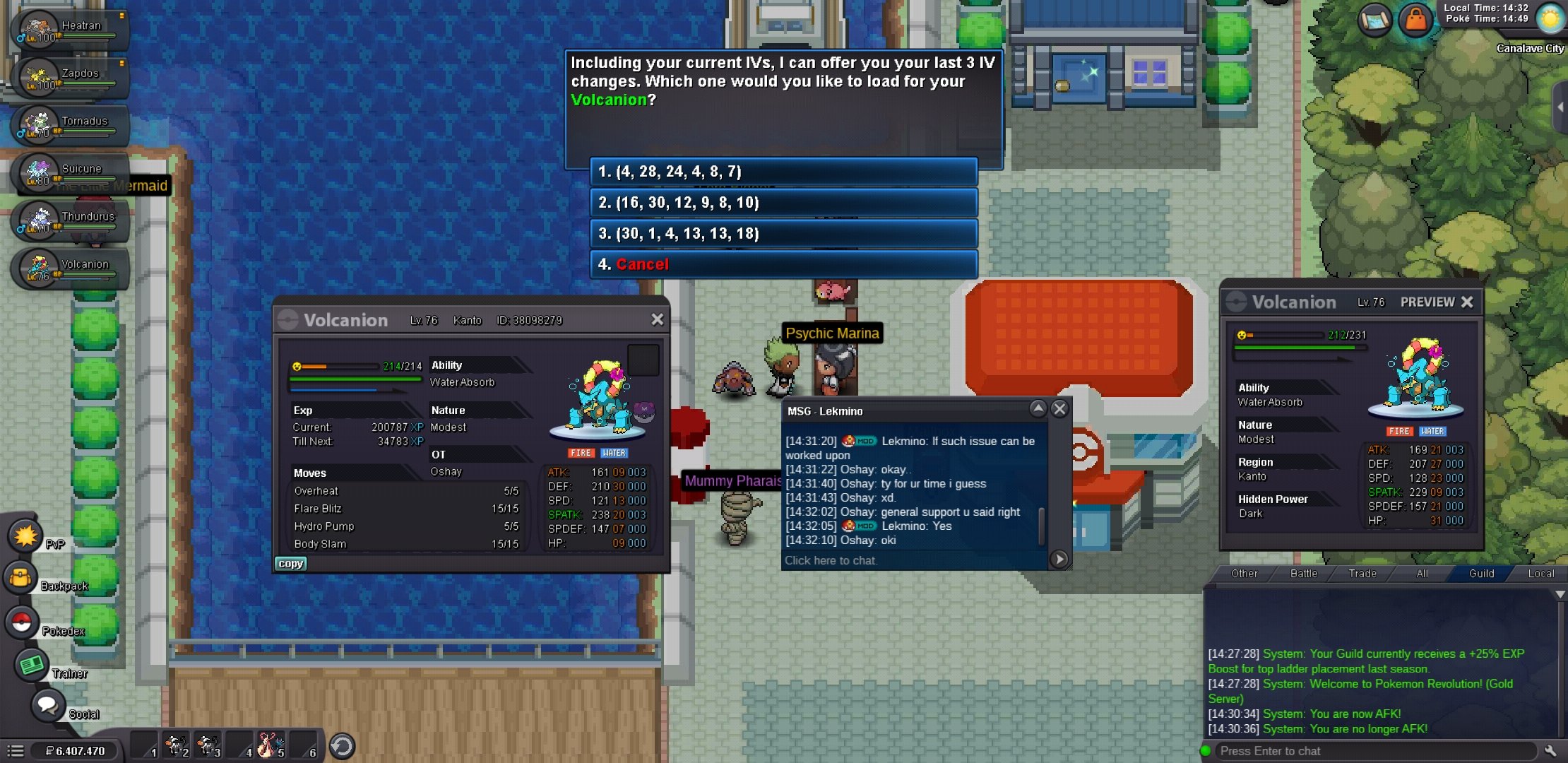
Hi so i was rerolling with double reroll hour and when i rerolled my volcanion server dced before i could accept the first reroll (1/2) from double.. is there anyway i could get it back and if possible maybe the second chance reroll aswell.
-
auction ended winner is goldenkid gz
-
noted :) goodluck amigo
-
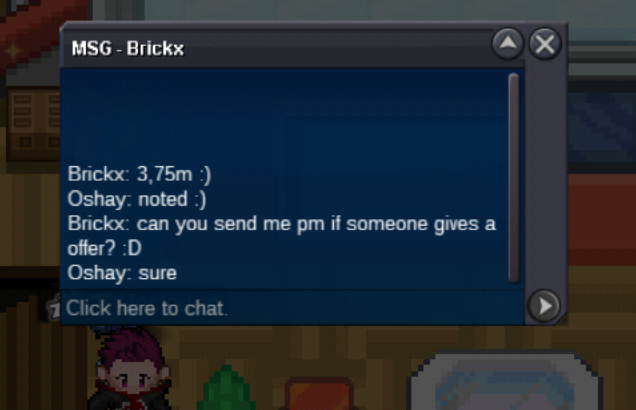
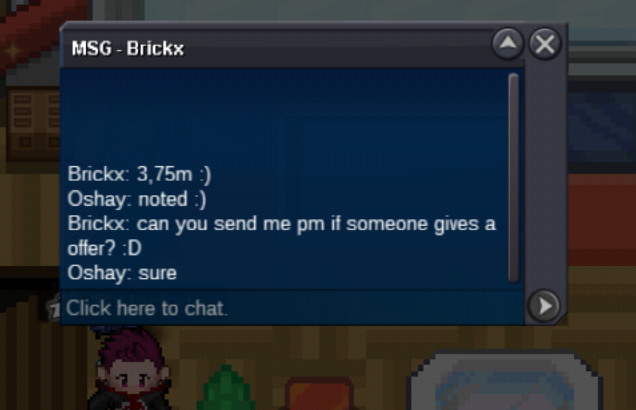
hey there guys i'm selling my shiny shellder! c.o 2m by goldenkid min bid: 200k cc's 380k rerolls :700k auction will end on Friday 12pm gmt+2 goodluck everyone! if silver player wins the auction ill come bring it over btw :) also updating every time i get a new bid:)

-
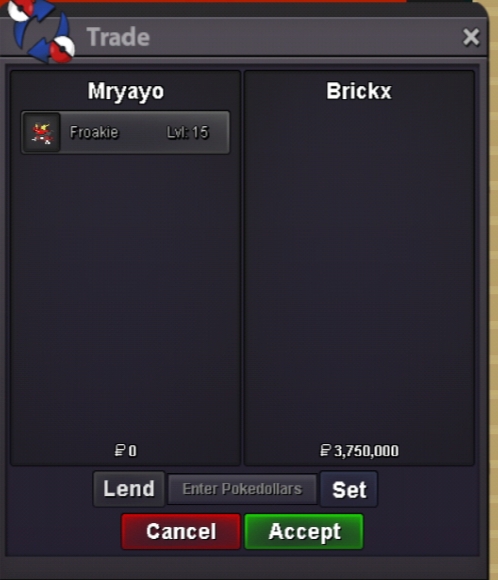
Gz to brickx for winning the auction enjoy!
-
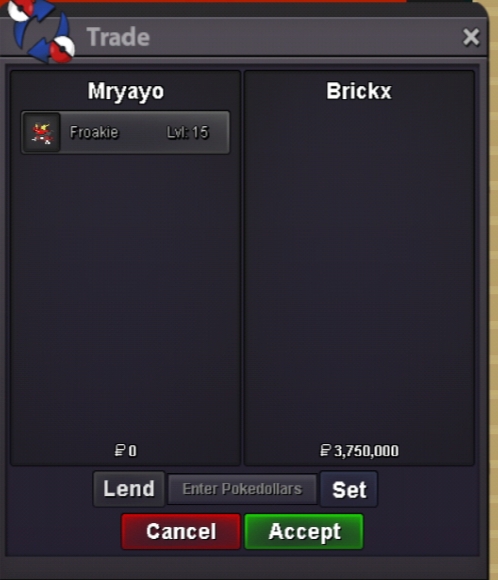
Gz to brickx for winning the auction enjoy!
-
30 min left!
-
Last 30min of auction!
-
2h 15min left
-
2h and 15 mins left.
-
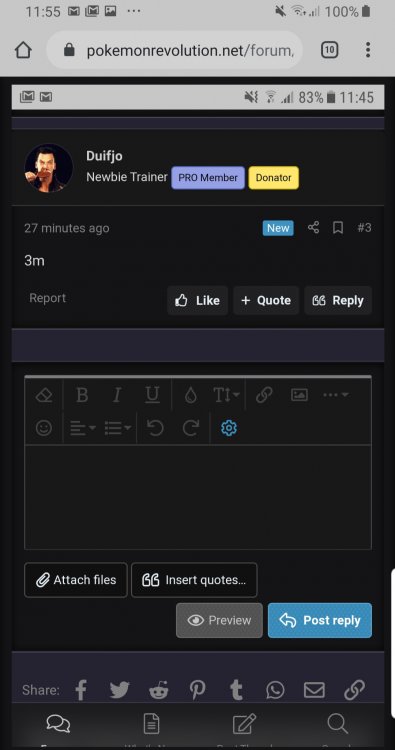
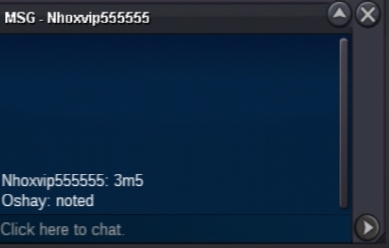
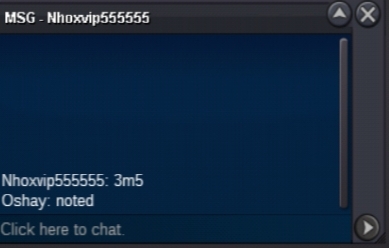
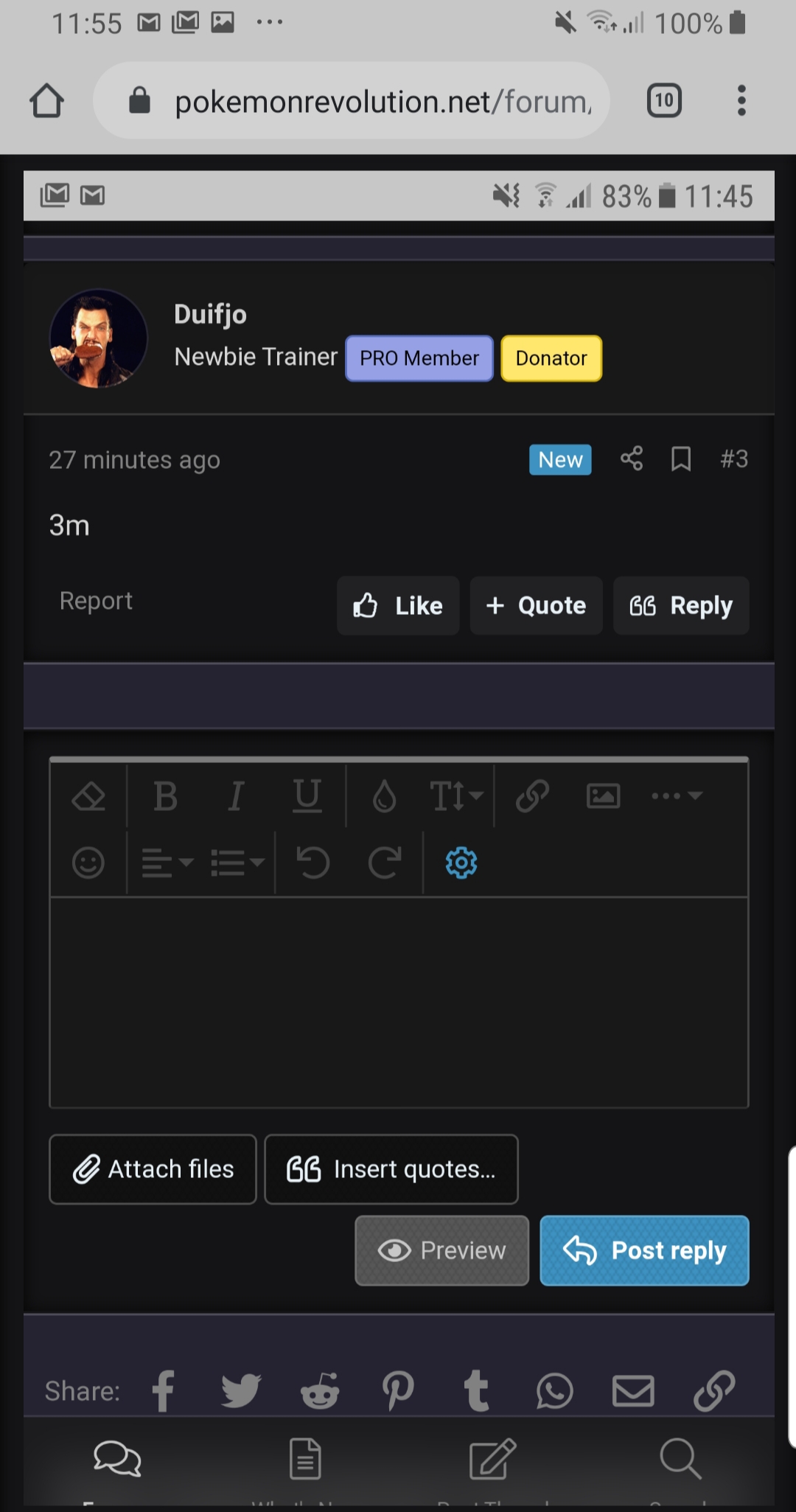
6 hours and 30min left6 hours and 30min left14h left still c.o 3m by duifjo14h left still c.o 3m by duifjoDuifjo from silver bid 3m
Account
Navigation
Search
Configure browser push notifications
Chrome (Android)
- Tap the lock icon next to the address bar.
- Tap Permissions → Notifications.
- Adjust your preference.
Chrome (Desktop)
- Click the padlock icon in the address bar.
- Select Site settings.
- Find Notifications and adjust your preference.
Safari (iOS 16.4+)
- Ensure the site is installed via Add to Home Screen.
- Open Settings App → Notifications.
- Find your app name and adjust your preference.
Safari (macOS)
- Go to Safari → Preferences.
- Click the Websites tab.
- Select Notifications in the sidebar.
- Find this website and adjust your preference.
Edge (Android)
- Tap the lock icon next to the address bar.
- Tap Permissions.
- Find Notifications and adjust your preference.
Edge (Desktop)
- Click the padlock icon in the address bar.
- Click Permissions for this site.
- Find Notifications and adjust your preference.
Firefox (Android)
- Go to Settings → Site permissions.
- Tap Notifications.
- Find this site in the list and adjust your preference.
Firefox (Desktop)
- Open Firefox Settings.
- Search for Notifications.
- Find this site in the list and adjust your preference.