




New Trade Zone
Trade Zone is now live
Use the new Trade Zone for auctions and instant-price trades so Pokemon and item offers are easy to find.


Oretao
Registered User
-
Joined
-
Last visited
-
up
-
As there was no one interested in bidding on the auction it will be closed now! Interested please contact me.
-
If I release my Landuros, how do I get it back? I didn't see him on Wikia as a reward for defeating the boss Nikola! If I let go, it will only be necessary to redo the task.
-
I bought! 😄
-
I might as well do a quest to get them now on Halloween. The item matches the theme.
-
Seriously? how boring, I really liked this item.
-
- How do i get black fire wings? - Is this item exchangeable? - Is there an average price? Thank you !
-
End
-
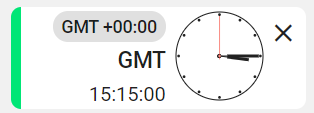
the time is GMT Global. By that time there are still about 30 minutes.
-
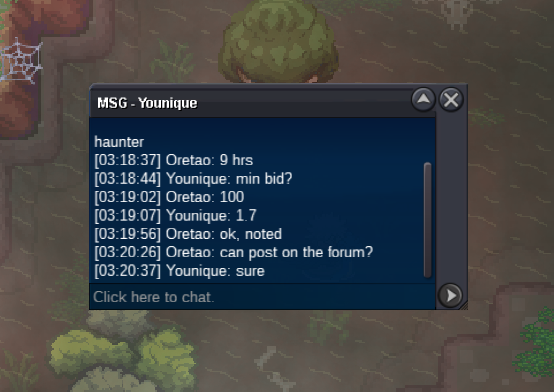
CO= 1.7m by Younique
-
C.O. = 1m By Aponte805
-
C.O. 600k
-
I changed the values.
-
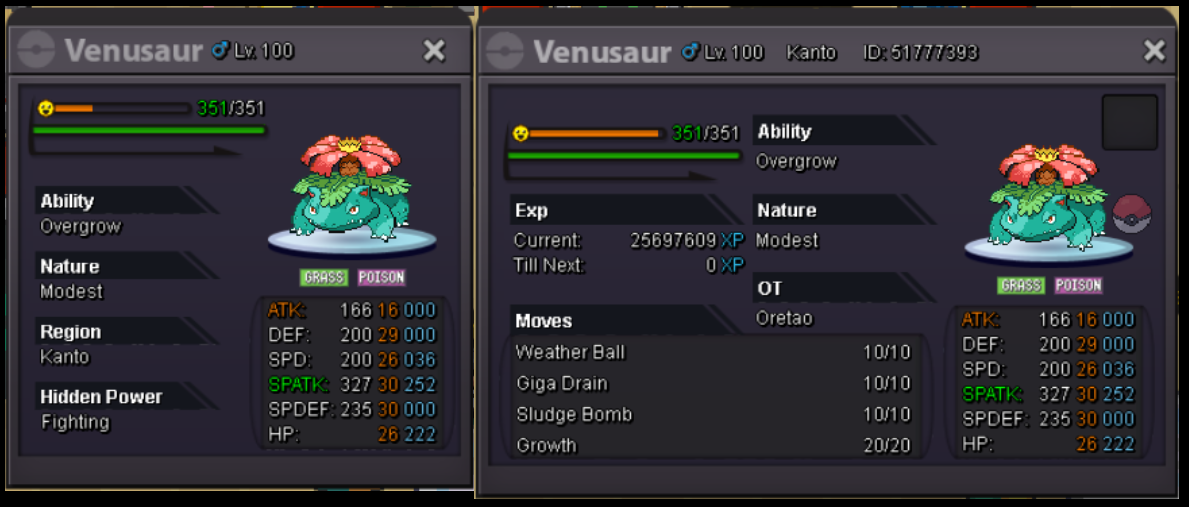
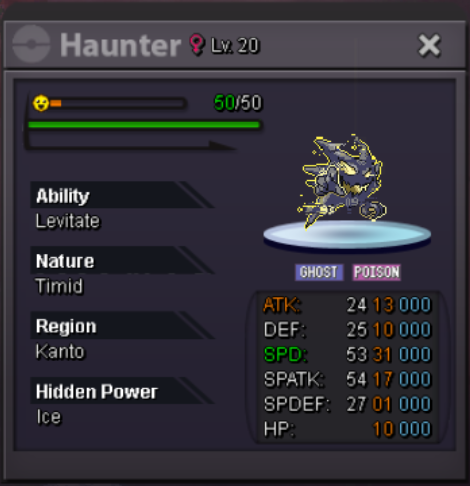
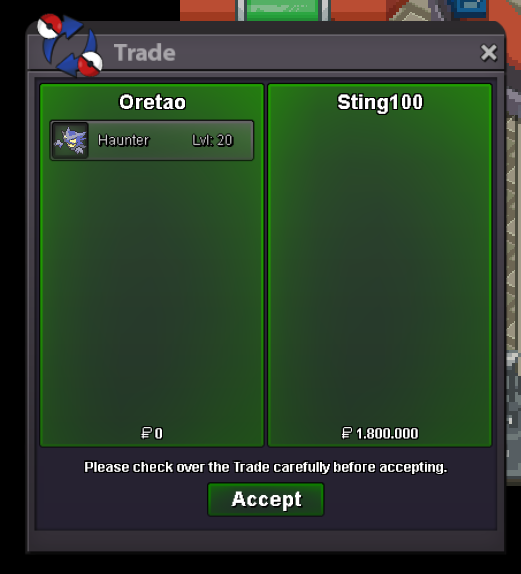
Start Offer = 500k / Insta 2m 48hrs Auction / No fake offers Min 100k increase OBS: Accept CC 420k (CC = Coin Capsule) Additional Information: Begins: 09 October, Friday 15:15 GMT Global Ends: 11 October, Sunday 15:15 GMT Global Edit: changing values! ----------------------------------------------------------------- Sold Price = 1.8m
-
Oretao changed their profile photo
-
When equipped with the fur coat accessory, the player's clothing changes color. the same problem occurs with mounts.