New Trade Zone
Trade Zone is now live
Use the new Trade Zone for auctions and instant-price trades so Pokemon and item offers are easy to find.


Vangogsan
Registered User
-
Joined
-
Last visited
Everything posted by Vangogsan
-
Final 15 minutes of the auction. The end point will be delayed by 15 minutes from that bid, and will be delayed by 15 minutes for each new bid thereafter, until the current offer has been held for a full 15 minutes. Must be accurate to the minute that the auction is set to end.
-
1h left
-
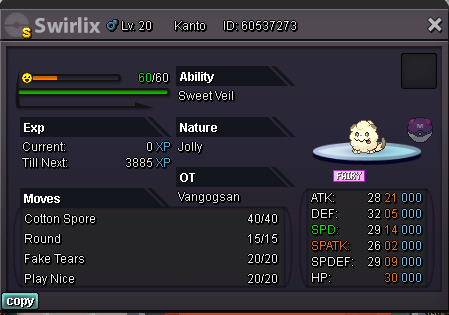
Start Point: The auction start at 28.10.2022 - 20:00 Bulgarian time and will last 24h Price: Start offer is 3m Min. Raise: 500k Insta price: No insta End Point: The auction end at 29.10.2022 at 20:00 Bulgarian time. If a bid is received in the final 15 minutes of the auction, the end point will be delayed by 15 minutes from that bid, and will be delayed by 15 minutes for each new bid thereafter, until the current offer has been held for a full 15 minutes. Must be accurate to the minute that the auction is set to end. Accepted Payment(s): cash only In game will be update the time left. Thank you for your time .
-
-
-
My idea is just to make pvp more interesting, this month all used mega metagross or scizor, and its played all the same 60 Pokemon's. You talked about creativity - well from like 300 Pokemon's in game are used like 70 because the others are too weak. Maybe 20 is much, maybe need to be less, and i agree that the people who invested effort will be affected, but let's be honest, most player's buy his best Pokemon's. I just want to don't face the same 70 Pokemon's over and over because that's the meta now. And yes for someone I'm not enough creative but every one have opinion and i want to be discussed here 🙂
-
To breack the current meta of PVP i suggest every month the top 20 most used pokemons in pvp to ban for 1 month. That surely will make the players to use more diffrent mega evolutions and other pokemons for their teams. What would you say for that ?
-
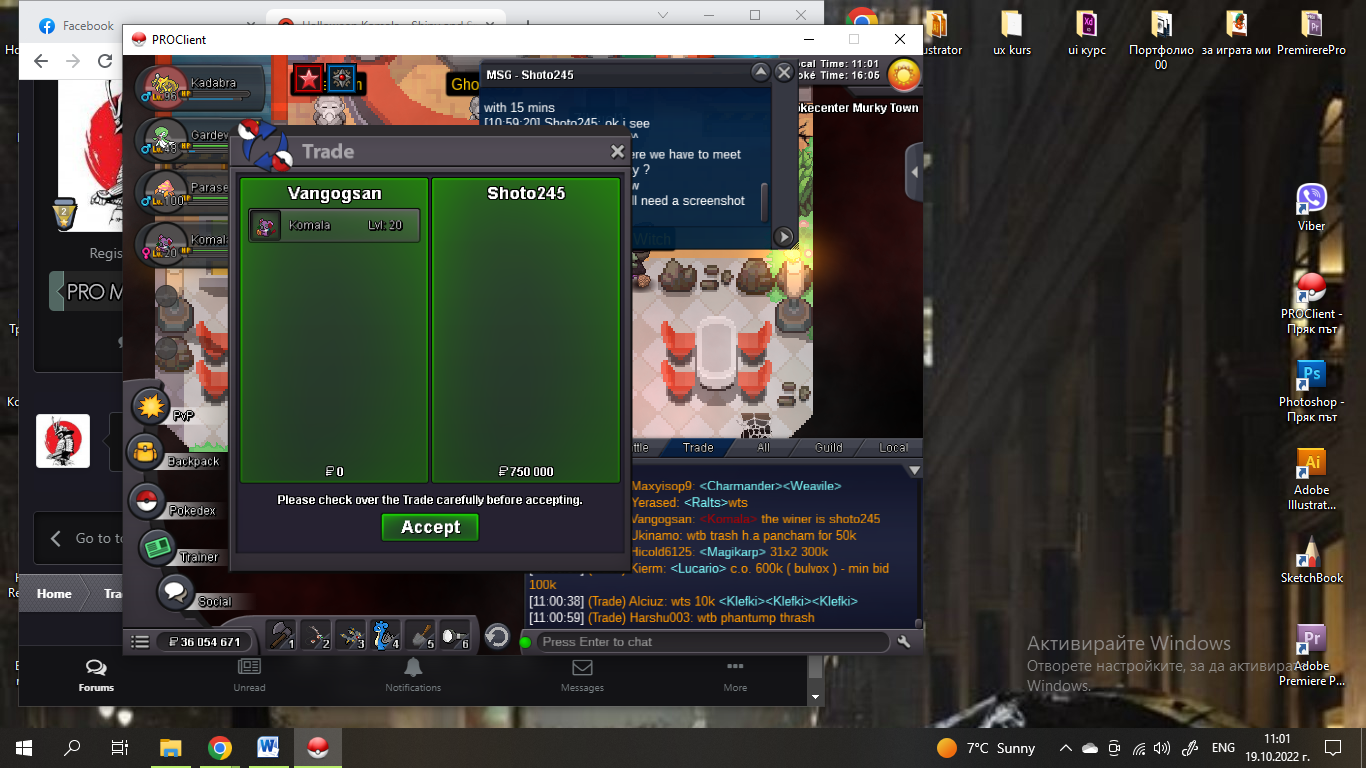
The winner is Shoto245 with 750 k
-
12 mins left if no one bid
-
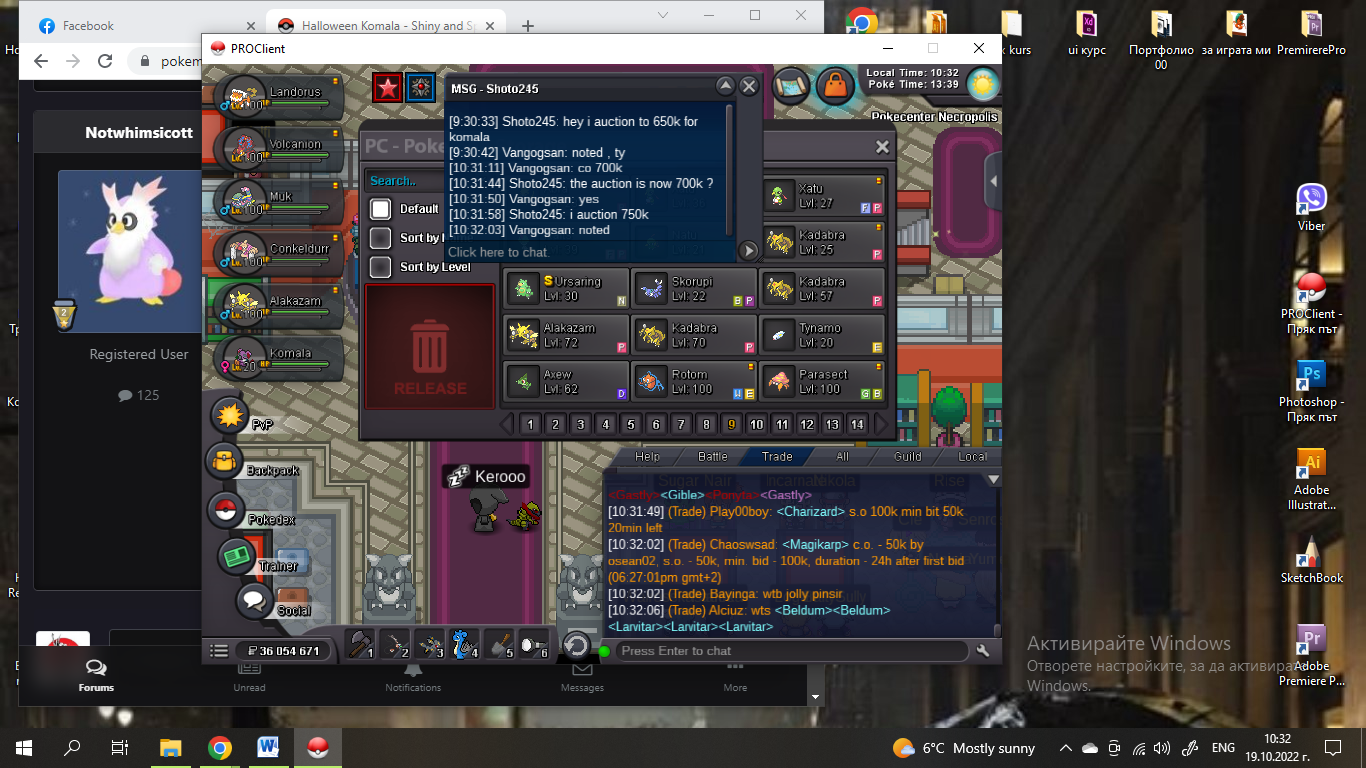
750k by shoto245
-
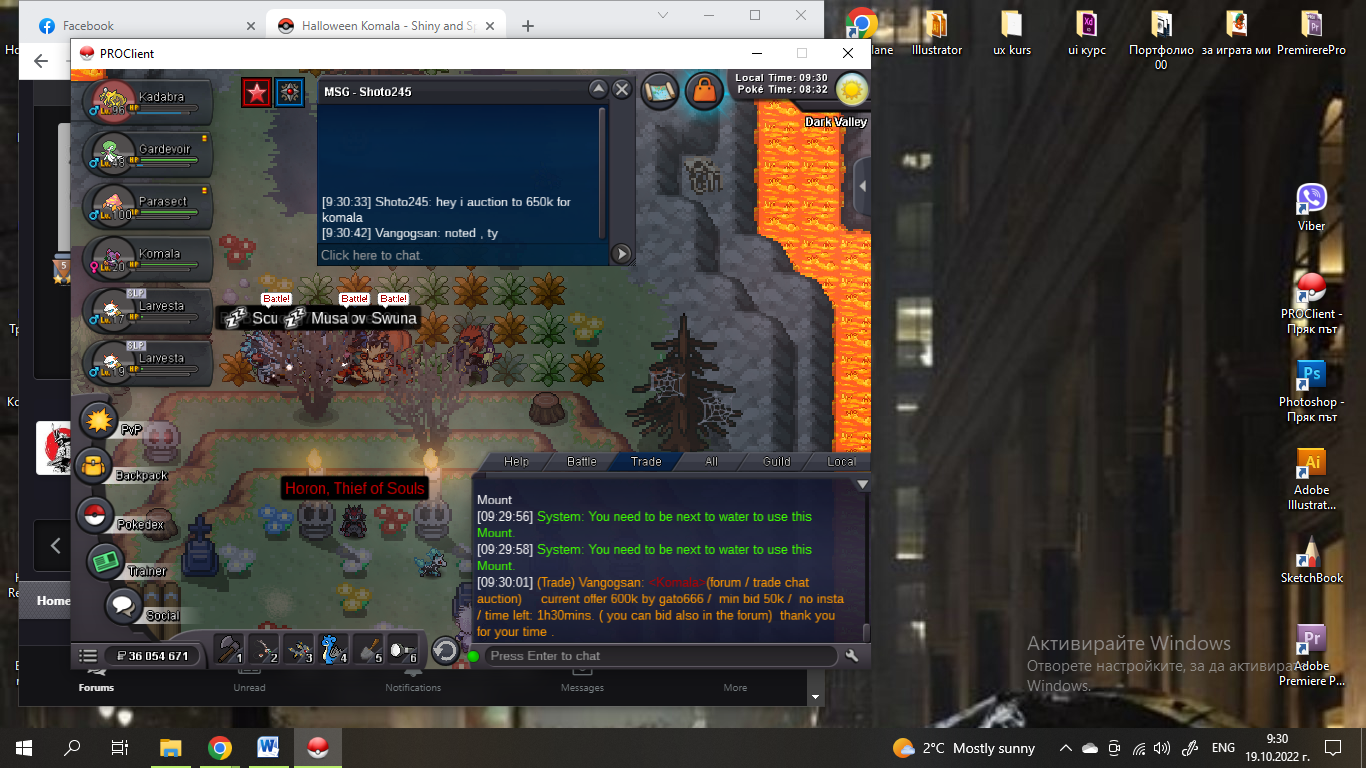
650k by Shoto245
-
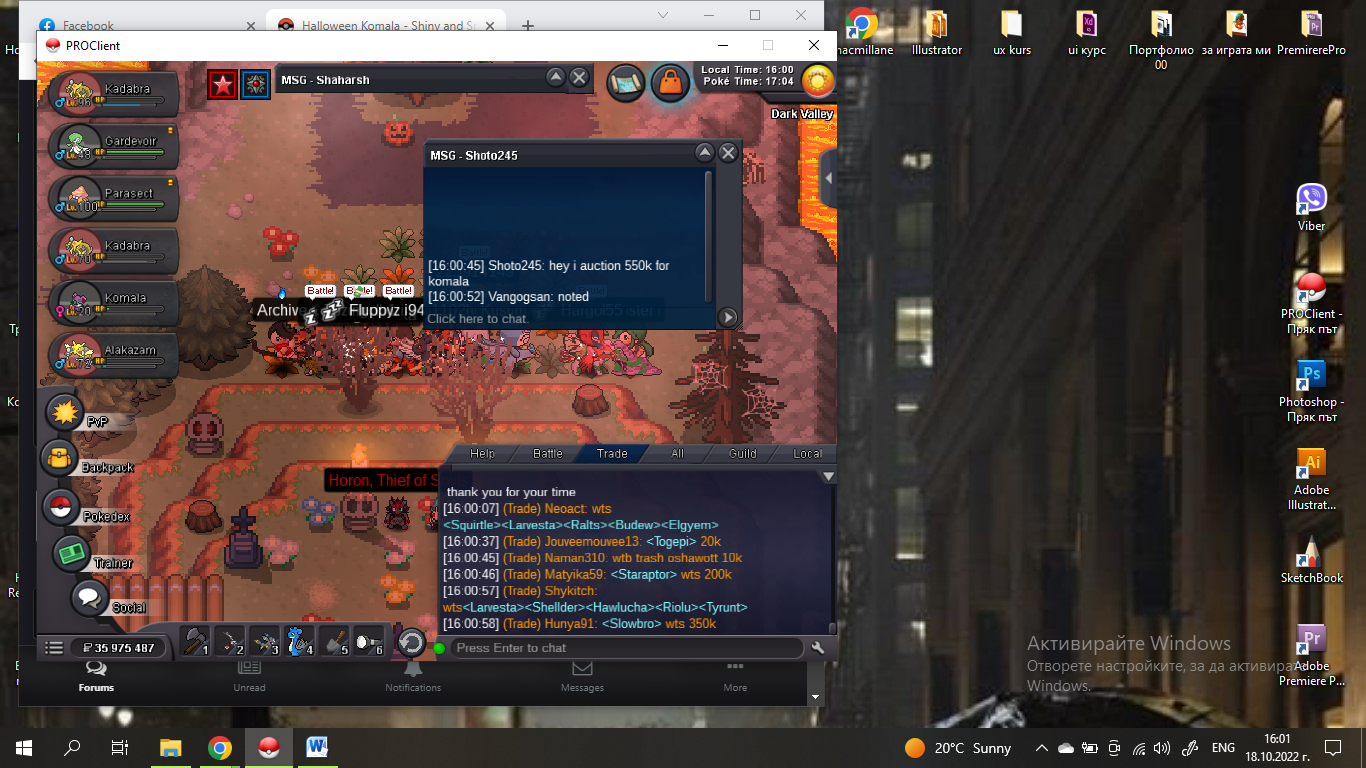
550k by Shoto245
-
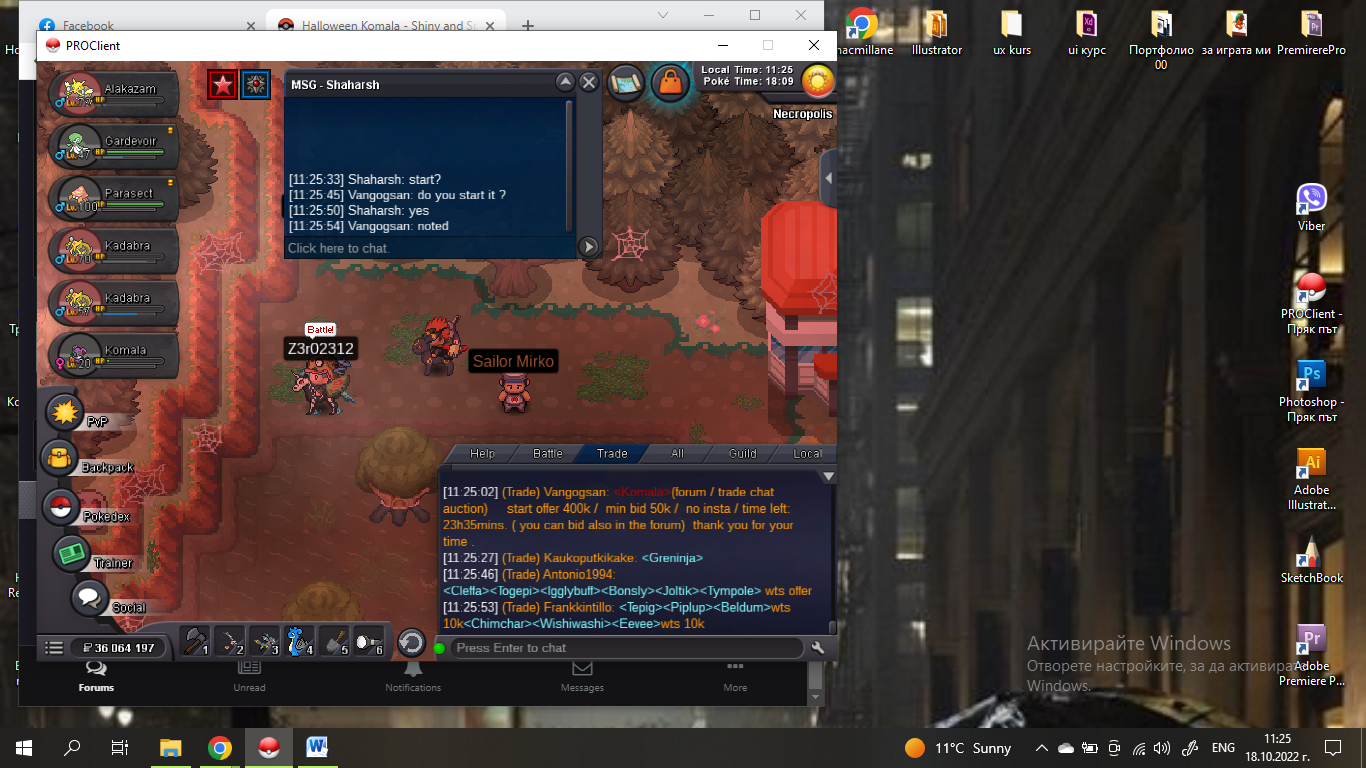
start by Shaharsh
-
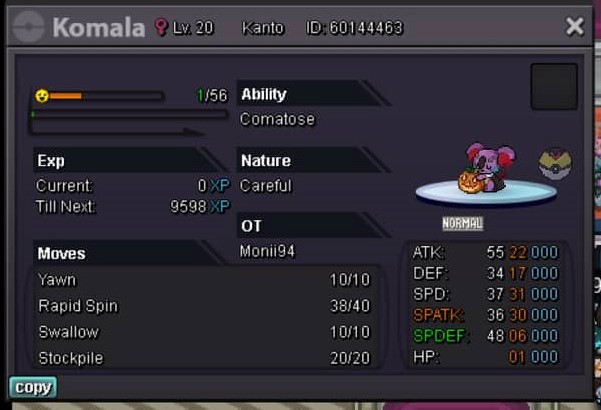
Start Point: The auction start at 18.10.2022 - 11:00 Bulgarian time and will last 24h Price: Start offer is 400k Min. Raise: 50k Insta price: No insta End Point: The auction end at 19.10.2022 at 11:00 Bulgarian time. If a bid is received in the final 15 minutes of the auction, the end point will be delayed by 15 minutes from that bid, and will be delayed by 15 minutes for each new bid thereafter, until the current offer has been held for a full 15 minutes. Must be accurate to the minute that the auction is set to end. Accepted Payment(s): cash only In game will be update the time left. Thank you for your time .
-
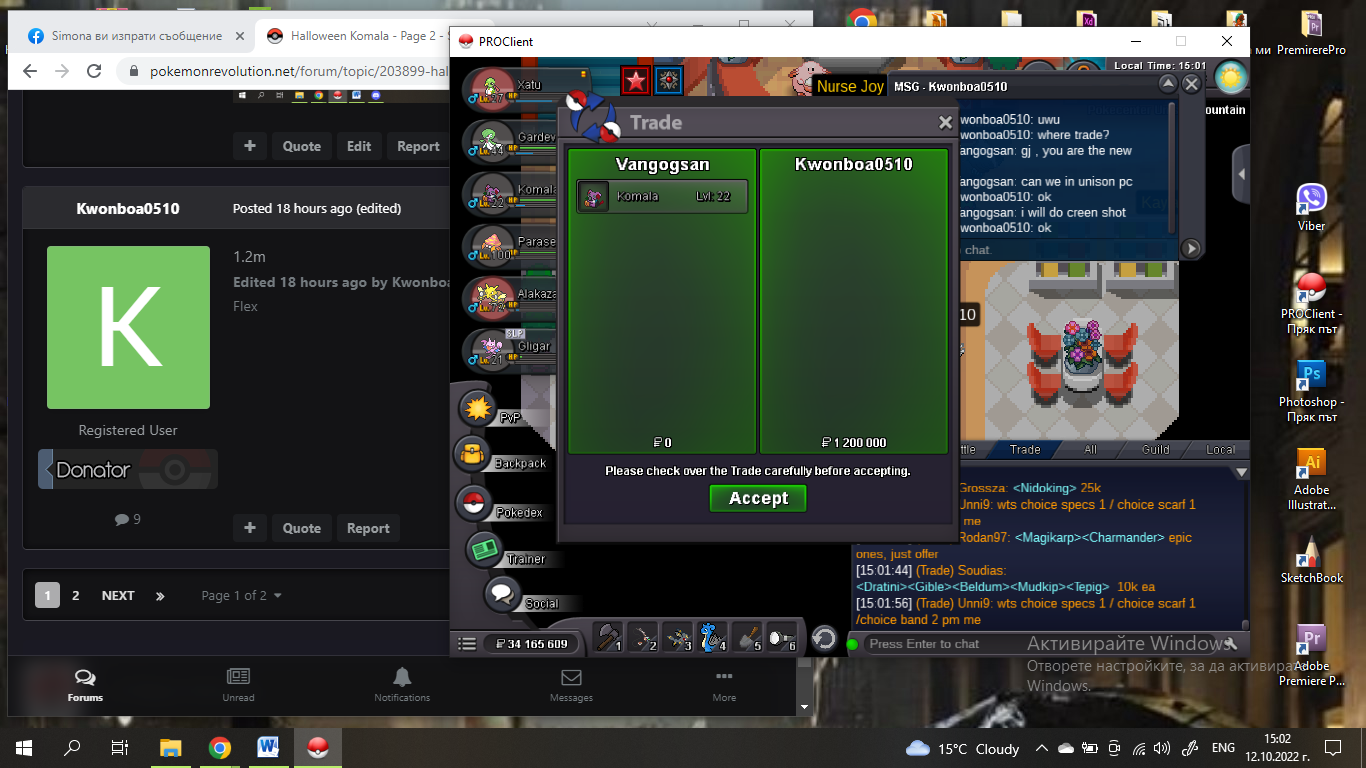
The winner is Kwonboa0510 with 1,2m
-
15 mins left
-
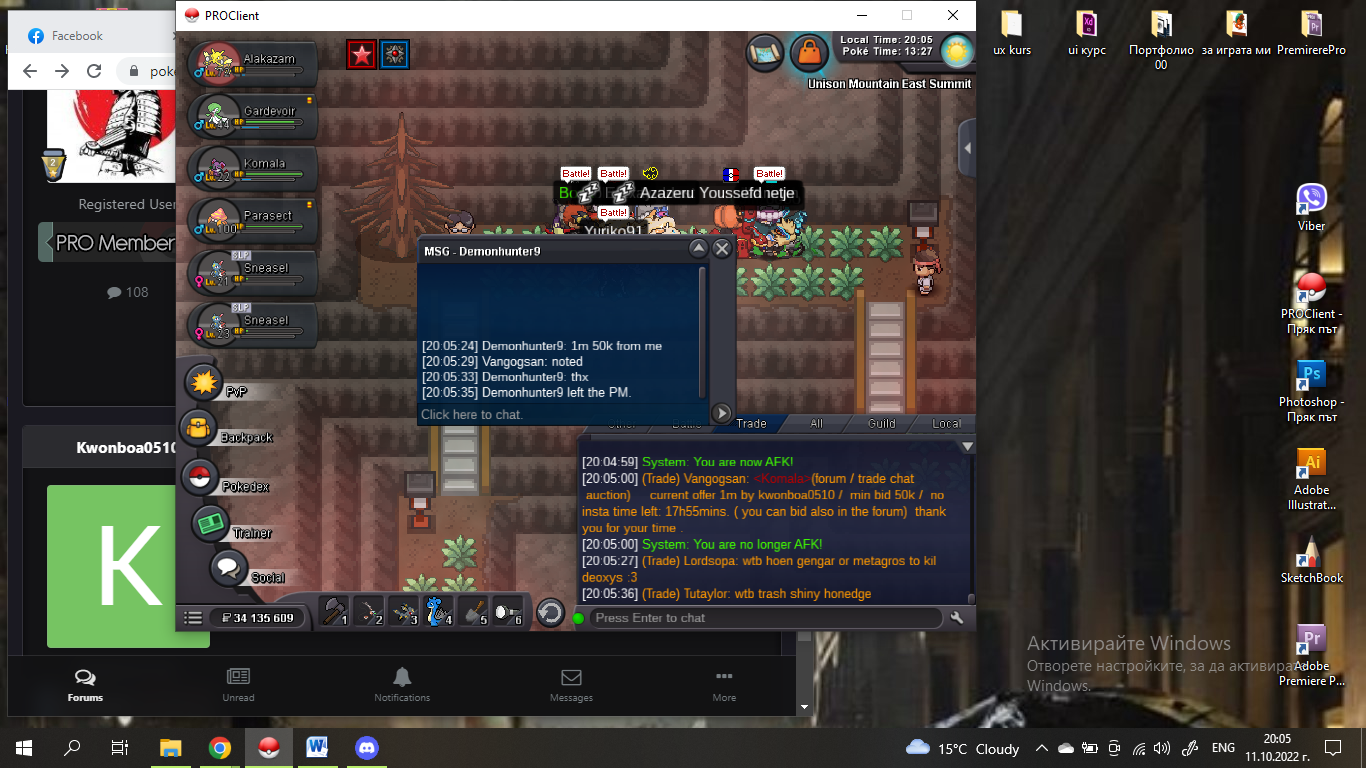
1m50k by demonhunter9
-
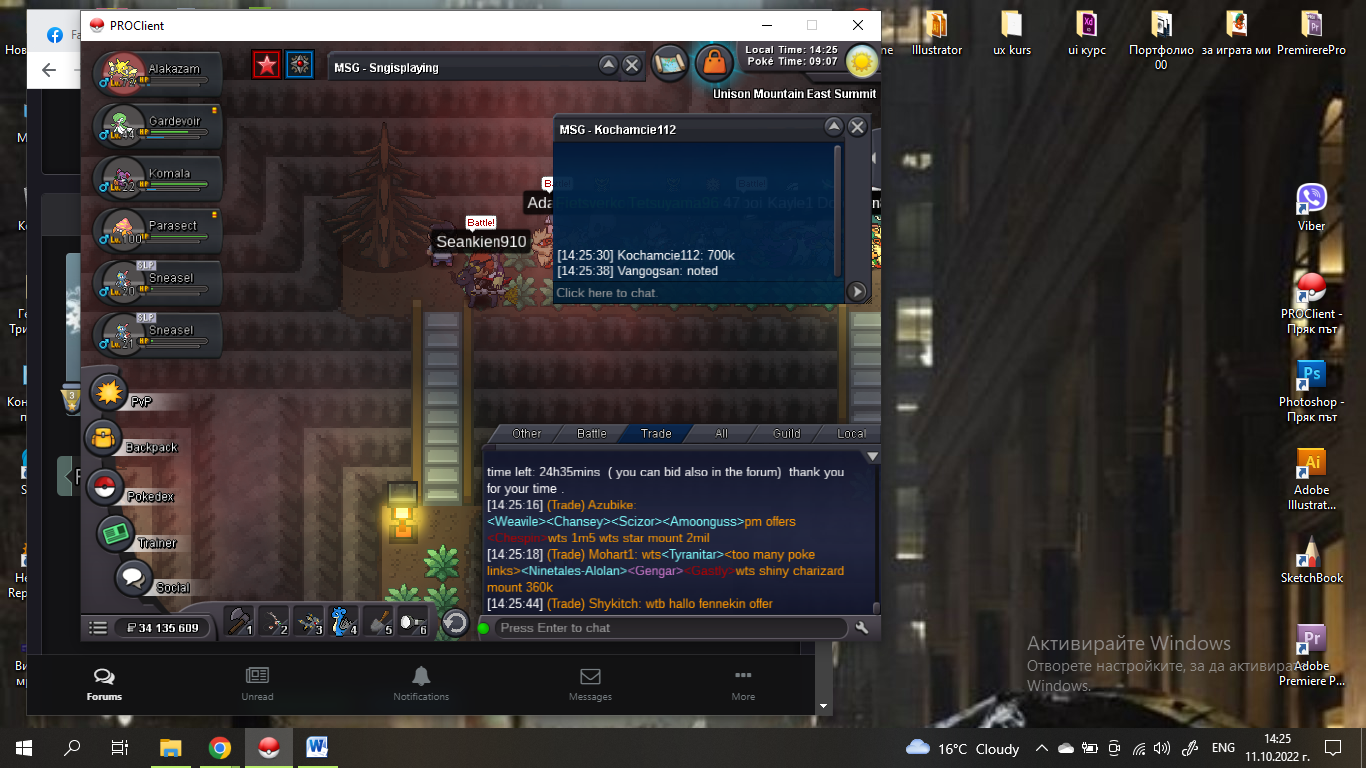
700k by Kochamcie112
-
600k by satoshixserena
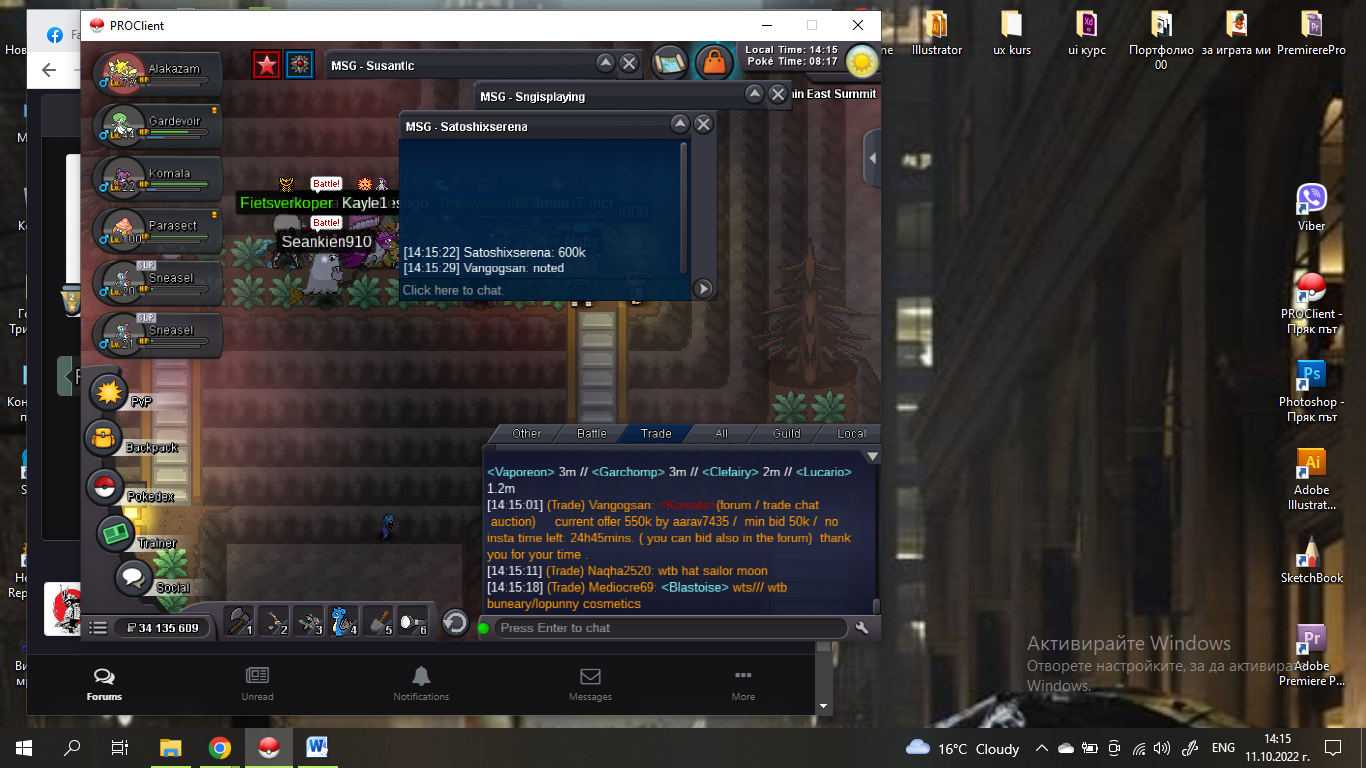
-
550k by aarav7435
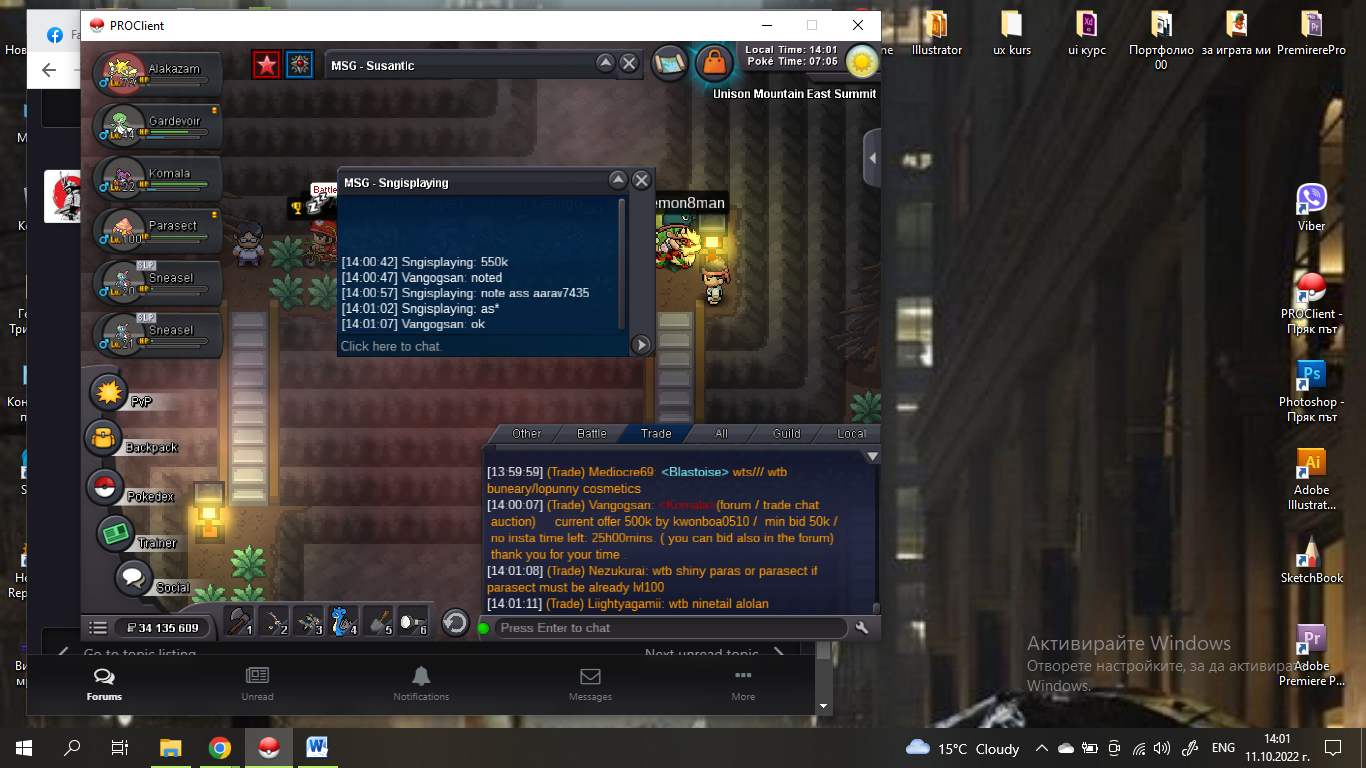
-
Start Point: The auction start at 11.10.2022 - 13:00 Bulgarian time and will last 26h Price: Start offer is 400k Min. Raise: 50k Insta price: No insta End Point: The auction end at 12.10.2022 at 15:00 Bulgarian time. If a bid is received in the final 15 minutes of the auction, the end point will be delayed by 15 minutes from that bid, and will be delayed by 15 minutes for each new bid thereafter, until the current offer has been held for a full 15 minutes. Must be accurate to the minute that the auction is set to end. Accepted Payment(s): cash only In game will be update the time left. Thank you for your time .
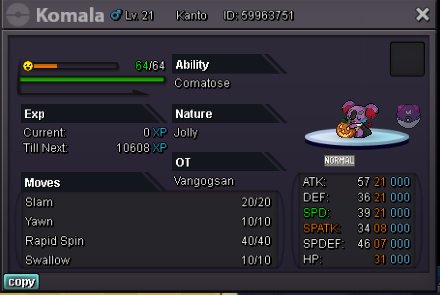
-
Why should it be dissallowed?
-
Auction end with insta price by FlominikusA
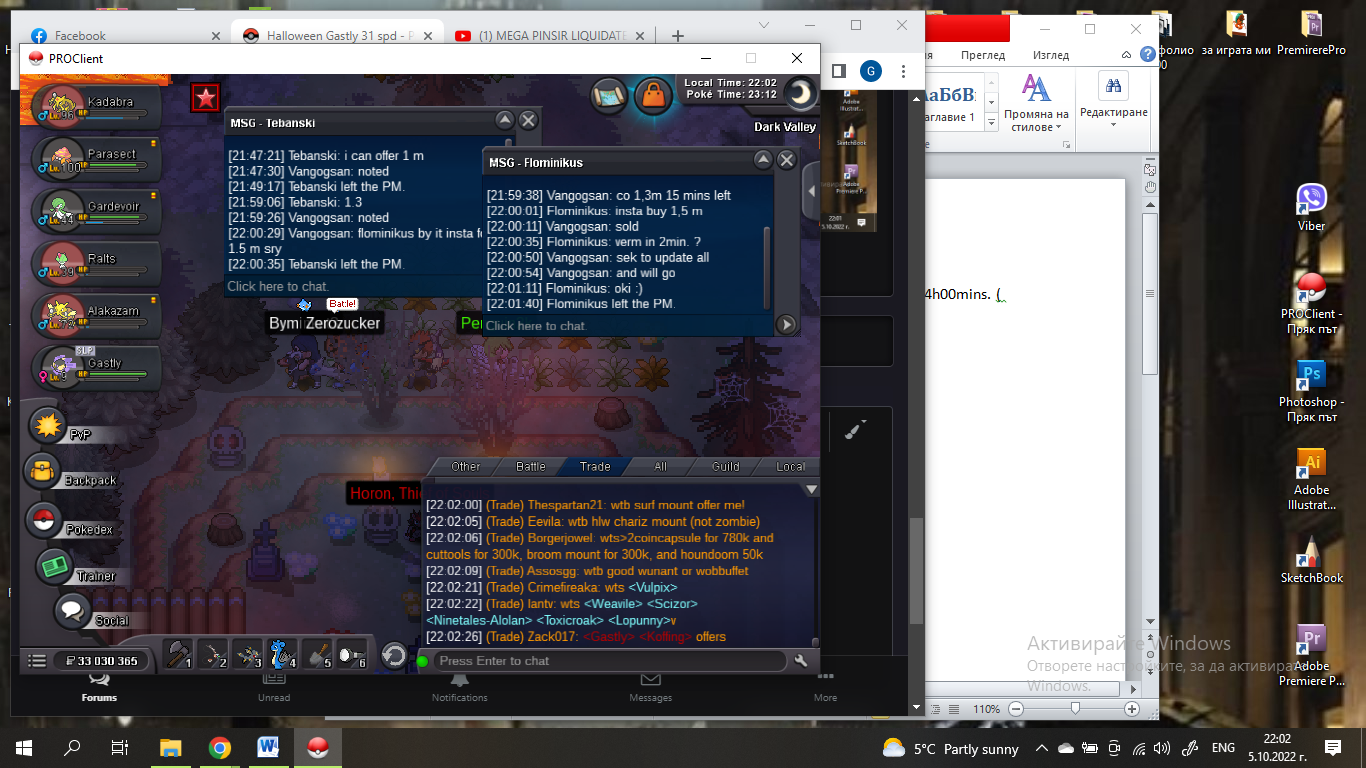 1,3 m by Tebanski