New Trade Zone
Trade Zone is now live
Use the new Trade Zone for auctions and instant-price trades so Pokemon and item offers are easy to find.

Mariosbelibg
Registered User
-
Joined
-
Last visited
-
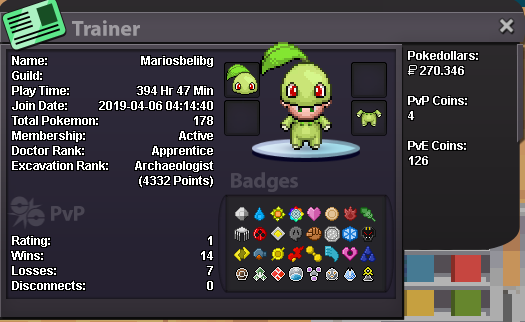
● What's your Name/IGN? My name is Mario. In game my name is mariosbelibg ● How old are you? 28 ● Are you active in Discord? Yeap! BLΛƆKPIИK#5770 ● Where are you from? Greece ● What's your playtime?/How often do you play PRO? I play everyday! ● What's your goal in PRO? To catch and evolve all pokemon, finish all the quests and make a strong PVP Team. ● Why do you want to be part of Chaos? I used to be in the Guild before and I loved it. A lot of nice and helpful people. ● What's your favorite Pokemon and why? So cute and reminds me of my childhood! ● What's your favorite animal and why? I would say a dog, cause it's an animal that loves his owner more than he loves himself. Thank you in advance! Mario ❤️