New Trade Zone
Trade Zone is now live
Use the new Trade Zone for auctions and instant-price trades so Pokemon and item offers are easy to find.

Clumsygirl
Suspended
-
Joined
-
Last visited
Everything posted by Clumsygirl
-
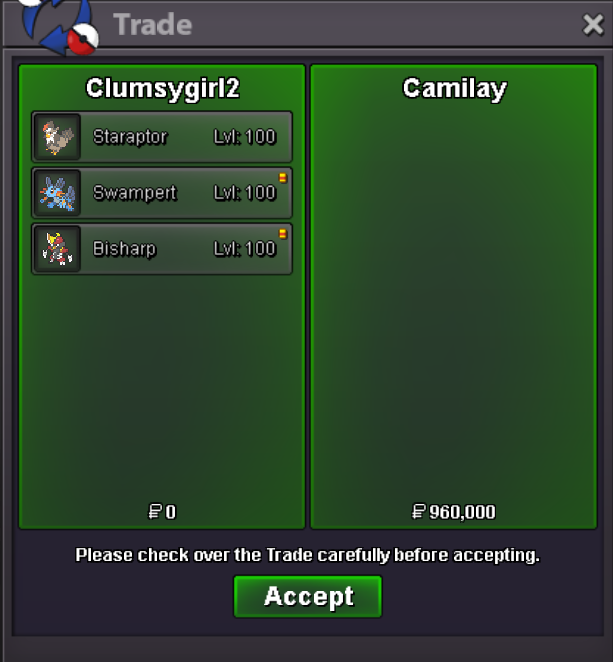
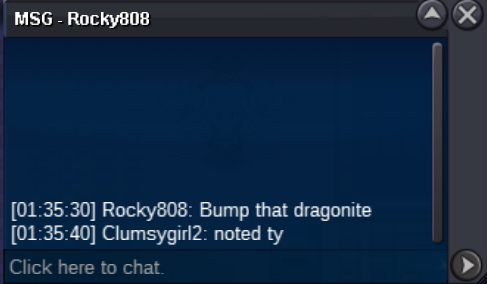
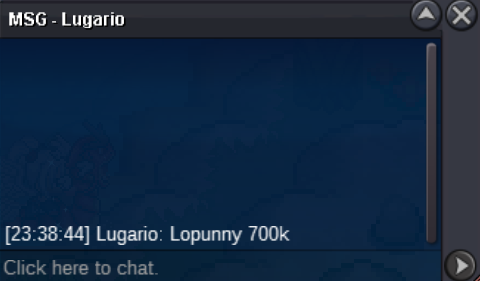
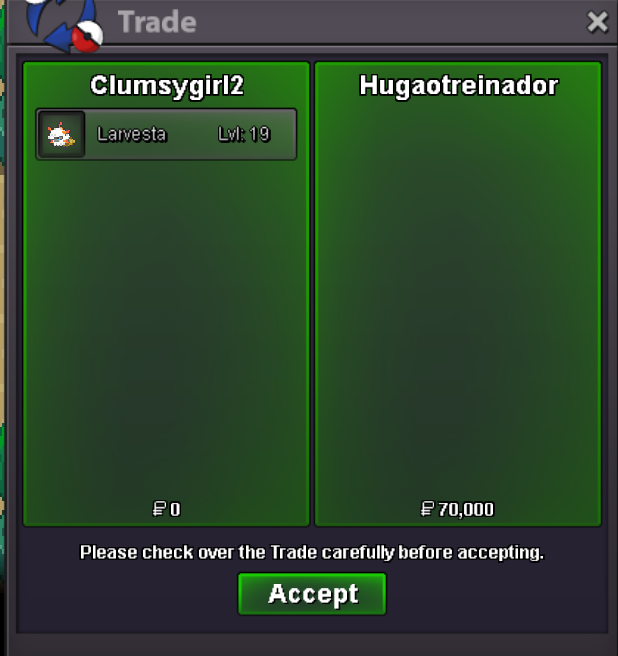
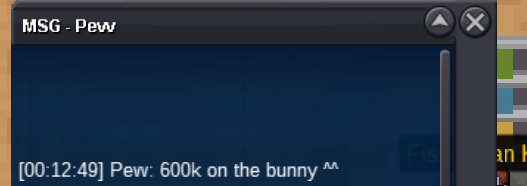
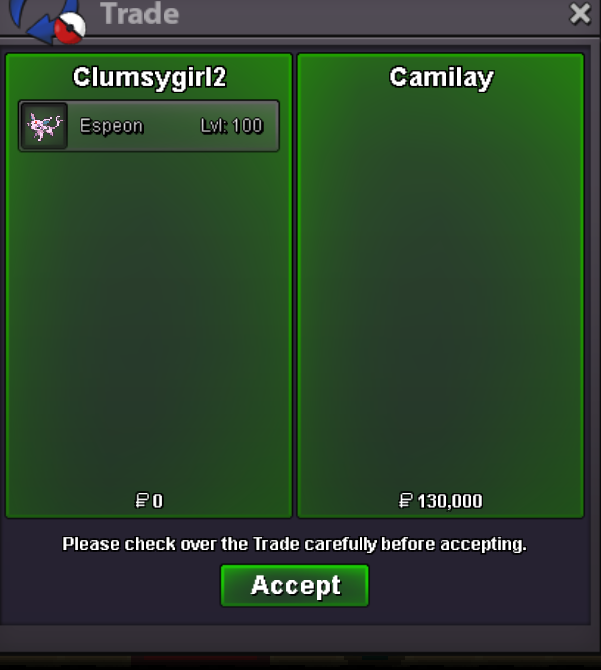
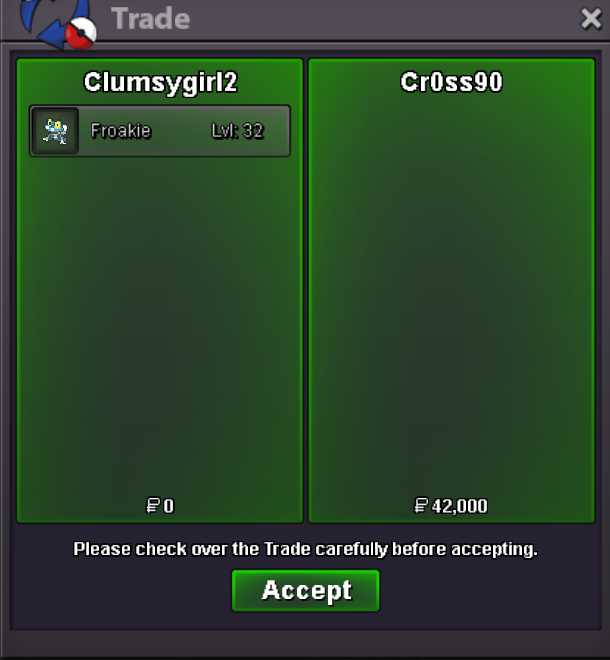
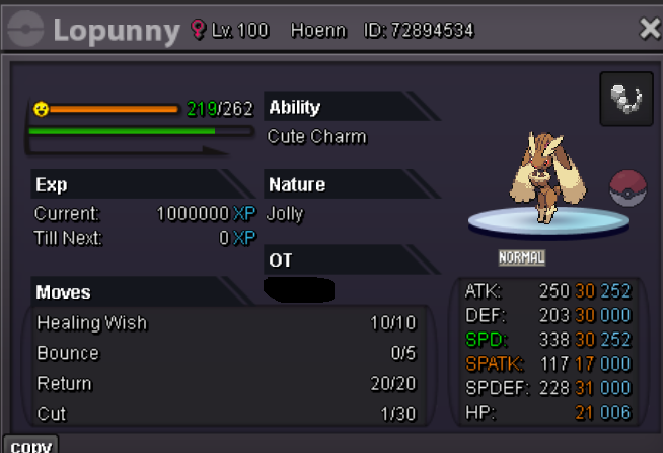
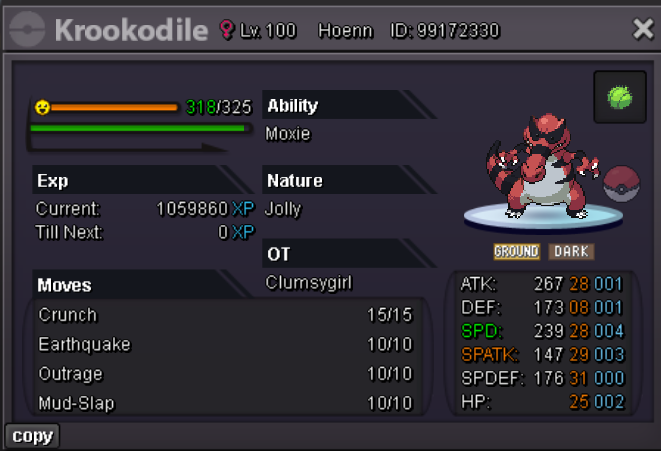
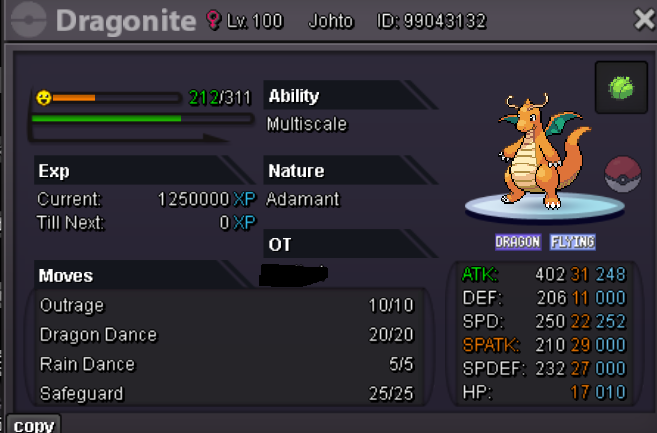
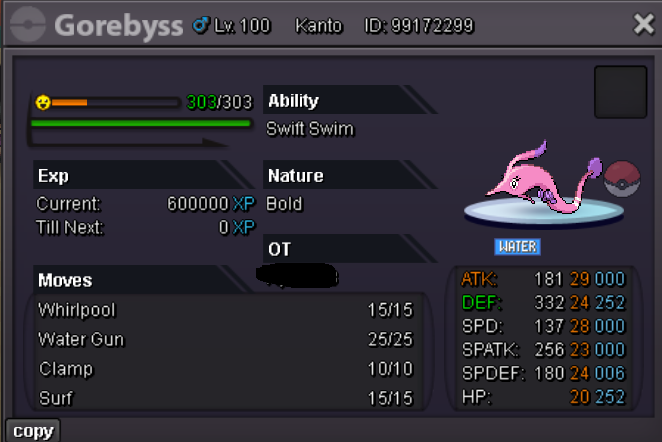
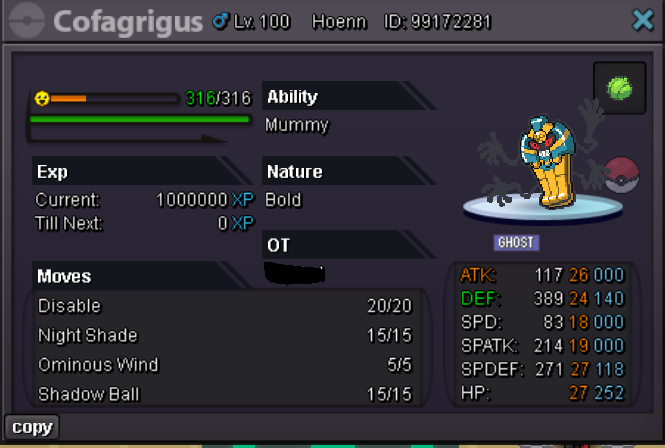
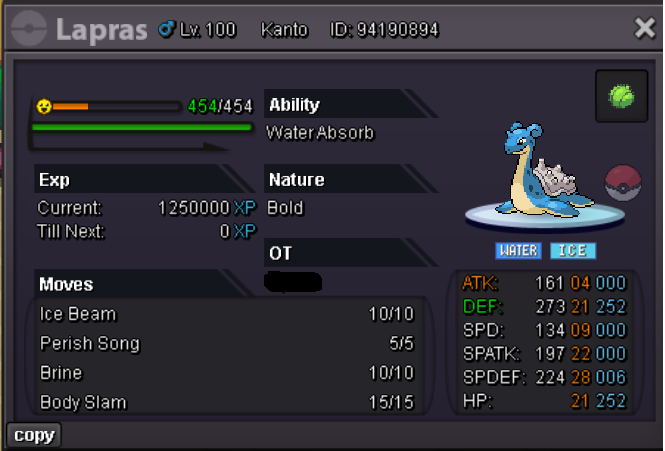
Winners of the auction: Cofagrigus winner: @Blunder124 with 550k Lopunny winner: @Princesscadance with 1,6m Lapras winner: @Blunder124 with 550k Krookodile winner: @Rasta93 with 600k Dragonite winner: @Rocky808 with 750k Gorebyss winner: @Blunder124 with 550k
-
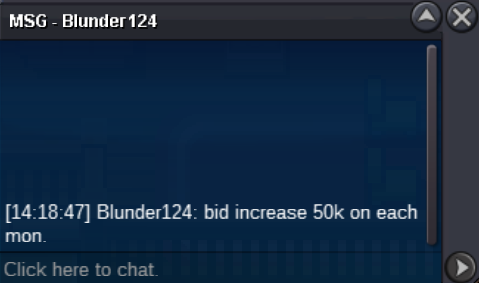
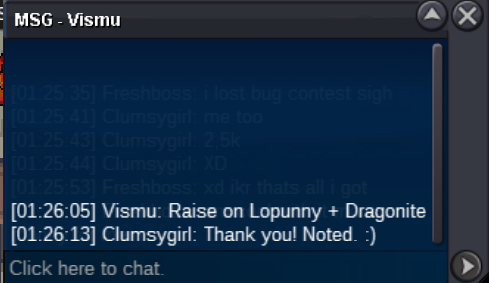
Yes im in silverPm me in-game (Clumsygirl2)BumpWelcome at Clumsygirl's auction. S.o: 500k each Min raise: 50k Auction time: 48 hours after s.o(timer will be added if started) This is a cross auction server, which means you can bid from both gold and silver server, I am able to transfer to gold If you need the pokemon earlier please come to me (silver server) Fake offers will be reported. I wish you all best of Luck! Lopunny c.o 1m by Falconzin https://vclock.com/timer/#countdown=48:00:00&date=2025-01-26T19:25:56&sound=xylophone&loop=1 Krookodile c.o 550k by Blunder124 https://vclock.com/timer/#countdown=47:54:00&date=2025-01-26T19:36:34&sound=xylophone&loop=1 Dragonite c.o 700k by blunder124 https://vclock.com/timer/#countdown=47:54:00&date=2025-01-26T19:36:34&sound=xylophone&loop=1 Gorebyss c.o 550k by blunder124 https://vclock.com/timer/#countdown=47:54:00&date=2025-01-26T19:36:34&sound=xylophone&loop=1 Cofagrigus c.o 550k by blunder124 https://vclock.com/timer/#countdown=47:54:00&date=2025-01-26T19:36:34&sound=xylophone&loop=1 Lapras c.o 550k by blunder124 https://vclock.com/timer/#countdown=47:54:00&date=2025-01-26T19:36:34&sound=xylophone&loop=1

Account
Navigation
Search
Configure browser push notifications
Chrome (Android)
- Tap the lock icon next to the address bar.
- Tap Permissions → Notifications.
- Adjust your preference.
Chrome (Desktop)
- Click the padlock icon in the address bar.
- Select Site settings.
- Find Notifications and adjust your preference.
Safari (iOS 16.4+)
- Ensure the site is installed via Add to Home Screen.
- Open Settings App → Notifications.
- Find your app name and adjust your preference.
Safari (macOS)
- Go to Safari → Preferences.
- Click the Websites tab.
- Select Notifications in the sidebar.
- Find this website and adjust your preference.
Edge (Android)
- Tap the lock icon next to the address bar.
- Tap Permissions.
- Find Notifications and adjust your preference.
Edge (Desktop)
- Click the padlock icon in the address bar.
- Click Permissions for this site.
- Find Notifications and adjust your preference.
Firefox (Android)
- Go to Settings → Site permissions.
- Tap Notifications.
- Find this site in the list and adjust your preference.
Firefox (Desktop)
- Open Firefox Settings.
- Search for Notifications.
- Find this site in the list and adjust your preference.